
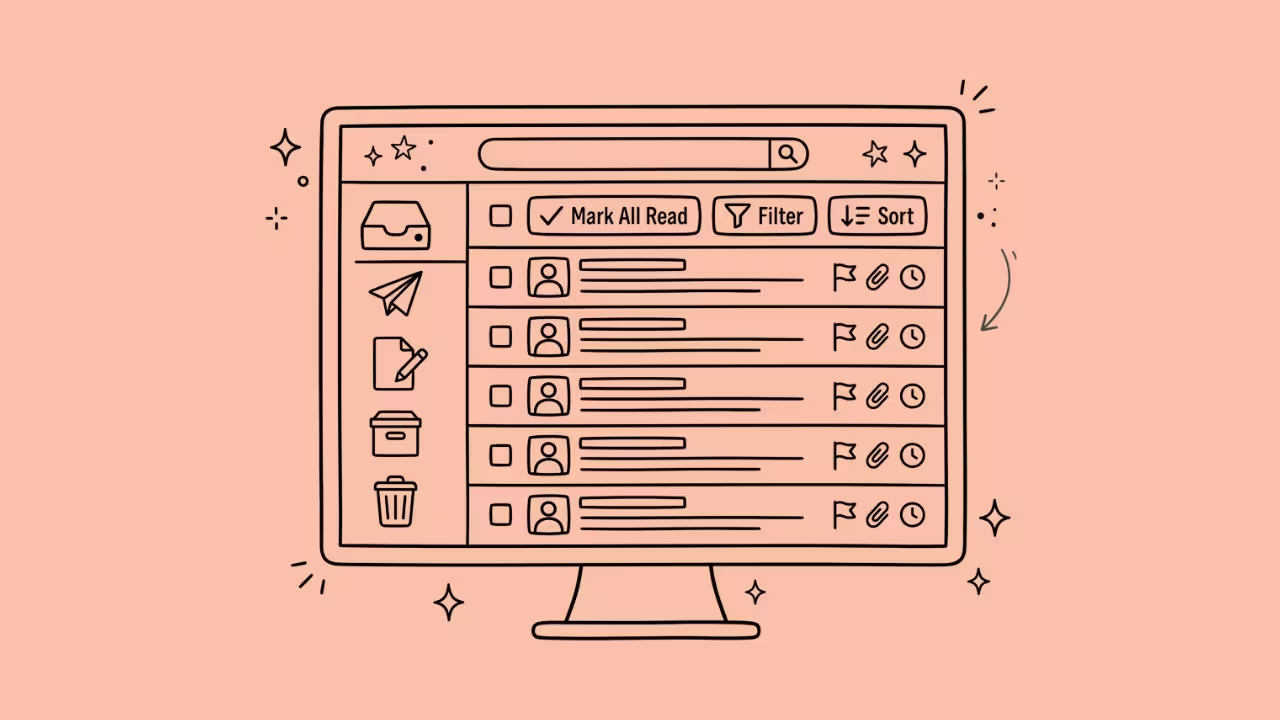

Emails cluttered my inbox yesterday; many of them needed a second tool (a calendar, a CRM, a task list) before I could actually close them out. That’s a common inbox problem: it’s not volume, it’s how many decisions each message drags along with it. AI email assistants are supposed to fix that.
Some do, and others just make drafting slightly faster and call it a day. Here’s how nine of the current options actually compare.
What a Good Email Assistant Looks Like
Five things matter in this order: does it execute tasks or just suggest them, does it connect to your calendar and CRM or live in isolation, does it sound like you or like a template, does it come to you with warnings or wait to be asked, and does it meet privacy standards (SOC 2 Type II certification from an AICPA-licensed auditor) not just a claim on a pricing page. Everything below gets judged against those five.
1. Superhuman
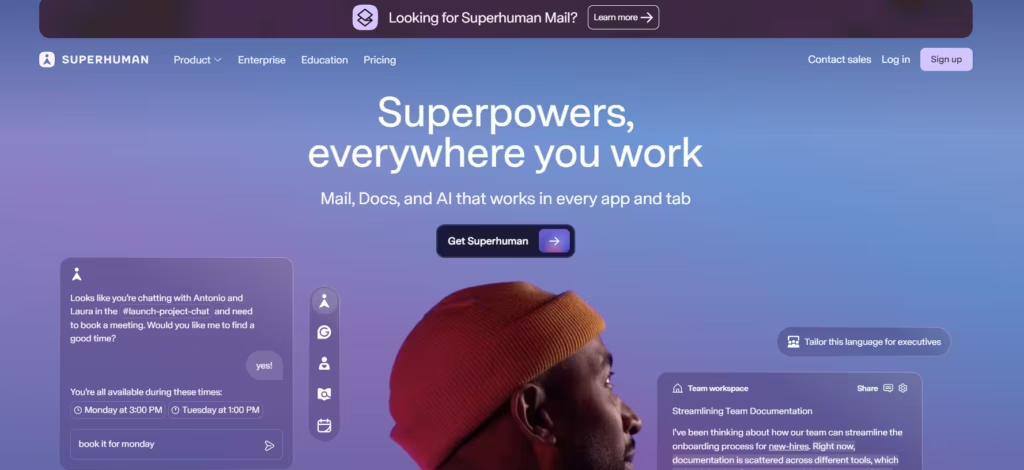
Superhuman, now part of Grammarly after last year’s acquisition, is built for people drowning in volume. It triages by priority automatically, drafts in your voice, and won’t let a thread go quiet without a reminder. The question is whether $33 a month is justified.
I’ll say that if you’re under 100 emails a day, no, the speed gain is marginal, and Gemini or Shortwave will get you most of the way there for less. Past 200 emails a day, the math flips, and the price becomes justified by the hours it saves.
2. Shortwave
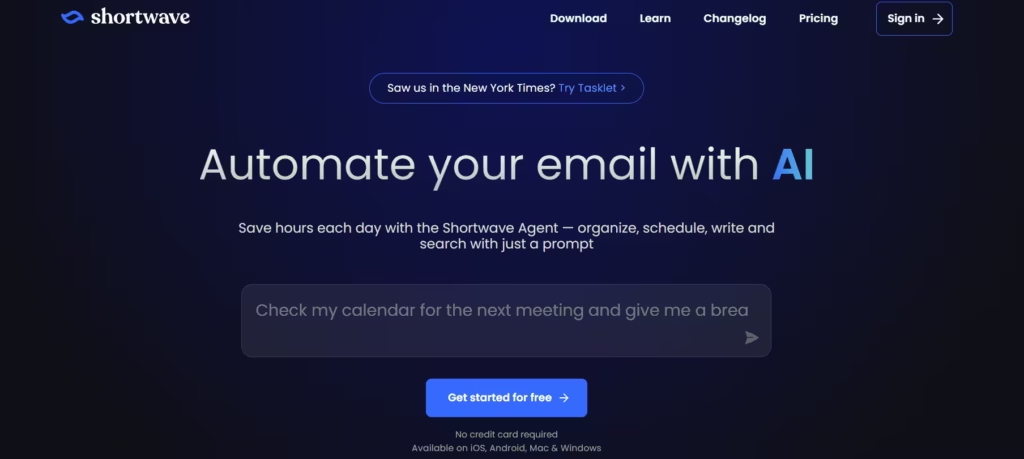
Ex-Google Inbox engineers built this. Shortwave helps fish out important documents through heaps of email. Type, for instance, “the contract PDF from the thread in October,” and it just finds it without scrolling.
That alone justifies the switch for anyone who’s ever lost twenty minutes hunting through old threads. Shortwave’s ability to sift through stacks of emails is its most definitive feature. Aside from that, email drafting is basic at best. Therefore, the $24 seat is only justified if your pain is retrieval, not composition.
3. Microsoft Copilot
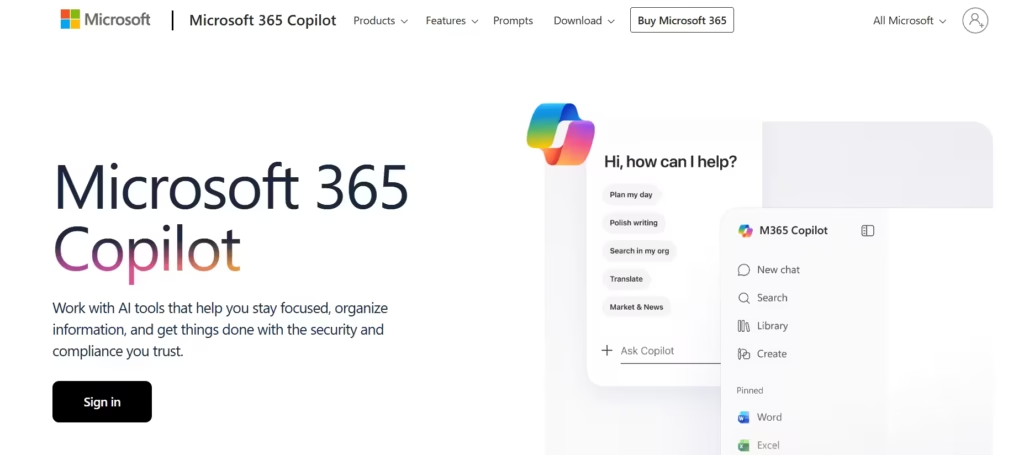
Copilot pulls context from Outlook, your documents, and your calendar in a way no competitor matches for Microsoft 365 shops. But that level of integration is not included on the free Outlook tier, and Microsoft doesn’t make the upgrade path obvious; you’ll need to dig through account settings to find where to unlock it. For an enterprise already paying for Microsoft 365, that friction is a minor annoyance. For anyone hoping to try Copilot casually before committing, it’s a real barrier.
4. Lindy
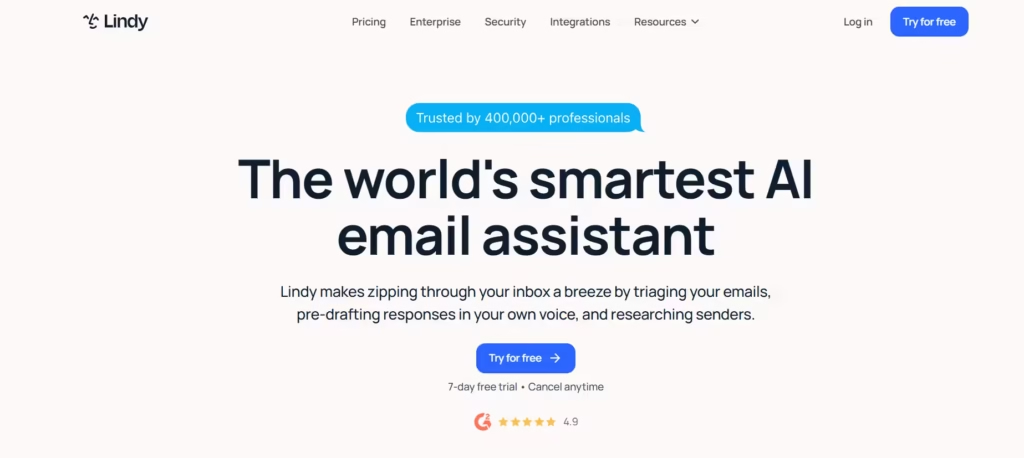
Lindy sends follow-ups, updates your CRM, and preps meeting notes, all from a text interface. It also carries SOC 2, HIPAA, GDPR, and PIPEDA compliance with AES-256 encryption, which is the right protection needed for healthcare or legal teams.
For a solo freelancer, however, that may be too much; you’re paying for compliance infrastructure you don’t need and configuring integrations you’ll never touch.
Also read: Top 8 AI Assistants You Should Know
5. SaneBox
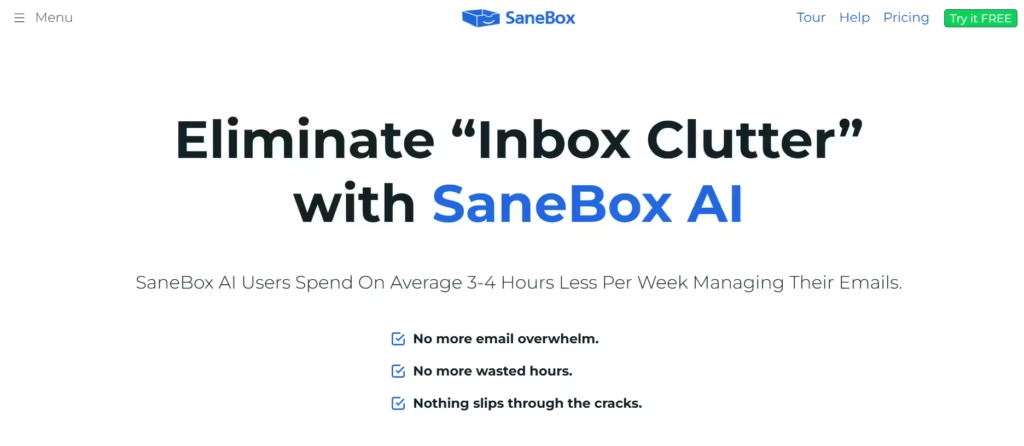
SaneBox won’t draft a single reply. What it does is filter in the background for $7 a month. Reported accuracy starts around 80–85% out of the box and climbs close to perfect after a few weeks of use. If your actual problem is that your inbox is a landfill and not that your replies take too long to write, this is the cheapest fix on the list, and arguably the one most people skip past because it doesn’t sound impressive enough.
6. Missive
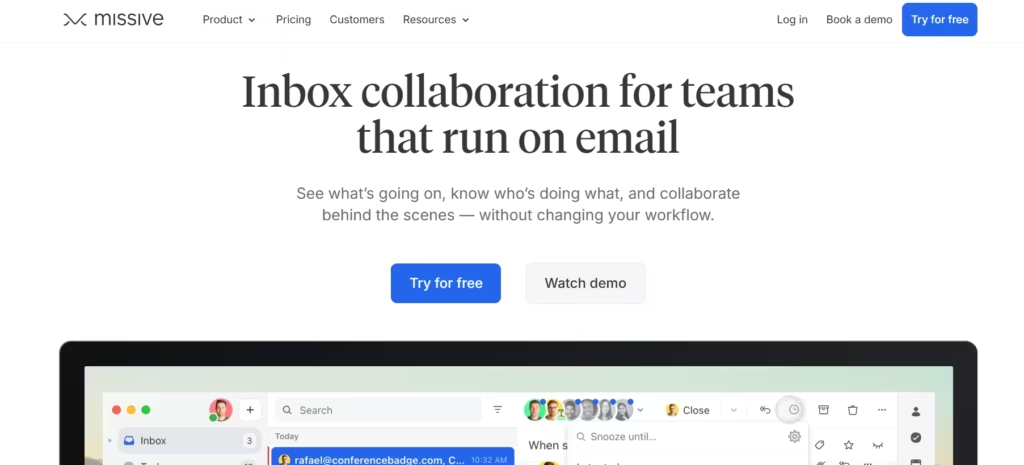
Missive’s whole premise changes once more than one person touches the same inbox. Shared addresses stop being a scheduling headache because drafts, assignments, and AI-generated replies live in one place instead of scattered across forwarded threads.
That’s a different problem than “help me answer my email faster,” and it’s the reason to pick Missive over anything else on this list if ‘support@’ or ‘sales@’ is your bottleneck.
7. Sintra AI
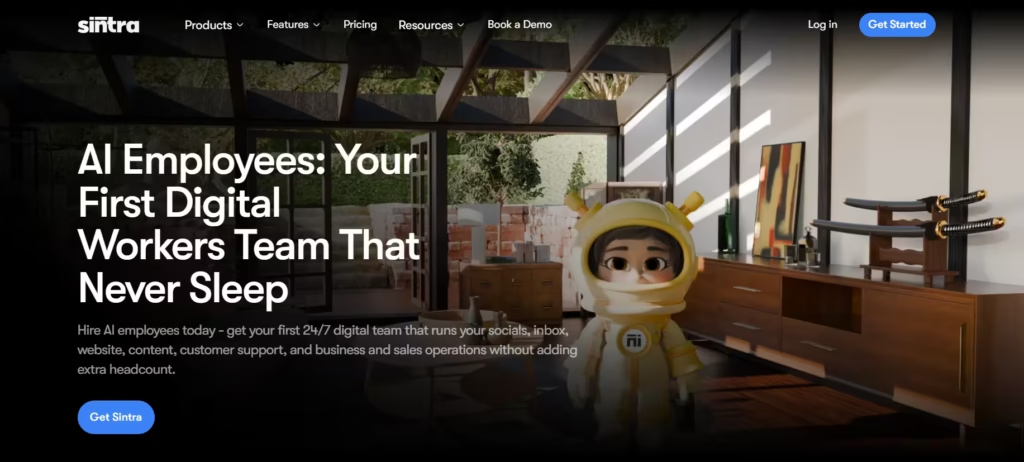
Sintra runs several role-based agents instead of one assistant. Vizzy handles scheduling and priority sorting, others handle drafting and customer response, and all of them pull from a shared knowledge base called Brain AI.
This architecture has the advantage of scale: this is built for a business running email as an operation, not an individual clearing a personal inbox. The downside is the setup time; a multi-agent system with a shared knowledge base takes longer to configure than anything else here, so don’t expect Sintra to pay off in the first week.
8. Spark Mail
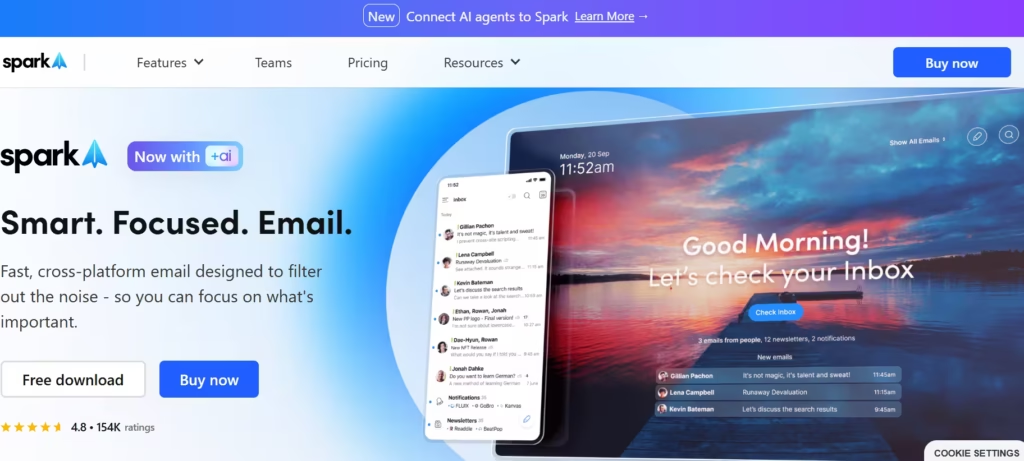
This is one of the more affordable options. It has a free tier that is capable in itself, with paid plans that offer even more features. It works by categorizing emails so you can sort through them faster.
Sparkmail also acts as a gatekeeper that screens new senders outside your inbox. It will prompt you to “Accept” or “Block” them before they can clutter your main feed, and therefore provides an effective way to declutter and organize your inbox.
After setting it up, I found this feature very appealing because it allowed me to maintain some level of control over who has access to my inbox. I could also ground senders and organize my entire inbox.
Pick One of These Three First
If you only read one section, read this one. For most people with a heavy inbox, Superhuman is the upgrade that actually justifies its price once you’re past roughly 150–200 emails a day. If your bottleneck is a shared team inbox rather than a personal one, skip and go straight to Missive.
Skip Lindy and Sintra unless you have a specific reason for them, heavy cross-app automation needs, or a multi-agent scale, respectively. Bought without that need, they’re feature bloat you’ll pay for and never fully use.
Before You Connect Anything
Check three things first: whether the vendor trains public models on your email content, whether they hold SOC 2 Type II certification from a licensed AICPA auditor (not just a claim), and which jurisdiction’s data law actually governs your agreement. Then run a trial, your actual inbox, not a demo, for at least a week before you decide. That’s the only way to know if a tool earns its place, no matter how good it looks on a features page.
