
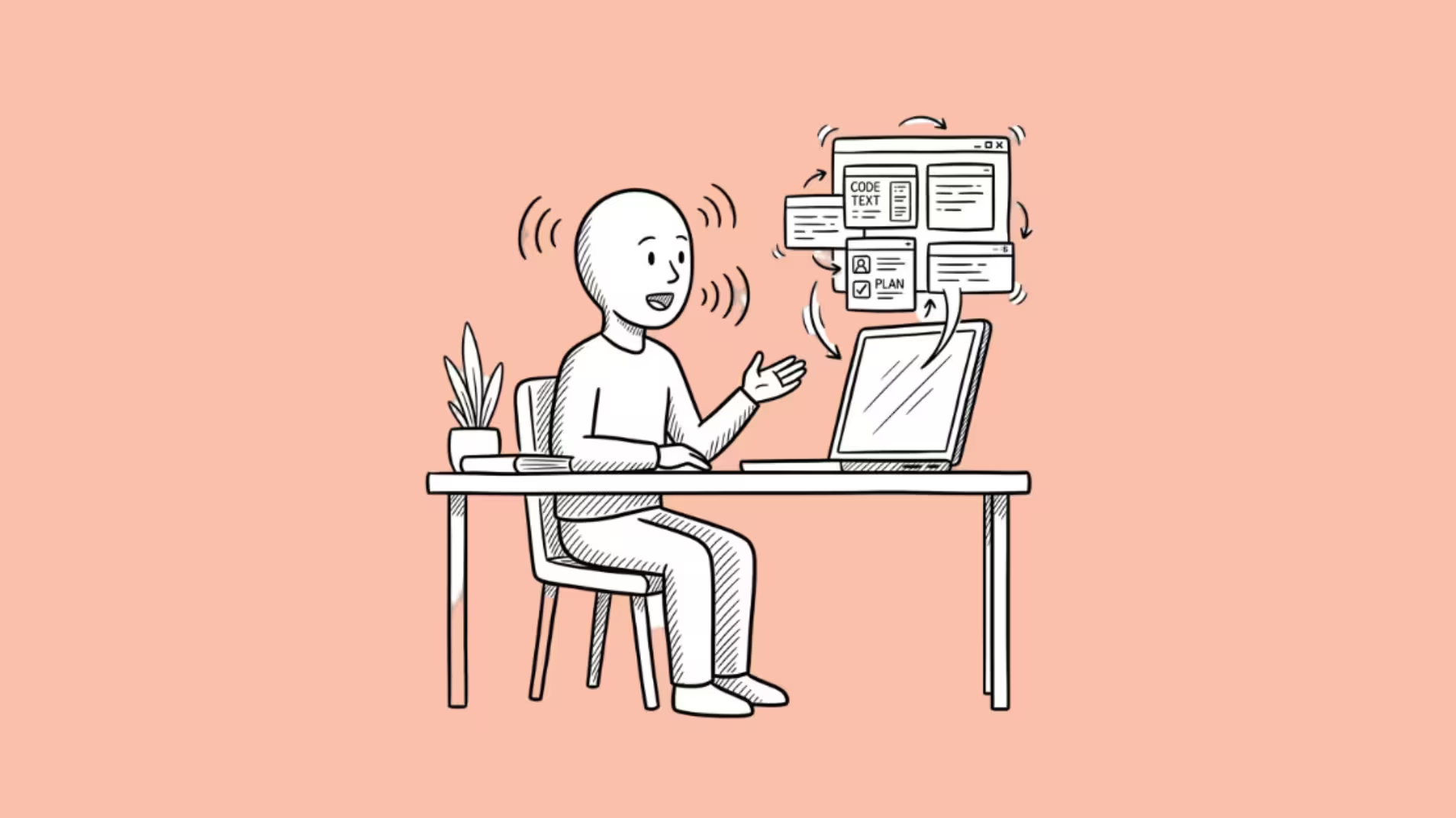

OpenAI just turned its desktop app into something that feels a lot like having Jarvis on your laptop. You talk. It works.
On Thursday, OpenAI announced that ChatGPT Voice has landed on the desktop app for both macOS and Windows.
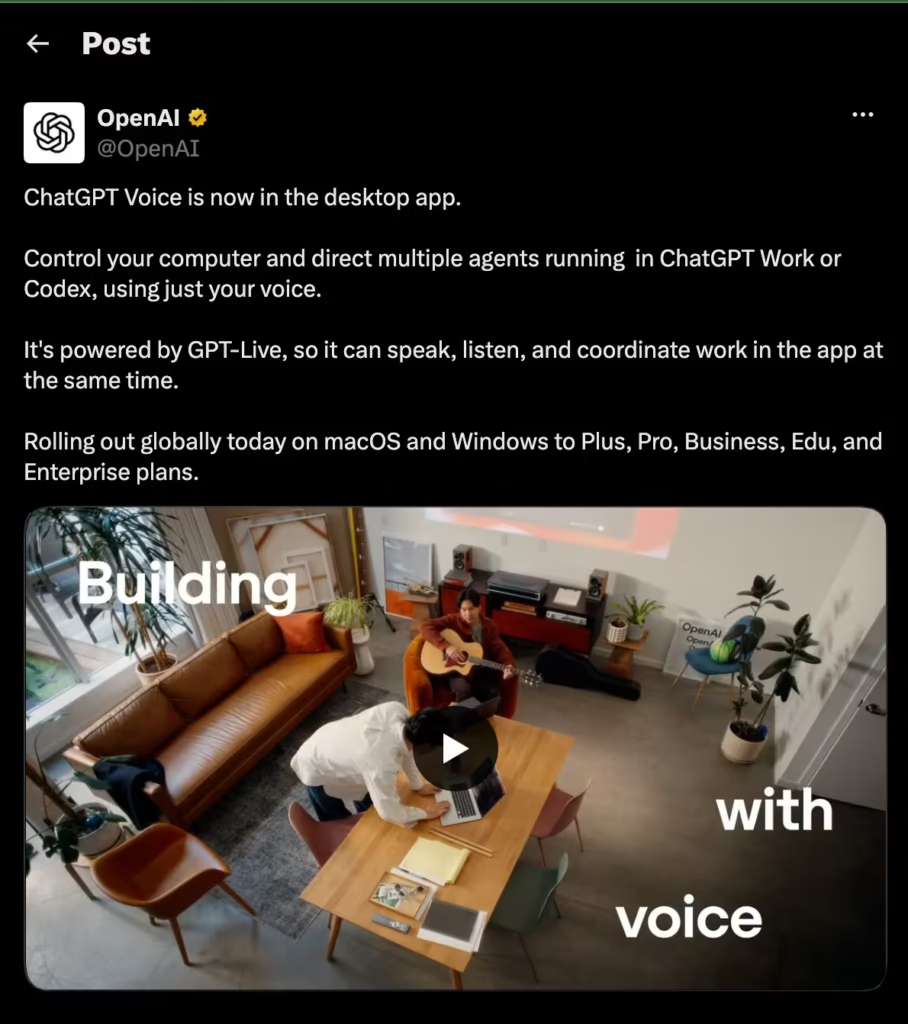
Powered by GPT-Live, the company’s full-duplex voice engine that launched on mobile earlier this month, it lets you speak naturally to ChatGPT while it controls your computer, manages coding agents, and coordinates tasks across multiple threads.
All at once.
The mobile version of ChatGPT Voice could hold smooth conversations with interruption handling and natural pacing.
But it couldn’t actually do anything on your phone. The desktop version can. That’s the difference.
What You Can Actually Do With It
Voice now works across all three modes in the ChatGPT desktop app: Chat, Work, and Codex.
You can start a voice conversation, then tell ChatGPT to spin up a task in Codex, check on another thread running in Work, and steer everything without touching the keyboard.
It speaks, listens, and coordinates simultaneously because GPT-Live supports full-duplex audio, meaning you don’t have to wait for it to stop talking before you jump in.
In a demo video, OpenAI showed a developer using voice to create a new thread, make a pull request, and find the root cause of a bug. One command. Multiple steps. No typing.
On Mac, there’s an extra trick. Appshots lets ChatGPT see whatever window you have in focus.
You can say “look at this” and it pulls context from the active app, including alt-text.
It also plugs into Computer Use for looking up websites, clicking through apps, and interacting with your desktop visually.
Users can also access Codex voice features remotely from the iOS app through paired remote access. Android support is coming soon.
10 Million Users and Growing
The timing here is notable.
OpenAI merged Codex into the ChatGPT desktop app on July 9, creating a unified experience across Chat, Work, and Codex. At the time, Codex had five million weekly users.
After the merge, Codex lead Thibault Sottiaux tweeted that the number had hit 10 million.
Adding voice to that surface makes the desktop app feel less like a coding tool with a chat sidebar and more like a general-purpose AI assistant that happens to live on your computer.
Developer Matthew Berman called it on X: “Having a Jarvis is the future of AI.”
GPT-Live may also end up powering something beyond software.
Bloomberg reports that OpenAI is developing a hardware device designed to be an in-home speaker and conversation partner.
A desktop voice layer that can coordinate agents, control your computer, and hold natural conversations sounds a lot like a rehearsal for that.
Anthropic Is Right Behind
OpenAI isn’t alone here. On the same day, Anthropic updated Claude’s voice mode with access to Opus, Sonnet, and Haiku models.
Claude’s voice can now complete tasks inside Gmail, Google Calendar, Slack, Notion, and Canva.
The approaches are different.
OpenAI’s voice is tightly integrated with its desktop app and Codex. Anthropic’s voice works through connected services via MCP integrations.
Both are racing toward the same destination: an AI you talk to that actually does things.
Who Gets It
ChatGPT Voice on desktop is rolling out globally today to Plus, Pro, Business, Edu, and Enterprise plans.
Free users don’t have access yet. You need the updated ChatGPT desktop app on macOS or Windows.
The conversational filler is a small touch worth mentioning.
While you’re talking, ChatGPT responds with phrases like “mhmm” and “got it” to keep the flow natural.
It sounds minor. In practice, it’s the difference between talking to a machine and talking to something that feels like it’s listening.
Whether this becomes the way most people interact with AI or stays a power-user feature depends on how well voice handles the messiness of real work.
But for now, OpenAI just made the strongest case yet that your next operating system might not have a keyboard.
