

Have you ever wanted to create an avatar of yourself or a one-of-a-kind AI character, but didn’t want to have to act or film? Welcome to the future! Making a bespoke AI avatar is no longer just for IT specialists now that AI technology is advancing. This article will show you step by step how to make an AI avatar, whether you want to make a digital twin, a photo-to-avatar, or even an AI influencer that can be used in videos. Let’s get started!
What is an AI avatar?
An AI avatar is a digital version of a person that uses AI to copy their speech, actions, and personality. You can make these avatars from pictures, videos, or even just text instructions, which makes them quite useful. Thanks to improvements in AI technology, they are now much more than just still pictures. They can talk, move, and even display emotions.
Benefits
Making your own AI avatar has many benefits for both personal and business use:
- Personalization: Create an avatar that looks like you, or even better!
- Ease of Use: After you make your avatar, it can handle the work for you, like filming movies, handling customer care, or coming up with social media posts.
- Cost-effective: You don’t need to hire actors or video production teams to make content.
- Flexible Application: Use it for marketing, customer service, or even in educational modules.
Before You Start: Choosing the Right Type of AI Avatar
It’s essential to know which form of AI avatar is best for you before you start using one.
Custom Avatar
A personalized avatar lets you make a digital doppelganger of yourself or someone else by recording video of them. You can use this kind of avatar for work or to make material that is unique to you. If you want your avatar look 100% like you and some like you, with the same background in the video, custom avatars are the best choice.
Text to Avatar
With text-to-avatar technology, you can make an AI avatar from text prompts. If you want to make an AI character or influencer that doesn’t have to appear like a real person, this is the best option. The AI analyzes the prompt and creates a character based on it.
Photo to Avatar
Uploading a picture and turning it into an AI avatar is a great way to get an avatar quickly. You can change the background and details without changing how the character looks.
Premade Avatars
For people who require a quick and easy solution, several AI avatar tools come with predefined avatars. These are ready to use to make AI avatar videos and give you great visuals with little to no setup.
The Best Tools and Platforms to Make Your AI Avatar
You can make AI avatars on a variety of different platforms. Here are some well-known tools that make the procedure quick and easy:
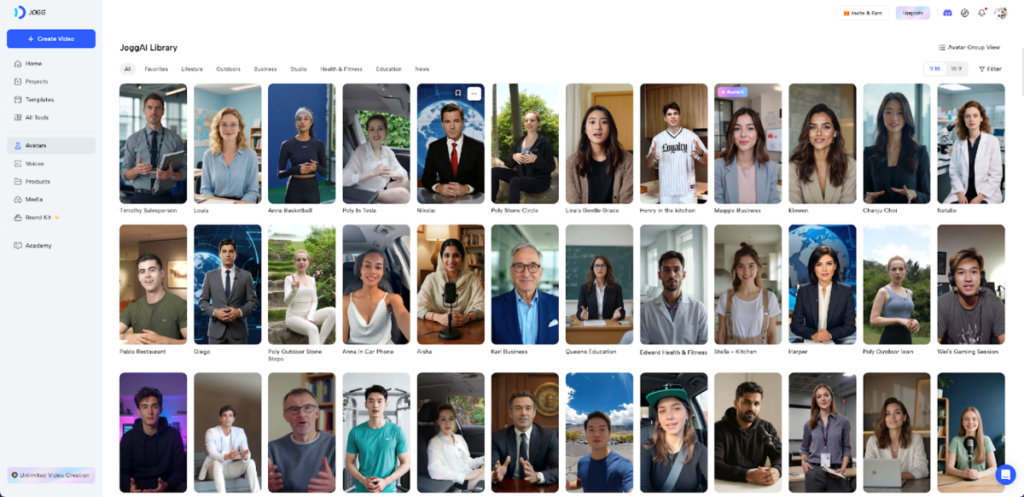
- JoggAI: Offers a variety of avatar creation features, including custom avatars, photo-to-avatar, and text-to-avatar. Great for both corporations and content providers.
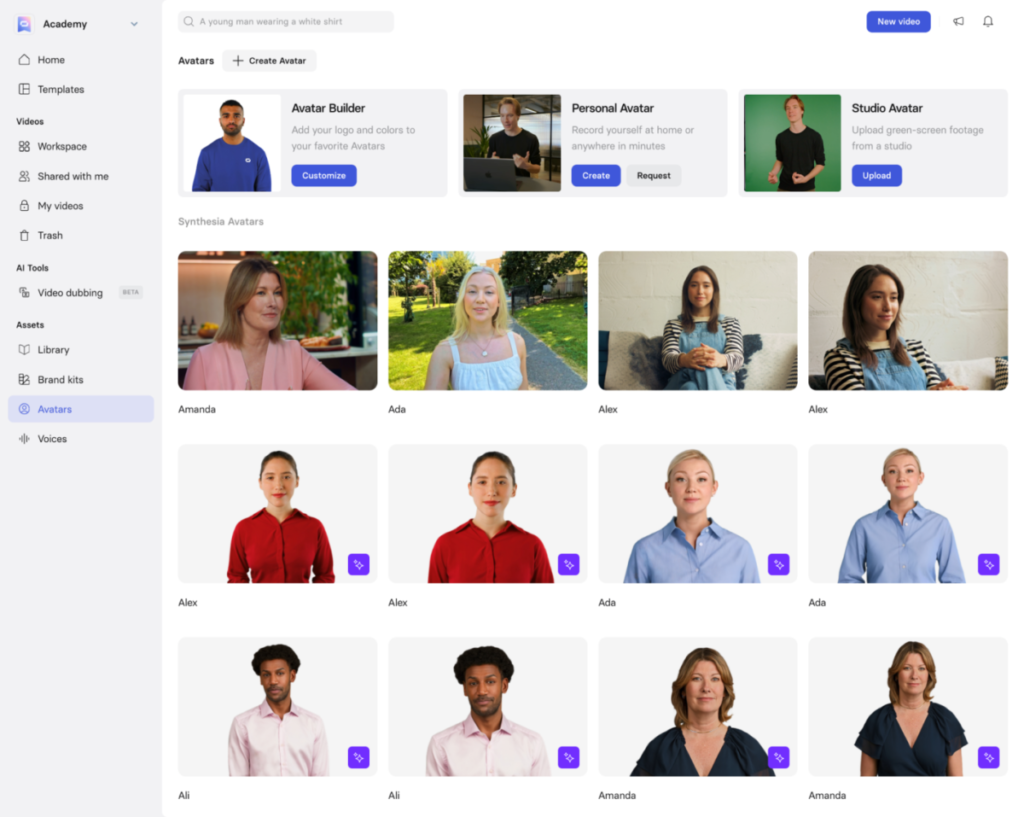
- Synthesia: Synthesia is most known for making AI videos, but it also lets you make realistic avatars that can read your script. Good for videos that explain things or train people at work.
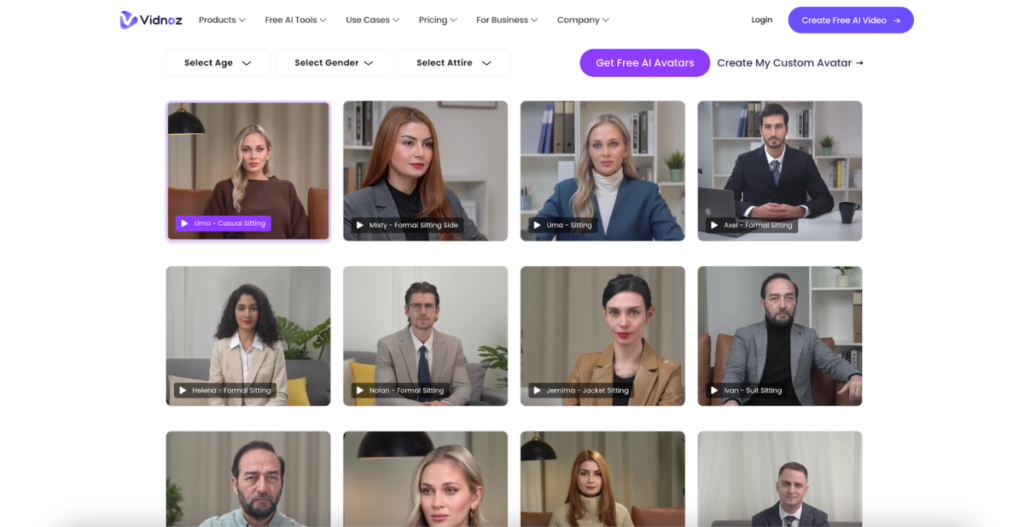
- Vidnoz: It is another easy way to make AI avatars and videos. It has a lot of standard avatars and ways to change them.
- Vidau: This application helps firms make bespoke AI avatars for virtual assistants and customer care.
- Creatify: It makes avatars for AI ads and digital marketing, like facebook ads cretive and posts on social media.
How to Make an AI Avatar
Now that we know what kinds of avatars there are and what tools are best for making them, let’s get into how to make AI avatar video.
Custom Avatar
To make a custom avatar using JoggAI, first choose the “Custom Avatar” option. Upload a brief video instead of just a picture so that the algorithm can pick up on your voice and facial emotions. The platform makes a digital twin that looks, acts, and sounds like you after it processes the footage. You may then type in your screenplay or text and make videos where your avatar talks and moves like you do, without having to use a camera each time.
Text to Avatar
To create a text-based avatar, first choose the “text to avatar” option on JoggAI. Here, you will enter a prompt that tells the program what kind of avatar you want to create. You need to be specific in describing the AI avatar’s look, such as its gender, appearance, and background. JoggAI’s AI then takes your input and creates a digital character that resembles what you described. Follow this guide on Text to Avatar for step-by-step ininstructions.
Photo to Avatar
To create a photo avatar, simply upload the photo to the Photo to Avatar tool. JoggAI will transform your picture into a styled avatar on its own. You can alter the background, add accessories, or change how everything looks. This option is ideal for individuals who want to create a digital avatar quickly using an existing photo. Check out this Photo to Avatar function.
Premade Avatars
JoggAI also offers ready-to-use avatars that you can use immediately. These avatars are already created and ready to be used in AI videos. Choose the avatar you want, submit your script or video, and start making it. Some AI avatar platform such as JoggAI has over 1000 stock AI avatars.
Tips for Making a High-Quality, Professional AI Avatar
Here are some ideas to ensure your AI avatar looks real and professional:
Tip 1: Upload High-Quality Reference Images
Ensure the reference image you submit is high-resolution if you want to create a bespoke avatar. The AI-generated avatar will be more accurate and genuine if the picture you use is of a higher quality.
Tip 2: Write a Precise Prompt for Text-to-Avatar
When using a text-based avatar maker, ensure that you provide it with as much information as possible. The AI will be able to better understand your request and create a more realistic avatar if you give it additional information.
Tip 3: Choose a Natural AI Voice
Choose a voice that sounds like your avatar’s personality. For example, a professional avatar would require a clear, neutral tone, but a fun, casual avatar could do well with a more whimsical voice.
Tip 4: Select the Right Lighting
Lighting is crucial for making your avatar appear realistic. If you’re uploading a picture, ensure it’s well-lit so that your final avatar doesn’t have weird shadows or details that appear incorrect.
Tip 5: Use a High-Quality Script
Make sure the writing is natural, short, and interesting if your avatar will be talking. To make your avatar sound more like a real person, avoid using too formal language.
Where Can You Use Your New AI Avatar?
After you create your avatar, there are many ways to use it:
- Marketing & Sales: Your avatar can be in ads on social media, product instructions, and explanatory videos. It’s great for creating content that remains consistent without requiring you to be on camera.
- Education & Training: AI avatars are ideal for onboarding new employees, e-learning modules, and lectures in multiple languages. They help students understand difficult subjects better and may get them more engaged in the lesson.
- Customer Service: To make it easier for customers to communicate with you on your website and social media, consider using virtual assistants, welcome bots, or FAQ videos.
- Content Creation: AI avatars are great for YouTube channels or social media updates that don’t show your face, especially if you don’t want to appear on camera. They can also create videos based on blog posts.
Conclusion
As AI technology improves, so will the features of AI avatars. Avatars of the future might have designs that look almost real, emotional intelligence that works in real time, and perhaps full-body VR integration. There are so many things that could happen!
Everyone can now make an AI avatar, which is a fun way to talk to others, provide content, and build a digital presence. So, which tool do you want to use first? Tell us!
FAQs of How to Make An AI Avatar
How to Make an AI Avatar?
You can make an AI avatar by uploading a picture or using a text-to-avatar site like JoggAI to make a digital replica of yourself or a character.
How to Make an AI Avatar Video?
To construct an AI avatar video, post your script to sites like Synthesia, which lets avatars play out the dialogue and make a film all by themselves.
How to Make an AI Avatar of Myself?
Upload a good picture of yourself to an avatar creation tool like JoggAI. It will use your attributes to make a digital image of you that is unique to you.
How to Make an AI Avatar of Yourself?
Just upload a clear picture to sites like JoggAI, and the AI will make a digital avatar that looks like you and lets you change it.
How to Make an AI Avatar for Free?
You may make simple AI avatars for free on sites like DeepAI and Avatarify, but you may need to pay for a plan to use more advanced capabilities.
