


You uploaded a photo. You hit search. You wanted answers. Maybe you needed to know if someone’s profile picture is real, or you spotted a gorgeous lamp in a coffee shop and now you have to find it.
Lenso.ai is a solid tool for all of this. But what if it doesn’t give you what you need? What if the price feels steep, the results fall flat, or you just want to try something different?
That’s exactly why this article exists.
Let’s break down the best Lenso alternatives so you can pick the right tool for the job.
What Is Lenso.ai, and Why Would You Need an Alternative?
Lenso.ai is an AI-powered reverse image search engine built in Poland.
It launched with a strong focus on face search, duplicate detection, and location identification. Upload a photo and it spits out sorted results across categories like People, Places, Similar, Related, and Duplicates.
You can also filter results by keywords and domain, sort by match quality or date, and set up email alerts when new results pop up.
That’s genuinely useful stuff, especially if you’re trying to track where your photos end up across the web.
So why look elsewhere? A few common reasons:
- The free version is limited – most detailed results sit behind a paywall
- Face search results can be inconsistent depending on photo quality or lighting
- Certain use cases like stock image research or creative inspiration suit other tools better
- Cross-checking results across multiple platforms almost always uncovers more
Top 8 Lenso Alternatives Worth Trying
1. Google Lens
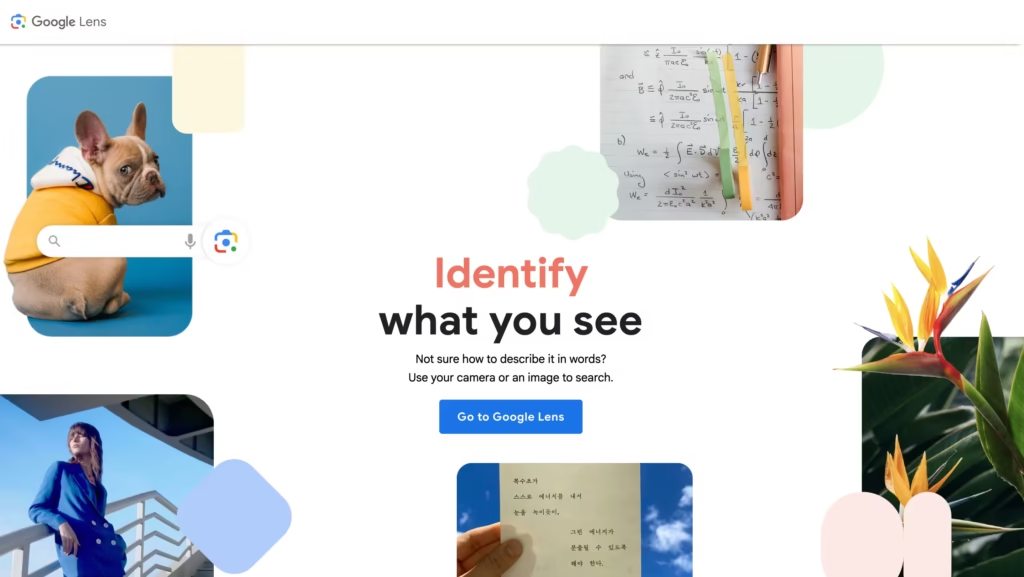
Let’s start with the obvious one. Google Lens is free, fast, and lives right in your browser or on your smartphone. Drag and drop an image, and it identifies objects, translates text, finds similar visuals, and pulls up shopping results, all in seconds.
Pros: Everyday searches. Shopping, identifying objects, finding similar images. You can call it the Swiss Army knife of visual search.
Cons: It doesn’t do face searches (Google removed that intentionally), and it won’t help you track down duplicates of your photos across the web.
Best for: Casual users who want quick, broad answers without creating an account.
Starting Price: Free
2. PimEyes
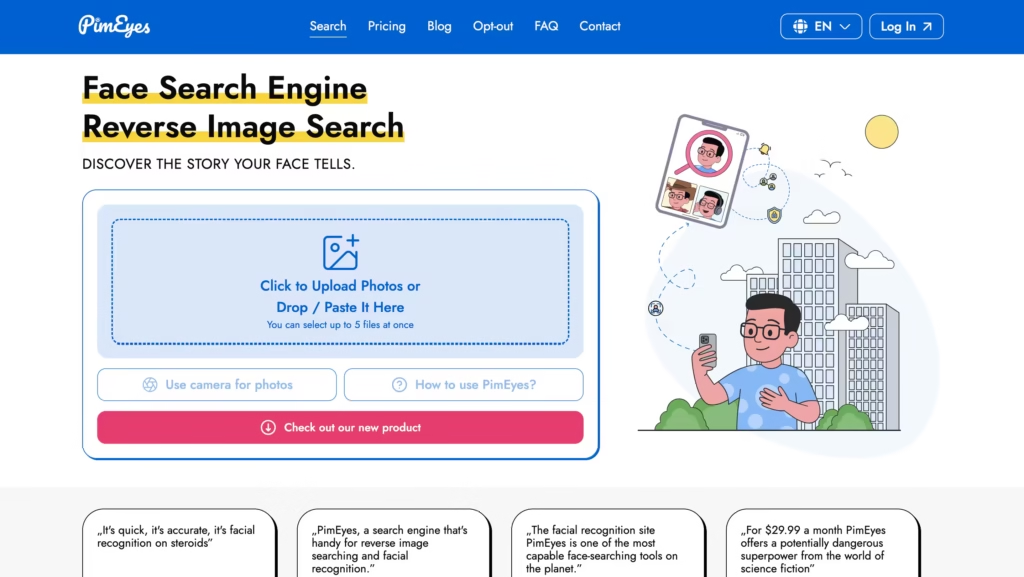
PimEyes is the closest competitor to Lenso when it comes to face search.
Upload a photo and it scours public websites for matches – even cropped, color-edited, or partially obscured images. It added opt-out and takedown tools in 2024, which is a good-faith step toward privacy protection.
Pro: Face-only searches. If you want to know where a specific face appears online, PimEyes is laser-focused on exactly that.
Cons: It’s expensive. It only does face search. No objects, no places, no general duplicate tracking. Some regions also restrict its use due to local privacy laws.
Best for: People trying to find out if their face is being used online without their permission.
Starting Price: $29.99/month
3. TinEye
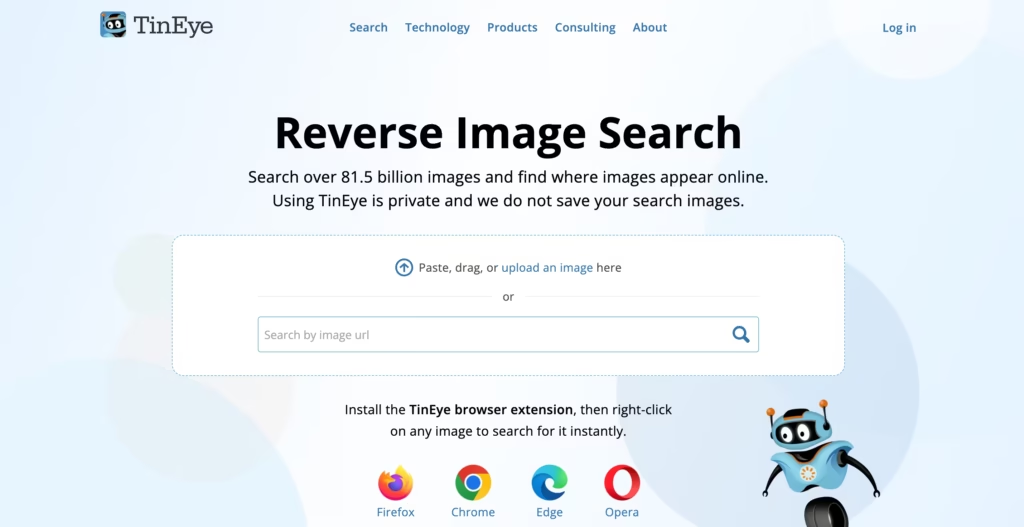
TinEye is one of the top Lenso alternatives because it is the oldest reverse image search tools around, but it’s still standing strong.
Upload an image and it shows you every indexed place on the web where that exact image appears. You can sort results by best match, most altered, largest image, or oldest/newest.
Pros: Copyright tracking. If you created an image and want to know who’s using it, TinEye does a great job at that. Its browser extension makes searching a one-click task.
Cons: Its index isn’t as large as Google’s, it doesn’t handle face searches at all, and it works better for well-known images than personal photos.
Best for: Photographers, designers, and bloggers tracking unauthorized use of their work.
Starting Price: $200/month
4. Yandex Images
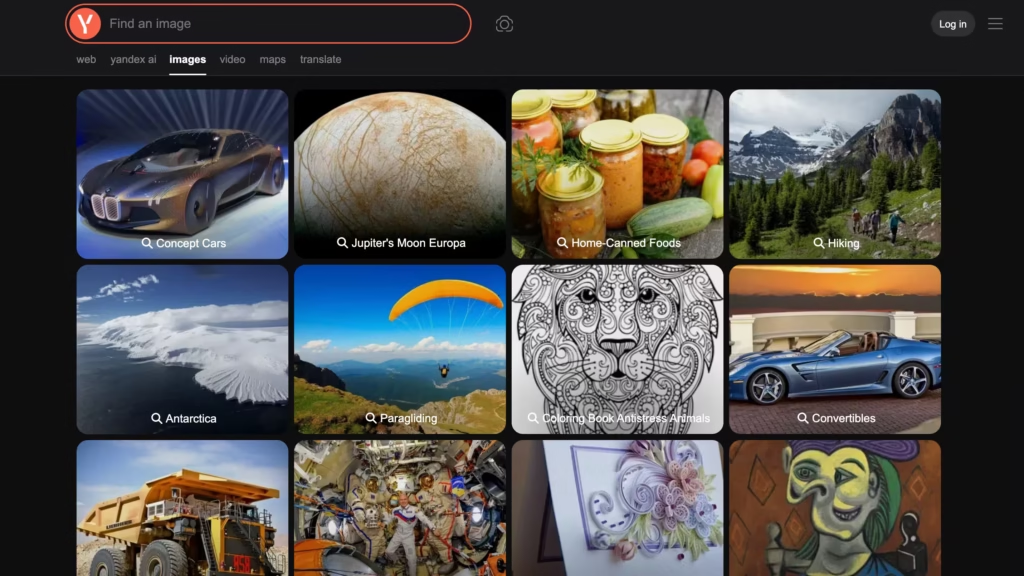
Here’s a sleeper pick that seriously surprises people.
Yandex, the Russian search engine, has a reverse image search tool that regularly outperforms Google especially for people searches and face-related queries.
Its image index is enormous, and it surfaces results that other tools routinely miss.
And guess what? It’s completely free.
Pros: Face-related searches, similar image discovery, and broad web coverage. It handles lower-quality or partially obscured photos better than most tools in this space.
Cons: No dedicated facial recognition engine like Lenso or PimEyes. The interface feels dated. Privacy-conscious users may also hesitate to use a Russian platform.
Best for: Users who want powerful, free results and don’t mind doing a bit of manual digging.
Starting price: Free
5. FaceSeek

This Lenso AI alternative is a Canadian-based face search and identity protection platform that has built a strong reputation.
It goes beyond simple reverse image search, maps a facial “faceprint” (a mathematical encoding of your features) and scans the public web for matches, even when photos have been cropped, blurred, or AI-modified.
What really sets it apart is its focus on deepfake detection and real-time monitoring, making it especially useful for people worried about image misuse, not just image location.
Its interface is clean and beginner-friendly, and it offers features like automated takedown requests and real-time alerts – tools that were once reserved for cybersecurity professionals.
Pros: Identity protection, deepfake detection, OSINT investigations, and monitoring your face across niche or obscure online sources.
Cons: It’s newer and less established than tools like PimEyes, so its image index, while growing, isn’t as deep. It’s also focused primarily on faces, so it won’t help with object, place, or duplicate searches.
Best for: Everyday users, parents, content creators, and anyone who wants affordable, privacy-first protection against image misuse and impersonation.
Starting Price: $7.9/month
6. FaceSearch AI

FaceSearch AI is a modern, privacy-first face recognition search engine that positions itself as a direct alternative to PimEyes, and of course Lenso.
It claims 99.9% accuracy and backs it up with end-to-end encryption, no default image storage, and a global database that scans billions of public images for matches.
It also has a mobile app on iOS, making it one of the more phone-friendly options on this entire list.
Pros: Fast, accurate facial recognition with strong privacy protections built in. The free tier is more generous than most face search tools, and the mobile app gives it an edge for on-the-go searches.
Cons: It’s exclusively face-focused, so general image or duplicate searches aren’t in its wheelhouse.
Best for: Privacy-conscious users who want a PimEyes-style face search without the PimEyes price tag.
Starting Price: $7.77
7. Copyseeker
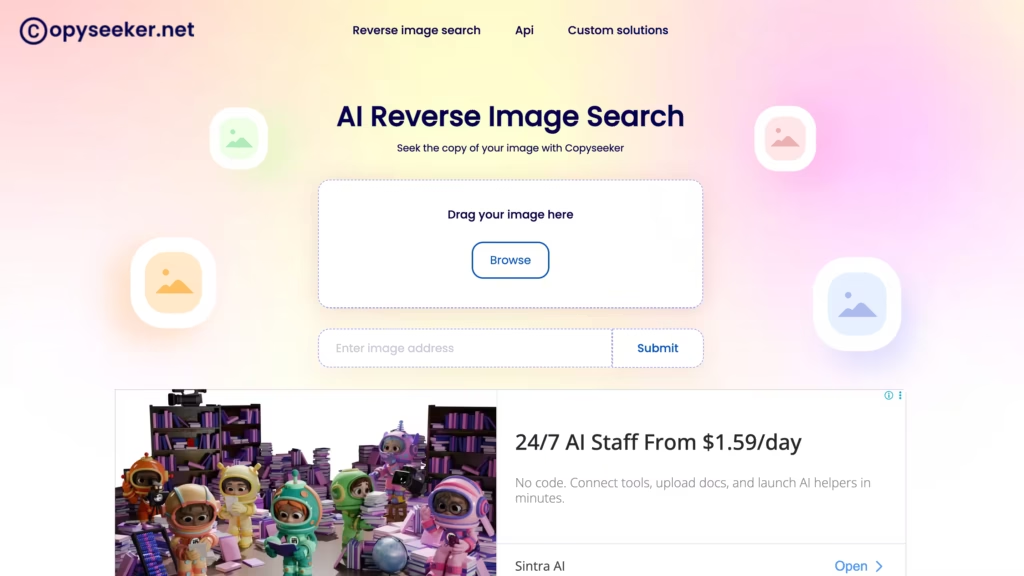
Copyseeker is a clean, no-frills tool that focuses on finding exact duplicate images and altered versions.
When you upload an image, it returns a list of URLs where the image has appeared, the page title, and the site’s ranking.
It’s particularly strong at spotting copies, even ones that got cropped, resized, or had filters slapped on them, making it one of the best Lenso alternatives to check out.
Pros: Duplicate detection for bloggers, content creators, and photographers who publish regularly.
Cons: No face search capabilities, and it lacks the depth of filtering and sorting that tools like Lenso or TinEye offer for power users.
Best for: Content creators who want to quickly check if someone is republishing their work without credit.
Starting Price: $20
8. FaceCheck.ID
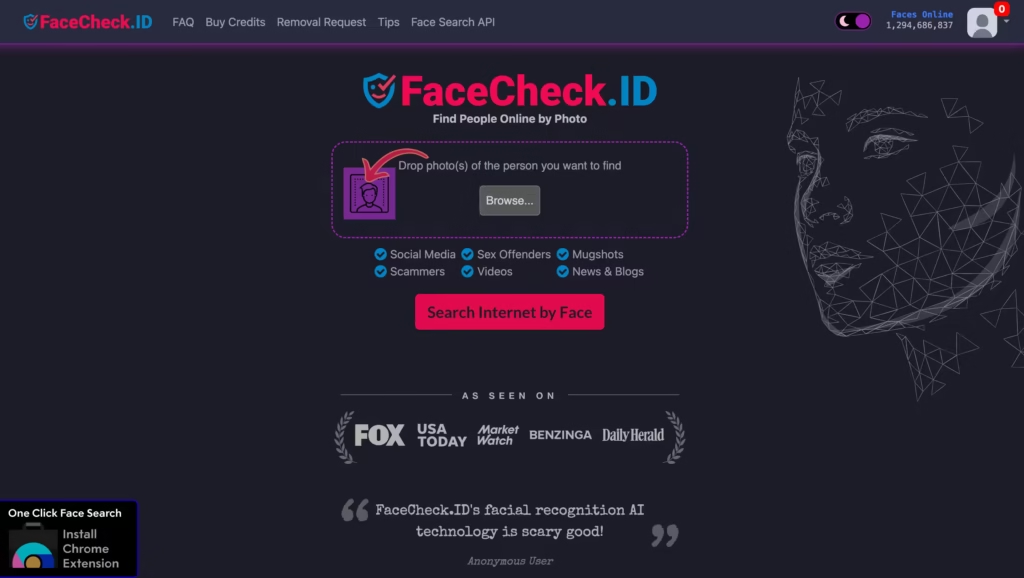
FaceCheck.ID focuses entirely on facial search.
Upload a photo and it searches social media profiles, public records, and web sources for matches. It’s especially useful for verifying whether a profile picture is genuine or pulled from someone else’s online presence.
Pros: Catching catfishers, verifying identities, and checking if profile photos are authentic.
Cons: Its image index is noticeably smaller than Lenso or PimEyes, which means fewer results. Also, premium features require cryptocurrency payment, which is an odd barrier that turns a lot of users away.
Best for: Dating app users, journalists, and anyone doing basic identity verification online.
Starting Price: $6 (in crypto)
9. Pinterest Lens

This one’s is a more niche Lenso AI alternative, but it absolutely earns its spot.
Pinterest Lens lets you search for visually similar content within Pinterest’s massive image library. On mobile, you can even point your camera at something physical and find matching pins instantly.
Pros: Artistic inspiration, home décor discovery, fashion research, and DIY projects. If visual aesthetics drive your search, Pinterest Lens genuinely feels like magic.
Cons: It only searches within Pinterest’s ecosystem. It won’t tell you where an image appeared across the broader web, and it offers zero face or duplicate search.
Best for: Creatives, interior designers, and anyone chasing a visual vibe they spotted in real life.
Starting Price: Free
How to Pick the Right Tool for Your Needs
Still not sure which one to go with? Think about why you’re running the search first. Here’s a simple cheat sheet:
If you want to find where your face appears online: Start with Lenso.ai or PimEyes. Both use dedicated facial recognition and crawl public web pages for matches.
If you want to check if someone stole your photo: TinEye and Copyseeker are your best friends. They track exact duplicates and altered versions across the web.
If you want to identify an object, place, or product: Google Lens handles this better than any face-focused tool.
If you suspect someone is catfishing you: Run the photo through Yandex Images and FaceCheck.ID. Yandex has the larger index; FaceCheck leans toward social profiles.
If budget is a concern: Yandex, Google Lens, and Copyseeker are all free with no account required.
Are These Tools Safe to Use?
Fair question, especially when you’re uploading personal or sensitive photos.
Most Lenso AI alternatives listed here use HTTPS encryption and don’t claim ownership over the images you submit. That said, always skim the privacy policy before uploading anything sensitive.
A few things worth keeping in mind:
- Never upload photos of minors to face search platforms
- Results and tool availability may vary depending on your country’s privacy laws
- Platforms like PimEyes now offer opt-out and takedown features, which shows genuine accountability
When in doubt, crop the image before uploading, include just enough detail for the search to work without exposing unnecessary context.
Don’t Get Married to a Single Tool
Lenso.ai is a genuinely capable reverse image search tool. But no single platform is perfect for every job, and the great news is you never have to settle for just one.
Infact, most people run one search, get mediocre results, and give up. Don’t do that.
Keep two or three of these tools bookmarked. Pull out the right one based on your goal. Mix results, compare what you find, and you’ll rarely walk away empty-handed.
Here’s a workflow that gets real results:
- Start with Google Lens or Lenso.ai to get a quick overview
- Run the same image through Yandex – it consistently catches things others miss
- If faces are involved, add PimEyes or FaceCheck.ID
- For copyright tracking, finish with TinEye to get the complete list of where that image lives online
