
AI filmmaking tools have split into three distinct camps, and picking the wrong camp wastes more money than picking the wrong tool within one.
The first camp generates video from text or images (type a prompt, get footage). The second camp edits and enhances footage you already have.
The third handles the audio side: voice acting, sound design, dubbing. The tools that try to do all three usually do none of them well enough for anything that matters.
If you need to generate cinematic footage from scratch, Runway is the quality benchmark and LTX Studio is the best production environment.
If you need to upscale, stabilize, or restore existing footage, Topaz Video AI runs locally and does it better than any cloud tool.
If you need voice acting, dialogue, or sound design, ElevenLabs has no real competitor at its price point.
The AI filmmaking market is growing fast enough to make the numbers sound made up.
Projections from MarketsandMarkets and Research and Markets put it somewhere between $2.5 billion and $4 billion by 2030, depending on how broadly you define “filmmaking.”
The narrower AI video generation segment is projected at roughly $14.8 billion by 2030 across all use cases. But the tools that actually matter for filmmaking, as opposed to marketing clips and social content, are a much smaller group.
I tested eight tools across three workflows: generating a 60-second narrative scene from a script, enhancing raw footage shot on a phone, and producing dialogue and sound effects for a short film. The differences were not subtle.
Runway
Runway is the tool that serious filmmakers talk about when they talk about AI video generation, and Gen-4.5 is the reason.
The model produces footage with better object permanence, more consistent lighting, and more natural motion than anything else available right now. It is not perfect. Humans still drift into uncanny territory in clips longer than 10 seconds, and complex multi-character scenes sometimes lose track of who is who.
But it is measurably ahead of the field.
The toolset goes well beyond text-to-video.
Act-Two handles lip sync and performance capture. The Aleph editing model lets you modify generated footage without regenerating from scratch.
You get granular camera controls, inpainting, green screen removal, and 4K upscaling. For filmmakers accustomed to thinking in shots and sequences, Runway provides the most complete set of controls.
The cost is the catch.
Gen-4.5 burns 12 credits per second of video.
On the Standard plan at $12/month (annual billing), you get 625 credits. That is roughly 52 seconds of Gen-4.5 footage per month. The Pro plan at $28/month gives you about three minutes.
For actual production work, you are looking at the Max plan at $76/month for roughly 13 minutes, and even that assumes every generation succeeds on the first attempt, which they do not.
Failed generations still cost credits. Community reports consistently flag this as the biggest frustration. You get charged for a clip that comes out mangled, regenerate it, and get charged again. At Gen-4.5’s credit rate, a bad run is expensive.
Gen-4 and Gen-4 Turbo offer cheaper alternatives at 5-12 credits per second, with quality that is still ahead of most competitors. For pre-visualization and draft work, Turbo gets you roughly 125 seconds on the Standard plan.
Enough to rough out ideas before committing Gen-4.5 credits to the final shots.
Starting Price: $12/month annual billing.
LTX Studio

LTX Studio does something Runway does not: it thinks in scenes, not clips.
Feed it a script, and it breaks the text into scenes, generates storyboard thumbnails, suggests camera framing, and builds a timeline.
For pre-visualization work (the kind of thing that used to require a storyboard artist and a week of back-and-forth), LTX Studio compresses the process into hours.
The character consistency system is the feature that earns its price for narrative work.
Create a character profile once, and LTX Studio maintains that character’s appearance across shots and scenes.
This is harder than it sounds. Most AI video generators treat every prompt as an isolated request, which means your protagonist looks like a different person in every clip. LTX Studio keeps them recognizable, though not perfectly.
Clothing and accessories can drift between scenes, and extreme angle changes sometimes break consistency.
Camera controls include keyframes for crane lifts, orbits, and tracking shots.
The timeline editor lets you combine shots, add transitions, and export for Premiere Pro or DaVinci Resolve. The open-source LTX-2 model can be self-hosted if your organization has privacy requirements that rule out cloud rendering.
On higher tiers, LTX Studio gives access to Veo 3.1, Kling 3.0 Pro, and FLUX.2 Pro alongside its own models. Output goes up to 4K at 50fps with synchronized audio.
But the Standard plan at $28/month (annual) is the entry point for commercial use. The Lite plan at $12/month restricts you to personal use only, which rules out any professional filmmaking.
The learning curve is steeper than a clip generator. If you just want a single shot from a text prompt, LTX Studio is overkill. It is built for people who think in sequences.
Starting Price: $12/month annual billing
Kling AI
Kling AI sits in a strange position: its output quality rivals Runway Gen-4 on standard text-to-video, but it costs a fraction of the price.
The Standard plan at $10/month gets you 660 credits per month. A 5-second 1080p clip with no audio costs 40 credits, so you get roughly 16 clips, versus Runway’s 2-3 clips at a comparable quality tier.
Kling 3.0 added native audio generation, which means the model produces synchronized sound alongside the video.
The quality is inconsistent. Ambient sounds and music work well, but dialogue-adjacent audio sounds artificial. The motion brush lets you paint which areas of the frame should move and how, giving you directorial control that a text prompt alone cannot provide.
The tradeoffs are real.
Complex scenes with multiple characters and intricate lighting still fall short of Gen-4.5. Camera control is less granular than Runway’s.
And Kling is built by Kuaishou, a Chinese company, which means your data is processed on their servers. That is a compliance concern for studios and production companies with data residency requirements.
The free tier gives you 66 credits per day that expire in 24 hours, at 360p-540p with a watermark. It is enough to test the tool, not enough to produce anything.
One detail the pricing page does not emphasize: the Ultra plan rose from $128/month to $180/month within six months of launch. Credit costs per model have also increased over time. Budget for price increases.
Starting Price: $6.99/month
Google Flow
Google’s Veo 3.1 produces some of the most cinematic footage in the AI video space, with native audio generation that sounds noticeably more natural than Kling’s.
The physics are better. Lighting transitions are smoother. And the model handles atmospheric, slow-paced shots (the kind that dominate art house and documentary filmmaking) better than any competitor.
The problem is accessing it.
Flow, Google’s filmmaking interface for Veo, uses a credit system tied to Google AI subscriptions.
The credits-per-operation ratio varies, and Google does not publish a clean conversion between credits and seconds of video.
The API route is clearer: $0.40 per second at 720p/1080p Standard quality, 0.10-0.12 per second on Fast, and 0.05-0.08 on Lite. An 8-second Standard-quality clip costs $3.20. That is expensive per clip, but you only pay for successful generations.
Supported durations are 4, 6, and 8 seconds.
Eight seconds is required for 1080p, 4K, and reference-image requests. Lite mode does not support reference images or video extension, which limits its usefulness for narrative work where visual consistency matters.
The bigger issue is availability. Veo 3.1 access varies by region, and Flow’s rollout has been uneven.
If you are outside the US, you may hit waitlists or feature restrictions. And generated API videos are stored on Google’s servers for only two days, so you need to download promptly or lose the output.
For filmmakers who can access it and budget for it, Veo produces footage that looks less like “AI video” than almost anything else available. For everyone else, the access friction makes it hard to build a workflow around.
Starting Price: $4.99/month, API: 0.05-0.60/second depending on quality and speed tier.
Luma (Ray3.2)
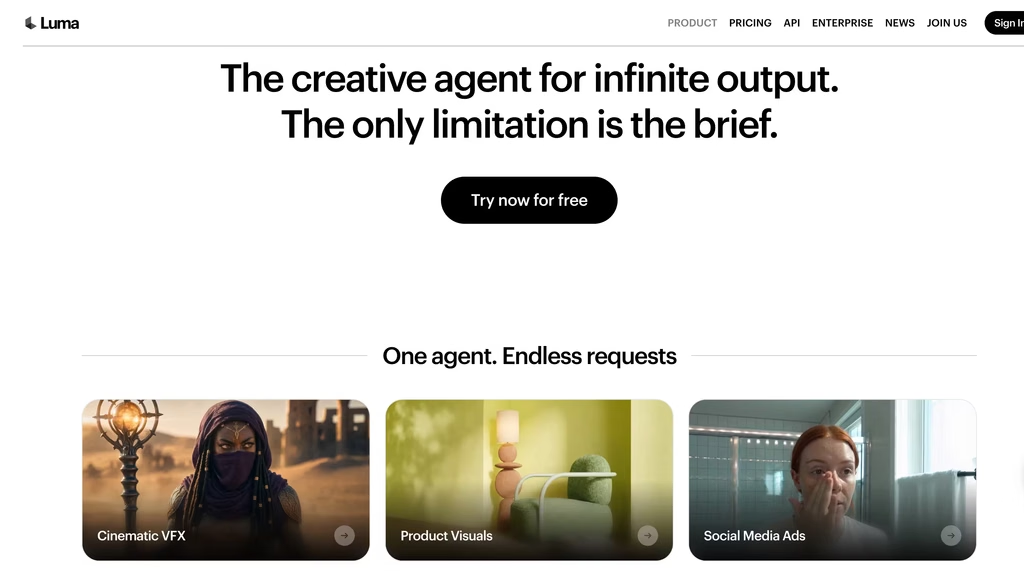
Luma’s Ray3.2 model differentiates itself with keyframe control: up to 16 keyframes per generation, which gives you more directorial authority over how a shot evolves than any other generator on this list.
If you want a camera to push in slowly, pause, then rack focus to a background element, you can describe that trajectory and Ray3.2 will attempt it.
The Modify Video feature lets you take existing footage up to 20 seconds at 1080p and rework it. Change the lighting, alter the environment, shift the mood.
For filmmakers who shoot their own footage and want to extend or transform it with AI, this is more useful than generating from scratch.
HDR output is available, priced at 2x the SDR rate, with an HDR plus EXR option at 3x. A 5-second 1080p SDR clip costs 400 credits on the app, or $1.20 via the API.
On the Plus plan at $30/month (10,000 credits), that is 25 clips per month before accounting for failed attempts.
Ray3.2 does not generate native audio.
For filmmaking, that means a separate audio pipeline for every clip. Compared to Runway, Kling, and Veo, all of which now produce synchronized sound, this is a meaningful gap.
The commercial use terms are worth reading carefully: only output generated during an active paid subscription has commercial rights. Free-tier output does not retroactively gain commercial rights if you upgrade later.
Starting Price: $25/month annual
Pika
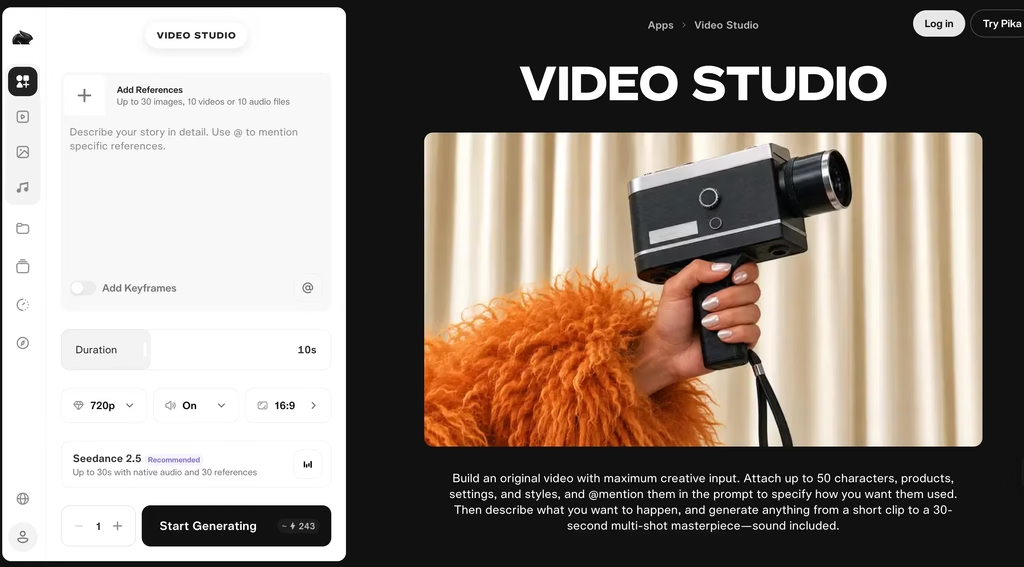
Pika occupies a niche that most filmmakers will either love or never need. Its signature features (Pikadditions for inserting objects into existing video, Pikaswaps for swapping scene elements, and Pikatwists for surreal effects like melting, inflating, or dissolving) are creative effects tools, not filmmaking tools in the traditional sense.
For experimental and stylized filmmaking, music videos, and anything where the visual language is deliberately unreal, Pika does things no other tool on this list attempts.
A shot of a city melting into water, a face dissolving into particles, objects morphing mid-frame.
These are one-prompt operations in Pika that would take hours in After Effects.
Pika 2.2 improved motion quality and prompt adherence, but raw visual quality on photorealistic content ranks below Runway, Kling, and Veo.
The 10-second generation cap and basic camera controls limit its usefulness for narrative work. It is a specialty tool, not a primary generator.
Commercial use requires the Pro plan at $35/month.
The Free and Standard tiers watermark output and exclude commercial rights, which makes them evaluation-only for any professional work.
Starting Price: $8/month annual
ElevenLabs

Every tool above generates video.
None of them produce dialogue, narration, or sound effects that are good enough for a finished film.
That is where ElevenLabs fits. It is a voice and audio platform, not a video tool, but no AI filmmaking pipeline is complete without it.
The text-to-speech engine produces voices with enough emotional range and tonal variation to serve as placeholder dialogue during pre-production, and in some cases, as final audio for characters that do not need to be a specific actor.
The voice library spans 29+ languages. Professional voice cloning, available from the Creator plan at $22/month, lets you feed it a few minutes of recorded speech and generate new dialogue in that voice.
That is useful for ADR-style work or extending a performance.
The sound effects generator creates audio from text descriptions: footsteps on gravel, rain on a tin roof, a car engine idling. The quality varies. Environmental ambience tends to be strong. Specific, sharp sounds (a gunshot, glass breaking) are hit or miss.
Dubbing across languages preserves the speaker’s vocal characteristics, which matters for international distribution. The lip sync on dubbed output is serviceable for social content but not clean enough for theatrical release.
The limitation is that ElevenLabs is voice and audio only. It does not edit video, generate visuals, or handle mixing. You will still need a DAW or NLE for the final audio mix.
Starting Price: $5/month
Topaz Video AI
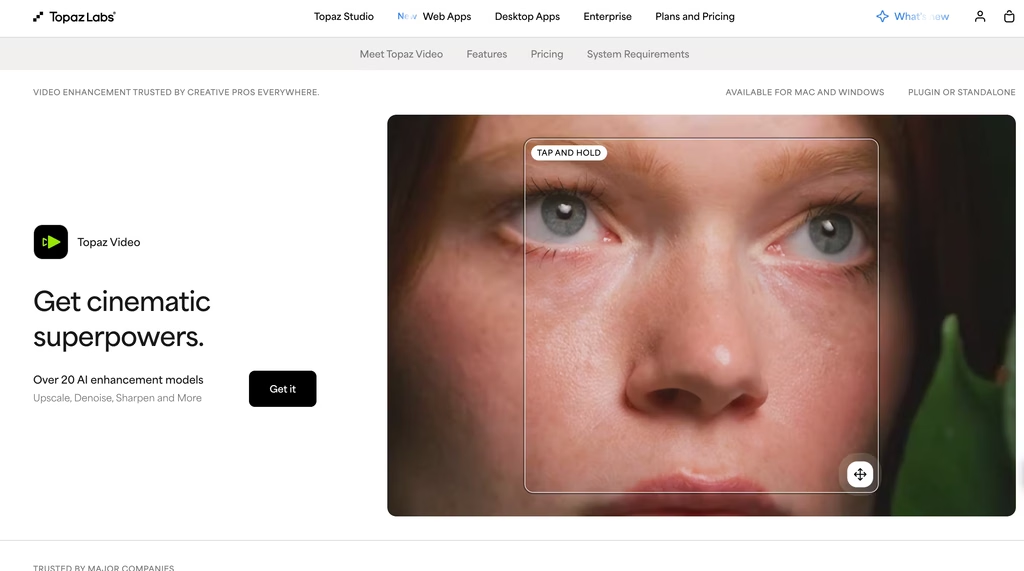
Topaz Video AI is the odd one out on this list because it does not generate anything.
It enhances what you already have. Upload footage, and it upscales resolution, removes noise, stabilizes shaky shots, and interpolates frames for slow motion.
It runs locally on your hardware. No cloud rendering, no per-clip credit costs, no waiting in a queue.
For indie filmmakers shooting on consumer cameras or phones, Topaz can make footage look like it was shot on a much more expensive rig.
The Starlight models handle low-light footage particularly well, pulling detail out of underexposed shots without the artificial look that typical brightness adjustments produce.
The pricing has shifted to a subscription model.
The Personal plan runs 299/year(25/month equivalent) with unlimited local rendering and 25 monthly cloud credits.
The Pro plan at $699/year adds better models, full commercial use, and 100 monthly cloud credits. Legacy perpetual licenses are no longer sold, which has frustrated longtime users.
The cloud frame cap of 9,000 frames per job means longer videos must be split and reassembled. And some Starlight models have Mac or AMD GPU restrictions, so check hardware compatibility before committing.
For post-production on real footage, Topaz has no AI competitor that matches its quality. For generating new footage, it has nothing to offer.
Starting Price: $25/month
Descript
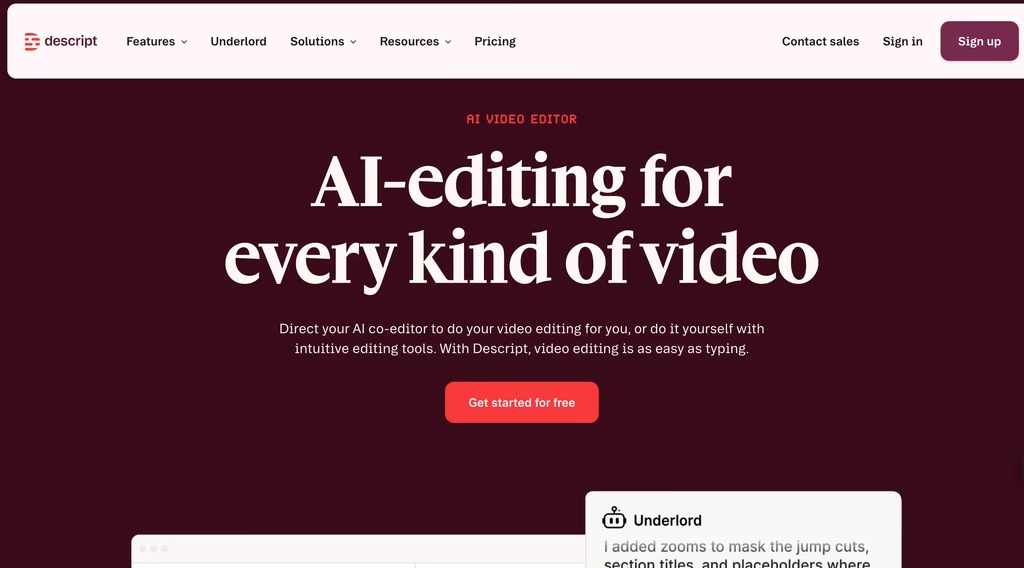
Descript is not a filmmaking tool in the way a cinematographer would use that word.
It is a documentary editor’s tool, a podcaster’s tool, and increasingly a tool for any filmmaker whose projects live or die on dialogue.
The core concept: edit video by editing its transcript. Cut a sentence from the text, and the corresponding video cut happens automatically.
Remove filler words with a click. Clean up audio with Studio Sound. Clone your voice with Overdub to fix a flubbed line without reshooting.
For dialogue-heavy projects (documentaries, interviews, essay films, video essays), Descript removes hours of scrubbing through timeline.
The text-based editing paradigm is fundamentally different from traditional NLE workflows, and for the right kind of project, it is faster.
The limitation is the same reason it works: Descript thinks in words, not shots.
If your film is driven by visual composition, pacing, and cuts that do not align to dialogue, Descript’s editing model fights you rather than helping. It is not a replacement for Premiere or DaVinci Resolve.
It is a complement for projects where the spoken word is the backbone.
Since September 2025, media minutes count all imported audio and video, not just transcribed content. The Creator plan at $24/month (annual) is the minimum for watermark-free 4K exports and full AI features.
Starting Price: $16/month annual billing.
How to Pick the Right AI Filmmaking Tool
Start with what you are actually making:
Pre-production (script to storyboard to rough cut): LTX Studio. Nothing else on this list converts a script into a visual sequence with character consistency and camera controls in one workspace. Pair it with ElevenLabs for placeholder dialogue and sound effects during previz.
Hero shots and cinematic footage: Runway Gen-4.5 for the highest quality. Google Veo if you can access it and budget for API costs. Kling if you need similar quality at a lower price and can accept the data residency tradeoff.
Experimental and effects-driven work: Pika for surreal transformations and stylized effects. Nothing else does what Pikadditions and Pikatwists do.
Post-production enhancement: Topaz Video AI for upscaling, denoising, and stabilization. It runs locally, costs a flat annual fee, and handles footage that no cloud tool can touch.
Dialogue-heavy editing: Descript for documentaries, interviews, and essay films. The transcript-based editing workflow is faster than traditional NLE editing for projects built around spoken word.
Voice, dialogue, and sound design: ElevenLabs for TTS, voice cloning, sound effects, and multilingual dubbing. Every filmmaking pipeline above needs an audio layer, and ElevenLabs is the strongest option at every price point.
The budget-conscious filmmaker’s stack: Kling Standard (6/month) for video generation, ElevenLabs Starter (5/month) for voice and sound, and CapCut (free) for editing. Total: $11/month. The output will not match a Runway-plus-Topaz-plus-Descript pipeline, but it will get footage on screen.
FAQs
1) What is the best AI filmmaking tool for beginners?
Kling AI offers the most accessible entry point. The free tier gives you 66 credits daily.
That is enough to generate several short clips and learn how AI video generation works.
The Standard plan at $6/month is the cheapest paid option that includes commercial rights and watermark-free output. For editing, CapCut’s free tier pairs well with Kling’s output.
If you want a more structured workflow from script to sequence, LTX Studio’s free tier provides 800 credits to test its scene-based approach.
2) How much does it cost to make an AI short film?
A rough 3-minute short film requires approximately 36 five-second clips (assuming no reshoots), plus sound design and dialogue. On Runway’s Standard plan, that exhausts roughly two months of credits at $12/month.
On Kling Standard, the same volume fits within one month at $6. Add ElevenLabs Starter at $5/month for voice and sound.
Realistically, budget 30-100/month for tools, plus significant time for prompting, selecting, editing, and stitching. The tools are cheap relative to traditional production costs, but “cheap” and “free” are not the same thing.
3) Can AI tools replace a film crew?
Not for anything audiences expect to look and feel like a real film. AI can replace specific roles in specific contexts: a storyboard artist for previz, a stock footage library for establishing shots, a voice actor for scratch dialogue.
But cinematography, directing performances, sound mixing, and the thousands of creative decisions that make a film feel intentional are still human work.
The filmmakers getting the best results from these tools have traditional production skills and are using AI to extend their capabilities, not substitute for them.
4) Which AI video generator has the best quality?
Runway Gen-4.5 is the current quality benchmark for general-purpose AI video generation.
Google Veo 3.1 produces arguably more cinematic output for atmospheric and slow-paced shots but is harder to access and more expensive per clip. Kling 3.0 is close behind both on standard text-to-video and significantly cheaper.
Pika and Luma trade raw quality for specialized features (effects and keyframe control, respectively). Quality rankings shift with every model update. What is true in October 2026 may not hold by January 2027.
5) Are AI-generated films eligible for major film festivals?
Most major festivals (Cannes, Sundance, TIFF) have not explicitly banned AI-generated content but require disclosure. Dedicated AI film festivals have emerged, including the Runway Film Festival and several festival platforms listing AI-specific categories.
The Academy Awards currently require “meaningful human creative contribution” for eligibility, which in practice means fully AI-generated films are excluded, but AI-assisted films are not. The lines are still being drawn, and policies differ by festival.
