

I spent six weeks testing 10 AI note-taking apps across real meetings.
Here is what I found: transcription accuracy is no longer the differentiator. Every major tool hits 90 to 98 percent in clean audio. The gap in 2026 is what happens after the transcript.
Does the tool actually push action items to your project board? Does it update your CRM automatically? Or does it just hand you a wall of text and call it a day?
And there is a new variable most review articles have not caught up with yet.
In March 2026, Google updated Meet to flag third-party notetaker bots as “potential risk” and defaults to denying their entry. Microsoft Teams followed with a similar update. If your meetings happen on Google Meet or Teams, bot-free tools are no longer optional. They are necessary.
This article covers the 10 tools that survived my testing, who each one is actually built for, and which ones are not worth your money.
How Did I Evaluate These Tools?
I ran every tool on this list across the same set of real meetings: a 30-minute team standup on Zoom, a 60-minute client strategy call on Google Meet, and a 45-minute sales discovery call on Microsoft Teams.
I tracked five things: transcription accuracy, summary quality, time to produce notes, integration depth (where do the notes go after the meeting?), and whether the tool’s presence in the call created friction with participants.
The Best AI Note-Taking Apps in 2026
1. HappyScribe: Best for Multilingual Teams
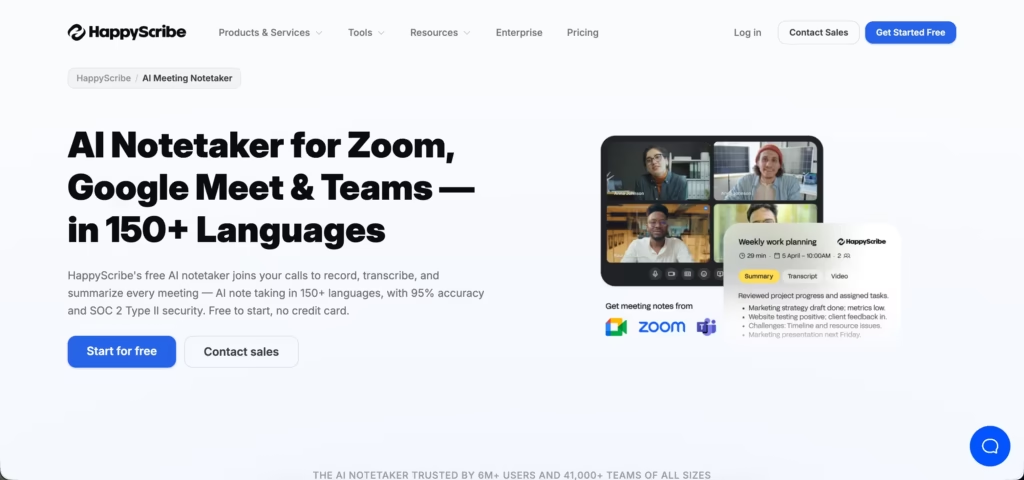
HappyScribe is an AI meeting notetaker that records, transcribes, and summarizes your calls in 150+ languages, the broadest coverage on this list. It auto-joins Zoom, Google Meet, and Microsoft Teams through calendar sync, identifies speakers, and emails you a structured summary with action items minutes after the call ends.
What sets it apart is privacy. HappyScribe is built in Europe, GDPR-compliant and SOC 2 Type II certified, with all data stored in EU-based Tier IV data centers and never used to train AI models. In my testing, accuracy held above 95% even on accented, non-English calls. If you want bot-free capture, the browser recorder records without sending a visible participant into the room.
The limitation: HappyScribe does not transcribe in real time. Notes and summaries arrive after the meeting ends, not live during the call.
Pricing: Free plan (unlimited 45-minute recordings). Basic $17/month. Pro $29/month. Business $89/month.
2. Fathom: Best Free Option for Individuals
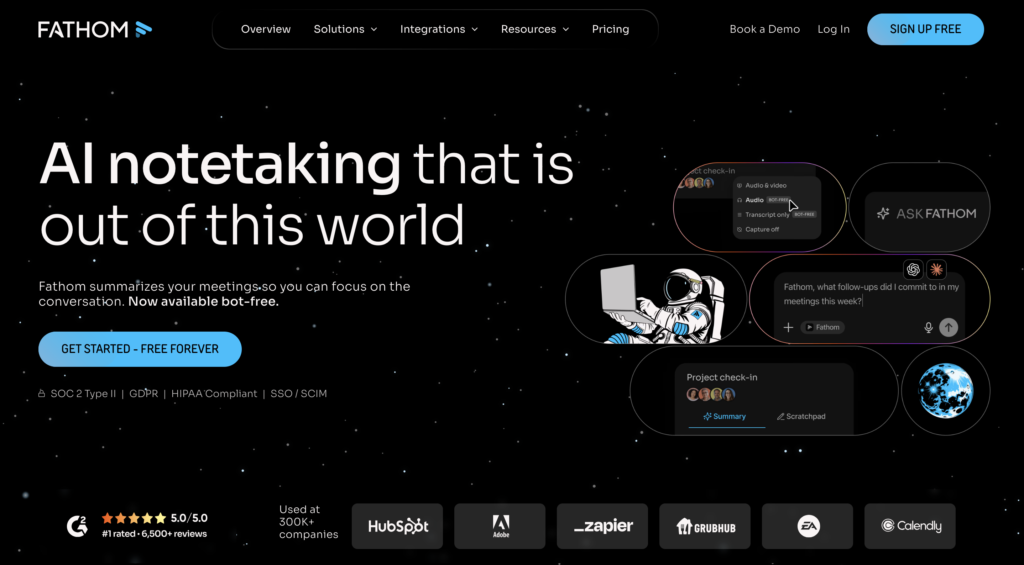
Fathom is one of the best ai notetaking apps that has disrupted the category with a genuinely unlimited free plan. You get unlimited recordings, unlimited transcription, and unlimited storage. No minute caps, no expiration.
The catch is a 5 advanced AI call limit per month on free (AI summaries, action items, follow-up emails). But the raw transcription and recording are completely unrestricted.
In my testing, Fathom produced summaries faster than any other tool. Notes were often ready before the meeting even ended. The interface is clean and uncluttered compared to Fireflies’ dashboard, which can feel overwhelming.
The limitation: Fathom joins meetings as a visible bot. And the jump from free to the Team plan ($18/month per user) is steep for what you get. If you are a solo consultant or freelancer on Zoom, Fathom is hard to beat on value.
Pricing: Free (unlimited transcription). Premium ~$19/month. Team $18/user/month. Business $28/user/month.
3. Fireflies.ai: Best for Teams That Need CRM Integration
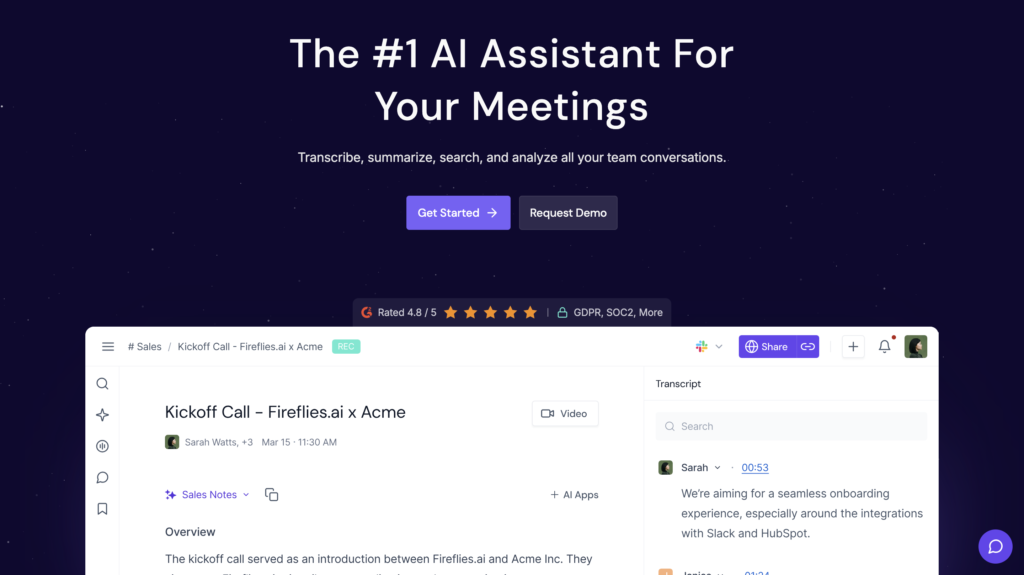
Fireflies is the most established tool in the category, used by over 500,000 companies.
It supports 100+ languages (the widest coverage on this list), integrates with Salesforce, HubSpot, Pipedrive, Zoho, and Dynamics 365, and includes conversation intelligence features like talk-time ratios, sentiment tracking, and topic detection.
The AskFred AI assistant lets you search across your entire meeting history using natural language. In testing, I asked “what pricing concerns did the client raise in our March calls?” and got a usable answer in seconds.
That cross-meeting search is something most competitors still lack.
The trade-off: Fireflies joins calls as a visible bot (“Fireflies.ai Notetaker”), which can feel awkward in client-facing contexts. The dashboard is feature-dense, which took me a few days to navigate efficiently.
Pricing: Free (unlimited transcription, 800 min storage). Pro $10/user/month. Business $19/user/month.
4. Granola: Best Bot-Free Option for Privacy-Conscious Users
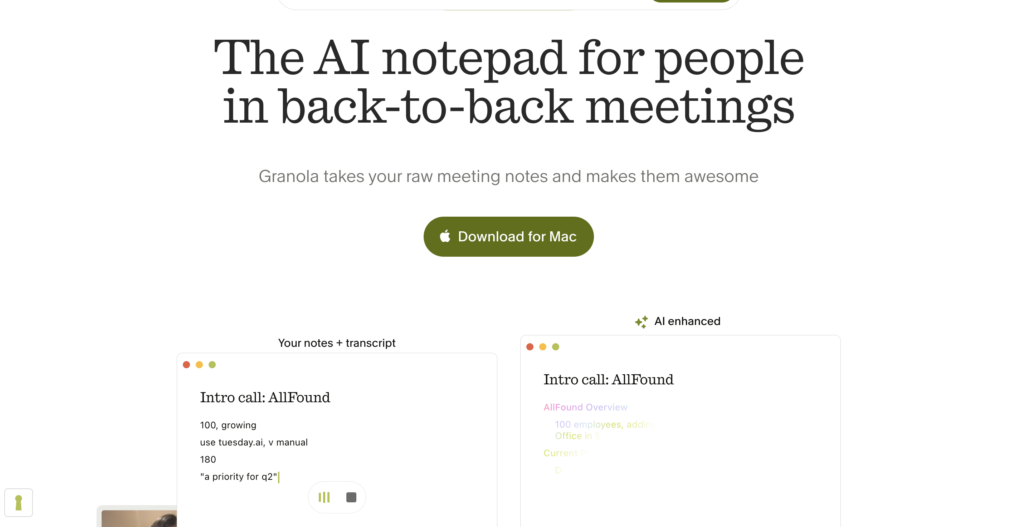
Granola raised $43 million in a Series B round in May 2025, and for good reason.
It captures audio directly from your device (no bot joins your meeting), then enhances your rough notes with AI after the call. You type what you want during the meeting, and Granola fills in what you missed using the transcript.
This hybrid approach (human notes + AI enhancement) produces the most natural-sounding meeting notes I have seen from any tool. The output reads like something a thoughtful person wrote, not something a machine generated, making it one of the top ai notetaking apps on this list.
The limitation: Granola does not store audio recordings (which is a privacy feature, not a bug). It is desktop-only and does not have a mobile app. If you need searchable audio archives, look elsewhere.
Pricing: Free tier available. Paid plans from approximately $10/month.
5. Otter.ai: Best for Real-Time Collaboration and In-Person Recording
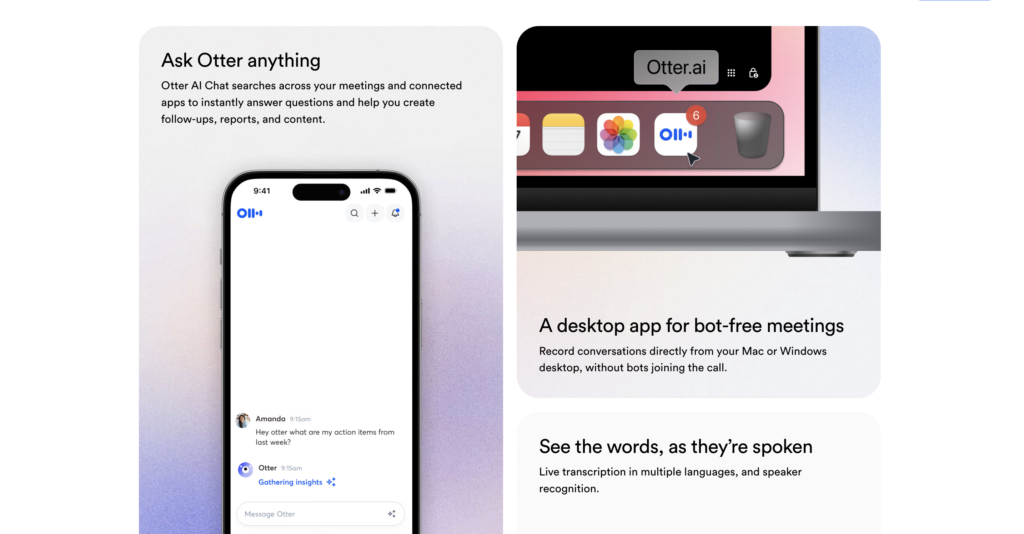
Otter.ai defined this category when it launched in 2016.
In 2026, its core strength remains real-time transcription with speaker identification. It is also the best tool for in-person recording via its mobile app, making it a go-to for lectures, interviews, and voice memos.
Otter’s collaborative features are strong. Multiple people can view and edit the transcript during the meeting itself, highlight key sections, and add comments. For teams that want a shared, live document of the conversation, this works well.
The limitation I hit repeatedly: the free plan caps at 300 minutes per month with a 30-minute session limit.
That runs out fast. And Otter only supports 3 languages (English, French, Spanish), which is a significant gap compared to Fireflies’ 100+. The transcription is accurate for English but drops noticeably with heavy accents.
Pricing: Free (300 min/month). Pro $16.99/month ($8.33 annual). Business $30/user/month ($19.99 annual).
6. Notion AI: Best for Written Notes and Knowledge Management
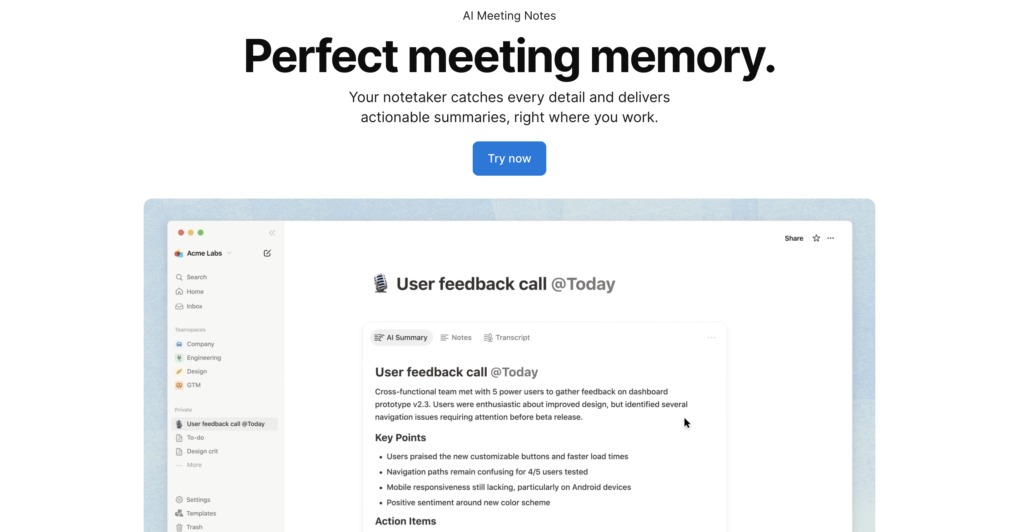
Notion AI is not a meeting recorder. It does not join calls or transcribe audio.
What it does is add an AI layer on top of your written notes inside the Notion workspace: summarizing long documents, generating action items from meeting write-ups, translating content, and answering questions about your notes.
In late 2025, Notion launched AI meeting notes, which integrates with calendar tools to structure pre-meeting context and post-meeting summaries. For teams already living inside Notion, this keeps everything in one place.
The limitation: you still need another tool to handle the actual recording and transcription. Notion AI enhances notes. It does not capture them. Pair it with Granola or Fathom for the best results.
Pricing: Notion AI add-on: $10/user/month on top of your Notion plan.
7. Krisp: Best Budget Option with Noise Cancellation
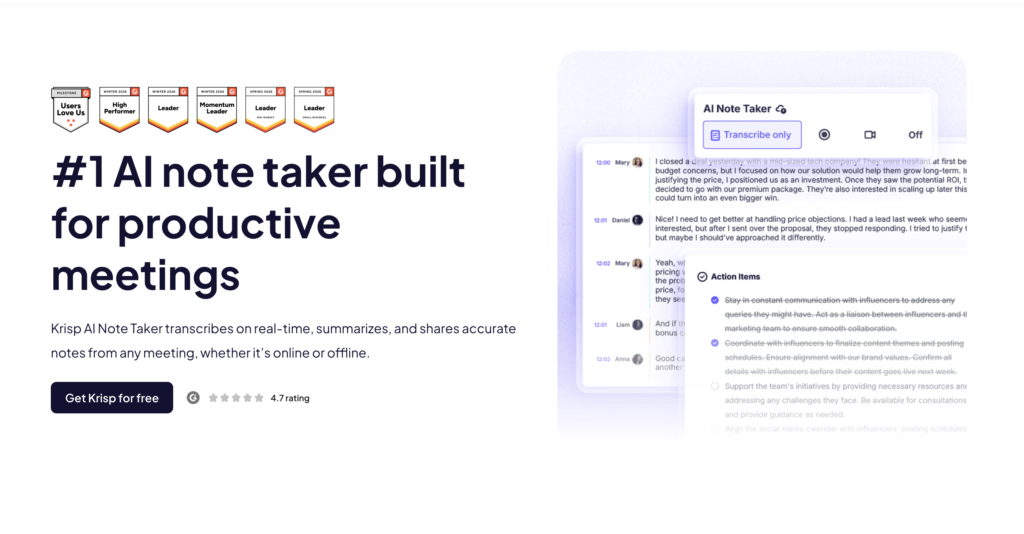
Krisp is one of the top ai notetaking apps that takes a unique approach. Instead of sending a bot into your call, it captures audio directly from your device’s microphone and speakers.
No one in the meeting knows you are recording. On top of that, Krisp includes award-winning AI noise cancellation that filters out background sounds in real time.
In my testing, Krisp produced clean transcripts even in a noisy coffee shop environment. The noise cancellation is genuinely best-in-class and works across any meeting platform.
The limitation: integrations are more limited than Fireflies or Fellow. Action item generation missed some context during longer calls. But at $16/month for Pro, the combination of noise cancellation plus bot-free transcription is hard to match.
Pricing: Free plan with transcription and summary features. Pro $16/month.
8. Tactiq: Best Free Browser Extension
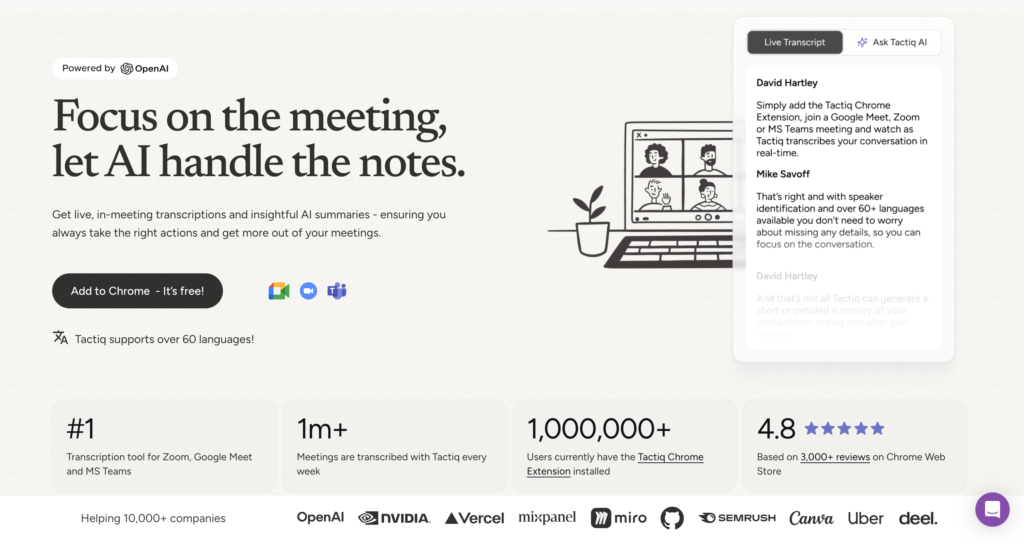
Tactiq is a lightweight browser extension that transcribes meetings in real time without installing a desktop app or adding a bot. It connects directly to Zoom, Google Meet, and Microsoft Teams through your browser.
For someone who just wants basic, free transcription without any complexity, Tactiq is the simplest entry point. No bot, no app, no accounts to connect. Install the extension and go.
The limitation: it lacks advanced AI features like summarization and cross-meeting search. You get a transcript. Organizing and acting on that transcript is still up to you.
Pricing: Free for core features. Pro $12/month for unlimited transcripts.
9. tl;dv: Best for Shareable Highlights and Clips
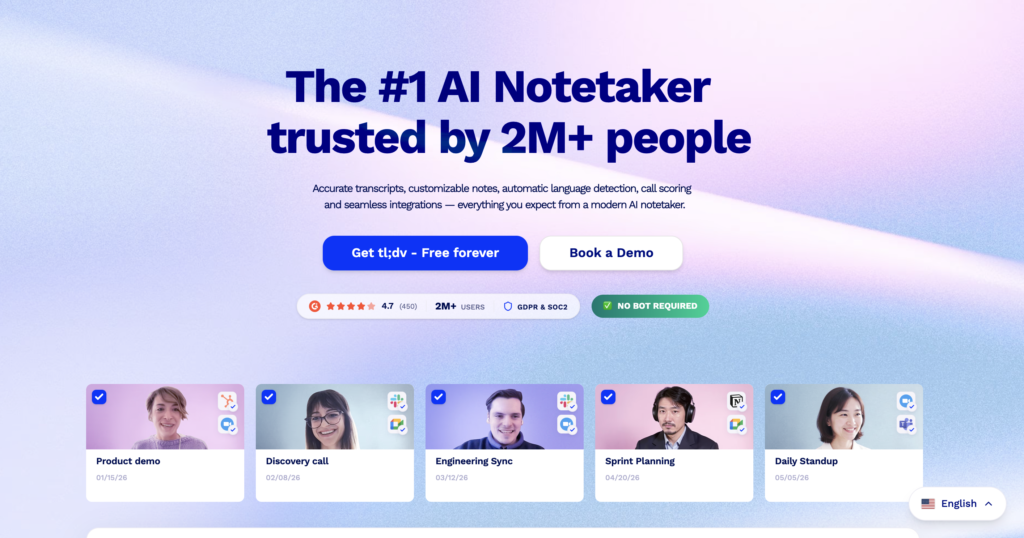
tl;dv shines for teams that need to share specific moments from meetings rather than full transcripts. You can tag key moments during a call, then generate shareable video clips with timestamps that link directly to the relevant part of the conversation.
Customer research teams and product managers love this. Instead of sending a colleague a 60-minute recording, you send a 90-second clip of the exact moment the customer described their pain point.
The limitation: tl;dv’s free plan is generous (unlimited recordings and transcription), but advanced features like CRM sync and multi-meeting intelligence require the Pro plan at $25/user/month, which is pricier than Fireflies or Fellow at the same tier.
Pricing: Free (unlimited recordings and transcription). Pro $25/user/month.
10. ClickUp: Best for Teams Already Using ClickUp for Project Management
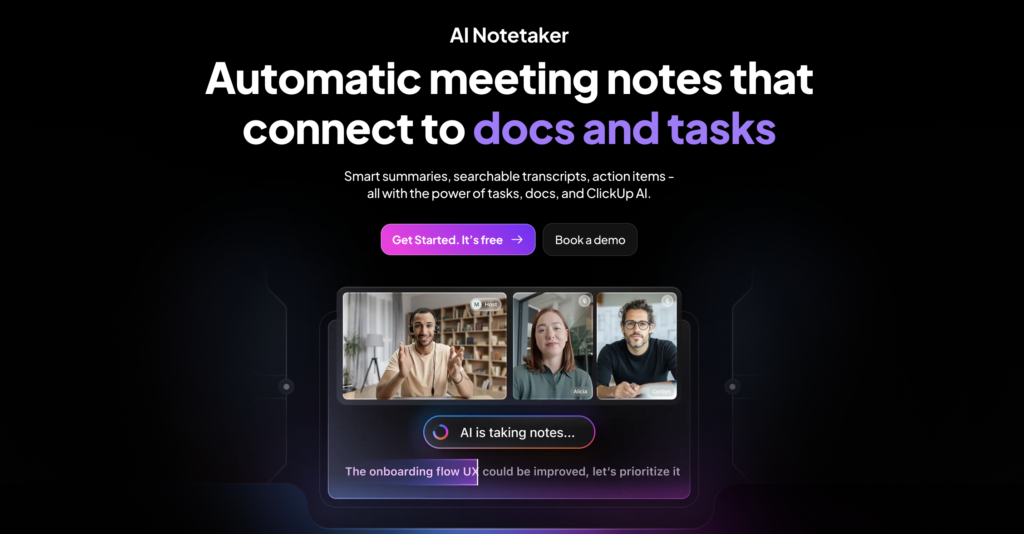
ClickUp is not primarily a note-taking app. It is a project management platform that now includes AI-powered note-taking, transcription, and summarization as part of its broader productivity suite.
If your team already uses ClickUp for task management, adding AI notes inside the same platform avoids the “notes live in one app, tasks live in another” fragmentation problem.
Meeting summaries can auto-generate tasks, assign owners, and set deadlines within the same workspace.
The limitation: if you do not already use ClickUp, adopting it just for note-taking is overkill. The learning curve is steep, and the AI features are a complement to the platform, not the reason to buy it.
Pricing: Free tier available. Unlimited plan $7/user/month. AI features included in paid plans.
How Do These AI Note-Taking Apps Compare Side by Side?
| Tool | Best for | Bot-free? | Free plan | Starting paid price | Languages | CRM integration |
|---|---|---|---|---|---|---|
| HappyScribe | Multilingual teams needing EU privacy | Yes (recorder option) | Unlimited 45-min recordings | $17/month | 150+ | Via Zapier (5,000+ apps) |
| Fathom | Best free option for individuals | No (bot joins) | Unlimited transcription | ~$19/month | 25 | Salesforce, HubSpot |
| Fireflies | Teams needing CRM + analytics | No (bot joins) | Unlimited transcription (800 min storage) | $10/user/month | 100+ | Salesforce, HubSpot, Pipedrive, Zoho, Dynamics |
| Granola | Privacy-conscious professionals | Yes | Available | ~$10/month | Multiple | Limited |
| Otter.ai | Real-time collaboration, in-person | No (bot joins) | 300 min/month | $16.99/month | 3 | Salesforce, HubSpot |
| Notion AI | Written notes, knowledge management | N/A (not a recorder) | N/A | $10/user/month add-on | 15+ | Native Notion ecosystem |
| Krisp | Budget bot-free with noise cancellation | Yes | Available | $16/month | Multiple | HubSpot, Salesforce, Jira, Notion |
| Tactiq | Simplest free browser extension | Yes | Core features free | $12/month | Multiple | Limited |
| tl;dv | Shareable highlights and clips | Desktop app: yes | Unlimited recordings | $25/user/month | 30+ | Salesforce, HubSpot |
| ClickUp | Teams already on ClickUp | N/A (not a recorder) | Available | $7/user/month | Multiple | Native ClickUp ecosystem |
Bot-Free vs Bot-Based: Why This Matters Now
This distinction barely registered two years ago. In 2026, it is the first question you should ask.
Bot-based tools (Fathom, Fireflies, Otter) send a visible participant into your meeting room. Everyone sees “Fathom Notetaker” or “Fireflies.ai Notetaker” join. For internal team meetings, this is usually fine. For client calls, sales discovery sessions, or sensitive conversations, it creates friction.
Bot-free tools (Granola, Krisp, Tactiq) capture audio directly from your device. Nobody in the meeting sees anything different. The trade-off is that bot-free tools typically cannot capture video or screen content, and they depend on your device’s audio quality.
Google’s March 2026 update made this worse for bot-based tools on Google Meet. Third-party bots are now flagged as “potential risk” and denied entry by default. Microsoft Teams followed in the same month, labeling external bots as “Unverified” in the lobby. For teams on either platform, bot-free tools became the practical choice overnight.
Which AI Note-Taking App Should You Pick?
| Your situation | Best pick |
|---|---|
| Solo freelancer or consultant on Zoom | Fathom (free, unlimited) |
| Sales team needing CRM sync and analytics | Fireflies |
| Privacy-first, no bot, clean notes | Granola |
| Full meeting lifecycle (agendas, notes, follow-ups) | Fellow |
| In-person interviews, lectures, or voice memos | Otter.ai |
| Already using Notion for everything | Notion AI + Granola or Fathom for recording |
| Noisy environments, budget-friendly | Krisp |
| Just want a simple browser extension | Tactiq |
| Need to share specific meeting moments as clips | tl;dv |
| Already using ClickUp for project management | ClickUp AI |
| Primarily on Google Meet after March 2026 update | Granola, Krisp, or Tactiq (all bot-free) |
FAQ
What is the best free AI note-taking app?
Fathom. Unlimited recordings, unlimited transcription, unlimited storage, no expiration. The only restriction is 5 advanced AI calls per month on the free tier. For basic transcription without any limits, nothing else comes close.
Do AI note-taking apps work with Google Meet after the March 2026 update?
Bot-based tools (Fathom, Fireflies, Otter) now face friction on Google Meet because Google flags third-party bots as “potential risk” by default. Bot-free tools like Granola, Krisp, and Tactiq are unaffected because they capture audio from your device without joining the call.
Are AI note-taking apps accurate?
Most major tools hit 90 to 98 percent accuracy for single speakers in clear audio. Accuracy drops with overlapping speakers, heavy accents, background noise, and non-English content. Fireflies and Fellow handle multilingual transcription better than Otter, which only supports 3 languages.
Can AI note-taking apps replace a human note-taker?
For transcription and basic summaries, yes. For nuanced interpretation and reading-the-room signals, not yet. Tools like Granola, which blend your manual notes with AI-enhanced transcription, come closest to replicating how a thoughtful human takes notes.
Which AI note-taking app is best for students?
Otter.ai offers a 20 percent student discount (Pro drops to $6.67/month annual with a .edu email) and its mobile app is the best for recording in-person lectures. Notion AI is a strong complement for organizing study notes. Tactiq works for free if your lectures happen over Zoom or Meet.
Is it legal to record meetings with AI note-taking apps?
Laws vary by jurisdiction. In the US, some states require all-party consent, others only require one-party consent. Most AI note-taking apps display a visible notification when recording begins. Always inform participants before recording and check your local laws.
