

You have a few seconds to hook a Shorts viewer before they scroll. It’s been found that many Shorts viewers decide to scroll within the first 2 seconds, so your voice, visuals, and captions all need to land fast and be built fast too.
This list sticks to dedicated tools built to do just that. Below are 10 platforms that handle voiceover, editing, repurposing, and automation for faceless Shorts creators.
Note: Prices and features were verified against each vendor’s current pricing page.
1. InVideo AI
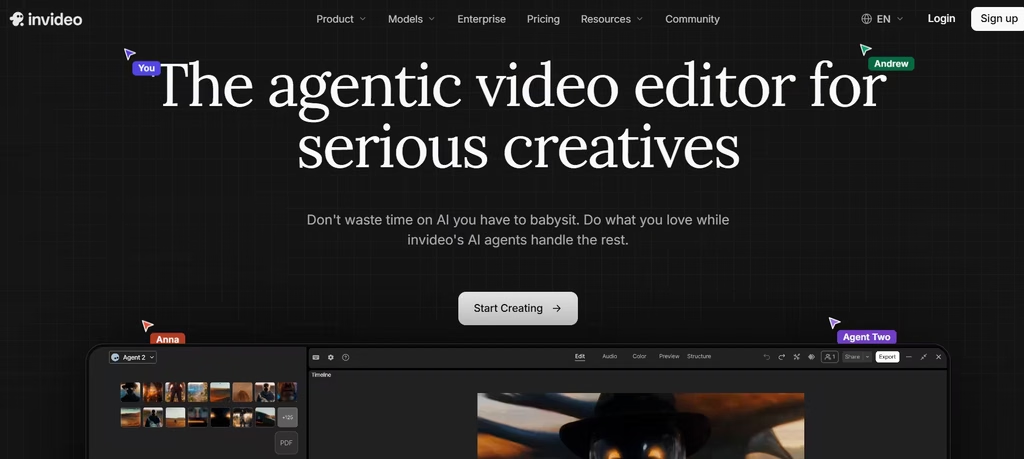
InVideo AI turns a text prompt into a finished vertical video. It writes a script, selects footage, adds narration, and drops in captions. The Plus plan also unlocks access to OpenAI’s Sora 2 and Google’s Veo 3.1 for original AI-generated clips instead of recycled stock footage.
At $20-25 a month, I think that’s worth it the moment every other stock-footage channel has picked your niche over. Original AI clips are the fastest way to stop looking like every other faceless account in your niche.
Pricing: free plan with watermarks; Plus runs 20–25 per month; Max costs 48–60 per month and adds 4K export.
2. Pictory
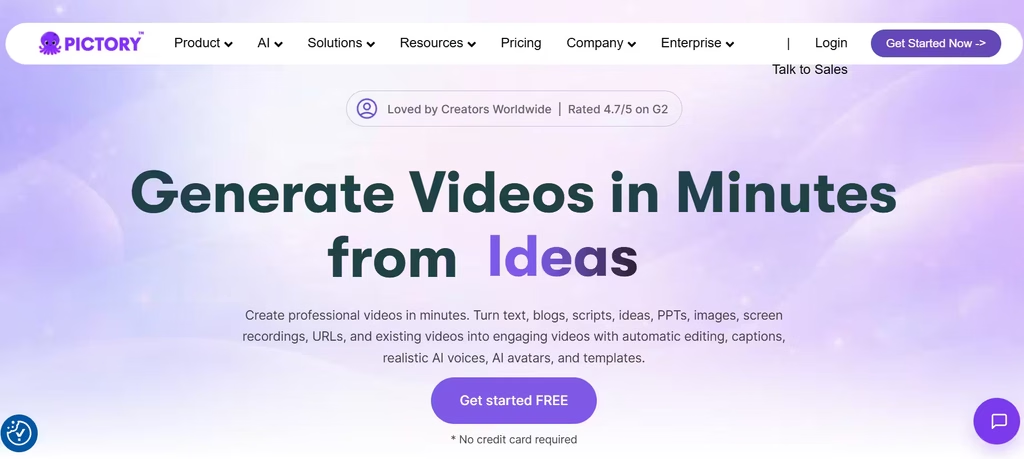
Pictory converts a script or blog URL into a narrated video with matched stock footage. For Shorts, paste a short script and get a vertical clip in minutes. It’s great for niches where the message matters more than a custom visual style, but budget time for manual clip swaps. Plans start at 19–25 per month, with no permanent free tier.
3. ElevenLabs
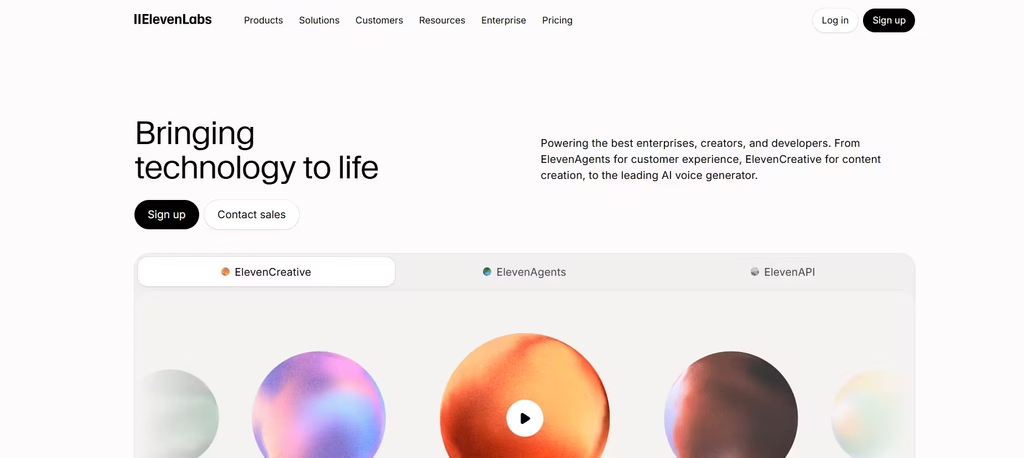
Every faceless Short needs narration, and ElevenLabs remains the benchmark for realistic AI voices. The free plan gives 10,000 credits monthly, roughly 10 minutes of audio.
The Starter plan (5 monthly) unlocks commercial licensing, and the Creator plan (22 monthly, about 100 minutes) adds professional voice cloning. Because it plugs into most editors, creators pair it with a visual tool rather than using it alone.
4. CapCut
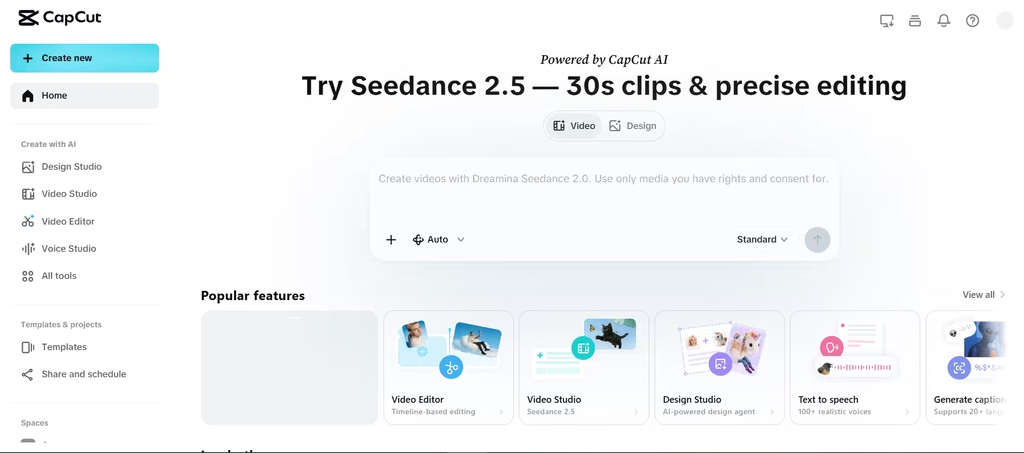
CapCut is the free, mobile-first editor behind much of TikTok and YouTube Shorts. It handles auto-captions, AI voiceover, background removal, and trend-matched templates. Creators who film some footage, screen recordings, or B-roll and want AI to fill the gaps get the most value here. The desktop and mobile apps are free; CapCut Pro adds premium effects and cloud storage for a monthly fee.
5. OpusClip
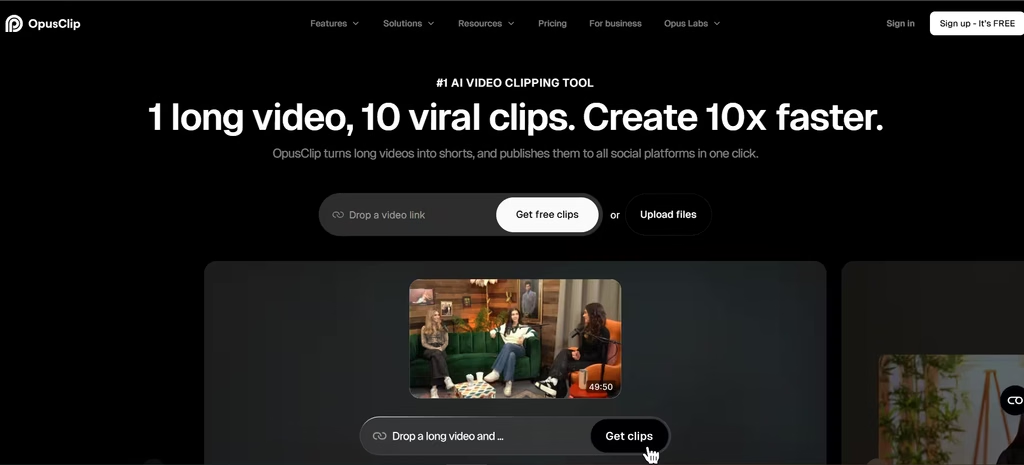
OpusClip earns its spot by doing what CapCut and InVideo AI can’t: turning an hour of raw footage into ready-to-post clips, ranked by how likely they are to perform. What I liked about this tool is that it can be further used to generate captions, dub videos, and make edits that bring videos closer to publishing.
It charges one credit per minute of source footage processed, not per clip produced, a fairer model than per-clip pricing if your source videos run long. The free plan includes 60 credits monthly; Starter costs $15 monthly for 150 credits; Pro costs $29 monthly (or $174 annually) for 300 credits. This tool fits creators repurposing podcasts or long-form videos into Shorts.
6. Vizard
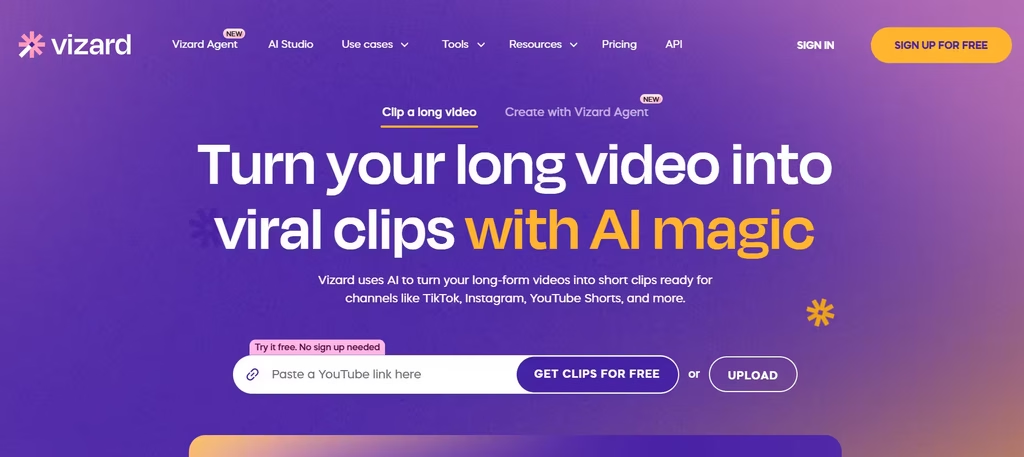
I found this very similar to OpusClip. Vizard also finds strong moments in long-form video and reframes them for vertical formats. The free plan offers 60 credits, 720p export, and a watermark.
The Creator plan removes the watermark and unlocks 4K export, and pricing runs cheaper on annual billing than month-to-month. Vizard’s active-speaker detection helps when a Short includes more than one voice.
7. Klap
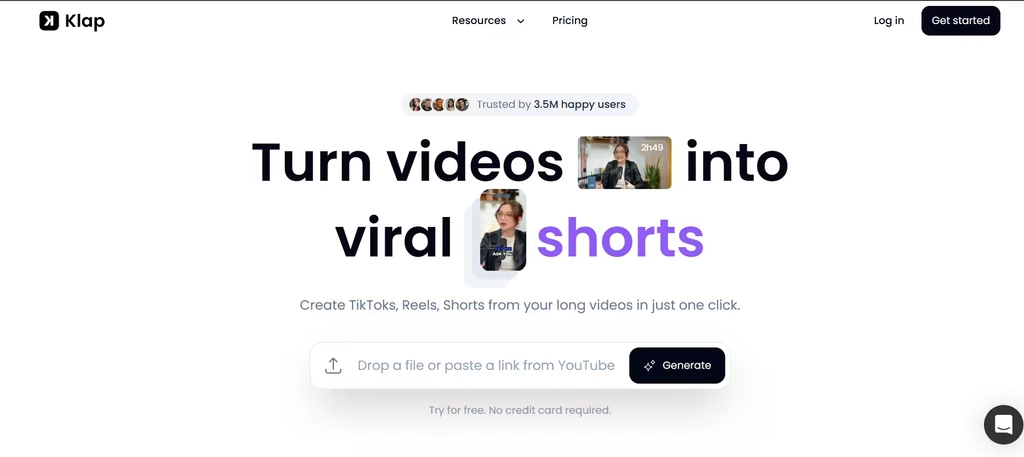
Klap also repurposes long videos into Shorts, with automatic captioning and platform-specific formatting for YouTube, TikTok, and Instagram. I liked Klap because in just one click, it generated 8 shorts from a single video. Each short effectively captured a major highlight of the original video.
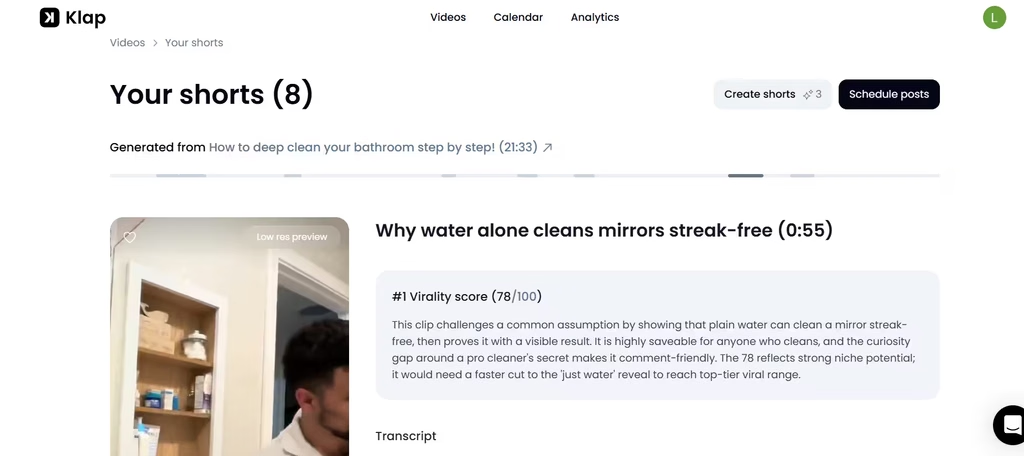
Plans vary by upload volume and clip count, generally starting under $30 monthly for lighter use and scaling higher for agencies producing large batches. That entry price is competitive against OpusClip and Vizard for casual posting, but the jump to agency-tier volume gets steep fast, so confirm current tiers on Klap’s site before committing to a plan built for scale you don’t need yet.
8. AutoShorts.ai
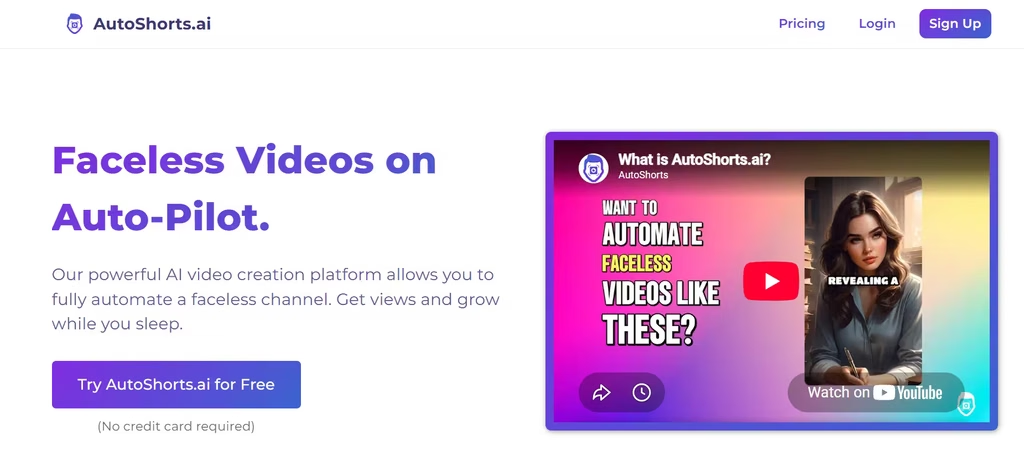
AutoShorts.ai automates the entire pipeline: pick a topic, and it writes the script, selects visuals, generates narration, and posts on a schedule. The free plan includes a watermark. Paid tiers start at $19 monthly for three videos weekly, rise to $39 monthly for daily posting, and reach $69 monthly for two videos daily. It suits creators who want volume over polish.
9. Faceless.so
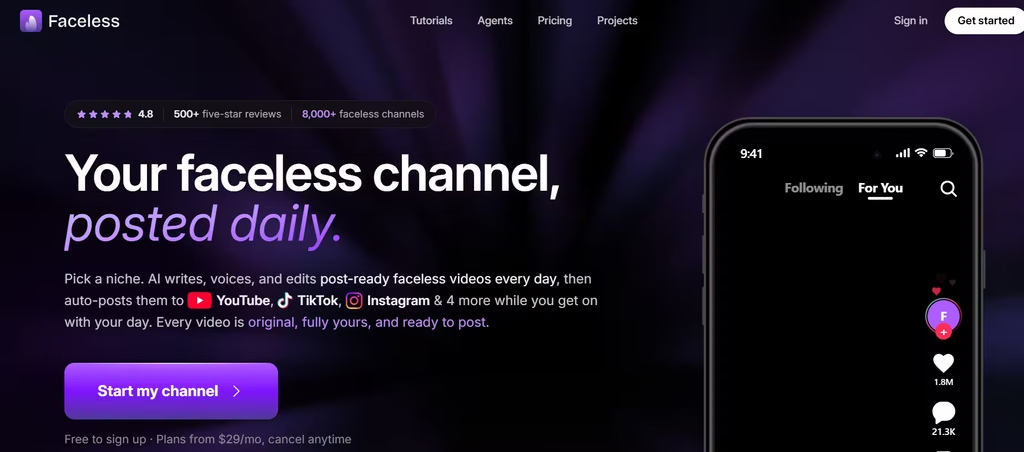
Faceless.so specializes in Reddit-story and narrated Shorts, with auto-posting across YouTube Shorts, TikTok, and Instagram from one dashboard. It uses Google’s Veo model for generated visuals and includes a character-consistency feature, so an AI character can appear across an entire series. A free tier exists, and paid plans scale with video volume.
10. Fliki
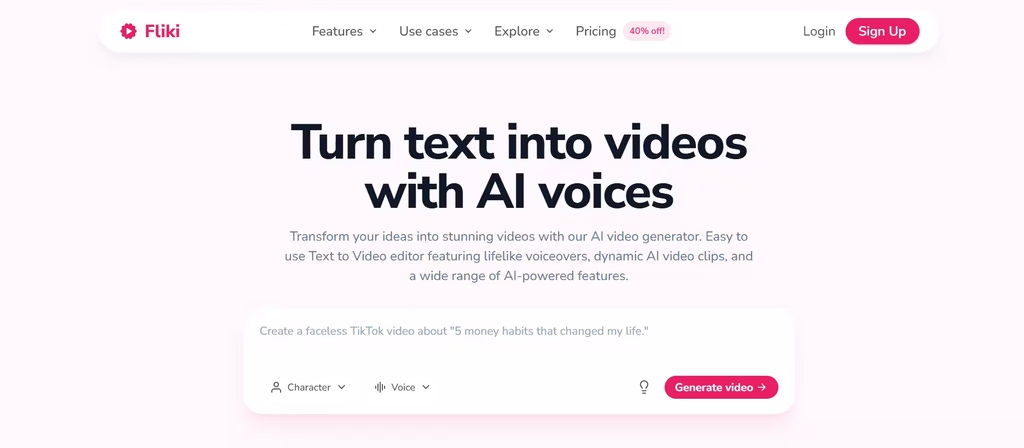
Fliki promises a lot: a script in, a narrated video out, using a voice library of over 1,000 voices across dozens of languages on paid plans.
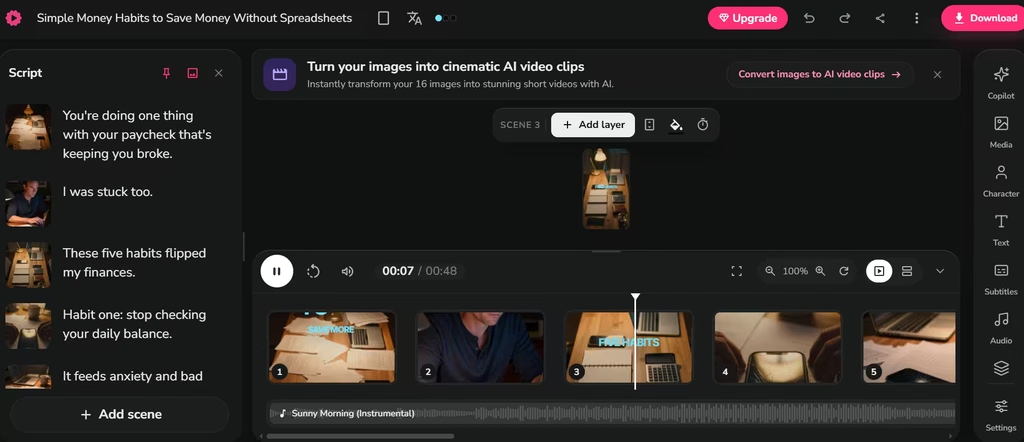
In my test, Fliki’s output felt too static; the slideshow format works for quotes but doesn’t suit storytelling Shorts. But what I found most beneficial was that Fliki had a video edit timeline to tweak the final outcome. That means that I wasn’t stuck with whatever the AI generated.
The free plan includes a watermark; Standard costs 21-28 monthly; Premium runs 66-88 monthly. Fliki’s accent range, particularly for non-English narration, tends to outperform competitors in this price bracket.
Choosing the Right Stack
No single tool covers scripting, voice, visuals, and posting perfectly. If you’re starting from zero budget, skip the automation-heavy tools first: use CapCut to edit and caption whatever footage or screen recordings you have, and pair it with ElevenLabs’ free tier for narration.
That combo costs nothing and forces you to learn your own workflow before you pay anyone to automate it. Once you’ve published 20 Shorts manually and know where the real bottleneck is, add a paid tool to fix that specific issue: OpusClip if editing is eating your week, ElevenLabs Creator if your voice sounds robotic- rather than subscribing to everything at once.
FAQs
1. Do I Need a Paid Plan to Start a Faceless Shorts Channel?
No. CapCut and the free tiers of OpusClip, Vizard, and AutoShorts.ai let you publish without spending a lot of money, though most carry watermarks or output limits until you upgrade.
2. Which Tool Works Best for Reddit-Story Shorts?
Faceless.so is built specifically around that format, with auto-posting to multiple platforms included.
3. Can These Tools Help Me Post Daily?
Yes. AutoShorts.ai and Faceless.so both offer scheduled, automated posting, so a channel can publish daily without manual uploads.
