

AI voice changers are AI tools that modify, adjust, or fully transform a human voice to make it sound deeper, clearer, more expressive, or even to sound like an entirely different human being.
They are currently a hot topic as users want higher quality audios, gamers want more engaging voices, content creators want clean voiceovers without studios, companies want fast and affordable narration.
Today, an AI voice changer can clone voices, remove background noise, adjust tone and emotion, and convert boring text into a natural voice in minutes.
This article breaks down the top AI voice changers you should know right now.
| Tool | Best For | Key Strength | Starting Price |
| ElevenLabs | Creators, developers, businesses | Hyper-realistic, emotional voices, voice cloning | $5/Month |
| Voicemod | Gamers, streamers | Fun, instant voice effects, easy to use | $5.99/Month |
| Voice.ai | Gamers, roleplayers, streamers | Realistic real-time voices, community library | $5/Month |
| Murf.ai | Content creators, businesses, educators | Professional studio-quality narration | $19/Month |
| Descript AI | Podcasters, video creators, teams | Voice cloning + full audio/video editing | $16/Month |
| Speechify | Students, professionals, readers | Converts text to natural-sounding speech | $29/Month |
| EaseUS Voicewave | Hobbyists, social media creators | Simple recording and voice effects | $14.95/Month |
| FineVoice | Creators, marketers, social media users | Voice changer + natural text-to-speech | $5/Month |
1. ElevenLabs
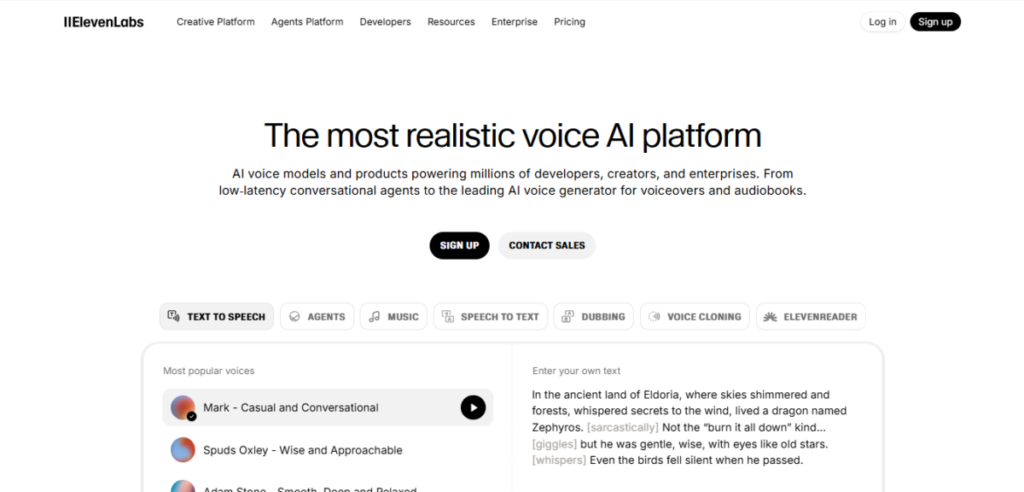
ElevenLabs is one of the most advanced AI voice changers on the market and you can tell once you hear the output.
The voices do not sound robotic or flat, but rather natural, expressive and human. It manages emotions like excitement, a calm voice, whispers, and dramatic pauses with unexpected precision.
Voice cloning is the real difference maker in ElevenLabs. A few audio clips are enough to make the AI recreate a voice that sounds very real. That is why content creators, developers, and businesses depend on it for voiceovers, audiobooks, and dubbing.
It has a free plan of 10,000 characters and paid plans that are priced to the maximum of $1,320 per month depending on the level of usage.
Key Features
- Emotional text-to-speech
- Voice cloning from short audio samples
- Over 1,000 AI voices across over 29 languages
- Developer-friendly APIs for apps, bots, and AI agents
- Studio tools for audiobooks, narration, and video dubbing
Pros and Cons
| Pros | Cons |
| Extremely realistic and emotional voices | Higher pricing on advanced plans |
| Powerful voice cloning from short clips | Not built mainly for live gaming |
| Supports many languages and accents | Free plan has limited characters |
| Clean interface and pro-level output | Can feel complex for beginners |
Best For
- Content creators
- Authors and publishers
- Developers building AI apps, agents, or chatbots
- Businesses
2. Murf.ai
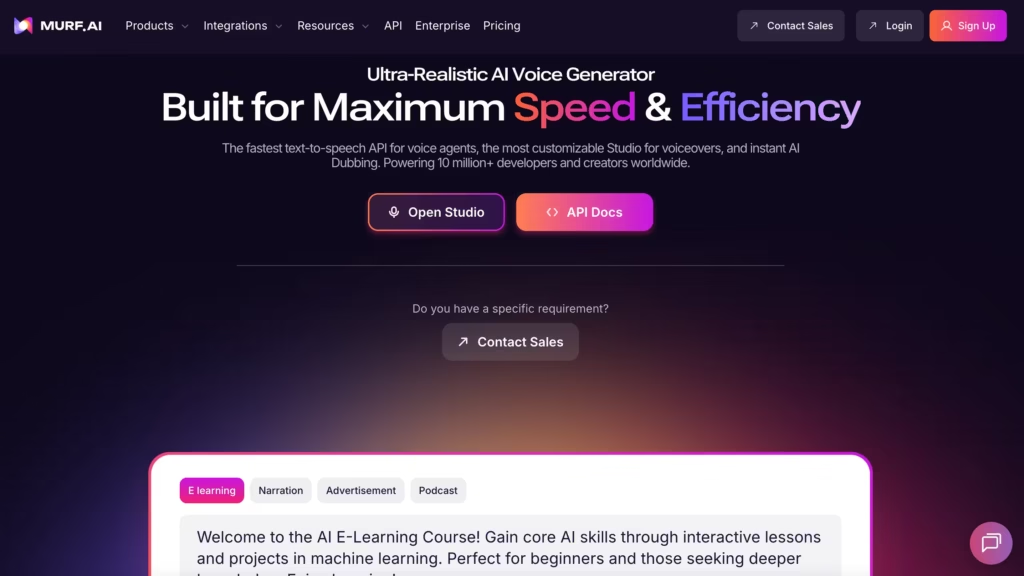
Murf.ai is one of the best AI voice changers built for polished, professional voiceovers rather than live voice effects.
Instead of changing your voice in real time, Murf lets you turn text into natural-sounding speech that’s clear, balanced, and ready to use in videos, ads, and presentations.
The platform focuses on quality and control. You can adjust tone, speed, emphasis, and pauses without touching complicated audio software.
That’s why Murf.ai is popular with businesses, educators, and content creators who want studio-level narration but not a studio or voice actor.
Key Features
- High-quality text-to-speech
- Voice customization for pitch, pace, and emphasis
- Over 120 voices across multiple languages and accents
- Built-in voice editing studio
- Easy integration with video and presentation tools
- Commercial usage rights on paid plans
Pros and Cons
| Pros | Cons |
| Very natural, professional voices | No real-time voice changing |
| Easy to edit and fine-tune audio | Limited free version |
| Great for business and education | Less variety in voice styles |
| Clean, beginner-friendly interface | Not ideal for gaming or live streams |
Best For
- Content creators
- Businesses and marketers creating ads and promos
- Educators and trainers
- Presentation creators
- Anyone who needs clean, professional AI narration
3. Voicemod
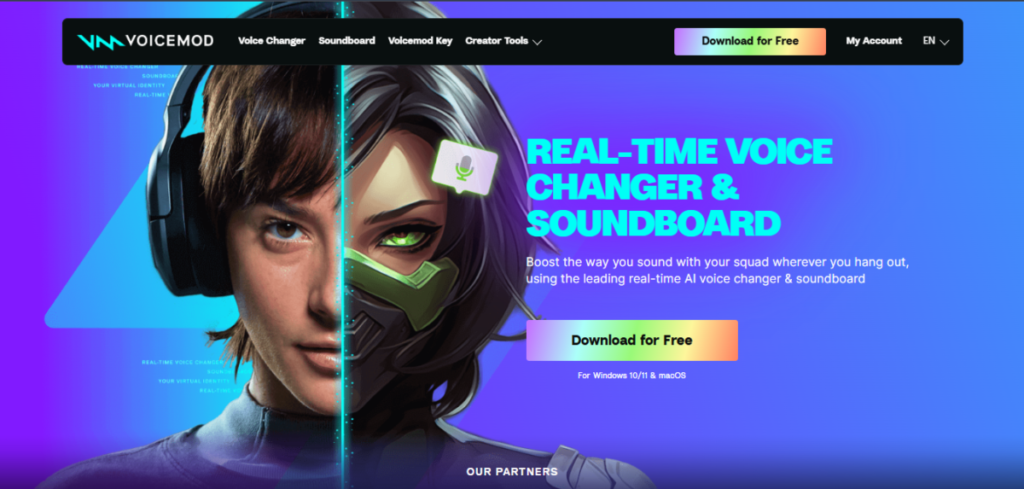
VoiceMod is one of the top AI voice changers created for fun, speed and live interaction.
Unlike tools that mainly focus on voiceovers, Voicemod shines when you want to change your voice while speaking.
A single click can make you sound robotic, deep, cartoonish, or altogether unreal. It’s perfect for gaming, streaming, and online chats.
The tool works seamlessly with platforms like Discord, Zoom, Twitch, and popular games. Setup is quick, and you don’t need technical expertise.
Key Features
- Real-time AI voice changing with zero noticeable delay
- Large library of voice effects and sound filters
- Soundboard for memes, sound effects, and reactions
- Works with Discord, Zoom, Twitch, OBS, and games
- Custom voice creation and effect mixing
Pros and Cons
| Pros | Cons |
| Real-time voice changes | Not designed for realistic voice cloning |
| Very easy to use | Limited features on the free plan |
| Great for gaming and streaming | Mostly focused on fun effects |
| Works with many apps and platforms | Not ideal for professional voiceovers |
Best For
- Gamers
- Streamers and VTubers
- Discord users and online communities
- Content creators
- Anyone who wants a fun, fast AI voice changer
4. Voice.ai
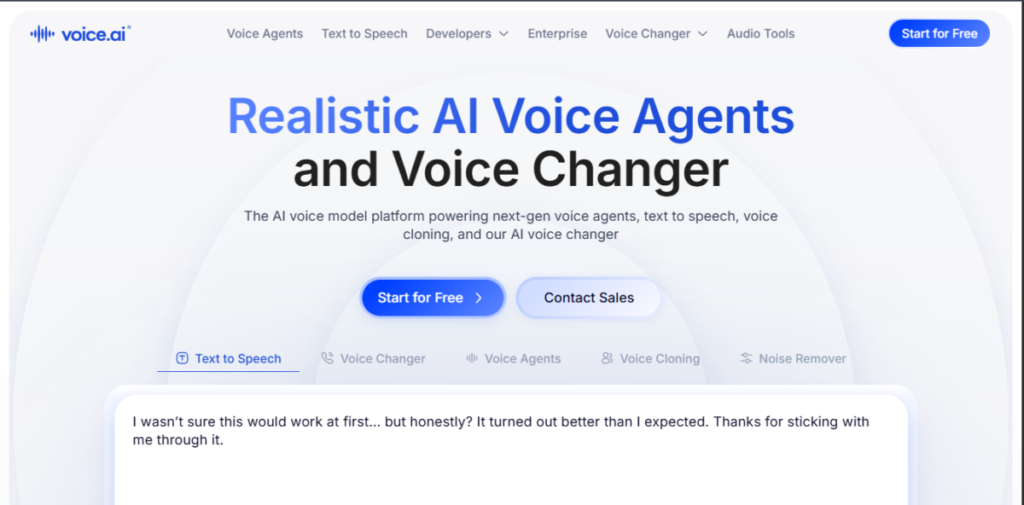
Voice.ai is a community-powered AI voice changer that focuses on real-time voice transformation using deep learning.
It allows you speak and instantly sound like a completely different person, character, or style, often with shockingly realistic results.
What makes voice.ai stand out is its massive voice library built by users.
Instead of only relying on preset effects, you can choose from thousands of AI-trained voices or train your own.
It’s especially popular among gamers, streamers, and roleplayers who want realism without studio-level complexity.
Key Features
- Community voice library with thousands of voices
- Ability to train and create custom voices
- Works with Discord, games, streaming tools, and chat apps
- Noise reduction and voice enhancement tools
- Runs locally for better control and privacy
Pros and Cons
| Pros | Cons |
| Very realistic real-time voices | Can be heavy on system resources |
| Huge community-driven voice library | Setup may take some time |
| Custom voice training option | Mostly Windows-focused |
| Great for roleplay and streaming | Not built for text-to-speech projects |
Best For
- Gamers and roleplayers
- Live streamers
- VTubers and online performers
- Creators
- Users who enjoy experimenting with community-made voices
5. Descript
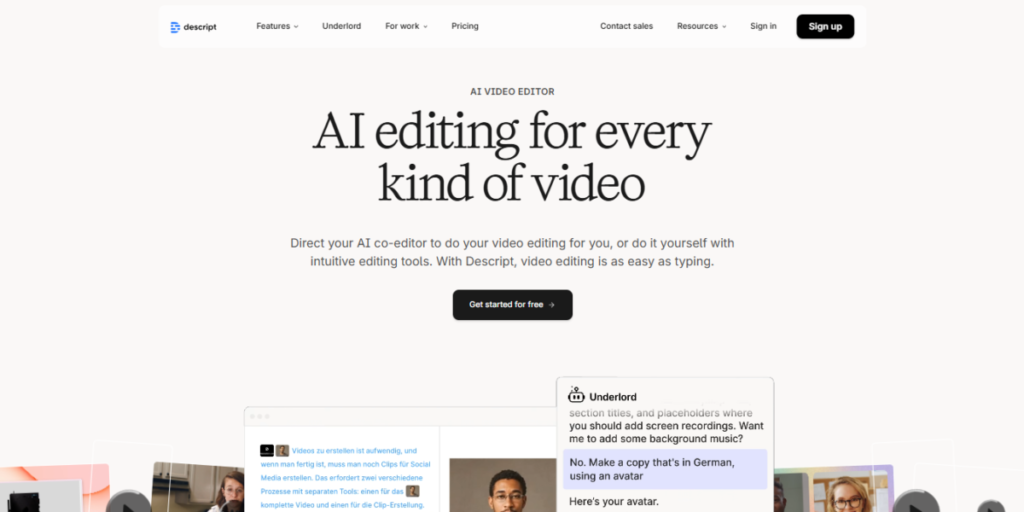
Descript AI is more than just an AI voice changer. It is a full audio and video editing platform with powerful voice tools built in.
Overdub is its main standout feature, which lets you create a realistic clone of your own voice or use AI voices to replace, edit, or generate speech from text.
This makes Descript perfect for creators who want to record, edit, and polish podcasts, video narrations, or presentations, all without juggling multiple apps.
Unlike live voice changers, Descript focuses on precision and control, giving you professional results with minimal effort.
Key Features
- Overdub AI voice cloning
- Text-to-speech for generating narration from scripts
- Multi-track audio and video editing
- Automatic transcription with editable text
- Noise reduction and audio cleanup
- Collaboration tools for teams and projects
Pros and Cons
| Pros | Cons |
| Accurate voice cloning | Not a real-time voice changer |
| Full audio/video editing suite | Can be overwhelming for beginners |
| Clean, professional output | Paid plan needed for Overdub |
| Automatic transcription saves time | Limited voice library compared to dedicated AI voice apps |
Best For
- Podcasters and video creators
- Content teams and collaborators
- Educators and online course creators
- Anyone needing scripted voiceovers with precise editing
6. Speechify
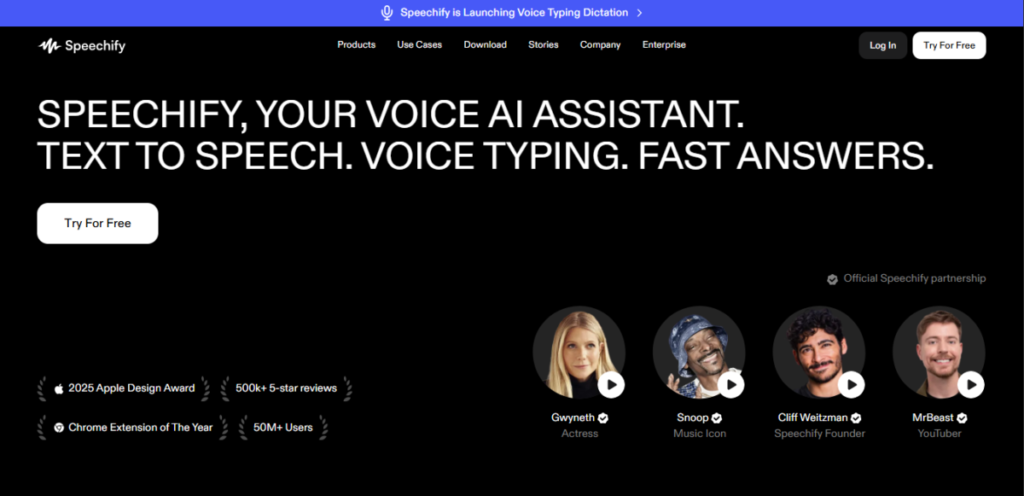
Speechify is an AI voice changer designed to turn text into natural-sounding speech quickly and easily.
Speechify focuses on reading and listening, making it perfect for students, professionals, and anyone who wants to consume written content hands-free.
With Speechify, you can listen to documents, articles, eBooks, or web pages in human-like voices across multiple languages.
It’s fast, accessible, and works on phones, tablets, and desktops, so your AI voice assistant is always ready to read aloud.
Key Features
- Text-to-speech with natural-sounding AI voices
- Adjustable speed, pitch, and voice style
- Supports multiple languages and accents
- Works with PDFs, eBooks, web pages, and documents
- Mobile and desktop apps for on-the-go listening
- Offline reading on premium plans
Pros and Cons
| Pros | Cons |
| Very easy to use | Limited real-time voice-changing capabilities |
| Supports multiple platforms | Free version has fewer voices |
| Great for reading and learning | Not for gaming or streaming |
| Adjustable voice speed and tone | No voice cloning feature |
Best For
- Students and learners who want text read aloud
- Professionals needing quick audio summaries
- E-book and article readers
- Anyone who prefers listening over reading
- Users looking for a simple AI voice assistant
7. Ease US Voicewave
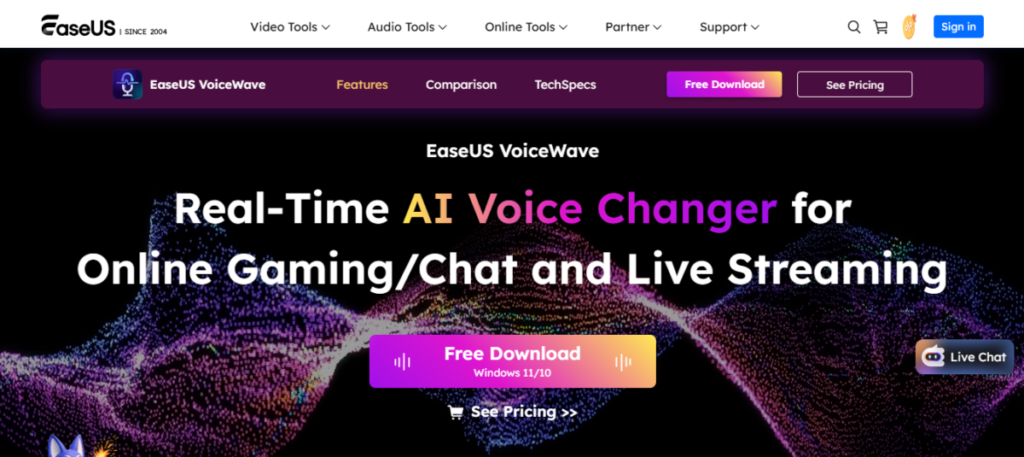
EaseUS Voicewave is a user-friendly AI voice changer built for quick recordings and easy voice edits.
It’s not as advanced as other tools, but it’s perfect for casual creators, hobbyists, and anyone who wants to experiment with AI voices.
With Voicewave, you can record your voice, apply AI effects, and tweak the tone or pitch in just a few clicks.
It’s simple and works well for social media clips, casual podcasts, or just having fun with voice transformations, making it one of the top AI voice changers to check out.
Key Features
- Simple AI voice changing with adjustable pitch and tone
- Quick voice recording and editing
- Supports multiple voice effects
- Export audio in common formats like MP3 and WAV
- Lightweight and beginner-friendly interface
- Perfect for short clips and social media content
Pros and Cons
| Pros | Cons |
| Very easy to use | Limited advanced features |
| Quick recordings and edits | Less realistic voices than premium tools |
| Lightweight and fast | No real-time voice transformation |
| Ideal for casual content | Small voice library |
Best For
- Hobbyists
- Social media creators making short clips
- Casual podcasters
- Anyone who wants a fast, simple voice changer
- Beginners who are just exploring AI voice technology
8. FineVoice
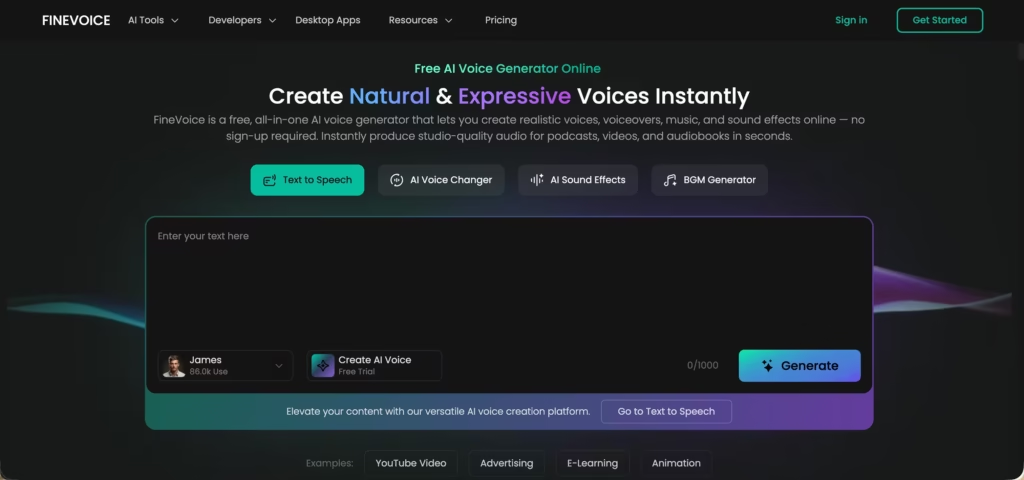
FineVoice is an AI voice changer designed for creators who want both voice transformation and high-quality narration in one tool.
Unlike tools that focus only on real-time effects or only on text-to-speech, FineVoice combines both. You can change your voice, enhance recordings, or turn text into natural-sounding speech without switching platforms.
It’s especially useful for content creators, YouTubers, and marketers who need clean voiceovers quickly but still want flexibility to experiment with tone and style.
Key Features
- High-quality text-to-speech with natural voices
- Real-time and post-processing voice changing
- Voice effects and customization (pitch, tone, style)
- Background noise removal and audio enhancement
- Supports multiple languages and voice styles
- Fast voice generation for videos, ads, and content
Pros and Cons
| Pros | Cons |
| Natural-sounding voice output | Less known than top-tier competitors |
| Combines voice changer + TTS | Advanced features may require paid plan |
| Easy to use for beginners | Smaller voice library than some tools |
| Good for both fun and professional use | Not as specialized for live gaming |
Best For
- Content creators and YouTubers
- Marketers creating ads and voiceovers
- Social media creators
- Anyone who wants to turn text into natural voice
- Users looking for a flexible all-in-one AI voice tool
Bottom Line
There’s no single “best” AI voice changer. There’s only the one that fits what you’re trying to do.
If realism matters most, tools like ElevenLabs stand out with voices that sound genuinely human. If you want fun, instant voice changes for gaming or streaming, Voicemod and voice.ai shine.
For polished narration and professional work, Murf.ai and Descript make studio-quality audio feel easy. And if your goal is listening, learning, or quick text-to-speech, Speechify does the job without friction. For casual creators, EaseUS Voicewave keeps things simple.
The real win with AI voice changers isn’t sounding perfect. It’s speed, flexibility, and freedom. You can test ideas faster, create content without a studio, and experiment without pressure.
Pick based on your goal – live fun, clean narration, or everyday productivity. Once you do, you’ll wonder how you ever worked without one.
