

Even though popular chatbots such as ChatGPT, Gemini, and Claude seem like everyone’s go-to tool, many want alternatives. Sometimes the driving factor is the desire for privacy, regional inclusivity, or special capabilities.
Whatever the reason, there are high-performing, free AI chatbots that deliver on their promises. This article compiles a list of such tools, along with their features, pros, and cons.
Also read: AI Like ChatGPT: Best ChatGPT Alternatives
1. Perplexity
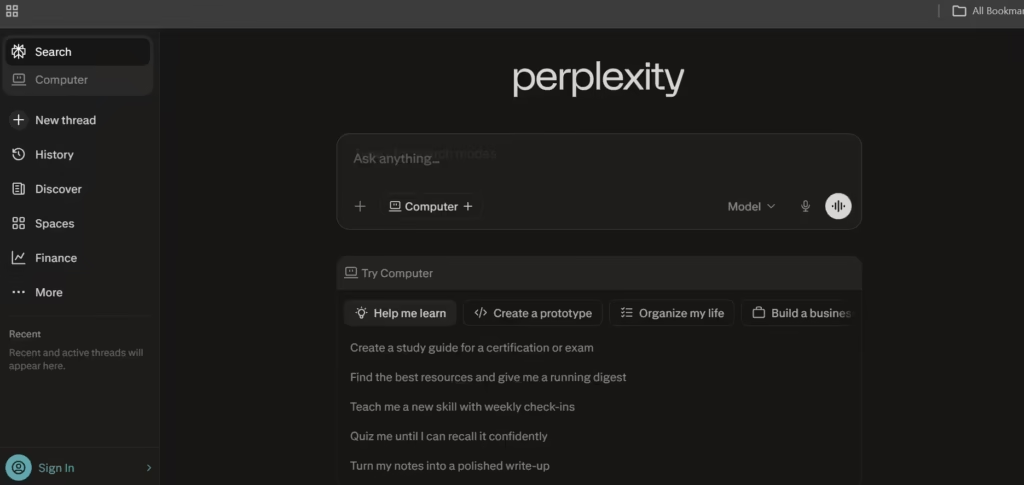
Perplexity AI is an “answer engine.” It’s a combination of conversational AI conversation, live web search, coupled with automatic source citations in nearly every response.
Perplexity’s answers are structured with references and up-to-date, reliable information. The ideal use case is research and fact-based writing.
Features
- Blends conversational AI with live web search to generate relevant and updated answers, which are accompanied by cited sources.
- Includes a dedicated “Pro Search” mode that executes multi-step research queries that pull from multiple sources.
- Enables users to switch between multiple premium AI models (e.g., GPT and Claude) within a single interface.
- Can receive document and image uploads for contextual Q&A tied to external content.
Pros
- Assists with fact-checking and research by including source citations in nearly every answer.
- Continuously pulls from live web data to provide updated information.
- Its interface is simple and minimalistic, and places information retrieval over conversational fluff.
- Its ideal use cases are knowledge-heavy tasks like market research, news tracking, and academic queries.
Cons
- Relies heavily on search results, which can limit creativity or depth in purely generative tasks.
- Has limited workflow automation and integration capabilities beyond Q&A-style interactions.
- Can struggle with complex tasks like coding or long-form reasoning compared to specialized AI tools (user feedback).
- The interface and feature set can feel inconsistent due to frequent updates and experimental additions (user feedback).
2. Poe
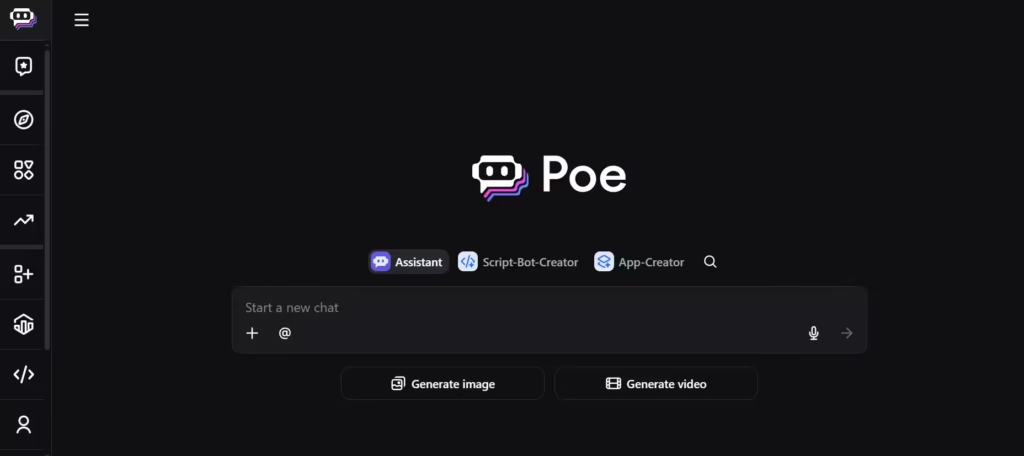
Poe is a multi-model chatbot platform that lets users chat with many different AI models (like GPT, Claude, etc.) in one interface. It takes personalization a step further by curating custom bots based on user instructions.
Poe is flexible and experimental enough to generate and compare responses from different models to fish out the best use case option.
Features
- Aggregates 100+ AI models (including GPT, Claude, and others) into a single unified chat interface.
- Enables users to create custom bots with no-code tools, including personality, instructions, and knowledge bases.
- Supports multi-bot conversations where several AI models can respond within the same thread.
- It has a creator system where users can publish and monetize their custom bots.
Pros
- Poe is flexible and lets users compare outputs from multiple leading AI models side-by-side.
- Eliminates the need for multiple subscriptions by bundling many premium models into one platform.
- Poe’s bot-building tools make advanced AI customization accessible without coding.
- There’s cross-platform syncing; therefore, conversations and bots are accessible across devices.
Cons
- Uses a point-based usage system that can be confusing and hard to predict.
- Performance and output quality can vary depending on which underlying model is selected.
- Free and lower-tier plans impose strict usage limits that restrict heavy experimentation.
- The quality of community-created bots is inconsistent and requires users to filter through options.
3. Le Chat
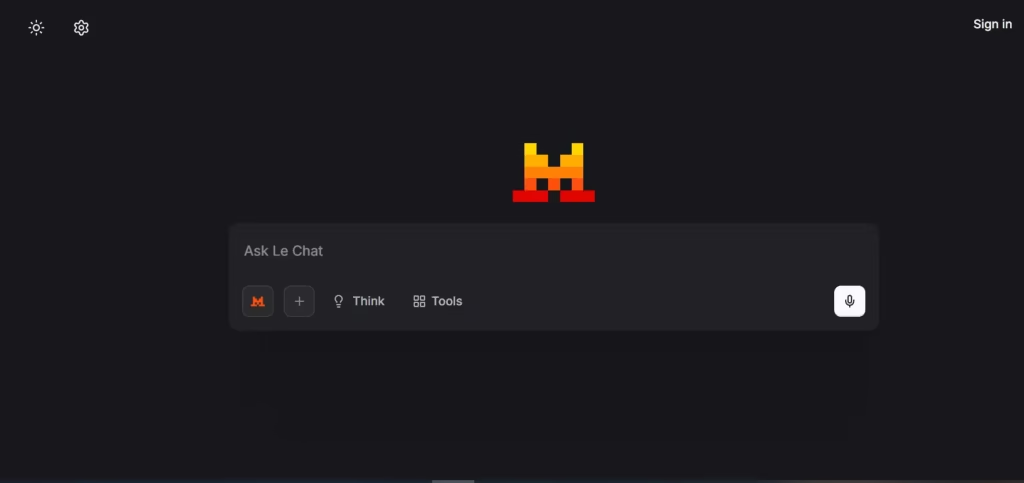
Le Chat is a fast, multilingual general-purpose chatbot powered by Mistral’s open-weight models.
At approximately 1,000 words per second, its speed is almost unmatched. It is positioned as an alternative to US-based AI tools, which don’t follow European data protection regulations.
Features
- Acts as a conversational interface for Mistral’s open-weight models like Mistral Large and Mixtral.
- Uses a tunable moderation system that warns users about sensitive content without aggressively blocking responses.
- Supports multilingual interaction for European languages, especially.
- Integrates with Mistral’s system of models for coding, reasoning, and multimodal tasks.
Pros
- It provides privacy guarantees and GDPR-compliant data handling due to its European infrastructure.
- Features open-weight models that developers can customize or self-host for full control.
- Delivers very fast inference speeds compared to many competing chatbots.
- Maintains a strong price-to-performance ratio, especially for API and enterprise use.
Cons
- Has a smaller system and fewer integrations compared to major competitors like OpenAI tools.
- The Le Chat interface is still developing and lacks advanced features.
- Lower brand recognition and adoption can limit community resources and support.
- May require more technical setup or fine-tuning to match the performance of closed, proprietary models.
4. Kimi
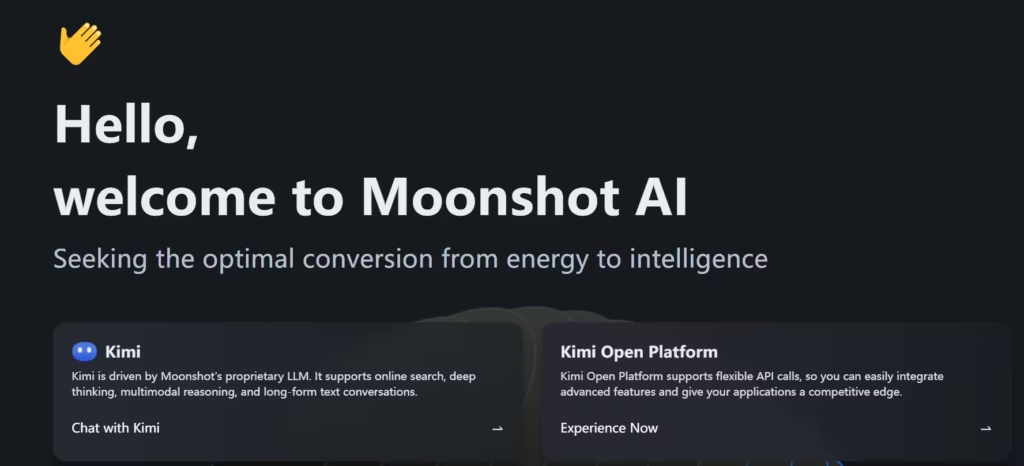
Kimi (Moonshot AI) is a chatbot with an extremely large context window for processing very long documents and conversations.
Therefore, it’s very adept at sorting through long reports, books, research papers, and large codebases (hundreds of thousands to millions of characters).
Features
- Has an extremely large context window capable of processing hundreds of thousands to millions of characters in a single prompt.
- Includes agentic automation that can generate full outputs like websites, slides, and documents from prompts.
- Uses an “Agent Swarm” system where multiple AI agents can work on complex tasks simultaneously.
- Provides strong multimodal processing that cuts across text, images, audio, and video understanding and generation.
- Can perform multi-step reasoning and execute long chains of tool calls autonomously for complex tasks.
Pros
- Its extremely large context window makes it efficient for analyzing long documents, datasets, and codebases.
- Agent automation enables it to complete tasks and deliver finished files rather than just text responses.
- Developers can download, modify, and build on the models because they’re open-source.
- Kimi performs very well in coding and reasoning benchmarks compared to many models.
- It can handle long-horizon reasoning and multi-step problem solving.
Cons
- Its popularity outside China is lower, so Kimi’s integrations are smaller than those of major U.S.-based AI tools.
- Some advanced features require technical knowledge to use effectively.
- Large agent workflows can be slower than simple chatbot responses.
- Occasional outages have occurred due to high user demand.
- Its open-source models may require significant computing resources to run locally.
5. HuggingChat
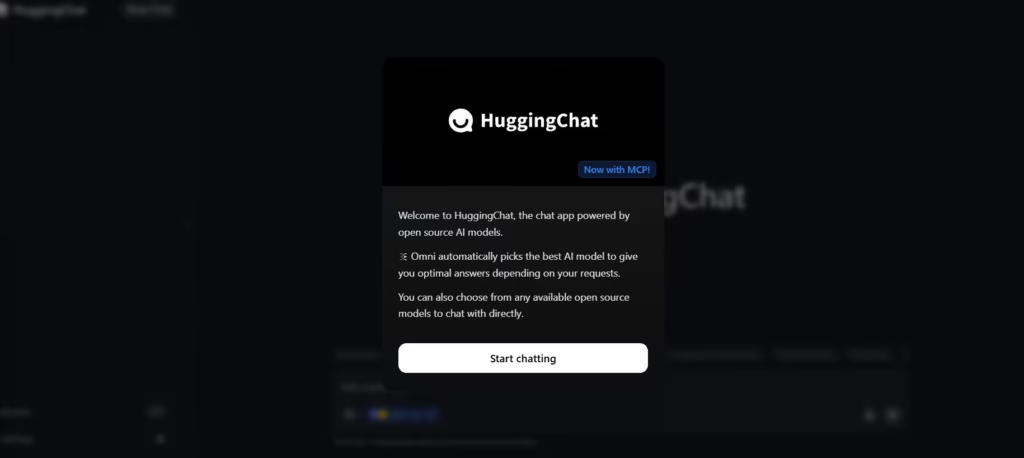
HuggingChat can be summed up as “the best way to use pure, uncurated open-source models for free.”
It encourages experimentation and permits users to interact with community-built models like LLaMA or Mistral. Users also get to create and share custom chatbots. This makes it appealing to researchers and developers.
Features
- Gives access to over 100 open-source AI models from multiple providers in one interface.
- Uses an automatic model routing system (Omni) that selects the best model for each prompt.
- Permits users to run models locally and deploy their own versions because the platform is open source.
- Allows integration with community tools and custom scripts through Hugging Face tools and spaces.
- Offers multilingual support and coding assistance using various open-source models.
Pros
- Completely open-source platform, and therefore, permits customization and self-hosting.
- Access to many different models makes it ideal for testing and comparing open AI models.
- Automatic model routing reduces the need to manually select models for different tasks.
- Its strong integration with the Hugging Face ecosystem makes room for AI development and experimentation.
- Free access to many open models.
Cons
- Open-source models often perform worse than top proprietary models in complex reasoning tasks.
- Performance and speed can vary depending on which model is selected.
- Interface and user experience are less polished than commercial AI platforms.
- Some models may have reliability or output quality inconsistencies.
- Requires technical knowledge to fully use certain advanced features like local deployment.
6. Humata AI

Humata AI is a dedicated chatbot that serves as a document AI assistant. Its capabilities include reading, summarizing, and answering questions about uploaded files (PDFs, research papers, contracts, and reports).
Answers are accompanied by citations pointing directly to the source text inside the document. This makes it very handy for research/academic tasks.
Features
- Allows users to upload documents and ask questions directly about the contents of those files.
- Can summarize long PDFs, research papers, and reports.
- Performs document comparison to find similarities and differences between files.
- Extracts specific data such as tables, numbers, and key information from documents.
- Provides answers with citations pointing to the exact location in the document.
Pros
- Saves significant time when reviewing long documents and research papers.
- Useful for academic, legal, and business document analysis workflows.
- Citation-based answers help with traceability and fact-checking
- Permits multiple document uploads for batch research and analysis.
- It has strong security and encrypted document storage for sensitive files.
Cons
- Works best with PDFs and text documents and has limited OCR for scanned files.
- Advanced features and large document usage often require paid plans.
- Accuracy can drop with highly technical or complex documents.
- Not designed for creative writing or general chatbot tasks.
- Costs can increase if documents are frequently re-uploaded or processed.
7. Duck.ai
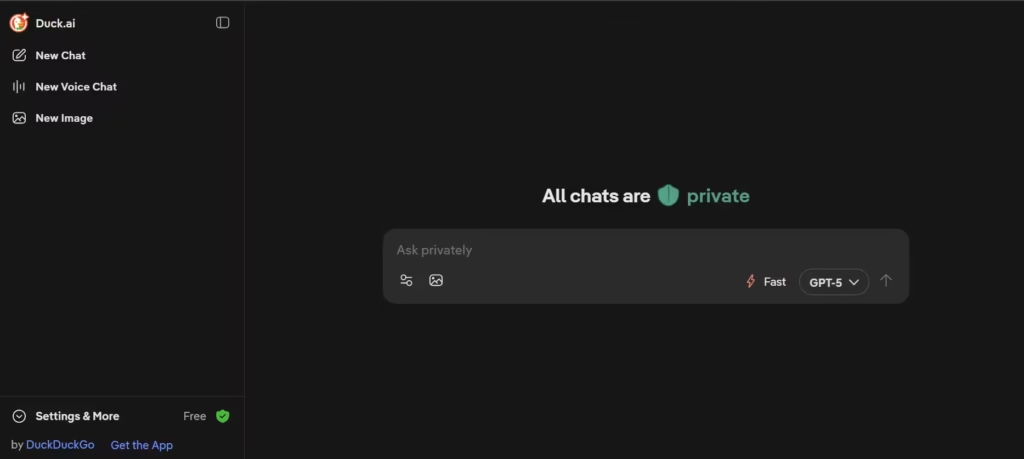
Duck.ai is a privacy-first chatbot that provides access to multiple underlying AI models. Its users get to chat anonymously without an account and without being tracked.
The conversations are also protected and are not used for training. However, anonymity comes with a tradeoff: Duck.ai is minimal and performs basic tasks such as answering questions.
Features
- Provides anonymous access to AI models (GPT, Claude, Llama, and Mistral) through one interface.
- Stores chat history locally on the device instead of on company servers for privacy.
- Includes an optional encrypted voice chat where audio is not stored after conversations end.
- It can perform AI image generation directly from the DuckDuckGo website.
- Integrates AI chat directly into DuckDuckGo search so users can ask follow-up questions from search results.
Pros
- Extremely strong privacy protection because chats are anonymized and not used for AI training.
- Completely free to use without creating an account.
- Allows users to switch between different AI models to compare responses.
- Works directly inside a search engine and makes research and follow-up questions easier.
- Local chat storage gives users control over deleting conversations instantly.
Cons
- Free users often get access to older and smaller AI models compared to direct subscriptions.
- Duck.ai has fewer advanced tools compared to productivity tools.
- Conversations do not persist across sessions like AI assistants with running memory.
- Daily usage limits restrict free use.
- Response quality can vary depending on which underlying model is selected.
8. Pi.ai
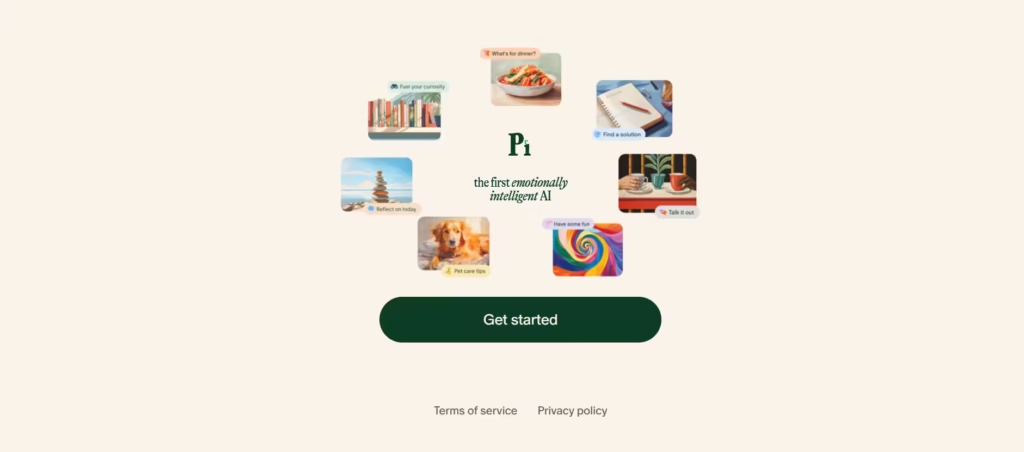
Pi is an emotionally intelligent conversational AI that provides supportive, empathetic conversations.
It is often used for reflection, journaling, and talking through ideas and personal problems, just like a diary. Pi is unlike the average chatbot, which has been programmed to serve as a work assistant/research tool.
Features
- Provides support and social interaction through emotionally intelligent conversations.
- Can make natural voice conversations via multiple voice personalities and emotional tone.
- Remembers previous conversations and user preferences to personalize future chats.
- Available through web, mobile apps, and messaging platforms like SMS.
- Programmed to be a personal companion for reflection, coaching, and discussion rather than productivity tasks.
Pros
- Very natural conversational style with empathetic questions and responses that feel human.
- Remembers details from conversations and can engage in continued discussions.
- Voice interaction is more conversational and emotional than most AI chatbots.
- Completely free with no subscription required for core features.
- Particularly useful for journaling, decision-making, and personal reflection conversations.
Cons
- Cannot browse the internet or provide live updates.
- Does not support file uploads, PDFs, and document analysis.
- Weaker at coding, math, and technical tasks compared to other AI chatbots.
- Limited integrations and productivity features.
- Designed mainly for conversation, so it is not ideal for research and professional tasks.
9. Brave Leo
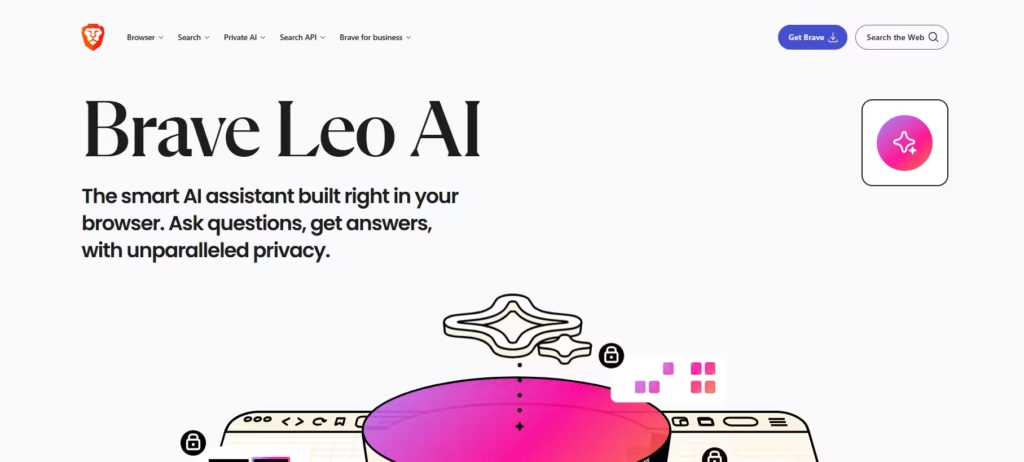
Brave Leo is a private AI assistant embedded in the Brave browser. Its functions are similar to most chatbots; Brave Leo summarizes webpages, analyzes documents, translates content, and interacts with multiple open tabs, but with the assurance of privacy.
Therefore, Leo does not store chats, does not require an account, and does not use conversations for training.
Features
- Built directly into the Brave browser and can summarize webpages without leaving the tab.
- Can analyze PDFs, Google Docs, spreadsheets, and multiple open tabs in one conversation.
- It lets users bring their own AI models and connect external APIs through the browser.
- Uses Brave Search to provide up-to-date answers and web summaries.
- Integrates with Brave Talk to summarize meetings and generate task lists from calls.
Pros
- Fully integrated into the browser, making it useful for reading, research, and web summaries.
- Brave has strong privacy protections because chats are not stored or used for training.
- Can work across multiple tabs and documents in one conversation context.
- The Bring-Your-Own-Model feature gives advanced users more control over AI usage.
Cons
- It is only available inside the Brave browser, so it cannot be used as a standalone chatbot.
- AI responses may still contain inaccuracies and, therefore, require fact-checking.
- Some advanced models and higher usage limits require a premium subscription.
- Performance depends partly on Brave Search rather than full web browsing capabilities.
Also read: Top 8 AI Assistants You Should Know
A Chatbot per Use Case
What this list really shows is that AI assistance is no longer dominated by one or two chatbots. Instead, the AI technology is becoming fragmented, and each has a niche focus (browser integration, privacy, etc.).
Rather than replacing each other, many of these tools are starting to fill specific use cases. This means users may end up using multiple AI assistants instead of just one. And that’s a good way to get the best of what AI has to offer
