
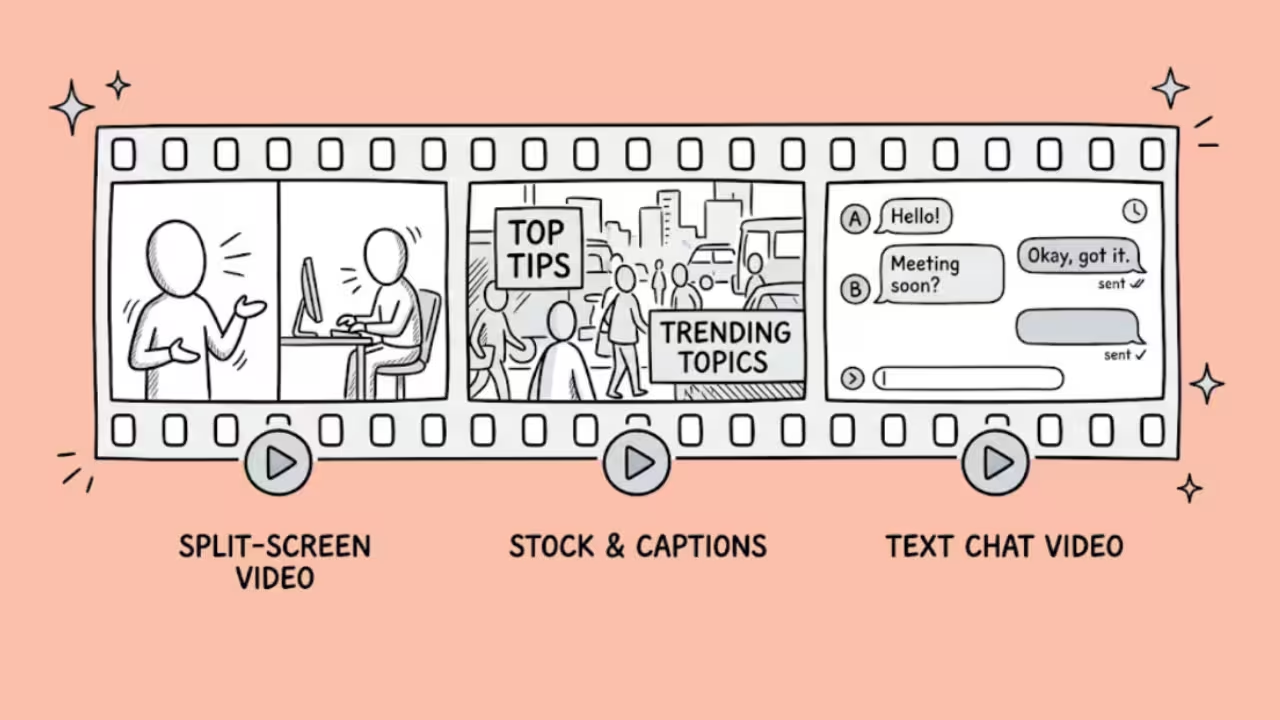

A Wava AI alternative is any AI-powered platform that creates faceless short-form videos (TikToks, Reels, YouTube Shorts) from scripts, prompts, or existing content without requiring you to appear on camera.
Wava AI popularized the split-screen format with AI voiceover, but the market has moved fast and several tools now produce better output at lower cost, including completely free options.
After testing seven alternatives head-to-head against Wava AI across my own faceless channels (finance explainers, Reddit story narrations, and motivational content), I can say this: Wava AI gets you roughly 70 to 80 percent of the way to a finished video.
The remaining 20 to 30 percent usually needs a second pass in another editor. The alternatives on this list either close that gap or eliminate it entirely.
Why Are People Looking for Wava AI Alternatives?
Four issues keep coming up in community discussions and reviews:
The output needs a second edit. Wava produces a solid first draft, but timing, transitions, and text placements frequently need manual cleanup. Rumour has it most creators still run Wava output through CapCut before publishing.
Pricing feels steep for what you get. The Basic plan at $19/month gives you 30 videos. That is roughly $0.63 per video for content that still needs post-production work. Free tools like CapCut produce comparable quality with more editing control.
Voice mispronunciations persist. Wava uses ElevenLabs for voiceover, and the voices sound clean. But niche terms, unusual names, and technical vocabulary still trigger mispronunciations that require re-recording or manual fixes.
No built-in analytics or scheduling. Wava creates videos. It does not publish, schedule, or track performance. Competitors like Pippit AI and InVideo now handle the full pipeline from creation to analytics.
The 7 Best Wava AI Alternatives
1. CapCut – Best free alternative
2. InVideo AI – Best for prompt-to-video without editing
3. Opus Clip – Best for repurposing long content into shorts
4. Pictory – Best for turning written content into video
5. Clippie AI – Best for TikTok text stories and Reddit narrations
6. Fliki – Best for multilingual voiceover
7. Synthesia – Best for professional-grade faceless content
1. CapCut: Best Free Wava AI Alternative
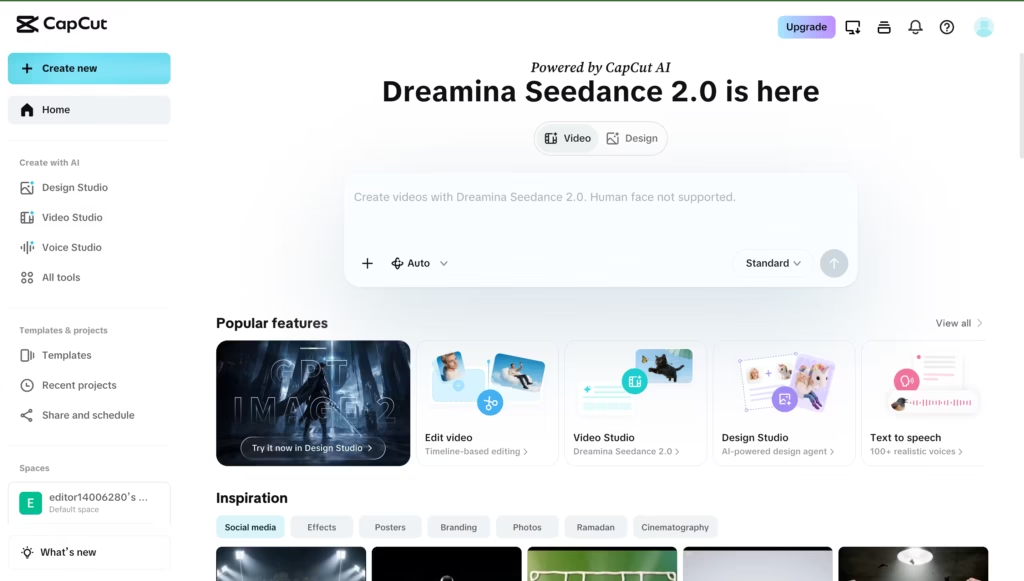
CapCut is the strongest free alternative to Wava AI and the tool most creators already use to polish Wava’s output anyway.
It offers a complete video editor with AI-powered features: script-to-video generation, auto-captions, AI voiceover, background removal, and templates optimized for every short-form format.
The free tier includes no watermark on desktop exports, which is rare. CapCut is built by ByteDance (the same company behind TikTok), so the templates and aspect ratios are natively optimized for the platforms where faceless content performs best.
In my testing, CapCut required more manual effort than Wava to produce a finished video from scratch. But the quality ceiling was significantly higher because you control every cut, transition, and text placement.
For creators willing to spend 15 to 20 minutes instead of 5 minutes per video, CapCut produces better results at zero cost.
Best for: Creators who want full editing control at no cost.
Starting Price: $19.99/month.
2. InVideo AI: Best for Prompt-to-Video Without Editing
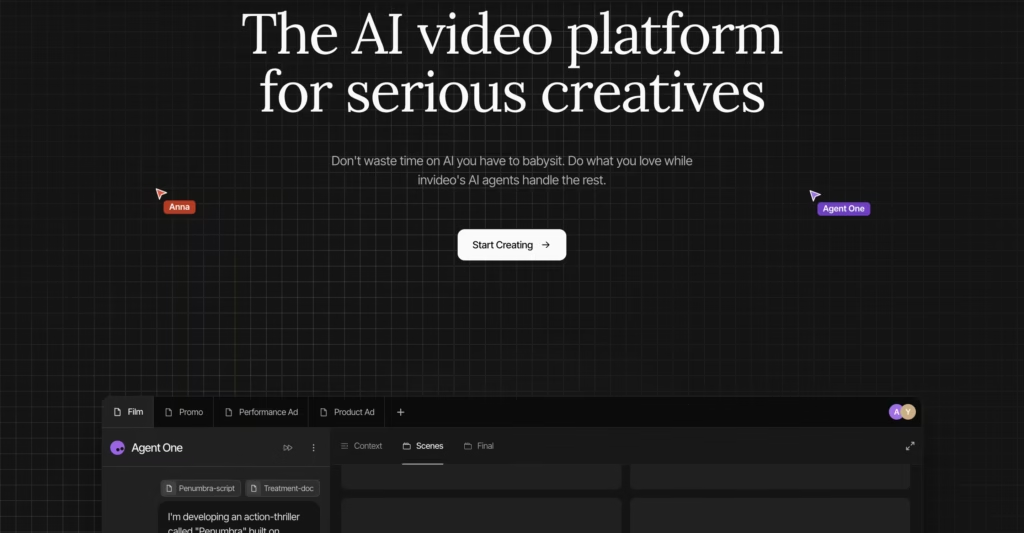
InVideo AI is that Wava AI alternative that takes the opposite approach from CapCut.
You describe the video you want in plain English, and InVideo assembles the entire thing: script, stock footage, voiceover, captions, music, and transitions. No timeline, no editing. You review and request changes through a chat interface called the Magic Box.
For someone migrating from Wava specifically because they do not want to edit, InVideo is the closest match in workflow but with noticeably better output quality.
InVideo integrates Sora 2 Pro and Veo 3.1 for AI-generated visuals and pulls from a 16 million asset stock library. The voiceover supports 50+ languages.
The free plan gives you 10 AI minutes per week with a watermark. The Plus plan at $20/month removes the watermark and adds commercial rights.
Best for: Creators who want finished videos from a text prompt with zero editing.
Starting Price: $20/month.
3. Opus Clip: Best for Turning Long Videos Into Faceless Shorts
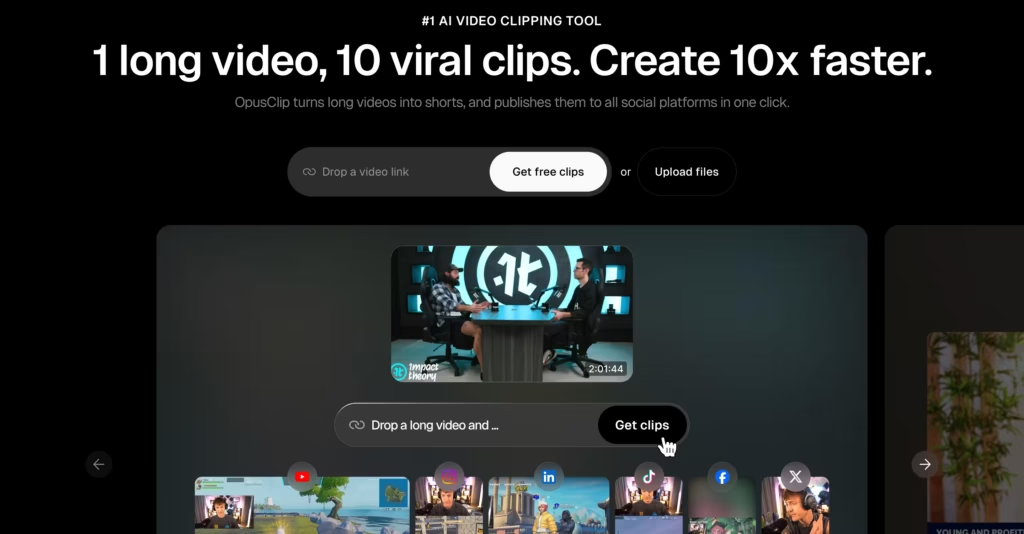
Opus Clip solves a different problem than Wava. Instead of generating videos from scripts, it takes existing long-form content (YouTube videos, podcasts, webinars, live streams) and automatically extracts the most engaging moments as short-form clips.
The AI scores each clip for “virality” based on engagement patterns.
If you already produce long-form content and want to repurpose it into faceless shorts, Opus Clip eliminates the manual clipping process entirely.
I fed it a 45-minute YouTube video and it produced 12 clips in under 3 minutes, ranked by predicted engagement. 8 of them were genuinely usable.
The free plan gives you 10 clips per month. The Starter plan at $15/month gives you 100 clips.
Best for: Creators repurposing long-form content into short-form clips.
Starting Price: $15/month
4. Pictory: Best for Turning Written Content Into Faceless Videos
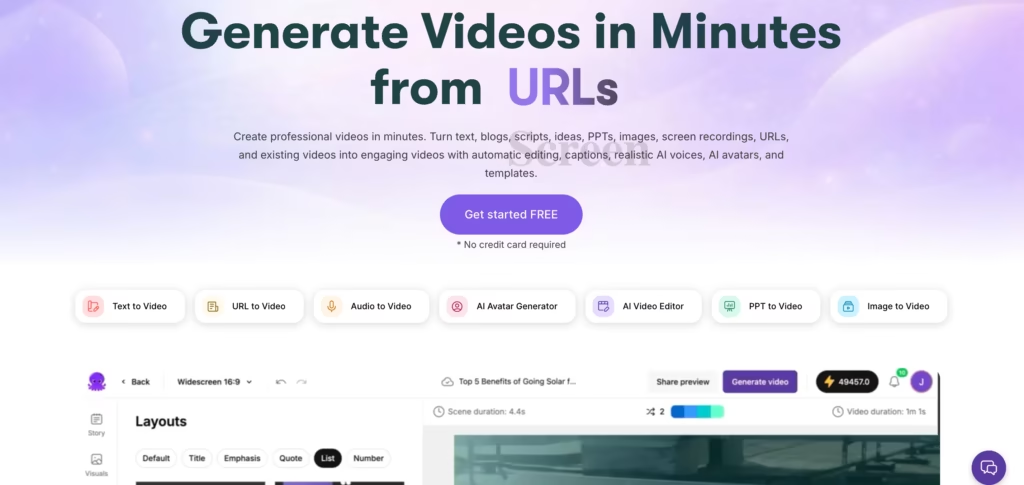
Pictory converts blog posts, articles, scripts, and text content into videos with AI-selected stock footage, voiceover, captions, and music.
If your content pipeline starts with written content (and for many faceless channels, it does), Pictory removes the translation step between “I have a script” and “I have a video.”
The AI selects visuals that match each sentence of your script, which saves the manual stock footage search that eats time in other tools.
In my testing, the visual matching was accurate about 75% of the time. The other 25% needed manual swaps, but starting from 75% correct is significantly faster than starting from scratch.
Best for: Bloggers, writers, and educators converting written content into video.
Starting Price: $29/month
5. Clippie AI: Best for TikTok Text Story and Reddit Story Videos
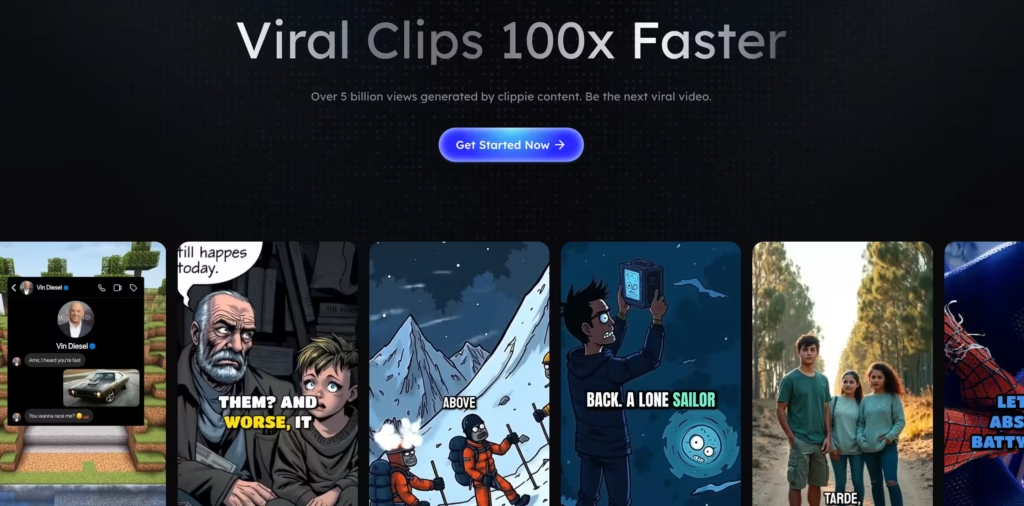
Clippie AI is purpose-built for the specific faceless video formats that dominate TikTok: fake text conversations, Reddit story narrations, and AI-generated skit videos. If those are the formats you produce, Clippie is more specialized than Wava.
The platform claims a fully automated 4-step creation system from script to export, with built-in voiceover and background audio. It also includes a monetization toolkit with an affiliate system, which Wava does not offer.
Clippie’s own benchmark claims an average production time of 5 to 9 minutes per video versus 18 to 28 minutes for the same output on Wava.
I could not independently verify those exact numbers, but in my testing, Clippie was noticeably faster for text story formats specifically, making it one of the top Wava AI alternatives to check out.
Best for: Creators focused on TikTok text stories and Reddit narration videos.
Starting Price: $19.99/month
6. Fliki: Best for Voiceover-Driven Faceless Content
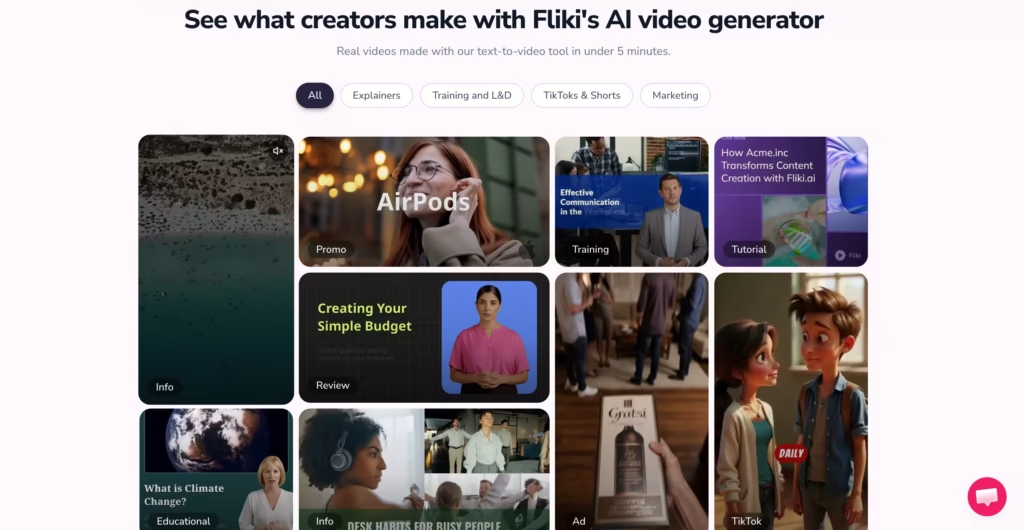
Fliki offers 2,500+ AI voices in 80+ languages and 100+ dialects, which is the largest voice library on this list.
If your faceless channel depends on voiceover quality and multilingual reach, Fliki provides options that Wava (limited to ElevenLabs voices) cannot match.
The workflow is similar to Wava: paste a script, select a voice, choose visuals, and generate. But the voice variety and language coverage are in a different league.
For creators running faceless channels in non-English languages, Fliki removes the “the AI voice sounds weird in my language” problem that plagues most competitors.
Best for: Multilingual faceless channels and voiceover-heavy content.
Starting Price: $28/month.
7. Synthesia: Best for Professional Faceless Content with AI Avatars
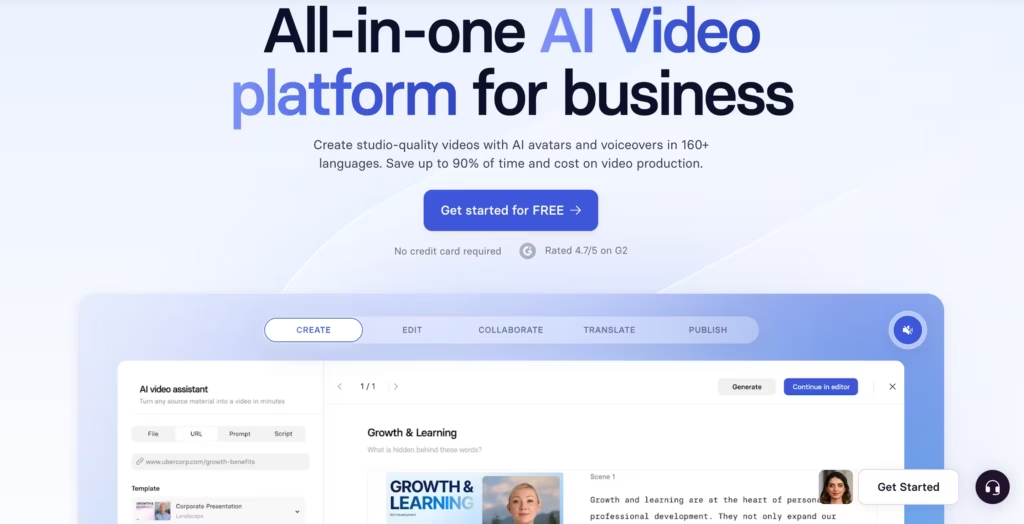
Synthesia is the premium option on this list of Wava AI alternatives. It generates professional-grade videos with AI avatars delivering your script, which counts as “faceless” if you use a stock avatar rather than your own face.
The 240+ avatar library, 140+ language support, and enterprise compliance certifications (SOC 2 Type II, GDPR, ISO 42001) make it the choice for creators and businesses that need polish above everything else.
The trade-off: Synthesia is not built for the rapid, high-volume, trend-chasing workflow that Wava targets. It is slower, more expensive ($29/month Starter, $89/month Creator), and designed for content with a longer shelf life.
But if your faceless content needs to look corporate-grade rather than TikTok-grade, nothing else on this list matches the output quality.
Best for: Professional faceless content, training videos, and corporate explainers.
Starting Price: $29/month
How Do These Wava AI Alternatives Compare?
| Feature | Wava AI | CapCut | InVideo AI | Opus Clip | Pictory | Clippie AI | Fliki | Synthesia |
| Core approach | Script-to-split-screen video | Full video editor + AI features | Prompt-to-full-video | Long-to-short clipping | Text-to-video | TikTok story generator | Voiceover-first video | AI avatar presenter |
| Best format | Split-screen shorts | Any format | Any format | Short clips from long content | Blog/script to video | Text stories, Reddit narrations | Voiceover-driven shorts | Professional explainers |
| Free plan | Limited free access | Yes (no watermark on desktop) | 10 AI min/week | 10 clips/month | Free trial | Free tier | 5 min/month | 10 min/month |
| Starting paid price | $19/month | $19.99/ month | $20/month | $15/month | $29/month | $19.99/ month | $28/month | $29/month |
| AI voiceover | ElevenLabs | AI + custom import | 50+ languages | Basic | AI voices | Built-in voiceover | 2,500+ voices, 80+ languages | 140+ languages |
| Custom voice import | Yes | Yes | Yes (voice cloning) | No | No | Yes | Yes | Yes (Business plan) |
| Editing required | Minimal (but often needs cleanup) | Full manual control | None (chat-based edits) | Minimal | Minimal | Minimal | Minimal | Minimal |
| Best for | Quick split-screen shorts | Full creative control, free | Zero-edit finished videos | Repurposing long content | Converting written content | TikTok story formats | Multilingual voiceover | Professional/corporate |
Which Wava AI Alternative Should You Pick?
| Your situation | Best pick |
| Want the best free Wava AI alternative | CapCut (free, full editor, no watermark) |
| Want finished videos with zero editing | InVideo AI |
| Already have long-form content to repurpose | Opus Clip |
| Start with blog posts or written scripts | Pictory |
| Make TikTok text stories or Reddit narrations | Clippie AI |
| Run faceless channels in non-English languages | Fliki |
| Need professional-grade faceless explainers | Synthesia |
| Want Wava’s workflow but better output quality | InVideo AI or Fliki |
| Tight budget, post once or twice a week | CapCut (free) or Fliki free tier |
| Daily posting across multiple channels | InVideo AI Plus ($20/month) |
After testing all seven, my recommendation for most faceless creators is to start with CapCut (free) for editing control, or InVideo AI if you refuse to touch a timeline. CapCut is the better tool. InVideo is the easier tool. Both produce better final output than Wava at comparable or lower cost.
FAQs
1) What is the best free Wava AI alternative?
CapCut. It offers a full video editor with AI features, no watermark on desktop exports, and templates optimized for TikTok, Reels, and Shorts. It requires more manual editing than Wava but produces higher-quality results at zero cost.
2) Is Wava AI worth it in 2026?
For complete beginners who want faceless videos in under 5 minutes with minimal learning curve, Wava still works. But at $19/month for 30 videos that usually need post-production cleanup, the value is weaker than alternatives. CapCut is free with better output. InVideo AI is $20/month with finished videos that need no cleanup.
3) Can I create faceless videos without paying anything?
Yes. CapCut’s free tier includes everything you need with no watermark on desktop. InVideo AI gives 10 free AI minutes per week (watermarked). Opus Clip gives 10 free clips per month. Fliki gives 5 free minutes per month.
4) Which tool is best for Reddit story TikToks?
Clippie AI is purpose-built for this format. It includes text story generators, Reddit narration templates, and a 4-step automated pipeline from script to export. Wava can produce similar content but takes longer and requires more manual work.
5) Do I need editing skills to use these alternatives?
Not for InVideo AI, Clippie AI, Fliki, or Synthesia. All four produce finished videos from text input with minimal or no editing required. CapCut and Pictory benefit from basic editing knowledge. Opus Clip requires no editing but does need existing source footage.
