
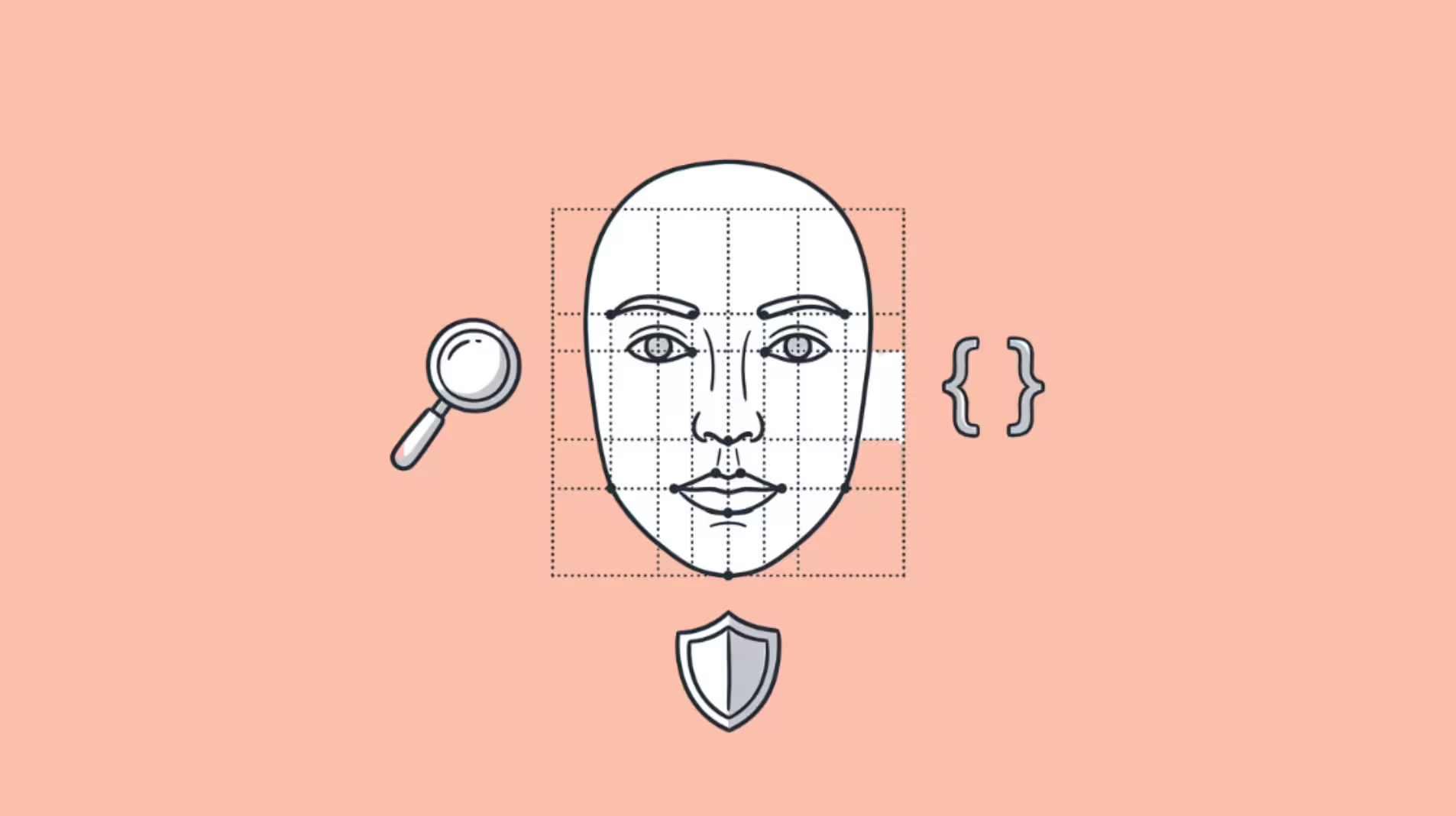

The best facial recognition AI tool depends entirely on what you are trying to do.
A journalist verifying a source’s identity needs a different tool than a developer building KYC into a fintech app, and both need different tools than a security team deploying access control across a 50-camera facility.
The global facial recognition market is projected to reach $14.55 billion by 2031, growing at 16.79% annually.
But most “best facial recognition tools” articles dump consumer search engines, developer APIs, and enterprise platforms into one undifferentiated list, which helps nobody make a decision.
This article splits the category into three sections matching the three buyer profiles: consumer face search tools (for finding where faces appear online), developer APIs (for building facial recognition into your product), and enterprise security platforms (for physical access control and surveillance).
Pick the section that matches your use case.
Part 1: Consumer AI Face Search Tools
These tools let individuals upload a photo and find where that face appears across the internet.
The primary users are people verifying online identities, checking dating profiles, monitoring their own image, and conducting OSINT investigations.
1. FaceCheck ID: Best for Scam Detection and Social Media Search
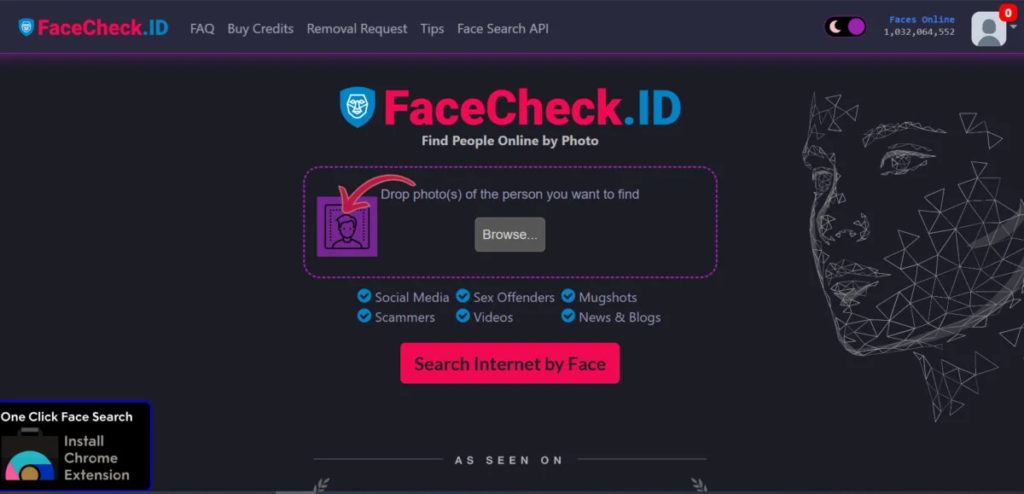
FaceCheck ID searches social media profiles, dating apps, mugshot databases, sex offender registries, and scam report sites.
Its defining feature is the safety layer: when a match appears on a known scam profile or offender registry, the tool flags it with a red warning icon (Scam Alert, Sex Offender, Many Accounts) before you click through.
FaceCheck ID handles low-quality images (blurry screenshots, side profiles, cropped photos) better than any consumer face search tool I have tested.
I ran the same blurry screenshot from a WhatsApp video call through both FaceCheck ID and PimEyes. FaceCheck ID returned 4 usable matches within 8 seconds. PimEyes rejected the image entirely with a “face not found” error.
That gap in low-quality image handling is not marginal. It determines whether the tool works at all for the images most users actually have.
Best for: Romance scam verification, identity checks, social media face search.
Starting Price: $6 in crypto
2. PimEyes: Best for Web-Wide Image Monitoring and Takedowns
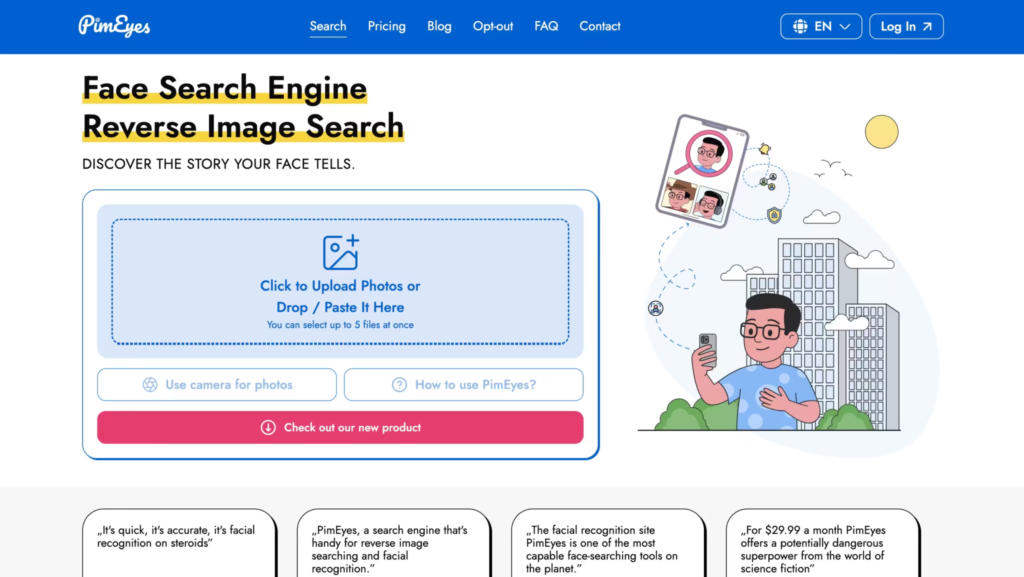
PimEyes indexes the broadest range of web sources: news outlets, blogs, forums, stock photo libraries, and adult content sites. Its monitoring alerts notify you when new images of your face appear online.
The PROtect plans include DMCA and GDPR takedown assistance for removing unauthorized images.
PimEyes requires clear, front-facing photos for accurate results. It does not search social media (FaceCheck ID does). Where PimEyes excels is ongoing reputation management and reverse image investigations across the open web.
Best for: Reputation management, finding unauthorized image use, revenge porn detection, DMCA takedowns.
Starting Price: $29.99 per month
For a detailed head-to-head comparison, see our FaceCheck ID vs PimEyes review.
3. Social Catfish: Best for Background Checks on Online Contacts
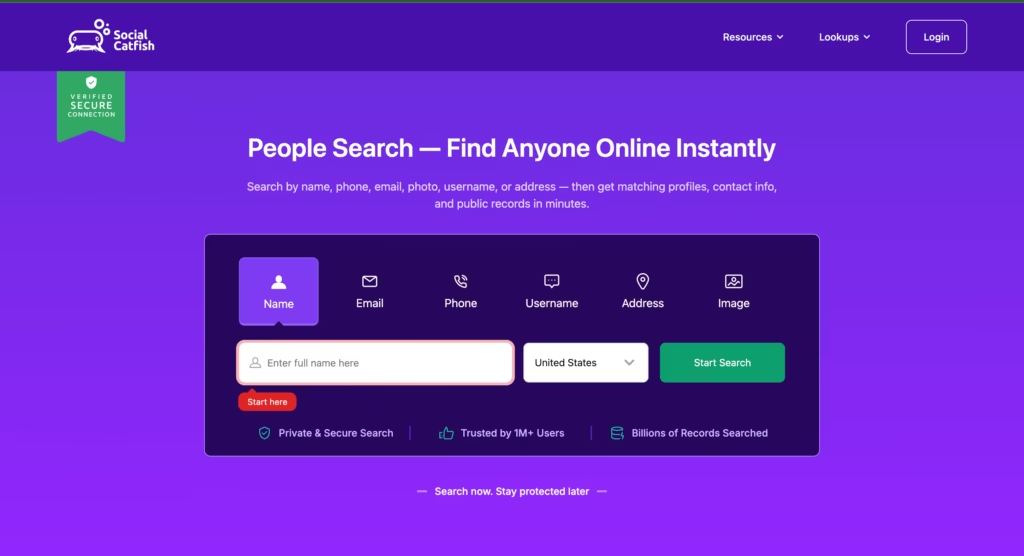
Social Catfish combines reverse face search with broader background check capabilities: name lookups, phone number searches, email searches, and social media profile aggregation.
It is less accurate than FaceCheck ID or PimEyes on pure facial recognition but more useful when you want a complete profile on someone rather than just finding where their face appears.
Best for: Dating profile verification with full background context.
Starting Price: $5.73/month.
Consumer Face Search Comparison
| Feature | FaceCheck ID | PimEyes | Social Catfish |
| Social media search | Yes | No | Yes (via profile aggregation) |
| Scam/offender database flags | Yes (red warning icons) | No | Partial |
| Adult content indexing | Limited | Extensive | No |
| Low-quality image handling | Strong | Weak (needs clear photos) | Moderate |
| AI-generated face detection | Yes | Limited | No |
| Monitoring alerts | No | Yes (higher tiers) | Yes |
| DMCA takedown help | No | Yes (PROtect plans) | No |
| Starting price | Per search (crypto) | ~$16/month | ~$6/month |
| Best single use case | Scam detection | Image monitoring | Background checks |
Part 2: Developer Facial Recognition APIs
These tools let developers integrate face detection, comparison, verification, and identification into their own applications via REST APIs and SDKs. The primary users are engineering teams building KYC onboarding, photo organization, access control, and identity verification.
4. Amazon Rekognition: Best Managed Cloud API for Scale
Amazon Rekognition is the most widely deployed cloud facial recognition API. It handles face detection, comparison, identification, and analysis (age, gender, emotion, facial landmarks) with enterprise-grade reliability.
Built on AWS infrastructure, it scales automatically from prototype to millions of daily queries without capacity planning.
Rekognition supports face collections for identity matching (compare a face against a database of known identities) and liveness detection for anti-spoofing. For teams already on AWS, integration is straightforward through the AWS SDK.
The trade-off: Rekognition is deeply tied to AWS. If your stack runs on GCP or Azure, the vendor lock-in is a real consideration.
When I researched deployment options for a client, I found that Rekognition is banned for law enforcement use in several US cities including San Francisco and Boston as of 2026.
Amazon also imposed a moratorium on police use of the product that has been extended multiple times. For government contracts or any deployment adjacent to law enforcement, verify Rekognition’s legal status in your jurisdiction before building on it.
Best for: Production teams on AWS needing scalable face detection and matching.
Starting Price: Pay-per-use. First 12 months include a free tier.
5. Microsoft Azure Face API: Best for Enterprise Compliance
Azure Face API provides face detection, verification, identification, and grouping inside the Azure ecosystem.
Microsoft implemented the most restrictive responsible AI access policy in the industry: sensitive features (identification, facial analysis) require a formal application and approval before access is granted.
For enterprise teams in regulated industries (finance, healthcare, government), Azure’s compliance certifications (FedRAMP, HIPAA, SOC 2) and mandatory responsible AI gating provide the strongest governance framework of any commercial API.
Best for: Enterprises needing face verification integrated with Azure AD, Microsoft 365, and strict compliance requirements. Starting Price: Free tier (30,000 transactions/month in select regions). Standard pricing is usage-based per transaction.
6. Face++ (Megvii): Best Free Tier for High-Volume Workloads
Face++ is a commercial facial recognition API widely deployed across Asia.
Its free tier includes 1,000 API calls per day, which is the most generous free offering of any commercial facial recognition API. It supports face collections above 100 million identities with sub-second query times.
For cost-sensitive teams or startups prototyping high-volume face recognition features, Face++ provides production-grade capabilities without paying for the first 30,000 monthly calls. Latency can be higher for users outside Asia.
Best for: Asia-Pacific deployments and cost-sensitive startups needing scale.
Starting Price: $100.
7. InsightFace (ArcFace): Best Open-Source Accuracy
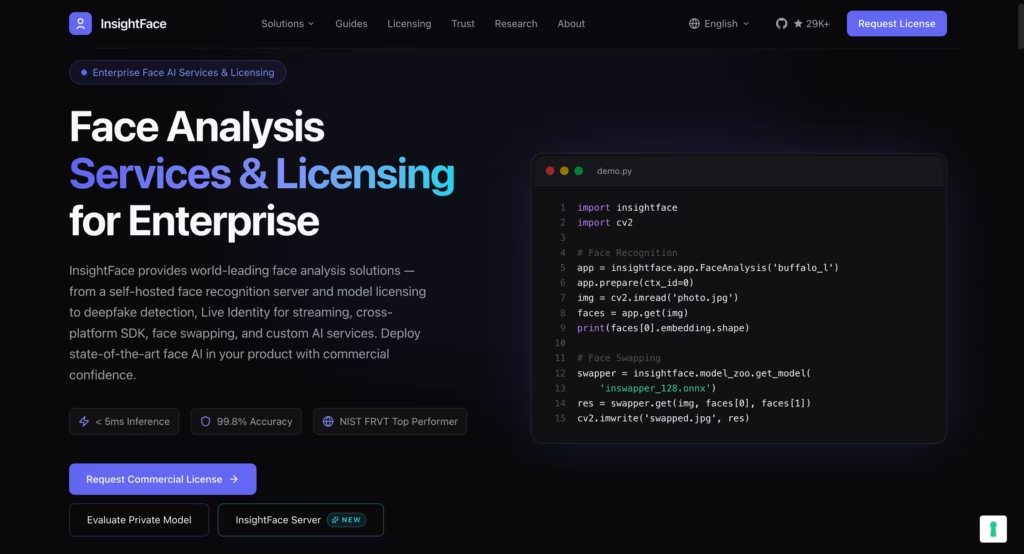
InsightFace is an open-source face analysis library with state-of-the-art detection (SCRFD, RetinaFace) and recognition (ArcFace) models.
It achieves 99.86% accuracy on the LFW benchmark, outperforming Amazon Rekognition (99.4%) and Azure Face API (99.3%) on the same benchmark.
That 0.5% gap sounds small until you scale it: across 100,000 daily verifications, InsightFace produces roughly 500 fewer false matches per day than the cloud APIs.
Real-world performance still depends heavily on your image quality and demographic distribution, but on raw accuracy, InsightFace is the benchmark.
InsightFace is the choice for teams that need top-tier accuracy with full control over the model, data pipeline, and deployment infrastructure. It requires self-hosting and ML engineering expertise to deploy and scale. For teams without GPU infrastructure or ML engineers, use Amazon Rekognition or Azure instead.
Best for: Teams building custom face recognition systems who need maximum accuracy and full source code access.
Starting Price: Free (open source, MIT license). You provide the infrastructure.
8. DeepFace: Best for Rapid Prototyping
DeepFace is a Python library that wraps 8 different face recognition backends (VGG-Face, FaceNet, ArcFace, Dlib, OpenFace, SFace, GhostFaceNet, DeepID) under a unified API.
You can swap between backends with a single parameter change.
For developers who want to test multiple facial recognition models without rewriting integration code, DeepFace removes the comparison friction. Install with pip install deepface and verify two faces in a few lines of Python.
Best for: Developers comparing models and prototyping quickly.
Starting Price: Free (open source). You provide compute.
Developer API Comparison
| API | Best for | Free tier | Accuracy (LFW) | Self-hostable | Compliance certifications |
| Amazon Rekognition | Scalable cloud deployment | 12-month free tier | 99%+ | No (AWS only) | SOC, HIPAA, FedRAMP |
| Azure Face API | Enterprise compliance | 30,000 txn/month | 99%+ | No (Azure only) | FedRAMP, HIPAA, SOC 2 |
| Face++ | High-volume, cost-sensitive | 1,000 calls/day | 99%+ | No | Limited |
| InsightFace | Maximum accuracy, full control | Unlimited (self-hosted) | 99.86% | Yes | N/A (self-managed) |
| DeepFace | Rapid prototyping | Unlimited (self-hosted) | Varies by backend | Yes | N/A (self-managed) |
Part 3: Enterprise Security and Access Control
These tools deploy facial recognition for physical security: building access, surveillance, attendance tracking, and identity verification at scale.
9. NEC NeoFace: Best for Surveillance and Physical Access Control
NEC NeoFace is the industry standard for government and enterprise-scale facial recognition. NEC has consistently ranked #1 in NIST FRVT (Face Recognition Vendor Test) evaluations for speed and accuracy.
NeoFace processes video feeds from multi-camera environments in real time, matching faces against identity galleries for access control, border security, and law enforcement.
Best for: Governments, airports, and large enterprises deploying facial recognition across multi-camera surveillance networks. Starting Price: Custom enterprise contracts.
10. Kairos: Best for Ethical and Demographically Equitable Recognition
Kairos focuses on privacy, ethical AI, and algorithmic equity. It provides accurate results across diverse demographics while conforming to international compliance regulations.
Deployable on cloud or on-premises, Kairos includes face detection, verification, identification, age and gender estimation, and diversity recognition.
For organizations concerned about demographic bias in facial recognition (a well-documented problem across the industry), Kairos’s emphasis on equitable performance across skin tones, ages, and genders is a meaningful differentiator.
Best for: Organizations requiring demographically equitable facial recognition with privacy-first architecture.
Starting Price: Custom pricing. Contact for quote.
11. iProov: Best for Liveness Detection and KYC
iProov specializes in one critical capability: proving that the person in front of the camera is a real, live human and not a photo, video, deepfake, or mask.
iProov’s Genuine Presence Assurance technology is used by banks, governments, and healthcare providers for identity verification during account onboarding and high-security transactions.
iProov does not replace face matching (pair it with Rekognition or Azure for that). It adds the anti-spoofing layer that prevents the most common attack vector: holding up a photo of someone else’s face to pass verification.
Best for: Banks, fintechs, and healthcare providers needing liveness detection for KYC and identity verification.
Starting Price: Custom pricing based on transaction volume.
How to Choose the Best Facial Recognition AI Tool for Your Use Case
| Your use case | Best tool |
| Checking if an online dating profile is a scam | FaceCheck ID |
| Finding where your image appears across the web | PimEyes |
| Full background check on an online contact | Social Catfish |
| Building face verification into a product (AWS stack) | Amazon Rekognition |
| Building face verification with strict compliance needs | Azure Face API |
| High-volume face search on a startup budget | Face++ |
| Need the highest possible accuracy with full source control | InsightFace (ArcFace) |
| Rapid prototyping and model comparison | DeepFace |
| Multi-camera surveillance and border security | NEC NeoFace |
| Demographically equitable recognition with ethical focus | Kairos |
| Liveness detection for fintech KYC onboarding | iProov |
FAQs
1) What is facial recognition accuracy?
Top commercial APIs (Amazon Rekognition, Azure Face, Face++) and open-source models (InsightFace ArcFace) exceed 99% accuracy on standard benchmarks like LFW under controlled conditions.
Real-world accuracy drops with poor lighting, extreme angles, low-resolution images, and demographic diversity. Consumer search tools (FaceCheck ID, PimEyes) achieve roughly 90% or higher accuracy on clear, front-facing photos.
2) Is facial recognition legal?
Legality varies by jurisdiction and use case. The EU’s AI Act classifies real-time facial recognition in public spaces as “unacceptable risk” with limited exceptions for law enforcement.
Several US states (Illinois, Texas, Washington) have biometric privacy laws restricting how facial data is collected and stored. Most consumer face search tools operate legally on publicly available images but users bear responsibility for how they use results.
3) Which facial recognition API has the best free tier?
Face++ offers 1,000 free API calls per day, the most generous commercial free tier. Azure Face API offers 30,000 free transactions per month. Amazon Rekognition includes a 12-month free tier. InsightFace and DeepFace are completely free and open source (self-hosted).
4) Can facial recognition detect deepfakes?
Standard facial recognition matches faces. It does not detect deepfakes.
Dedicated tools like iProov’s liveness detection are designed specifically to distinguish real faces from photos, videos, masks, and deepfakes. FaceCheck ID includes AI-generated face detection for static images.
For deepfake video detection, specialized tools like Microsoft Video Authenticator or Sensity AI are more appropriate.
5) What is the difference between face detection and face recognition?
Face detection finds where faces are in an image (draws a bounding box around them). Face recognition identifies whose face it is by matching it against a database of known identities.
Most APIs do both, but they are separate functions. Detection is simpler and faster. Recognition requires a comparison database and raises more privacy concerns.
