


Making a video ad used to mean a camera, a script, and a few hundred dollars; not anymore. AI video ad generators now turn a product photo or a line of text into a finished ad in minutes. The best thing is that you don’t need a big budget to start.
This guide covers 11 dedicated AI video ad generators with free plans. Each tool lets you build and export something without a credit card. Every pick below is built specifically for video and ad creation.
What I Looked For
- A free plan
- Can you make an ad-style video, not just a slideshow or a subtitle track?
- How fast can you test it? No lengthy onboarding or sales call.
- Good text-to-speech synchronization, motion physics, and text overlay with one text prompt for all tools.
The Test Prompt
“A 10-second video ad for ‘Sparkle Brew’ visual cold brew coffee. Start with a close-up of dark espresso pouring over ice cubes into a clear glass, with realistic splashing and condensation on the glass. Transition to a confident woman in a brightly lit kitchen holding the glass, taking a sip, and smiling at the camera. Energetic background pop music, an upbeat female voiceover saying ‘Fuel your day with Sparkle Brew,’ and clean text on screen reading ‘Sparkle Brew: 100% Organic’.”
1. CapCut
CapCut started as a short-form editor and grew into a full AI ad toolkit. Its free plan includes auto-captions, auto-cut editing, background removal, and 1080p exports. You can also turn a product photo into a short ad with an AI-generated script and voiceover.
Most core features stay free. When I tested CapCut’s advanced filters, three of the five I tried added a prominent watermark that covered the lower third of the frame,not usable for client work on the free plan. Voice cloning and 4K export sit behind the $8/month Pro plan. Even so, CapCut’s free watermark was smaller and less intrusive than Veed’s, which covered the center of the frame, making CapCut the more usable free option for short-form social ads.
In my testing, it produced realistic motion in fluid dynamics and had very good prompt adherence.
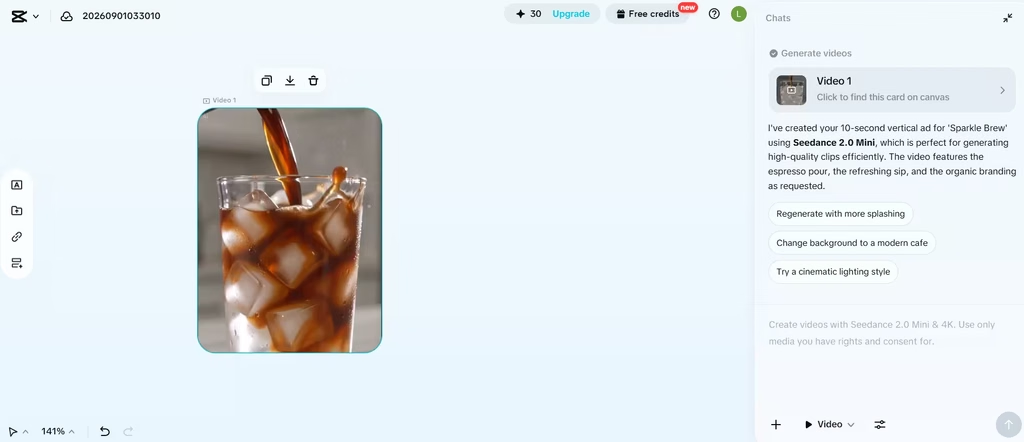
Best for: TikTok, Reels, and Shorts-style product ads.
2. Lumen5
Lumen5 converts blog posts, articles, or plain text into video automatically, matching your copy to stock footage and adding AI voiceover. It’s popular with content marketers who want to repurpose written content into video ads without starting from scratch.
The free “Community” plan allows 5 videos per month, each capped at 720p and under 1 minute, as of August 2026, carrying a Lumen5 watermark. If you already publish blog content regularly, Lumen5’s free tier turns each post into a usable first-draft ad in under two minutes,faster than starting from a blank script in CapCut or InVideo.
Best for: Repurposing blog and article content into video ads.
3. Veed.io
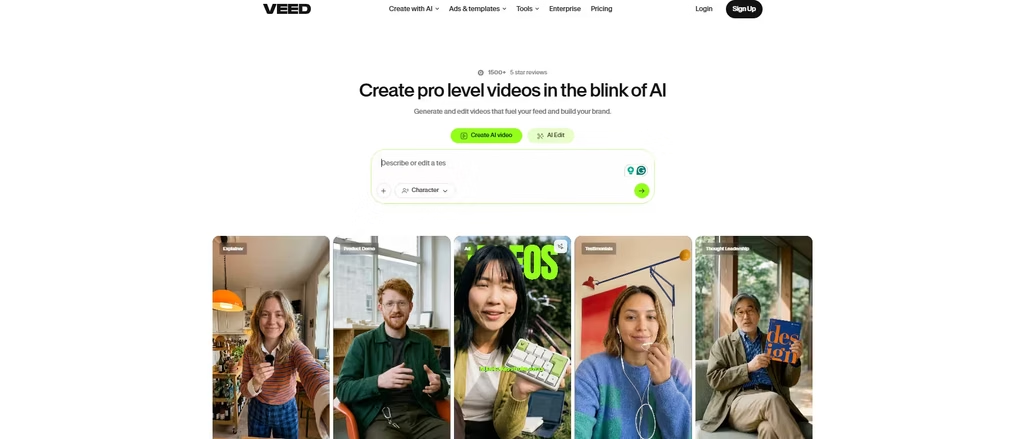
Veed combines a browser-based editor with AI features like auto-subtitles, dubbing, and a Gen-AI video studio. The free plan lets you build and export short videos right in your browser, no software install required.
That said, free exports carry a Veed watermark, cap out around 720p, and limit clip length to about 10 minutes. Auto-subtitle minutes are also capped monthly. While CapCut generated the video straight away, Veed.io generated a script from my prompt and instead created a 3-second video with a headshot video of the character delivering the script.
And no, it did not adhere to the prompt. In my opinion, this is suited to character like videos and not full video scenes with details and background elements.
Best for: Fast subtitle-heavy ads and testing multiple AI video models in one place.
Also read: 7 Ways AI Can Enhance Your Video Ad Campaigns
4. InVideo AI
InVideo AI turns a text prompt into a full storyboard, complete with stock footage, voiceover, and music. The free plan gives you a set number of monthly AI credits and a handful of exports, so you can build several draft ads before deciding whether to upgrade.
Exports on the free tier include an InVideo watermark, and credits reset each month without rolling over. Still, the free tier is enough to prototype an ad concept before you commit budget.
Best for: Turning a script or blog post into a narrated ad concept quickly.
5. Kapwing
Kapwing is a browser editor with AI tools layered in, including smart cut, auto-subtitles, and an AI clip maker that pulls highlights from longer footage. That last feature makes it useful for repurposing webinar or UGC footage into ad clips.
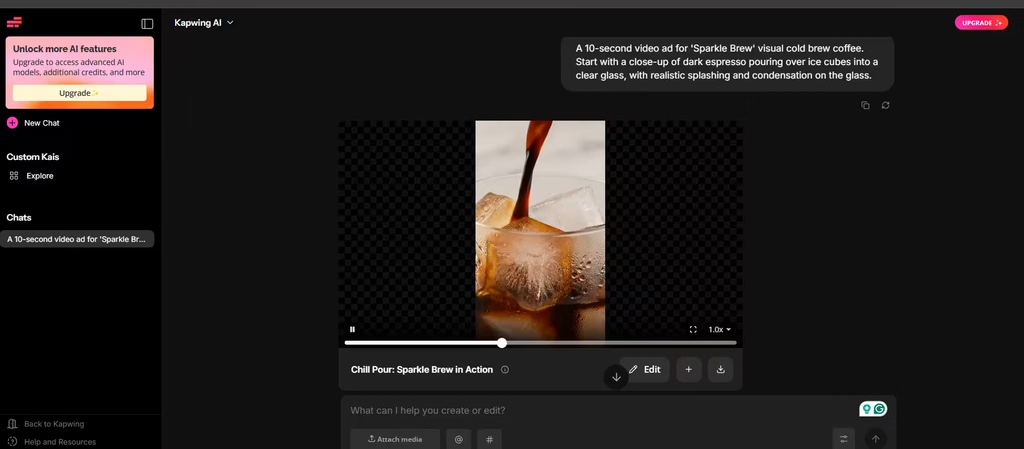
Free exports include a Kapwing watermark and a resolution cap. On the free plan, Kapwing allocated 50 credits to my account, but the prompt was budgeted to cost 102 credits. So I decided to use only the first part of the prompt, which cost 42 credits.
The resulting video mirrored CapCut’s. Just like CapCut’s video, Kapwing stuck to the prompt, incorporating proper motion physics into the scene.
Note that projects are only stored for a few days so, download your work promptly. Even with these limits, Kapwing’s clip-extraction tool is worth testing if you already have raw footage to cut down.
Best for: Turning long-form video into short ad clips.
6. Clipchamp
Clipchamp, owned by Microsoft, is unusual on this list. Its free plan exports at full 1080p with no watermark at all, as long as you stick to free-tier stock assets. That’s a rare offering among free video tools. I exported a 30-second test ad from Clipchamp at 1080p with zero watermark, and the output quality matched CapCut’s paid tier,this is the cleanest free export I found.
It comes built into Windows 11 and is bundled with many Microsoft 365 subscriptions, so plenty of users already have access without realizing it. AI features are lighter than CapCut or InVideo, and 4K export requires Premium. Still, for polished, watermark-free ad drafts, Clipchamp produced the single cleanest export of any tool on this list.
Best for: Clean, watermark-free 1080p ads without any AI-generation frills.
7. Fliki
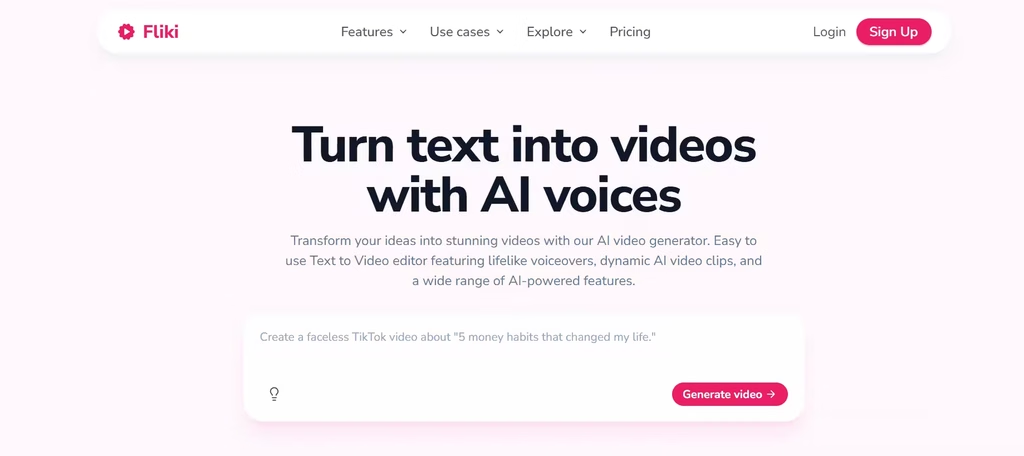
Fliki specializes in text-to-video with a large library of realistic AI voices, over 2,000 across dozens of languages. Paste a script or a blog URL, and Fliki builds a narrated video with matching stock footage automatically.
This is entirely subjective but that was what I didn’t like about Fliki. When I pasted my prompt, Fliki did generate a video but it felt like a rewrite of the original prompt. It created a script based off my prompt but didn’t stick to any of my prompt parameters.
3030
Also, due to the editing controls, it appears to have a learning curve. I do understand the intent, however, to give users fine control over the video outcome. This is great for branding and marketing teams. But if you would rather write expansive prompts than finetune a video, look to an alternative like CapCut.
Fliki’s free plan includes a small monthly minute allowance, enough for one short test video, and free exports carry a watermark. Fliki is worth testing because of its generous editing features even in its free plan.
Best for: Product ads
8. Renderforest
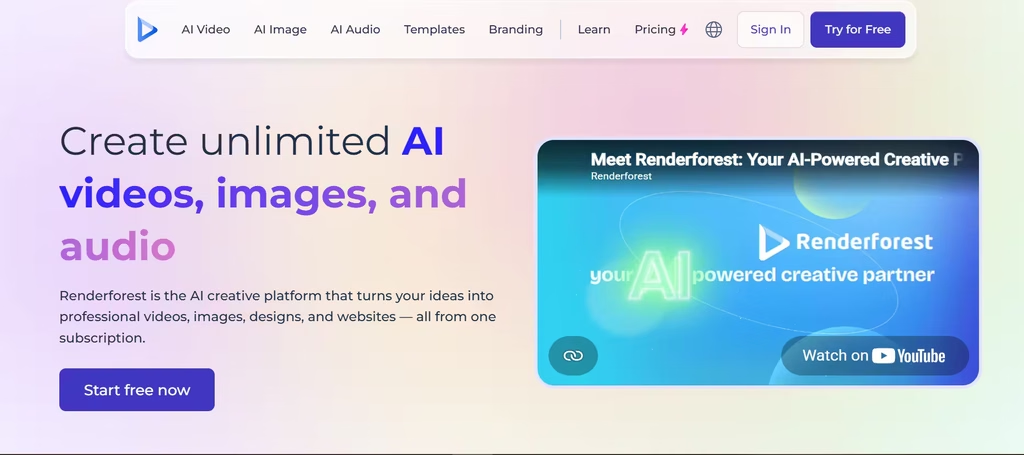
Renderforest is template-first, with thousands of pre-built layouts for logo reveals, promos, and social ads. Its free plan lets you build and export videos with a Renderforest watermark, capped at a lower resolution than paid tiers.
I found Renderforest’s video comparable with CapCut’s and Kapwing’s outputs.
Because it leans on templates rather than generative AI, output looks more polished but less original than tools like Fliki or InVideo. For brands that want a fast, guided path to a decent-looking ad without fiddling with prompts, Renderforest’s free tier is a reasonable starting point.
Best for: Template-based promo videos and animated logo ads.
9. HeyGen
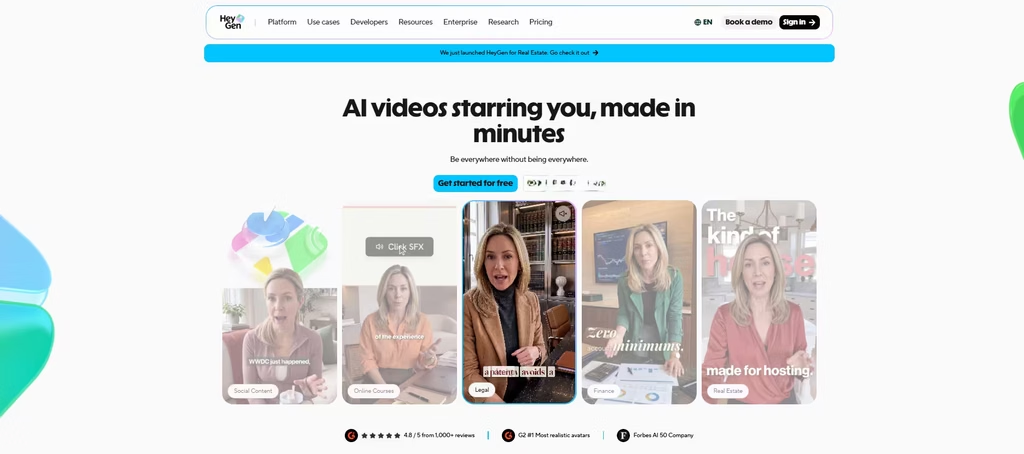
HeyGen generates AI avatar videos, useful for UGC-style or spokesperson ads without hiring an actor. The free plan lets you create a small number of short videos per month with a watermark attached.
Paid plans run on a credit system, and premium avatars consume credits quickly. Still, the free tier is enough to judge lip-sync quality and avatar realism, which matters a lot before you invest in a paid plan built around avatar video.
Best for: Spokesperson-style ads without filming a real person.
10. Synthesia
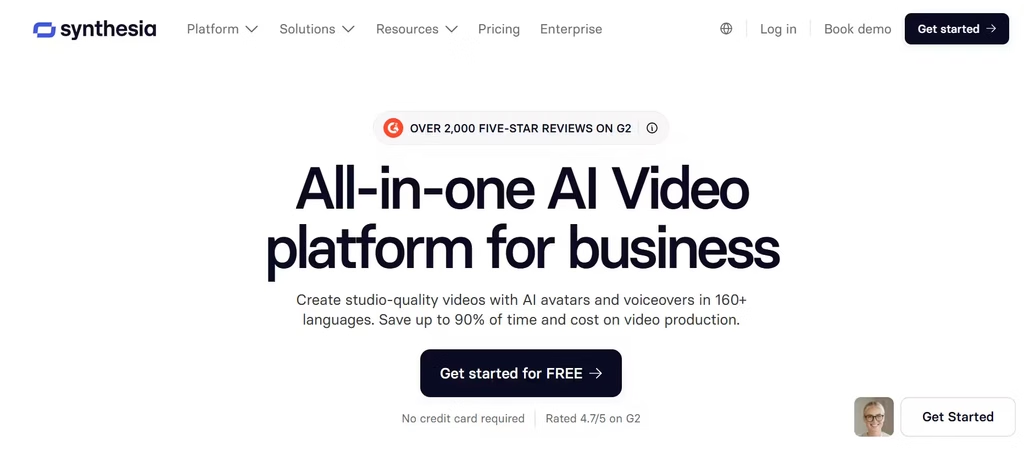
Synthesia is one of the most established AI avatar platforms, with a wide library of presenters and support for dozens of languages. Its free plan includes a modest monthly minute allowance, a handful of stock avatars, and access to a text-to-speech library.
Free exports carry a visible Synthesia watermark, and custom avatars require a paid plan. For multilingual product ads or training-style content, Synthesia’s wider avatar library and broader language support make it the more scalable pick over HeyGen if you need presenter-led ads across several markets.
Best for: Multilingual, presenter-led ad content.
How to Choose the Right Free Tool
After testing all 10, I’d start with CapCut. It delivered the best prompt adherence and motion physics in my tests, and its free tier is genuinely usable, unlike Veed’s, which ignored my prompt entirely and defaulted to a talking-head clip.
For short-form social ads, start with CapCut or Veed.io.
For spokesperson or UGC-style ads, test HeyGen or Synthesia first.
For blog-to-video repurposing, try Lumen5 or Fliki.
For clean, watermark-free drafts, Clipchamp stands out.
Watermarks and Limits
Most free plans on this list add a watermark, cap resolution, or limit monthly minutes. That’s expected. Free tiers exist so vendors can showcase quality, not so you can run a full campaign for free. Use them to test scripts, voices, and formats. Then, once you find a winning concept, upgrade only the tool that earned it.
