
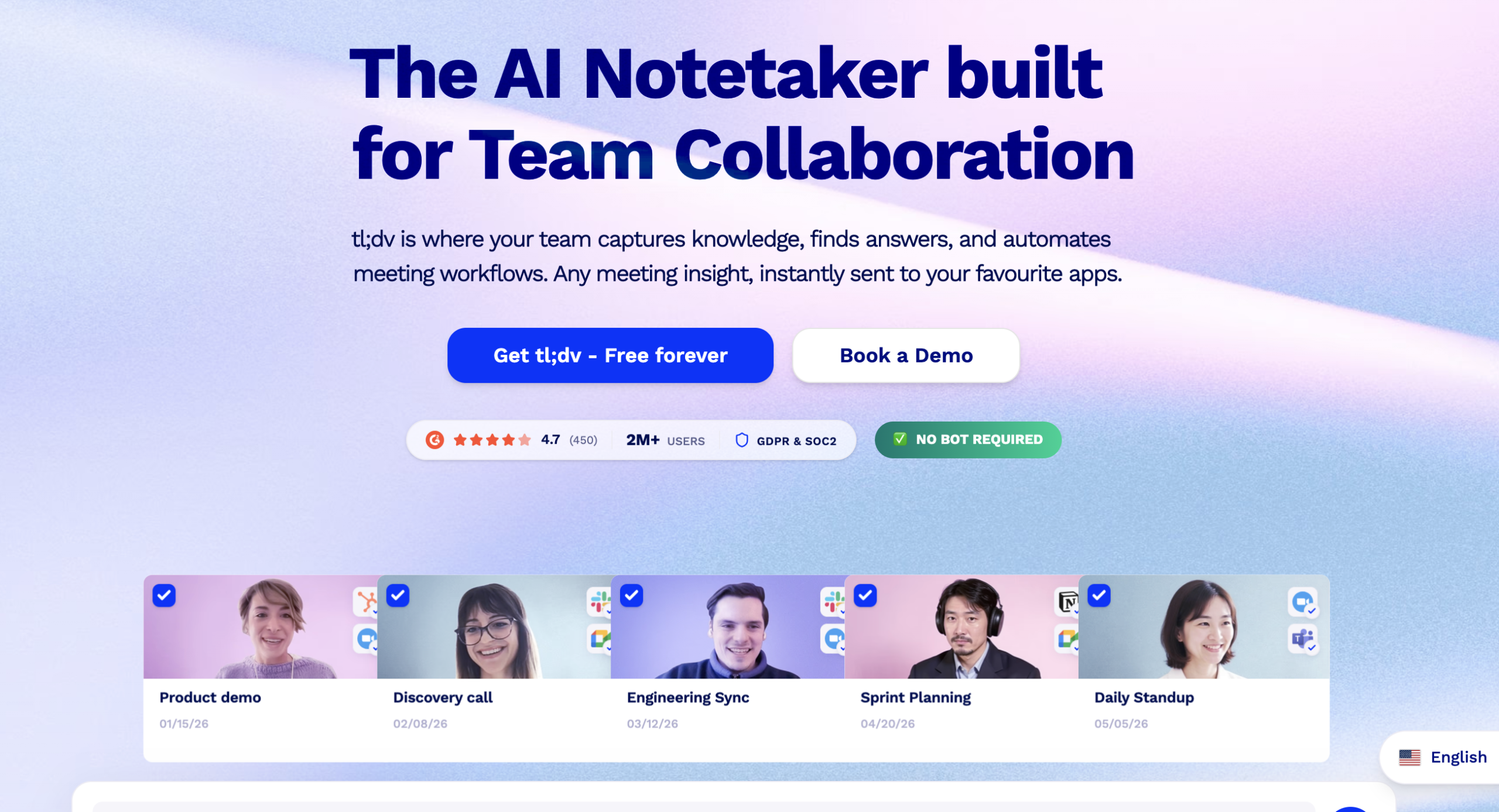

I ran tl;dv across 40+ meetings over three weeks to see whether the “unlimited free recordings” pitch holds up or collapses into an upsell funnel.
Short answer: the recordings are legitimately unlimited on free. I hit no cap on recording count or transcription.
The catch is the AI summaries, which you burn through in about two working days if you sit in five or more meetings daily.
The product started as a simple Zoom and Google Meet recorder and has since expanded into a broader meeting intelligence platform.
It now covers Microsoft Teams on paid plans, runs AI agents that draft follow-up emails and update CRMs automatically, and offers multi-meeting reports that aggregate insights across hundreds of calls.
The user base sits at around two million, and the client list includes names like Forbes, Salesforce, and Cloudflare.
Setup took under five minutes.
You connect your Google or Microsoft calendar, grant recording permissions, and the tl;dv bot starts auto-joining scheduled meetings.
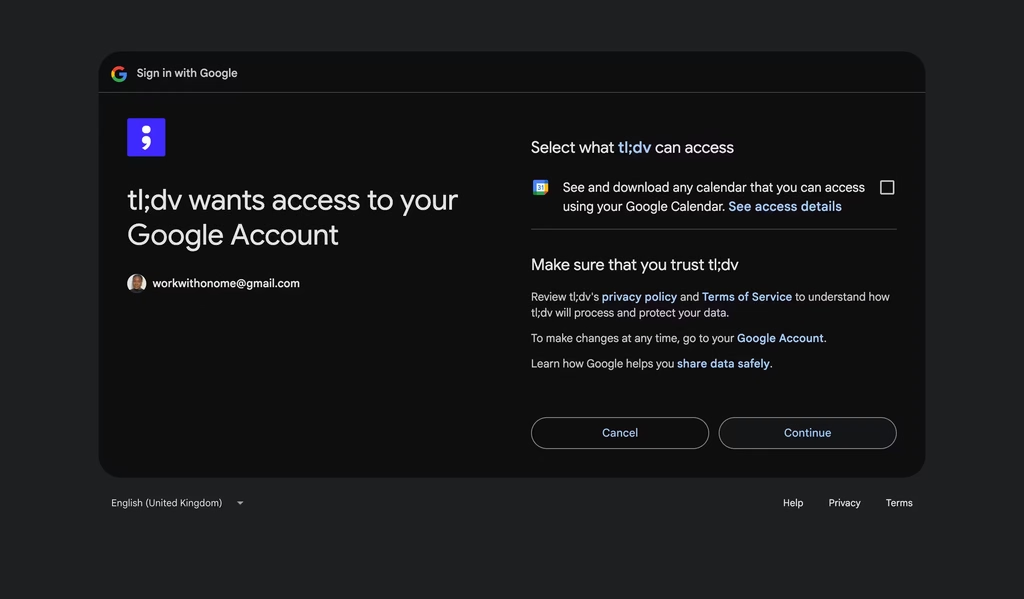
There is no desktop app to install for the core functionality.
The bot shows up as a visible participant in every call with a name like “tl;dv’s Notetaker,” which I will get into later because it is polarizing.
During my testing window, transcription accuracy was strong for English calls with clear audio.
I compared outputs against manual transcripts for three meetings and found roughly 92% word-level accuracy.
That number dropped when one participant called in from a cafe with background chatter, where I noticed more filler word misattributions and speaker label swaps.
The 40+ language coverage is real, and I ran one test call in French where the output was surprisingly readable, though I cannot vouch for accuracy in languages I do not speak fluently.
The AI summary quality varies by meeting structure. Calls with a clear agenda and distinct decision points produce tight, usable summaries.
Freeform brainstorms and open-ended strategy sessions generate summaries that are more like a transcript highlights reel than a set of actionable notes.
I found myself editing AI summaries about 30% of the time, mostly to remove items the AI flagged as action items that were really just suggestions someone floated and nobody committed to.
One detail worth mentioning: the product has a 4.7-star rating on G2 across 450+ reviews. That is unusually high for a meeting tool, and the positive sentiment clusters around the free plan generosity and clip sharing.
The negative reviews almost universally mention the visible bot and support response times, which tracks with what I experienced.
Key Features
Unlimited Free Recording and Transcription
Every plan, including free, records meetings without a cap on count or duration (up to three hours per session).
Transcripts generate automatically with speaker identification. Free plan recordings auto-delete after 90 days, which pushes you toward Pro if you need a permanent searchable archive.
AI Meeting Summaries with Custom Templates
Once you move past the 10/month free cap, summaries are genuinely useful. You can customize the output format to match your workflow.
I set mine to pull action items, decisions made, and open questions into separate sections. The AI catches about 85% of genuine action items in my experience. It occasionally flags rhetorical suggestions as commitments, so you still need to scan the output.
Multi-Meeting Intelligence Reports
Business plan feature that aggregates data across dozens or hundreds of meetings. It surfaces trending topics, recurring objections, feature requests over time, and sentiment shifts.
I did not test this extensively due to plan limitations, but the weekly email digests I saw in demos showed company-wide patterns that would take a revenue ops team hours to compile manually.
AI Agents for Post-Meeting Automation
tl;dv’s AI agents handle CRM field updates in HubSpot and Salesforce, create tasks in Trello, Asana, Jira, or Linear, and draft follow-up emails in your company’s voice.
The pitch is 30-60 minutes saved per call on admin work. In practice, the CRM auto-fills were reliable for straightforward fields like deal stage and next steps. Custom field mapping needed tweaking during the first week.
Sales Coaching and Playbook Scoring
Business plan feature that scores reps on adherence to frameworks like MEDDIC, BANT, and SPIN. It tracks talk-to-listen ratios, question frequency, and objection handling.
Managers get performance dashboards for benchmarking across the team. I tested the coaching prompts on three recorded calls and found the feedback directionally correct but sometimes generic on calls where the conversation veered off-script.
Clip Creation and Sharing
You can highlight any segment of a meeting and generate a timestamped video clip to share via link.
This is one of the stickiest features. I used it constantly to send product feedback snippets to engineering without making anyone watch a 45-minute recording. Works on all plans.
Global Search Across Recordings
Pro and above get a search bar that indexes every word spoken across your entire meeting library. I searched “pricing objection” and it pulled timestamped results from seven different calls, ranked by relevance.
For anyone running pattern analysis across customer conversations, this saves the manual scrub through individual recordings. The search supports natural language queries, not just exact keyword matches.
6,000+ App Integrations
Beyond the native connections to Salesforce, HubSpot, Notion, and Slack, tl;dv pipes into 6,000+ apps through Zapier.
I built a workflow that automatically pushed action items to my Notion task board and sent summary highlights to a dedicated Slack channel. The Zapier triggers are granular enough to filter by meeting type, participant, or keyword.
This is where tl;dv starts functioning less like a meeting recorder and more like a meeting data pipeline.
Competitors Comparison
| Feature | tl;dv | Otter.ai | Fireflies.ai | Granola | Fathom |
| Free recording limit | Unlimited | 300 min/mo | Unlimited | Unlimited | Unlimited |
| AI summaries (free) | 10/month | Basic | Limited | Yes | Yes |
| Languages | 40+ | 3 | 60+ | Multi-language | English focus |
| Starting paid price | $29/user/mo | $16.99/user/mo | $18/user/mo | $14/user/mo | $20/user/mo |
| Native CRM sync | Business ($39) | Business ($24) | Business ($29) | Business ($14) | Standard ($20) |
| Sales coaching | Yes (Business) | No | Yes (Business) | No | No |
| Bot-free option | No (workaround) | Yes (Chrome ext) | No | Yes | Yes (native) |
| Clip sharing | All plans | Pro+ | Pro+ | All plans | No clips |
Also read: The 10 Best AI Meeting Assistants