
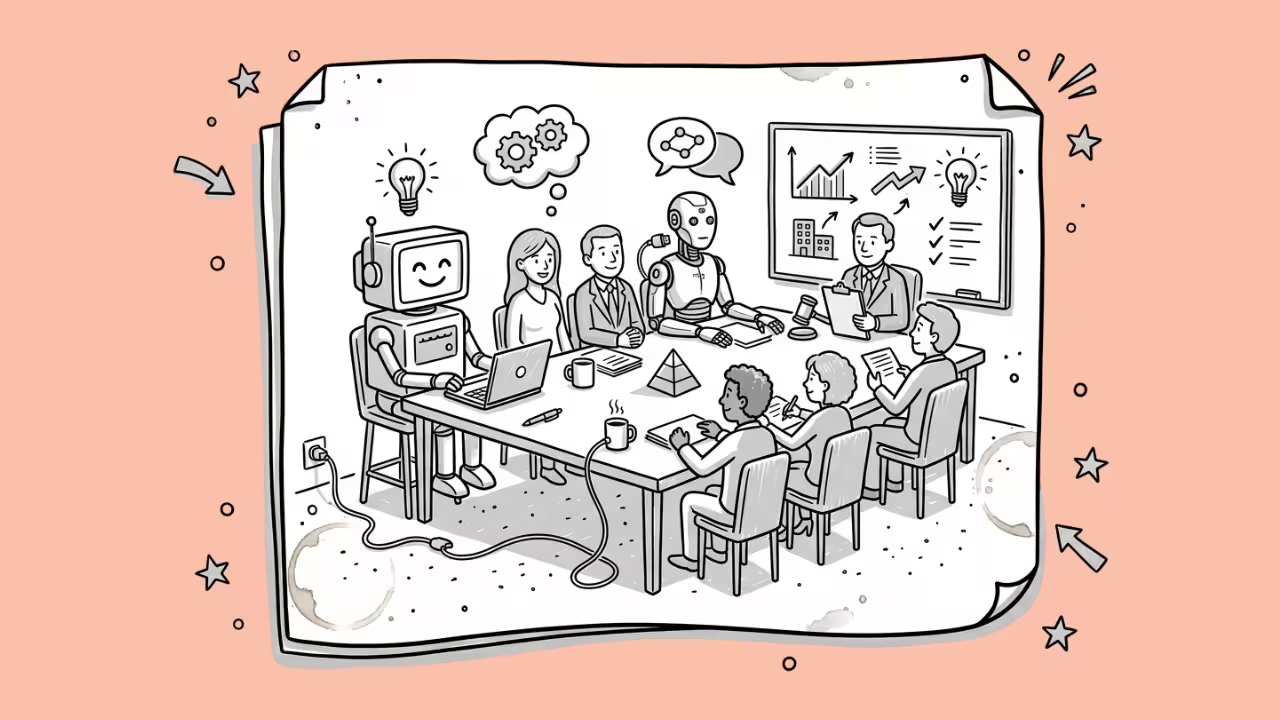

Meetings eat up hours every week. Therefore, teams now turn to specialized AI meeting assistants instead of scribbling notes by hand. These are dedicated tools that record calls, transcribe conversations, and push action items straight into your CRM.
Below, you’ll find ten tools worth your attention in 2026, plus the criteria we used to rank them.
Our Selection Criteria
- Transcription accuracy, especially in noisy or multi-speaker conditions
- G2 and Capterra ratings, cross-checked against Trustpilot for consistency
- Pricing transparency, including hidden costs like AI credit caps
- Integration depth, particularly CRM and calendar syncing
- Privacy practices, since several tools faced scrutiny over bot consent in 2026
Best AI Meeting Assistants at a Glance
| Tool | Best For | G2 Rating | Starting Price |
| Fathom | Free unlimited recording | 5.0/5 (7000+ reviews) | Free |
| Fireflies.ai | CRM automation | 4.7/5 (735 reviews) | Free |
| tl;dv | Sales coaching & agents | 4.7/5 (500+ reviews) | Free |
| Avoma | All-in-one revenue teams | 4.6/5 (1,363 reviews) | $19/seat/mo |
| Grain | Shareable video clips | 4.6/5 (313 reviews) | Free (1 seat) |
| Krisp | Noise cancellation | 4.7/5 (1,588 reviews) | $8/mo |
| Sembly AI | Task extraction | 4.6/5 (46 reviews) | Free |
| Otter.ai | Live transcription | 4.4/5 (503 reviews) | Free |
| Notta | Multilingual transcription | 4.4/5 (229 reviews) | Free |
| Read AI | Cross-channel context | 4.0/5 G2, 1.3/5 Trustpilot | Free (5 mtgs/mo) |
1. Fathom: Best Free Plan
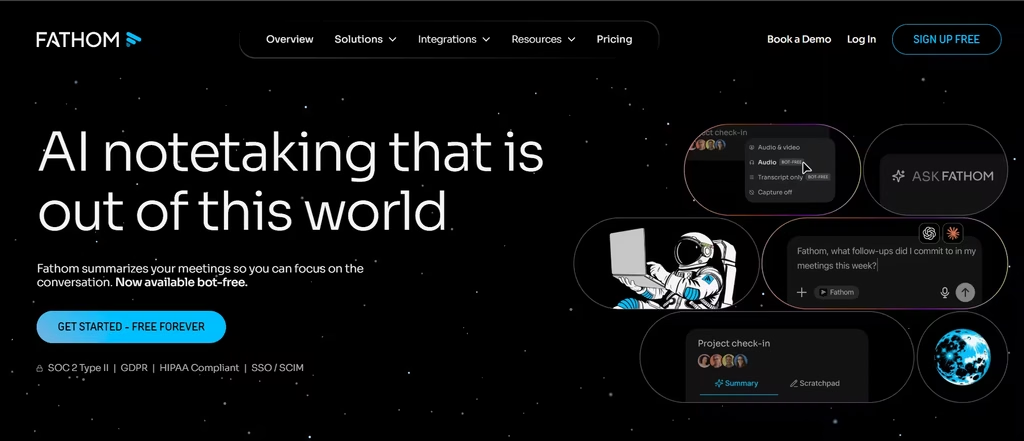
Fathom leads this list because it gives away the most. The free tier includes unlimited recordings, transcripts, and storage across Zoom, Google Meet, and Teams. You can easily hit the five-meeting AI summary cap within a short time, necessitating an upgrade.
On G2, Fathom holds an unusual 5.0-out-of-5 rating across over 7,000 reviews: among the highest scores in this entire category. Paid tiers start around $15 per user monthly and add CRM sync plus coaching analytics. If budget matters most, start here.
2. Fireflies.ai: Best for CRM Automation
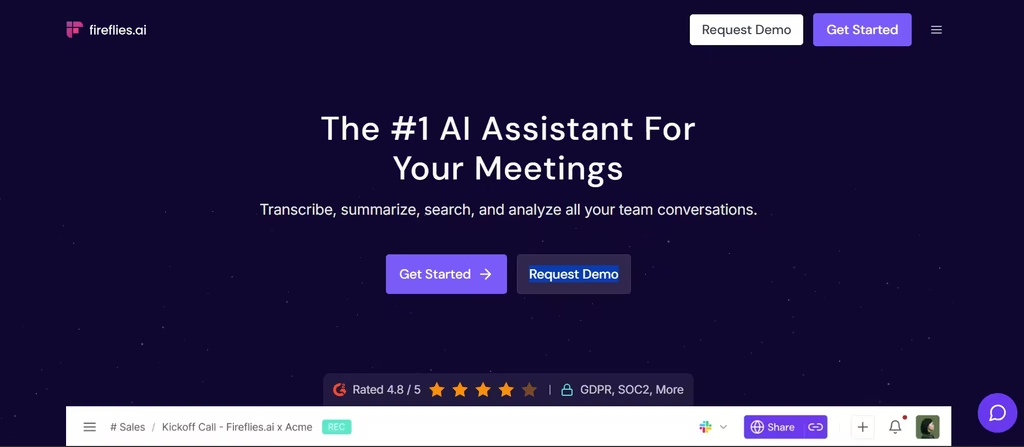
Fireflies takes a different approach: it treats every meeting as structured data. Fireflies reports serving over 1 million users worldwide, with 75% of Fortune 500 companies among its customer base. This is a personal favorite of mine because it’s easy to use. In my testing, Fireflies.ai joined in like a meeting participant and stayed silently listening and making transcriptions.
Its “AskFred” assistant lets you search transcripts using plain language. And a 2026 feature powered by Perplexity brings live web search into meetings. Pricing runs from free through $39 per user monthly. However, watch the AI credit system; heavy users on lower tiers can hit caps quickly.
Also read: How to Build a Fully Automated Meeting Workflow Using AI
3. tl;dv: Best for Sales Teams
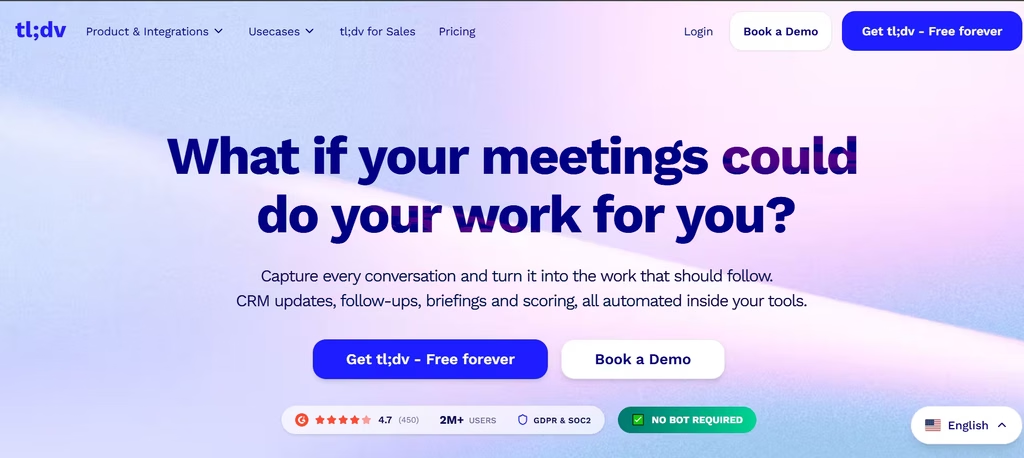
How it works: tl;dv runs on OpenAI’s Whisper Large model, which the company says delivers 90%-plus transcription accuracy in clean audio across more than 40 languages. It is efficient even with background noise, like in a call with two people talking over each other, it will still separate the speakers correctly.
Beyond notes, tl;dv launched “AI Agents” in 2026: these autonomously draft follow-up emails, update CRM fields, and create tasks after each call. Reviewers on G2 give it 4.7 out of 5 stars. One recurring critique: complex, overlapping conversations sometimes still need manual editing.
4. Avoma: Best All-in-One for Revenue Teams
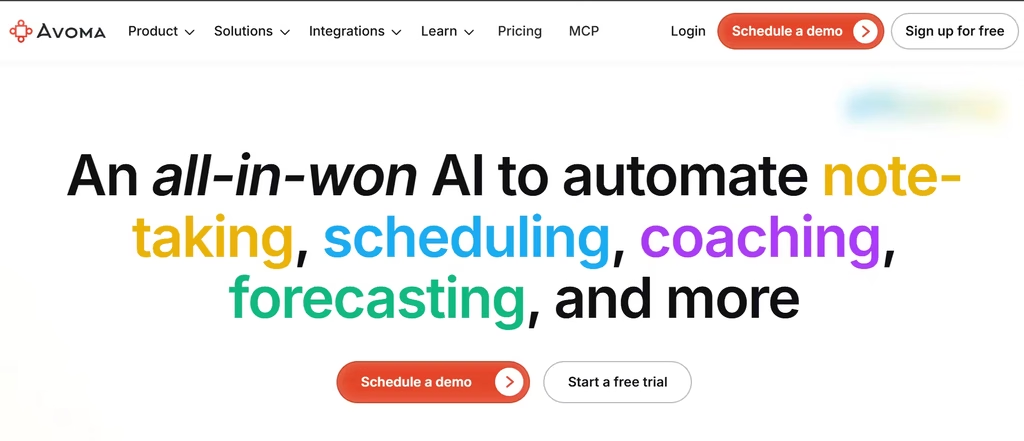
Avoma bundles five tools into one: meeting assistant, conversation intelligence, revenue intelligence, scheduling, and lead routing. That bundling matters because Avoma prices at roughly 15% to 25% of what Gong charges for comparable feature breadth.
It doesn’t offer a permanent free plan; only a 14-day trial. G2 reviewers rate it 4.6 out of 5 across more than 1,350 reviews, with 97% giving four or five stars. Reliability complaints do surface occasionally, mostly around bots joining calls late.
Pros: Transparent pricing, deep sales features. The pricing alone tips the scale for most revenue teams weighing Avoma against Gong.
Cons: No free tier, add-ons raise costs quickly. Budget for the Conversation Intelligence and Revenue Intelligence modules upfront, since the base plan alone won’t cover most sales use cases.
5. Grain: Best for Video Highlights
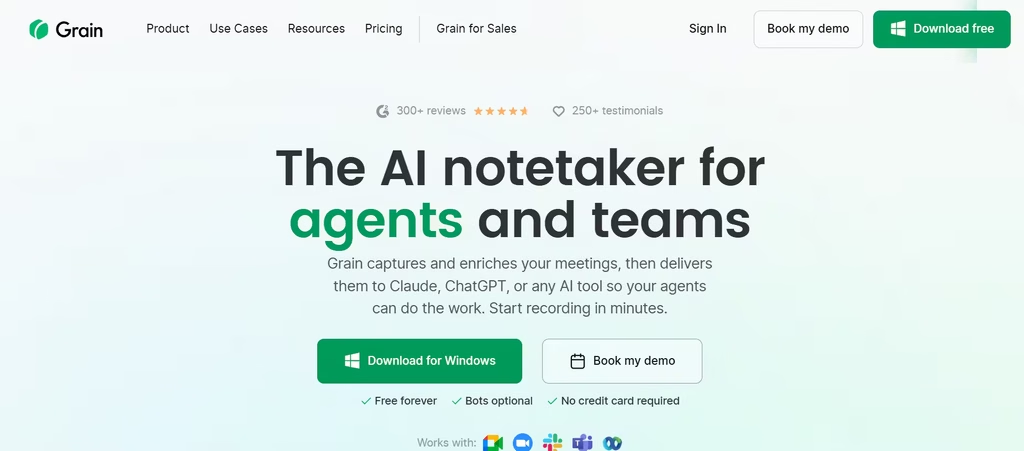
Grain does something the others don’t emphasize: it turns meetings into shareable video clips. Grain serves more than 31,000 sales, customer success, and product teams, and it claims a 97% team retention rate after twelve months of use. Pricing starts free for one recorder seat, then jumps to $15 monthly for Starter. G2 rates Grain 4.6 out of 5.
6. Krisp: Best for Audio Quality
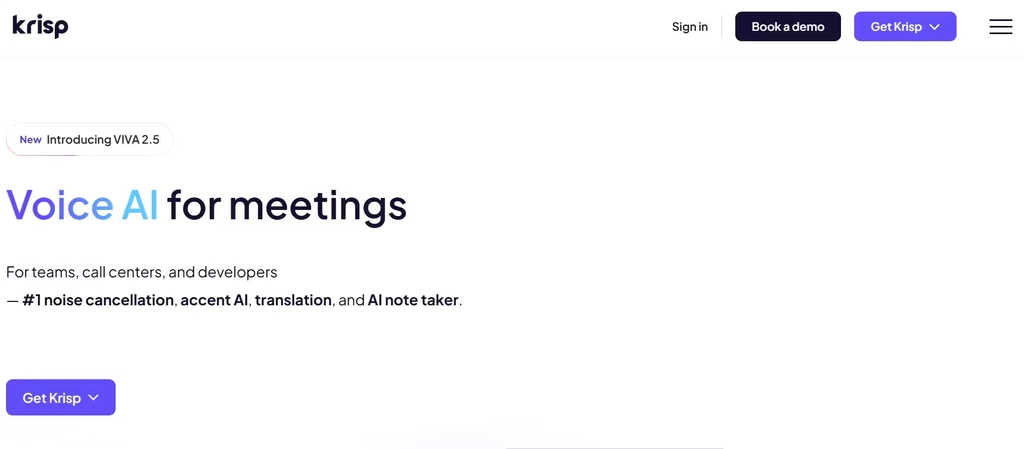
Krisp solves a specific, common problem: background noise ruining calls. It strips out barking dogs, keyboard clatter, and echo, processing everything locally on your device rather than in the cloud.
Unlike bot-based competitors, Krisp captures audio without ever joining the call visibly. G2 reviewers rate it 4.6 out of 5 from over 1,100 reviews. Weak spots include a limited mobile app and best performance requiring a wired USB headset.
7. Sembly AI: Best for Task Extraction
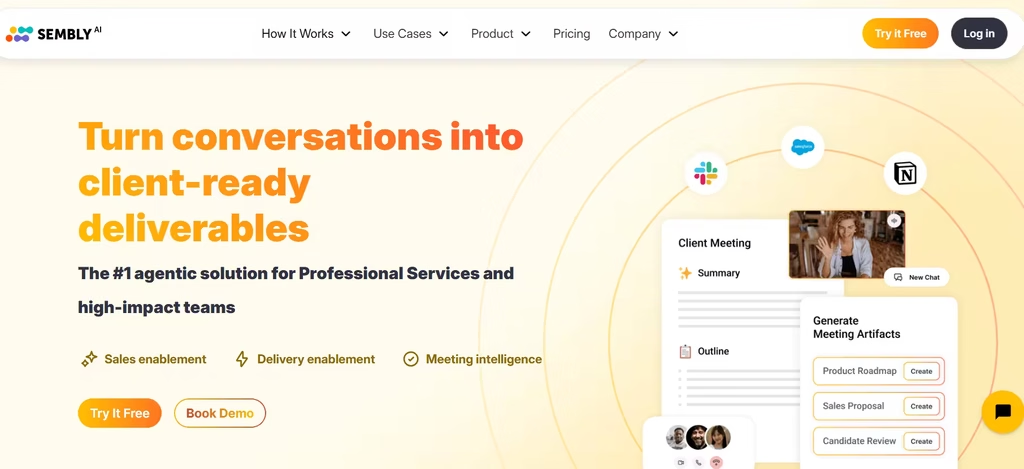
Sembly focuses on turning talk into action. Rather than a plain summary, it pulls out decisions, risks, and KPIs discussed during a call, then converts them into trackable tasks automatically. It supports transcription across more than 40 languages.
That includes French, Spanish, German, Portuguese, and Japanese. Pricing runs from a limited free tier up to $30 per user monthly for teams. G2 rates it 4.6 out of 5, though its review base is smaller: only 45 reviews so far.
8. Otter.ai: Best for Live Transcription
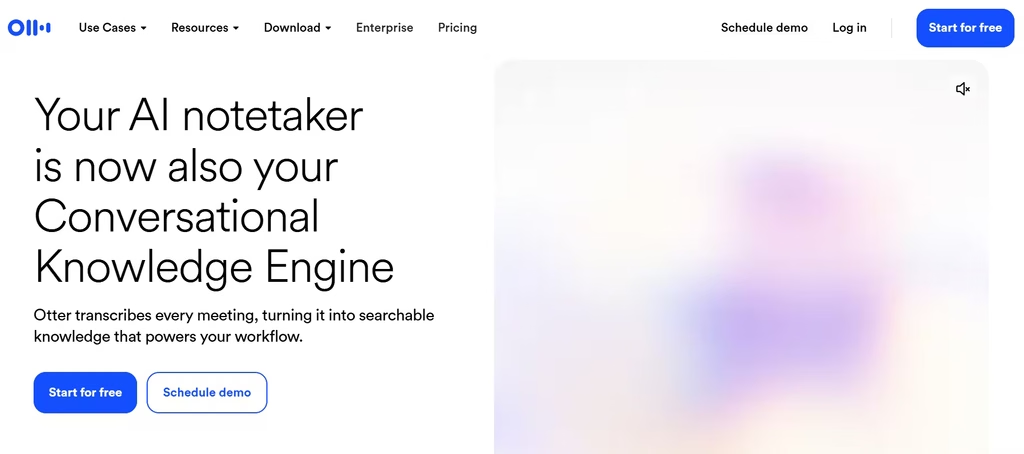
Otter earned its reputation as an early leader in real-time transcription, and it still performs well in clean, single-speaker conditions. On G2, it holds a 4.4-out-of-5 rating across users who consistently praise its ease of use and accurate transcriptions in clear conditions.
That accuracy drops, though, once multiple people talk over each other. Reviewers on G2 also flag mislabeled speakers as a recurring frustration. Pricing starts free, with paid plans around $16.99 monthly.
9. Notta: Best for Multilingual Teams
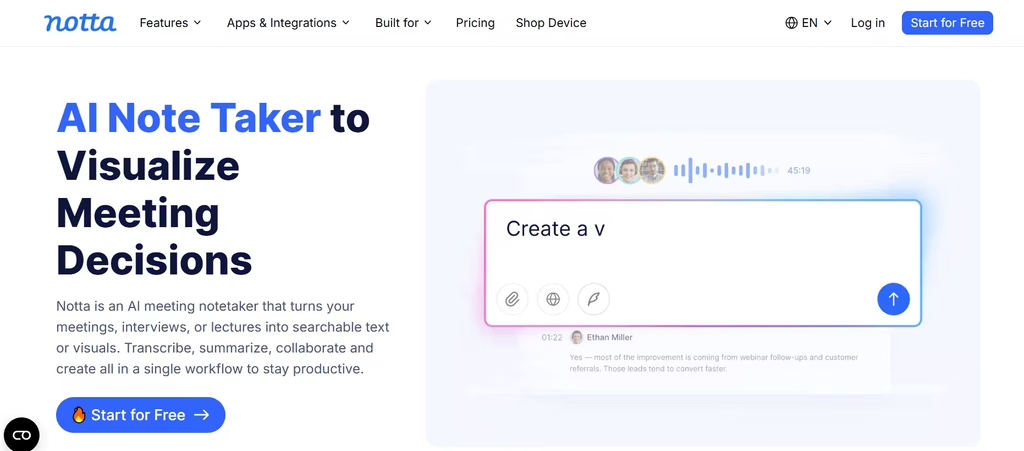
Notta keeps things simple: fast, accurate transcription across many languages, without the bloat of a full workflow platform. It supports more than 50 languages and handles both live meetings and uploaded recordings.
G2 gives it 4.4 out of 5 stars from 229 reviews, and users specifically praise its real-time transcription accuracy, even when switching between languages mid-conversation. A free plan exists, though it’s best suited to lighter, individual use rather than heavy team deployment.
10. Read AI: Best for Cross-Channel Context (With Caveats)
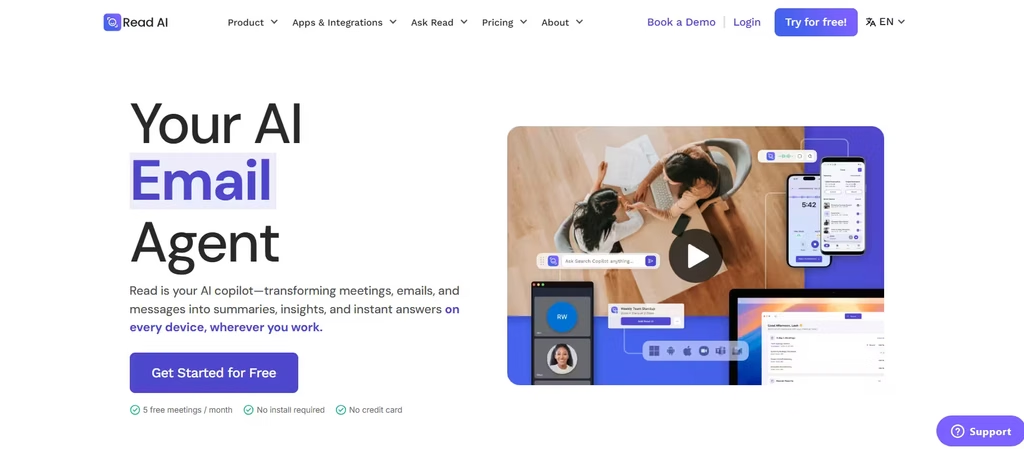
Read AI aims higher than transcription. It connects meeting data to your emails, Slack messages, and shared documents, building what it calls a personal knowledge graph. However, reviews tell two different stories. On G2, ratings are 4.6.
On Trustpilot, however, the picture darkens considerably: a 1.4-out-of-5 rating across 95 reviews, with roughly 85% of those reviews rating one star. Complaints center on bots joining meetings without full consent and auto-sharing summaries with every invitee. Consider this carefully before committing.
Which AI Meeting Assistant Should You Choose?
I’d recommend Fathom for most teams. The free tier eliminates onboarding risk, and its G2 rating holds up in practice rather than just on paper. If you need deep CRM automation once you outgrow Fathom’s free summary cap, upgrade to Fireflies.
Choose tl;dv or Avoma if you run a sales team that needs coaching and CRM depth. Choose Krisp if audio clarity, not note-taking, is your biggest complaint. And approach Read AI cautiously: its cross-platform vision is compelling, but its Trustpilot gap deserves a second look before you roll it out company-wide.
