

The best AI for writing a book is a tool that helps you outline, draft, edit, or format a manuscript faster without replacing your voice as the author.
No single AI writes a publishable book from start to finish. The real value sits in specific stages: brainstorming, outlining, drafting scenes, rewriting prose, and editing for consistency.
The self-publishing market hit $4.2 billion in 2025, and roughly 30% of indie authors now use AI somewhere in their writing workflow. Not to generate entire books – Amazon KDP requires you to disclose AI-generated content, and readers spot fully AI-written prose within a paragraph or two.
The actual use case is breaking through writer’s block. Drafting scenes you’ll rewrite. Outlining chapters. Brainstorming plot alternatives. Editing faster.
I tested seven tools across two projects – a 55,000-word non-fiction manuscript and a 35,000-word fiction draft. Some tools earned a permanent spot in my workflow. Others wasted more time than they saved. Here’s what I found.
Fiction vs. Non-Fiction: Do You Need Different Tools?
Yes. Fiction needs voice consistency, character tracking, dialogue rhythm, and genre awareness.
Non-fiction needs research synthesis, outline generation, clear explanatory prose, and structured chapter formatting.
A tool built for blog posts won’t handle a 60,000-word novel. And a tool built for romance novels won’t help you write a business book.
| Need | Best Tool Type | Top Pick |
| Fiction drafting | Purpose-built fiction AI | Sudowrite |
| Non-fiction drafting | General-purpose LLM | Claude |
| Outlining & structure | Structured writing workspace | NovelCrafter |
| Editing & rewriting | Prose analysis tool | ProWritingAid |
| Full pipeline (draft to export) | All-in-one platform | Squibler |
| Research & brainstorming | Free LLM | Google Gemini |
| General-purpose drafting | Versatile chatbot | ChatGPT |
1. Sudowrite – Best AI for Writing Fiction Books
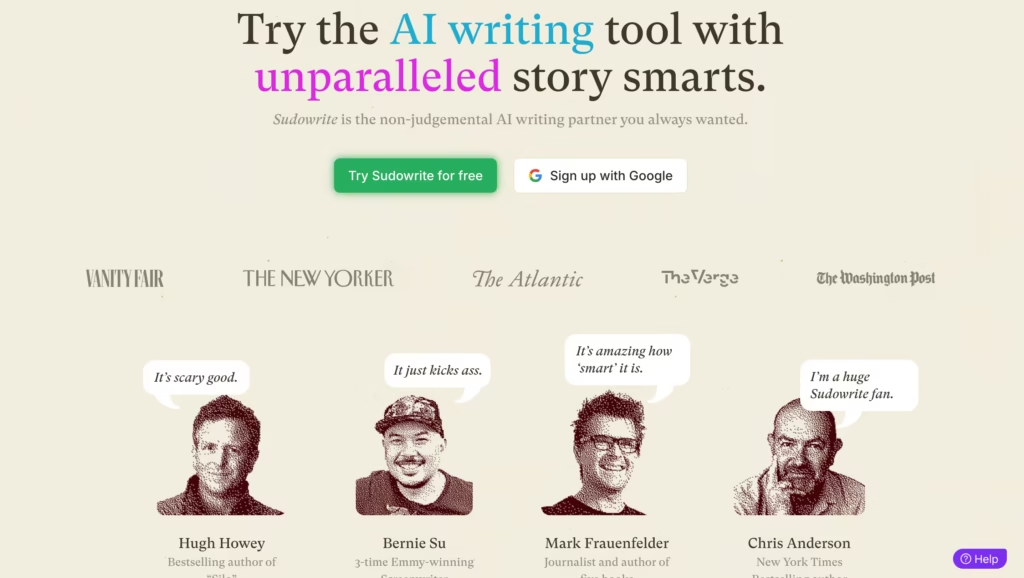
Sudowrite is built exclusively for fiction writers, and that focus shows in every feature. Unlike general-purpose AI tools, Sudowrite uses its proprietary Muse model – a custom LLM fine-tuned on published novels and short stories.
A thriller chapter from Muse reads noticeably different from a literary fiction chapter. Tighter sentences, faster reveals, more white space. That kind of genre awareness takes heavy prompting to get from ChatGPT or Claude.
Story Engine 3.0 is the headline feature. You feed it a premise, characters, genre, and style preferences, and it builds a beat sheet outline. From there, it generates scene-by-scene drafts you can edit.
I fed it a mystery premise with three characters and got a 12-scene outline in about 90 seconds. Eight of those scenes were usable without major restructuring.
Key Features
Story Engine 3.0 for guided novel generation, Story Bible for character and world tracking, Describe tool for adding sensory detail to flat prose, Rewrite tool for generating style variations of any passage, Twist for unexpected plot turns, and Canvas for visual story planning.
Pricing
- Hobby & Student: $10/mo (annual) / $19/mo (monthly) – 225,000 credits
- Professional: $22/mo (annual) / $29/mo (monthly) – 500,000 credits
- Max: $44/mo (annual) / $59/mo (monthly) – 2,000,000 credits + 12-month rollover
All plans include identical features. The only difference is monthly credit allocation.
| Pros | Cons |
| Best fiction prose quality via Muse model | No non-fiction support at all |
| Story Bible keeps characters consistent across chapters | Credit system means heavy users burn through allocation |
| Genre-aware output (thriller vs. romance vs. literary) | No export to EPUB, PDF, or DOCX |
| Describe and Rewrite tools are useful for revision | When I tested a 2,000-word grief scene, Muse produced three consecutive paragraphs of generic introspection that felt like placeholder text -I had to scrap and rewrite from scratch |
Best For
Fiction novelists writing genre fiction (romance, thriller, sci-fi, fantasy), writers who already have an outline and need AI to draft and expand scenes, and indie authors publishing multiple books per year who need speed without sacrificing voice.
2. Claude (Anthropic) – Best AI for Writing Non-Fiction Books
Claude’s 200K token context window is the reason it landed here. You can paste an entire book manuscript – 80,000+ words – into a single conversation, and Claude will hold all of it in memory while you work.
That’s a massive advantage for non-fiction authors who need the AI to reference chapter 3 while drafting chapter 12.
I used Claude Pro to draft a 55,000-word non-fiction manuscript over four weeks. The explanatory prose was clean and clear on the first pass – far less editing than what ChatGPT required for the same style of content.
Claude’s Projects feature let me organize research documents, chapter outlines, and style notes in one place, feeding context to every conversation automatically.
Key Features
200K context window for full-manuscript awareness, Projects for organizing research and outlines, strong analytical and explanatory prose, adjustable tone and style, and the ability to work across multiple chapters while maintaining consistency.
Pricing
- Free: Limited messages per day
- Pro: $20/mo
- Team: $25/user/mo
- Enterprise: Custom pricing
| Pros | Cons |
| Holds an entire manuscript in context at once | Fiction prose can feel flat without heavy prompting |
| Produces clean, publishable non-fiction on first pass | Free tier has strict daily message limits |
| Projects feature organizes research and outlines | No built-in export or formatting tools |
| Excellent at maintaining voice across long documents | No character tracking or story-specific features |
Best For
Non-fiction authors (business, self-help, how-to, memoir structure), researchers turning long-form content into books, and authors who need the AI to reference the full manuscript while drafting new chapters.
3. ChatGPT (OpenAI) – Best General-Purpose AI for Book Writers
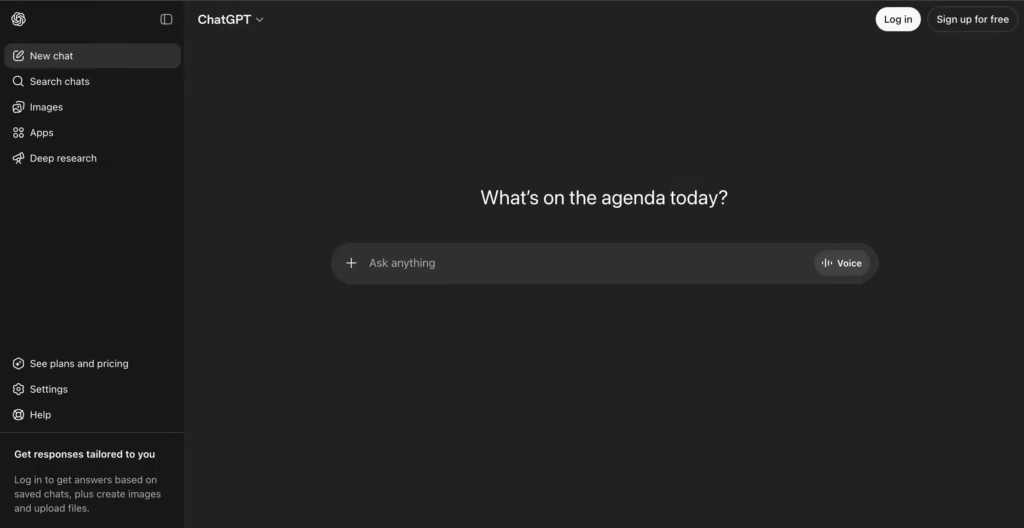
ChatGPT won’t beat Sudowrite at fiction prose or Claude at holding a full manuscript in memory.
But it handles research, outlining, drafting, rewriting, and brainstorming in one place – and its Custom GPTs let you build book-specific workflows you can reuse across every writing session.
I built a Custom GPT loaded with my book’s style guide, target audience profile, and chapter outline. Every prompt returned output that matched my tone without me re-explaining the context.
For first-time book authors who don’t want to juggle multiple subscriptions, ChatGPT Plus at $20/month covers the most ground for the money.
Key Features
GPT-4o across all tiers, Custom GPTs for book-specific workflows, Canvas feature for in-document editing, web browsing for research, DALL-E for concept imagery, and a massive plugin ecosystem.
Pricing
- Free: GPT-4o (limited messages)
- Plus: $20/mo
- Team: $25/user/mo
- Pro: $200/mo
| Pros | Cons |
| Covers research, outlining, drafting, and editing in one place | A 500-word thriller scene had 8 instances of “suddenly” and “just then” – I rewrote 60% of the dialogue to remove formulaic pacing |
| Custom GPTs create reusable book-specific workflows | Context window smaller than Claude’s |
| Easiest learning curve of any AI writing tool | No built-in manuscript organization or story tracking |
| Strong for research synthesis and outlining | Output can feel formulaic on longer passages |
Best For
First-time book authors who want one tool for everything, non-fiction writers who need research + drafting + editing in one place, and authors on a budget who can only justify one $20/month subscription.
4. NovelCrafter – Best AI Writing Workspace for Serious Novelists
NovelCrafter is what you get when someone builds Scrivener with AI baked into every layer. The Codex tracks every character, location, and piece of lore in your story, and feeds that context to the AI automatically so it doesn’t forget your protagonist’s eye color in chapter 14.
The Scene Beats system lets you outline what happens in each scene before generating prose, keeping you in creative control while AI handles the heavy drafting.
The bring-your-own-API-key model is unusual. Instead of using a proprietary AI, you connect your own OpenAI, Anthropic, or local model key. That means you pick the AI that sounds best for your genre – and your per-word costs stay transparent.
In my view, this makes NovelCrafter worth the learning curve for plotters, but pantsers who discover their story as they write will find the structure suffocating rather than helpful.
If you don’t outline before you draft, the Codex and Scene Beats system will feel like homework instead of a creative aid
Pricing
- Scribe: $4.30/mo – unlimited books, series management, basic review
- Hobbyist: $8.60/mo – adds AI integration (bring your own API key)
- Artisan: $15.05/mo – adds chat features and advanced review tools
- Specialist: $21.05/mo – collaborative writing and team management
| Pros | Cons |
| Codex keeps character and world details consistent automatically | Requires separate API key (additional cost) |
| Scene Beats system gives you creative control over AI output | Steeper learning curve than simpler tools |
| Works with multiple AI providers (OpenAI, Anthropic, local models) | Not suited for non-fiction at all |
| Excellent series management for multi-book projects | No built-in text-to-speech or audio features |
Best For
Plotters who need deep organizational tools alongside AI, worldbuilders working on fantasy or sci-fi, and series authors tracking continuity across multiple books.
5. ProWritingAid – Best AI for Editing and Revising a Book
ProWritingAid doesn’t help you write a book. It helps you fix one. And that distinction matters, because the gap between a rough draft and a publishable manuscript is where most authors stall.
ProWritingAid runs your text through 25+ analytical reports – pacing, readability, dialogue tag variety, sentence length variation, cliché density, and more. It tells you that your chapter 6 pacing drops 40% compared to chapter 5, or that you’ve used “nodded” as a dialogue tag 47 times in 60,000 words.
I ran my completed non-fiction draft through it and caught patterns I’d never have noticed manually: 23% of my sentences started with “The,” my average paragraph length was 30% longer in the middle chapters, and I’d used three clichés per thousand words in my conclusion.
Fixing those patterns took two days instead of the two weeks a manual revision would have required.
Pricing
- Free: Limited analysis
- Premium: $30/mo – full reports and suggestions
- Premium Pro: $36/mo – adds plagiarism checks
| Pros | Cons |
| 25+ analytical reports go far beyond grammar checking | Not a drafting tool – only works on existing text |
| Pacing and readability analysis is invaluable for books | Free tier is too limited to be useful |
| Genre-specific benchmarking for fiction manuscripts | Can overwhelm new writers with too many suggestions |
| Integrates with Scrivener, Google Docs, and Word | Some reports feel redundant for experienced authors |
Best For
Self-editing authors preparing manuscripts before sending to a human editor, fiction writers who want data-driven feedback on pacing and dialogue patterns, and non-fiction authors checking clarity and readability scores.
6. Squibler – Best All-in-One AI Book Writing Platform
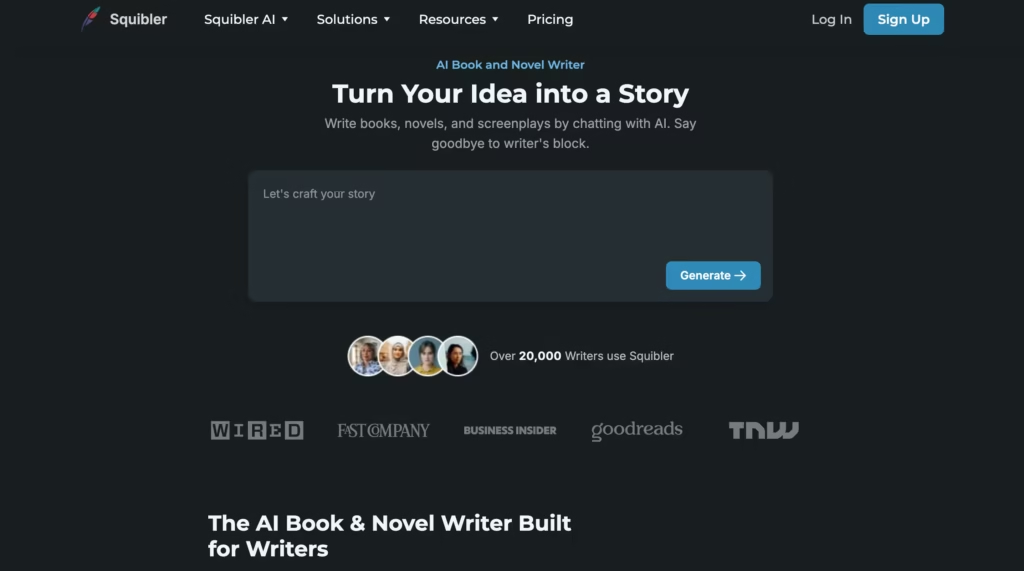
Squibler tries to be everything – outlining, drafting, AI generation, image creation, collaboration, and export – in one platform.
Its Smart Writer offers three modes: Auto (AI writes, you steer), Guided (AI suggests, you choose), and Creative (minimal AI, maximum control). You can generate a full book draft from a premise, then edit it chapter by chapter inside the same workspace.
The biggest practical advantage? Export. Squibler outputs to PDF, Word, and Kindle-ready formats without a separate formatting tool. For self-publishers who don’t want to buy Atticus or learn Vellum, that’s a real time saver.
After exporting a 40,000-word manuscript to Kindle format, I found the spacing and chapter breaks required manual fixes in Calibre – the one-click export isn’t as polished as Atticus, but it’s faster than formatting from scratch in Word.
Pricing
- Free: 6,000 AI words/mo, 5 image generations
- Plus: $29.99/mo – unlimited AI generation
- Pro: $89.99/mo – full feature suite including collaboration
| Pros | Cons |
| Full pipeline from outline to Kindle-ready export | AI output quality is inconsistent and needs heavy editing |
| Smart Writer modes give you control over AI involvement | Expert reviews rate core writing features around 2.5/5 |
| Built-in storyboarding and visual project organization | Web-based only – no mobile app |
| Free plan lets you test before paying | Big-project performance slows down on longer manuscripts |
Best For
First-time authors who want one platform for drafting through export, self-publishers who need Kindle-ready files without extra tools, and writers who value visual project organization (corkboard, scene cards).
7. Google Gemini – Best Free AI for Book Research and Brainstorming
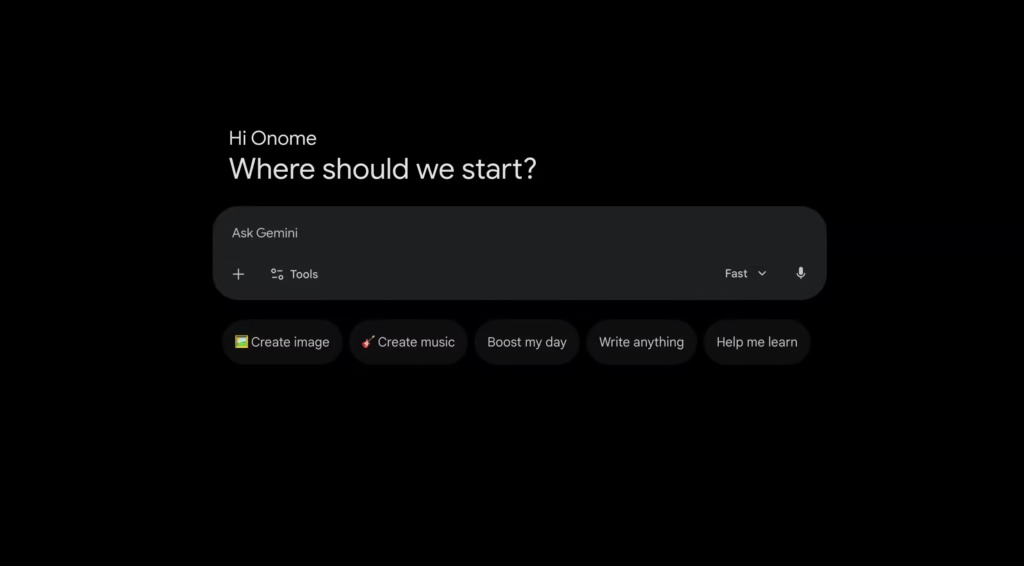
Gemini won’t draft your novel. But it handled my non-fiction research faster than any other free tool I tested in 2026.
The Deep Research feature synthesizes information across multiple sources and produces structured summaries, useful when you’re writing non-fiction and need to gather background on a topic before outlining chapters.
Unlimited free access with no message caps makes it the workhorse for the brainstorming phase.
I used Gemini to research three chapters of my non-fiction project. It produced source-backed summaries that saved me roughly 8 hours of manual research across those chapters.
The output needed fact-checking (AI hallucinations are real), but as a starting point for research, it outperformed ChatGPT Free and Claude Free on structured synthesis tasks.
Pricing
- Gemini: Free (unlimited)
- Gemini Advanced: $19.99/mo (larger context, more capable model)
| Pros | Cons |
| Unlimited free access with no message caps | Prose quality isn’t strong enough for book drafting |
| Deep Research produces structured, sourced summaries | Hallucinations require manual fact-checking |
| Integrates with Google Docs for seamless workflow | No manuscript organization or story tracking |
| Strong for non-fiction research synthesis | Fiction support is minimal |
Best For
Research-heavy non-fiction authors, writers who need source synthesis before outlining, and authors who live in Google Docs and want a free AI that fits their existing workflow.
How to Pick the Best AI for Writing a Book: A Stage-by-Stage Guide
| Stage | Best Tool | Why |
| Research & brainstorming | Google Gemini | Free, unlimited, strong at synthesis |
| Outlining & structure | NovelCrafter or ChatGPT | Codex for fiction, Custom GPTs for non-fiction |
| First draft (fiction) | Sudowrite | Genre-aware prose, Story Engine, Story Bible |
| First draft (non-fiction) | Claude | 200K context, clean explanatory writing |
| Revision & rewriting | Sudowrite Rewrite or Claude | Style variations and full-manuscript awareness |
| Line editing | ProWritingAid | 25+ reports catch patterns humans miss |
| Formatting & export | Squibler or Atticus | Kindle/PDF/EPUB-ready files |
FAQs
1) What is the best AI for writing a fiction book?
Sudowrite for prose quality and genre awareness. NovelCrafter for project management and world-building. Claude if you want a general LLM with a large context window.
2) What is the best AI for writing a non-fiction book?
Claude Pro. The 200K context window lets it hold your full manuscript in memory, and its explanatory prose is cleaner than ChatGPT’s for long-form non-fiction.
3) Can AI write an entire book by itself?
Technically, yes. Practically, no. AI can get you roughly 70% of a rough draft, but the remaining 30% – voice, emotional depth, structural coherence – requires human editing. Readers detect fully AI-written prose quickly, and Amazon KDP requires AI content disclosure.
4) Is it legal to publish an AI-written book?
Yes, but the copyright status of fully AI-generated text remains legally unsettled. The U.S. Copyright Office has ruled that purely AI-generated works can’t be copyrighted, but works with significant human authorship (including editing and creative direction of AI output) can.
5) What is the best free AI for writing a book?
Google Gemini for research, ChatGPT Free for drafting, and Squibler’s free tier for a complete (limited) workspace with export.
