
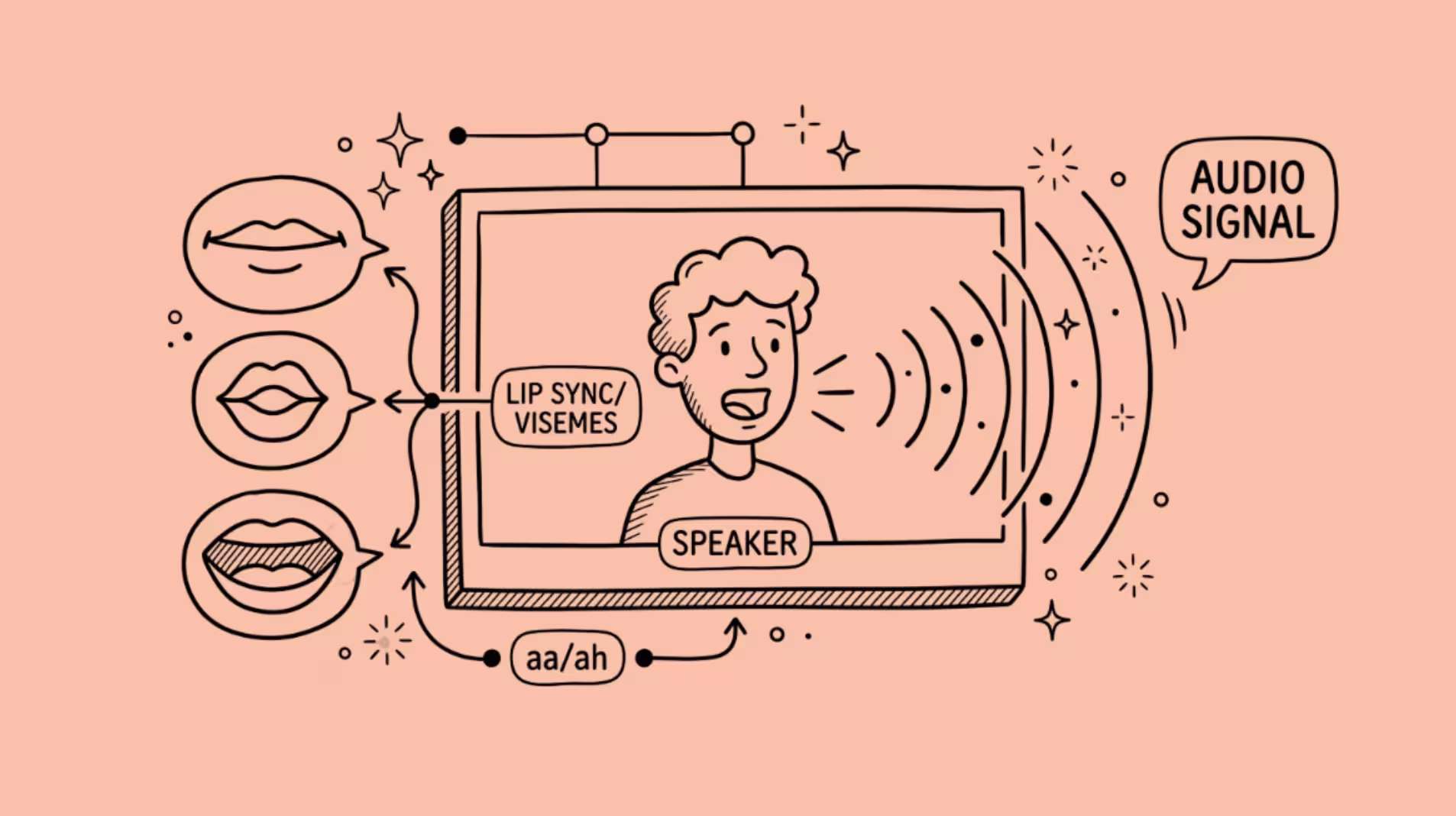

AI dubbing works by separating a speaker’s voice from a video, translating and re-synthesizing the speech in a new language, and then re-animating the speaker’s mouth to match the new audio.
The full pipeline has four stages: speech recognition, translation, text-to-speech with voice cloning, and neural lip sync.
Each stage uses a different set of models, and the quality of the final output depends on the weakest link in the chain.
I have been covering AI video tools for autogpt.net for over a year, and dubbing is the category where I see the biggest gap between demos and real-world output.
The demos look perfect. The production results, especially across languages with very different sentence lengths, still have visible artifacts.
Understanding how the pipeline works explains why, and helps you figure out which tools are worth paying for.
The Four-Stage Pipeline Behind Every AI-Dubbed Video
Traditional dubbing is a human process.
A translator adapts the script, voice actors record in a studio, and a sound engineer mixes the new audio against the original video.
It takes weeks and costs thousands of dollars per finished minute for a high-quality dub.
AI dubbing compresses that into minutes. But it is not one model doing everything. It is a pipeline of specialized models, each handling one step and passing its output to the next.
Stage 1: Speech recognition and transcription
The system starts by converting the original audio into text.
Modern automatic speech recognition (ASR) models like OpenAI’s Whisper transcribe audio with timestamps for each word or phoneme.
If the video has multiple speakers, a diarization model separates them first, assigning each voice segment to a speaker identity.
This stage also extracts prosody data: which words are stressed, where pauses fall, what the emotional tone is at each point.
That metadata travels forward through the pipeline because the final synthetic voice needs to match the speaker’s delivery, not just their words.
The accuracy here matters more than people realize. A transcription error at stage 1 becomes a translation error at stage 2, a pronunciation error at stage 3, and a mouth-shape error at stage 4. One wrong word cascades.
Stage 2: Translation with timing constraints
Standard machine translation optimizes for meaning. Dubbing translation optimizes for meaning, lip compatibility, and duration.
That last constraint is the hard one. A sentence that takes 3.5 seconds in English might take 4.2 seconds in French or 2.8 seconds in Japanese.
The translated speech has to fit roughly the same time window as the original, or the lip sync will drift, the speaker will appear to stop talking while audio continues, or awkward silences will appear mid-sentence.
The translation models used in dubbing are fine-tuned to produce outputs that match the source duration within roughly 10 to 15%. Some systems use “isochronal translation,” which penalizes outputs that deviate too far from the source timing.
When the mismatch exceeds about 30%, the system has to insert pauses or synthesize additional head movement to fill the gap, and quality drops.
Stage 3: Voice cloning and text-to-speech
The translated text gets spoken aloud by a synthetic voice that sounds like the original speaker. This is where voice cloning comes in.
Modern voice cloning models (ElevenLabs, Coqui, and others) can replicate a speaker’s voice from as little as 10 to 20 seconds of clean audio. The cloned voice captures pitch, timbre, cadence, and accent.
The better systems also preserve emotional inflection, so a speaker who sounds angry in the original sounds angry in the dubbed version, not flat.
The text-to-speech engine generates audio in the target language using the cloned voice.
For languages the original speaker has never spoken, the result is a best approximation.
An English speaker dubbed into Mandarin will sound like themselves speaking Mandarin with the phonetic inventory of someone who has never spoken it.
Whether that sounds natural or uncanny depends on the language pair and the quality of the TTS model.
Stage 4: Neural lip sync (where it gets interesting)
This is the stage that separates AI dubbing from simple audio replacement. The speaker’s mouth in the video is re-animated to match the new audio track.
The pipeline within this stage has its own sub-steps, and this is where the deep learning gets dense.
How Neural Lip Sync Actually Works
The lip sync stage is the most technically complex part of the dubbing pipeline, and it is also the part that fails most visibly when it goes wrong. Here is what happens inside it.
Face detection and landmark tracking
The system starts by locating the speaker’s face in every frame.
Google’s MediaPipe Face Mesh is the most commonly used model for this. It identifies 468 3D facial landmarks per frame, including 32 points specifically on the lips and jaw.
Those landmarks track at the video’s native frame rate (24 to 60 fps) and capture head pose (yaw, pitch, roll), depth contours, and the deformation state of the lip mesh.
Early systems worked in 2D, but they produced visible artifacts when the speaker turned their head.
3D tracking solved most of those issues, though lip sync quality still degrades when the face is turned more than about 45 degrees from the camera, and dense facial hair over the mouth reduces landmark accuracy.
Phoneme-to-viseme mapping
Every language has a set of phonemes (distinct sounds). English has about 44, Spanish about 27, Mandarin about 20 plus tonal distinctions. But many of those sounds look identical on the face.
The sounds /p/, /b/, and /m/ all involve the same lip closure. The sounds /t/, /d/, and /n/ all look like the tongue touching the ridge behind the upper teeth.
Visemes are the visual equivalents of phonemes. Most languages compress down to about 14 to 22 viseme classes. The system maps each phoneme in the dubbed audio to its corresponding viseme and generates a timeline of mouth shapes, one per frame.
The tricky part is coarticulation.
Your mouth does not snap from one shape to the next. The shape it takes for any given sound depends on the sounds before and after it. Say “boot” and “beet” slowly and watch your lips.
The /b/ looks different in each word because your mouth is already preparing for the vowel that follows.
The lip sync model has to interpolate smooth deformation paths between visemes, and this is where cheap systems produce the robotic, over-articulated mouth movements that make AI dubbing look fake.
Neural rendering: the Wav2Lip breakthrough
The foundational model in this space is Wav2Lip, published by researchers at IIIT Hyderabad in 2020.
The paper’s title, “A Lip Sync Expert Is All You Need for Speech to Lip Generation in the Wild,” describes its core idea: instead of training a GAN (generative adversarial network) with a generic discriminator, they trained it against a frozen, pre-trained lip-sync expert that could tell whether mouth movements matched the audio.
That lip-sync expert is a modified version of SyncNet.
The original SyncNet takes a window of consecutive lower-half face frames and an audio segment, runs them through separate encoders, and measures whether the audio and visual streams are in sync.
The Wav2Lip team improved it with color input (instead of grayscale), a deeper network with residual skip connections, and a cosine-similarity loss function. Their expert discriminator achieved about 91% accuracy at detecting out-of-sync audio-visual pairs.
The generator is a 2D convolutional encoder-decoder. It takes the current face crop (with the lower half masked out) and the target audio segment as inputs, and outputs a new face with the mouth region altered to match the audio.
The total training loss combines three terms: an L1 reconstruction loss against ground truth, the expert sync loss (which penalizes mismatched mouth shapes), and an adversarial loss from a visual-quality discriminator.
A key design decision: the sync expert’s weights stay frozen during training. The authors found that fine-tuning it on noisy generated faces degraded its sync accuracy, which made the generator produce worse lip sync. Keeping the expert frozen forced the generator to meet a higher standard.
The results were striking.
On the LRS2 benchmark, Wav2Lip achieved a lip-sync distance score (LSE-D) of 6.386, compared to 6.736 for real synced videos.
In human evaluations on real-world YouTube videos, Wav2Lip outputs were preferred over competing methods in over 90% of combined votes.
What happens after the mouth is generated
The neural renderer does not output a full video frame. It outputs a patch: the lower face region with new mouth movements. That patch has to be blended back into the original frame without visible seams.
The blending step estimates lighting and skin texture from the surrounding face, projects the new mouth onto the 3D face mesh, and applies a feathered mask to smooth the boundary.
A temporal consistency loss penalizes frame-to-frame differences to reduce flicker. Secondary motion synthesis propagates lip movement into the jaw, cheeks, and neck so the face does not look like a static image with an animated mouth pasted on.
Where the Pipeline Breaks Down
The 80-millisecond rule governs everything. Research on the McGurk effect (where what you see overrides what you hear) shows that viewers notice audio-visual mismatch at roughly 80 to 120 milliseconds.
The best current systems achieve sync errors below 80 milliseconds under optimal conditions, but “optimal” means a single front-facing speaker with clean audio and no facial obstructions.
Real-world degradation happens in predictable ways.
Duration mismatch. When the dubbed speech runs more than 30% longer than the original, temporal warping (stretching the original face-tracking data to fit the new audio timeline) introduces visible distortion. French and German dubs of English content hit this problem frequently.
Fast speech. Quality is best at 120 to 160 words per minute. Above about 200 WPM, visemes become too brief to distinguish, and the mouth movements blur into each other.
Multiple speakers. Most tools handle one speaker well. Scenes with overlapping dialogue, speakers at different depths, or rapid cuts between faces degrade quality because the face tracker has to re-acquire the target between frames.
Resolution limits. Wav2Lip, the most widely used open-source model, caps at 720p. Commercial tools like HeyGen and Synthesia push to 1080p. True 4K lip sync remains rare and computationally expensive.
The Tools That Put This Pipeline Into Practice
If you work with video content, you do not need to build this pipeline yourself.
Several commercial platforms package all four stages into a single workflow, though they vary in which stages they prioritize. For a broader look at AI filmmaking tools and how they fit into production workflows, we have a separate guide.
HeyGen is the most popular all-in-one option. It handles translation, voice cloning, and lip sync in a single interface, supporting 175+ languages.
The lip sync quality on talking-head video is the best I have seen from a consumer-facing tool. Pricing starts free (limited to 1-minute videos), with Creator at $24/month (annual) and Pro at $49/month.
ElevenLabs has the strongest voice cloning in the industry, but its Dubbing Studio handles audio only, not video.
If you need lip sync, you will need to pair it with a separate tool. Starter plan at $6/month (30,000 credits), with automatic dubbing costing roughly 2,000 to 3,000 credits per minute.
Rask AI targets high-volume localization with 135+ languages and multi-speaker detection. Lip sync requires the Creator Pro plan at $99/month, and enhanced lip sync counts as 3x your minute allowance. The per-minute costs climb fast.
Sync Labs (sync.so) takes a different approach. It sells just the lip sync model as an API. You send a video and an audio track, and it returns the video with the mouth re-animated.
No translation, no voice cloning. Hobbyist plan at $5/month plus $0.05 per second. The article-writing and AI video creation communities have started building custom pipelines on top of it.
Synthesia is built for corporate training and L&D. Its dubbing feature auto-translates uploaded video with lip sync in 130+ languages, but it shines with its own AI avatars rather than dubbing existing footage. Starter at $18/month (annual billing).
What Traditional Dubbing Still Does Better
AI dubbing costs 60 to 90% less than traditional studio dubbing and cuts turnaround by roughly 80%, according to industry estimates. Studios allocated about 7% of operational budgets to generative AI tools (including dubbing) in 2025, per Deloitte.
But traditional dubbing still wins in three areas.
Performance. A human voice actor interprets a character. They make creative choices about emphasis, timing, and subtext that AI voice cloning cannot replicate. For narrative content (films, scripted series, animation with emotional range), human dubbing produces better results.
Cultural adaptation. Translation is not just words. Jokes, idioms, cultural references, and register all need adaptation that requires human judgment. AI translation handles literal meaning well. It handles cultural nuance poorly.
Lip sync in difficult conditions. Extreme head angles, group conversations, singing, and scenes with facial obstructions all challenge AI lip sync in ways that traditional dubbing (where the voice track is adjusted to roughly match existing mouth movements) handles naturally.
The practical split right now: AI dubbing works well for talking-head content (YouTube videos, online courses, corporate communications, podcasts). Traditional dubbing remains the standard for premium entertainment content. The middle ground (educational content, marketing videos, social media localization) is where AI is gaining the fastest.
FAQ
How accurate is AI lip sync compared to real speech?
On benchmarks, the best models (like Wav2Lip) produce lip-sync scores comparable to real synced video.
In human evaluations, over 90% of viewers preferred Wav2Lip output over competing methods.
But benchmark performance drops in real-world conditions: side-facing speakers, fast speech, noisy audio, and translations that run significantly longer than the original all reduce accuracy.
Can AI dub a video into any language?
Most commercial tools support 70 to 175+ languages.
But quality varies by language pair. Languages with similar sentence structures and lengths (English to Spanish, for example) produce better results than pairs with large structural differences (English to Japanese).
Tonal languages like Mandarin add complexity because the voice cloning model has to replicate tonal patterns it may not have been trained on.
How long does AI dubbing take?
Most tools process a one-minute video in under five minutes, depending on the plan and whether lip sync is included.
Lip sync adds significant processing time because the neural renderer has to generate and blend a mouth patch for every frame. A 10-minute video with lip sync might take 15 to 30 minutes, compared to under 5 minutes for audio-only dubbing.
Does AI dubbing replace voice actors?
Not for premium content. AI dubbing excels at scale (localizing hundreds of videos quickly) and at content where perfect performance is less important than broad availability.
For films, animation, and content where the voice performance is part of the creative product, human voice actors still produce clearly better results.
The most likely long-term model is AI handling first drafts and high-volume content while human actors handle premium and creative work.
What is the difference between AI dubbing and AI lip sync?
AI dubbing is the full pipeline: transcription, translation, voice cloning, text-to-speech, and (optionally) lip sync. AI lip sync is just the final visual stage: re-animating a speaker’s mouth to match a given audio track.
Some tools (like HeyGen and Rask AI) do both. Others (like Sync Labs) handle only lip sync and expect you to bring your own translated audio.
