
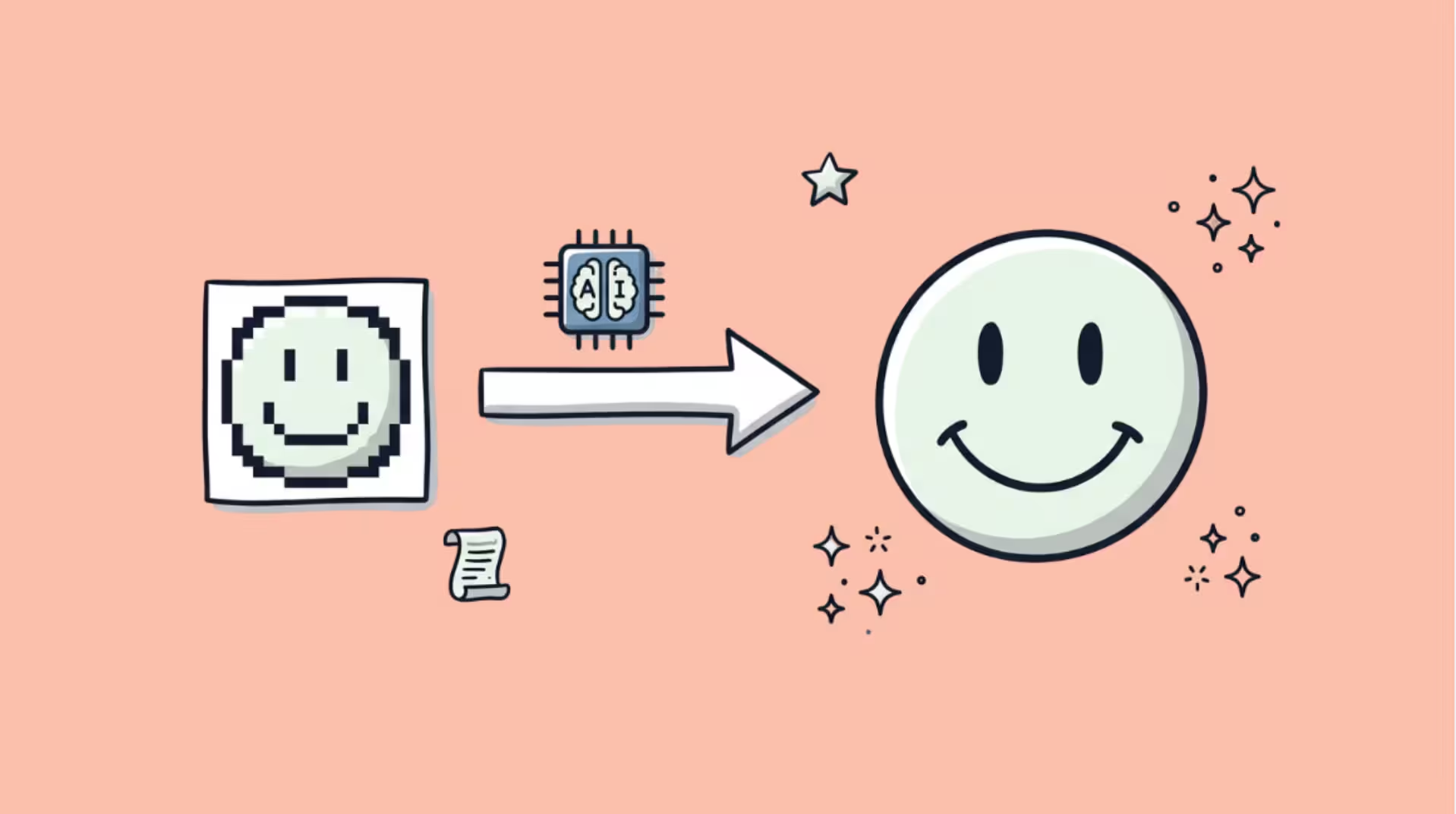

AI upscaling takes a small, low-resolution image and produces a larger, sharper version.
That sentence is technically correct and completely misleading.
The sharp detail you see in the upscaled image was not “recovered” from the original.
It was invented by a neural network that learned what sharp detail usually looks like in similar images.
Understanding that distinction (reconstruction vs invention) is the single most important thing about AI upscaling.
It determines when the technology is useful, when it is unreliable, and why a 4x upscaled portrait looks convincingly sharp even though most of the detail in the output never existed in the input.
What Traditional Upscaling Does (And Why It Looks Bad)
Before AI, upscaling used mathematical interpolation. The two most common methods:
Nearest neighbor copies each pixel to fill the larger grid.
A 100×100 image scaled to 400×400 repeats each pixel in a 4×4 block. The result is blocky and pixelated. Useful for pixel art. Terrible for photographs.
Bicubic interpolation blends neighboring pixels using a weighted average to create smooth transitions.
The result is softer than nearest neighbor but blurry. Fine detail (hair strands, text, fabric texture) becomes a muddy smear.
Every photo editor from Photoshop to your phone’s gallery app uses bicubic as the default resize method.
Both methods have the same fundamental limitation: they cannot add information that is not there. A 200×200 photo contains roughly 40,000 pixels of information. Scaling it to 800×800 requires 640,000 pixels.
Traditional methods stretch 40,000 pixels across 640,000 positions. The missing 600,000 pixels are filled with mathematical averages of their neighbors. That averaging is what produces the blur.
What AI Upscaling Does Differently
AI upscaling does not stretch pixels.
It predicts what the missing high-resolution detail probably looks like based on patterns it learned from millions of training images.
The training process works like this:
- Start with millions of high-resolution photographs.
- Degrade each one systematically: shrink it, add noise, apply blur, compress it with JPEG artifacts. Stack multiple degradations in random combinations to simulate real-world image damage (a photo screenshot from WhatsApp, a scan of an old print, a low-res download from a website).
- Show the neural network the degraded version and ask it to reconstruct the original high-resolution version.
- Grade the network on how closely its output matches the real high-resolution image.
- Repeat billions of times until the network learns the statistical patterns that connect low-resolution inputs to high-resolution outputs.
After training, the network has internalized what brick textures, hair strands, skin pores, letterforms, fabric weaves, tree bark, and thousands of other visual elements look like at high resolution.
When you feed it a blurry 200×200 photo of a face, it does not sharpen the existing pixels.
It generates new pixels that depict what a face at 800×800 probably looks like, given the low-resolution clues it can see.
This is why AI upscaling looks dramatically better than bicubic interpolation. Bicubic averages. AI generates.
The generated detail is plausible, often convincing, and sometimes indistinguishable from a photo actually taken at the higher resolution.
But it is not the same as the original scene. The AI is making an educated guess, not restoring ground truth.
The Models That Power Modern AI Upscaling
The field has evolved through four generations, each solving a problem the previous one could not:
SRCNN (2014): The First Neural Upscaler
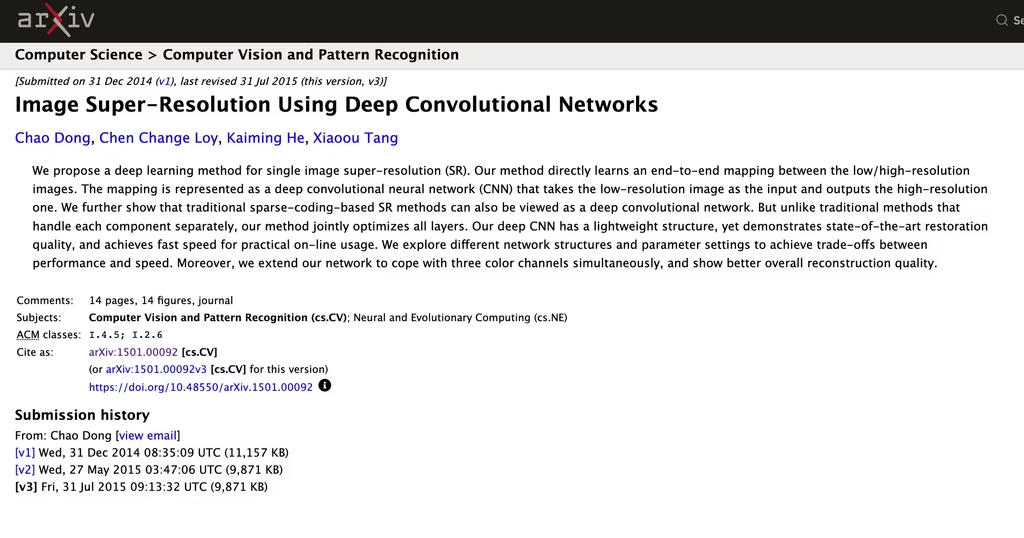
Super-Resolution Convolutional Neural Network proved that a neural network could outperform bicubic interpolation on image upscaling.
The output was sharper than traditional methods but still smooth, lacking the fine textures that make images look real.
SRGAN (2017): Adding Realistic Texture
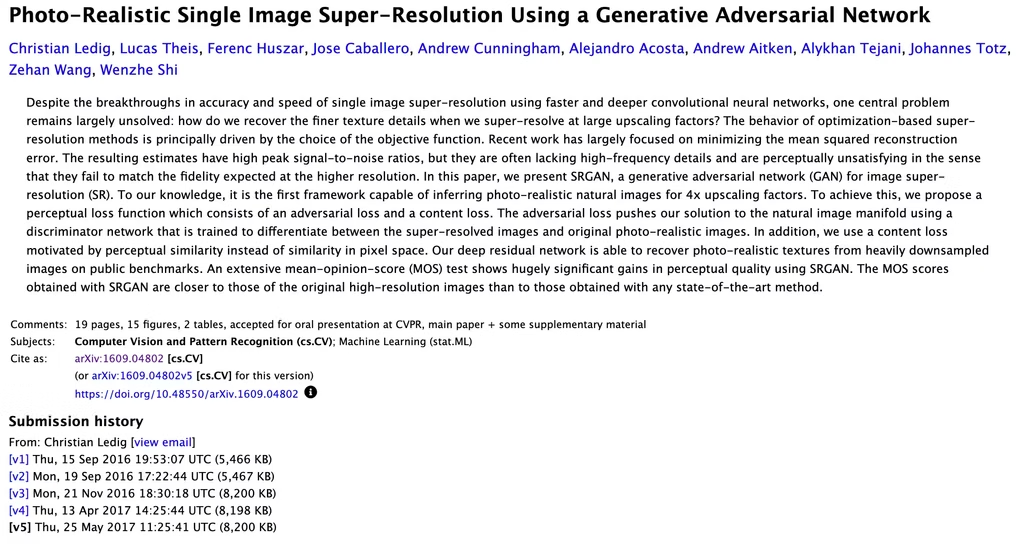
SRGAN introduced Generative Adversarial Networks to upscaling.
Two networks compete: a generator creates the upscaled image, and a discriminator tries to distinguish the generated image from a real high-resolution photo.
The generator improves until the discriminator cannot tell the difference. This adversarial training produces realistic textures (skin pores, fabric grain, leaf veins) that SRCNN could not create.
ESRGAN (2018): Better Architecture, Better Quality
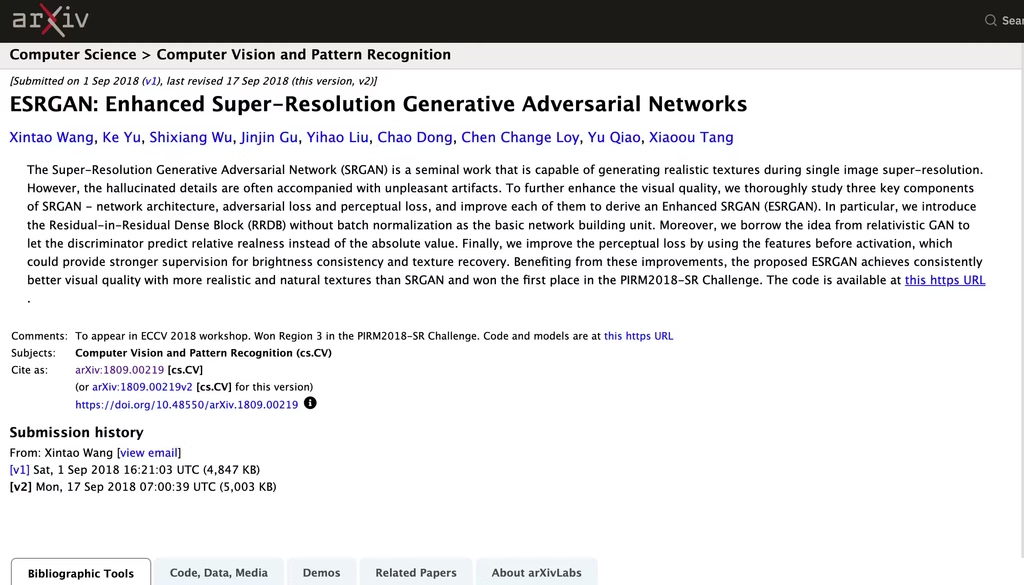
ESRGAN replaced SRGAN’s architecture with Residual-in-Residual Dense Blocks (RRDB), which allowed the network to retain finer details through deeper layers.
It also introduced perceptual loss (comparing features extracted by a pre-trained VGG network rather than pixel-by-pixel comparison), which produces output that looks better to human eyes even if the pixel values differ from the original.
Real-ESRGAN (2021): Handling Real-World Images
Real-ESRGAN is the model most consumer upscaling tools run under the hood.
The breakthrough: training on realistically degraded images rather than cleanly downscaled ones. Previous models trained on images that were simply shrunk.
Real-world images are shrunk AND compressed AND noised AND blurred in layered combinations.
Real-ESRGAN’s training pipeline simulates this compound degradation, which is why it handles messy real-world images (WhatsApp screenshots, old scans, web thumbnails) far better than models trained on clean data.
The architecture uses a U-Net discriminator with spectral normalization that evaluates the image patch by patch rather than globally.
This means the model can produce sharp detail in one region while smoothing noise in another, adapting its behavior across the image.
Diffusion-Based Upscalers (2023-2026): The Current Frontier
The newest generation uses diffusion models (the same architecture behind Stable Diffusion and DALL-E) for upscaling.
Instead of a single forward pass through a GAN, diffusion upscalers start from noise and iteratively refine toward a high-resolution image, guided by the low-resolution input.
Diffusion upscalers produce even more detailed output than Real-ESRGAN, particularly on faces and complex textures.
The trade-off: they are significantly slower (seconds vs milliseconds per image) and require more compute.
For batch processing thousands of images, Real-ESRGAN remains the practical choice.
For individual images where maximum quality matters, diffusion-based upscalers produce the best results available in 2026.
The Critical Limitation: Invented Detail vs Real Detail
This is what most AI upscaling marketing deliberately obscures.
AI upscaling generates plausible detail. It does not recover actual detail.
When Real-ESRGAN adds texture to a blurry face, it is constructing what skin texture probably looks like based on millions of training faces.
It is not restoring the actual pores and lines of the specific person in the photo.
This matters in three contexts:
Forensic and legal evidence. A license plate in a security camera still that was unreadable at native resolution is still unreadable after AI upscaling. The AI will generate plausible characters that look sharp and convincing, but they are invented, not recovered.
Courts have already excluded AI-upscaled images as evidence on this basis. If the truth of the detail matters, do not use AI upscaling.
Medical imaging. An AI-upscaled X-ray or MRI might show detail that looks diagnostically meaningful but was generated by the model, not captured by the scanner.
Medical imaging upscaling requires specialized models trained on validated medical datasets with clinical oversight. Consumer upscaling tools should never be used on medical images.
Identifying people in low-resolution photos. An upscaled face looks like a real person. It may not look like the correct person.
The AI constructs a face consistent with the low-resolution input, but multiple different high-resolution faces could match the same low-resolution source.
Do not use AI upscaling to identify individuals from surveillance footage or low-resolution photos.
For every other use case (printing photos larger, restoring old family images, improving social media content, enhancing product shots, upscaling game textures), the invented detail is exactly what you want.
It looks real. It is visually convincing. And nobody needs it to be forensically accurate.
Where AI Upscaling Works Best (And Where It Struggles)
After upscaling 2,000+ images, here are the patterns:
Works well: Faces (front-facing, well-lit). Landscapes and architecture. Product photography. Text in images (Real-ESRGAN handles letterforms well). Old family photos with moderate degradation. Anime and illustration (specialized models exist for these).
Works with limits: Side-profile faces (AI sometimes generates asymmetric features). Heavily compressed images (JPEG blocks can be misinterpreted as features). Group photos at very low resolution (individual faces below approximately 32×32 pixels become unreliable).
Struggles: Images with motion blur (the AI tries to sharpen movement artifacts into static detail).
Extremely low-resolution sources (below 64×64 pixels, there is not enough information for the AI to work with). Images with text in unusual fonts or languages underrepresented in training data.
In my experience, the sweet spot is 2x to 4x upscaling. Going from 500×500 to 2000×2000 (4x) produces consistently convincing results.
Going from 500×500 to 4000×4000 (8x) starts showing artifacts where the AI filled gaps with increasingly speculative detail.
If you need more than 4x, run two passes (2x then 2x) rather than one large jump. The results are noticeably better.
Tools You Can Use Right Now
| Tool | Model | Starting Price | Best for |
| Topaz Photo AI | Proprietary (multiple models) | $199 one-time | Professional photo upscaling with the most control |
| Real-ESRGAN (open source) | Real-ESRGAN | Free (self-hosted) | Developers and technical users with GPU access |
| Let’s Enhance | Real-ESRGAN + proprietary | $12/month | Browser-based upscaling, no setup |
| Upscayl | Real-ESRGAN | $24.99/month | Non-technical users who want free, local upscaling |
| Adobe Photoshop Super Resolution | Adobe proprietary | Included in CC ($23/month) | Photographers already in the Adobe ecosystem |
| Leonardo AI Upscaler | Proprietary | Included in Leonardo plans ($12/month) | AI art creators upscaling generated images |
| Magnific AI | Diffusion-based | €10.50/month | Maximum quality on individual images |
For most people, Upscayl (free, runs locally, no account needed) is the best starting point. It uses Real-ESRGAN under the hood and delivers strong results with zero cost and zero learning curve.
For professional work where quality justifies the price, Topaz Photo AI provides the most control.
For maximum quality on individual images where processing time does not matter, Magnific AI’s diffusion-based approach produces the most detailed output available.
FAQs
1) Does AI upscaling add real detail to images?
No. AI upscaling adds plausible detail that looks real but was generated by the model, not recovered from the original image.
The output is visually convincing but not forensically accurate. For printing, social media, and general use, this is perfectly fine. For legal evidence, medical imaging, or identity verification, it is not.
2) What is the best free AI upscaling tool?
Upscayl. It is a free, open-source desktop application that runs Real-ESRGAN locally on your computer. No account, no upload limits, no watermark. Available for Windows, Mac, and Linux.
3) How much can I upscale an image?
Practically, 2x to 4x produces consistently good results. Beyond 4x, quality degrades as the AI fills increasingly large gaps with speculative detail.
For best results above 4x, run multiple 2x passes rather than one large jump.
4) Is AI upscaling the same as AI image generation?
No, but they are related. AI upscaling starts from an existing image and adds detail. AI image generation starts from a text prompt and creates an image from scratch.
Both use neural networks trained on image data. Upscaling preserves the composition and content of the original. Generation creates entirely new content.
5) Can AI upscaling fix a blurry photo?
Partially. Real-ESRGAN and similar models handle noise, compression artifacts, and moderate blur well. Heavy motion blur or extreme defocus are harder because the AI cannot determine what the sharp version should look like when the blur destroys too much structural information.
For moderate blur, upscaling produces a noticeably sharper result. For severe blur, expect limited improvement.
6) Why do some upscaled faces look slightly wrong?
The AI generates facial features based on statistical averages from training data. When the input face is very low-resolution, the model has to invent significant detail, and the generated features may not match the actual person.
Side profiles, unusual expressions, and faces partially obscured by shadows or objects are particularly prone to errors because the AI has less structural information to work with.
