


SoulGen AI is great, but new users experience a very restricted free tier that doesn’t give room to properly test it before hitting a paywall. That, coupled with the content moderation and low video resolutions, has many seeking elsewhere for alternatives.
I spent some time running the same prompts across ten of the most-recommended alternatives, same characters, same poses, same layouts, to see which ones actually held up outside of marketing screenshots. Some were clear standouts. A couple burned through credits faster than I expected. Here’s what I found.
Why These Tools Made the List
Each of these ten does one job better than the rest: SeaArt is a more flexible tool, RenderNet on character consistency, Ideogram on readable text, and Runway on video. None of them nails everything, which is really the point: picking the right tool means matching it to the one job you need done well, not the one with the longest feature list.
1. SeaArt AI
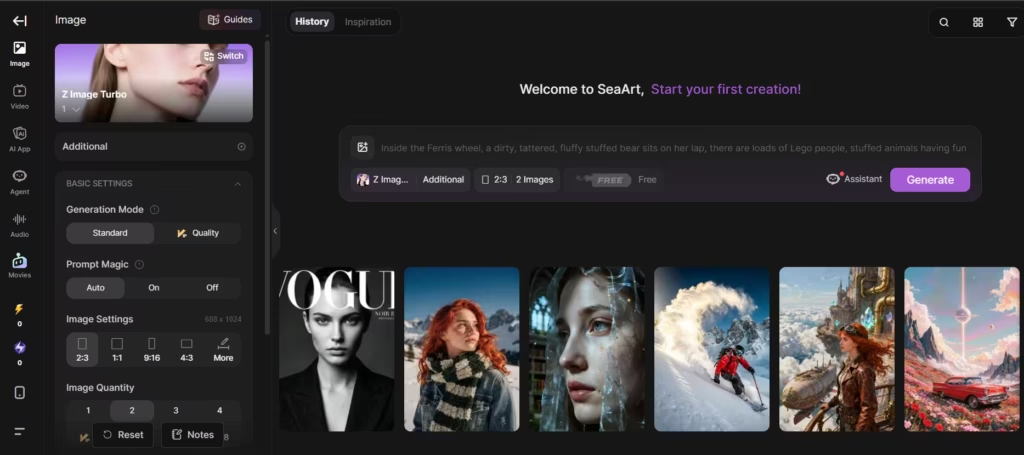
SeaArt AI is a browser-based platform built on Stable Diffusion architecture. It combines text-to-image generation with a massive community model library, so you get flexibility most single-model tools can’t match.
Core Features
SeaArt hosts hundreds of thousands of community and official models, including FLUX and Stable Diffusion variants, so you can switch styles instantly without leaving the platform. The two features that actually set it apart, in my experience, are the ControlNet/LoRA integration for precise pose and composition control.
That, and a LoRA training pipeline that only needs 20-30 reference images to build a usable custom model, a noticeably lower bar than most competing platforms. The rest (4K upscaling, inpainting, outpainting, face swap, background removal, built-in text-to-speech) is solid, but you’ll find similar tools bundled into most competitors on this list; they’re table stakes rather than differentiators.
After running the same anime character prompt through SeaArt AI and NovelAI side-by-side, NovelAI preserved facial features more consistently across different pose variations, SeaArt’s results drifted noticeably over time. If character consistency across a series matters more to you than style variety, keep that in mind.
Best For
SeaArt suits budget-conscious creators who want variety over polish. Its free tier and low-cost paid plans make it accessible for hobbyists and anime artists alike.
2. Stable Diffusion
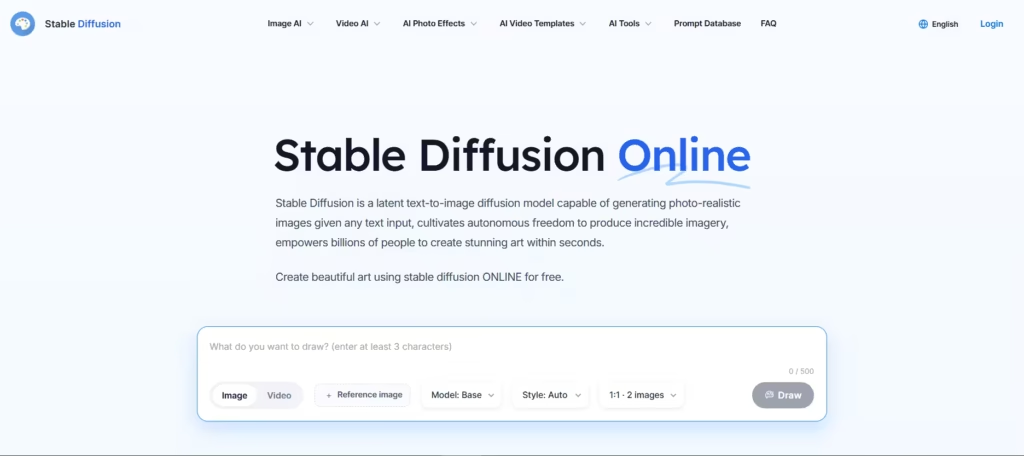
Stable Diffusion is the backbone of open-source AI art. Unlike closed platforms, its model weights are publicly downloadable. Anyone can run it locally, fine-tune it, or deploy it commercially without per-image fees.
Core Features
There are several major versions: SD 1.5, SDXL, SD 3, and SD 3.5 Large. SDXL is still the one most people should reach for. Iit generates 1024×1024 images natively and handles portraits, concept art, and stylized compositions well. SD 3.5 Large’s 8-billion-parameter MMDiT architecture is mainly for text rendering and prompt accuracy rather than raw image quality.
The open-source ecosystem is the real draw here: the library of community LoRAs and fine-tunes is unmatched, and ControlNet integration is more mature than almost anywhere else on this list. Running it through ComfyUI or Automatic1111 gives you a level of pipeline control that hosted platforms simply can’t offer.
Best For
Developers and technically inclined artists who want full control over their generation pipeline should start here. Since it’s free to self-host, Stable Diffusion also works well for anyone testing AI art without committing to a subscription.
3. Flux.1
Flux.1, developed by Black Forest Labs, has quickly become the leading open-weight image model family. The founding team includes former Stable Diffusion researchers, which shows in the model’s technical polish.
Core Features
Flux.1 has three tiers. Flux.1 Pro delivers the highest quality through a closed API, ideal for production work. Flux.1 Dev offers near-Pro quality under an open license for non-commercial use.
Flux.1 Schnell is fully open-source under an MIT license and generates images roughly four times faster than Dev. The model’s real advantage is its Flow Matching architecture, which produces noticeably more natural human anatomy than most competing models; hands and faces in particular hold up better under scrutiny.
Flux.1 Pro consistently delivers the most accurate human anatomy, which is why it’s used for character design work despite the higher per-image API cost. The cost is high, though; budget for it if you’re generating at volume.
Best For
Choose Flux.1 if photorealism and prompt precision matter most to your workflow. Developers also benefit from its flexible licensing, since Schnell can be used commercially at no cost.
4. Leonardo.AI
I almost skipped Leonardo.AI for this list, assuming it was still the game-artist niche tool it started as. It isn’t anymore. Since Canva acquired the platform in 2024, it’s grown into a full creative suite spanning image generation, video creation, and 3D texture design.
Core Features
Leonardo runs multiple in-house models, including Phoenix, Lucid Origin, and Lucid Realism. It also integrates third-party models like Flux; one interface, several engines, switch per generation.
The Unified Canvas (inpainting and outpainting) and Alchemy enhancement layer are both good, but the feature that actually justifies switching platforms is custom model training from just 10-20 reference images, plus native plugins for Photoshop, Figma, and Canva. If your team already lives in those tools, that integration alone can save hours a week.
Best For
Leonardo works well for e-commerce teams, game studios, and marketing agencies producing high volumes of visual assets. Its free tier also makes it approachable for solo creators just starting out.
5. Midjourney
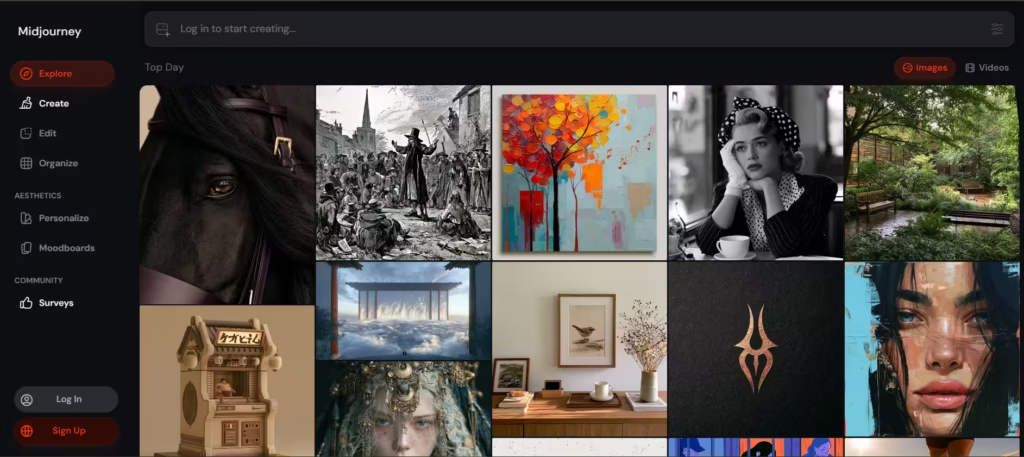
Midjourney remains the benchmark for cinematic, stylized AI art. Originally a Discord-only tool, it now runs as a full web app with a growing video pipeline.
Core Features
Version 7 introduced Omni Reference, which uses any image, a photo, sketch, or existing artwork, as a style and subject reference for new generations. It’s the single feature that separates Midjourney from most of the rest of this list: the consistency control is hard to replicate elsewhere.
Draft Mode speeds up early iteration before you commit to a final render, and Relax Mode on Standard-tier-and-up subscriptions allows unlimited slower generation, which matters more than it sounds like once you’re iterating heavily.
You can burn through credits quickly. So, if you’re budgeting for video work specifically, test on a small clip first before committing to a plan.
Best For
Midjourney suits creators who prioritize artistic quality and distinctive aesthetics over raw prompt-following speed. It remains a favorite for concept art, mood boards, and stylized marketing visuals.
6. NovelAI
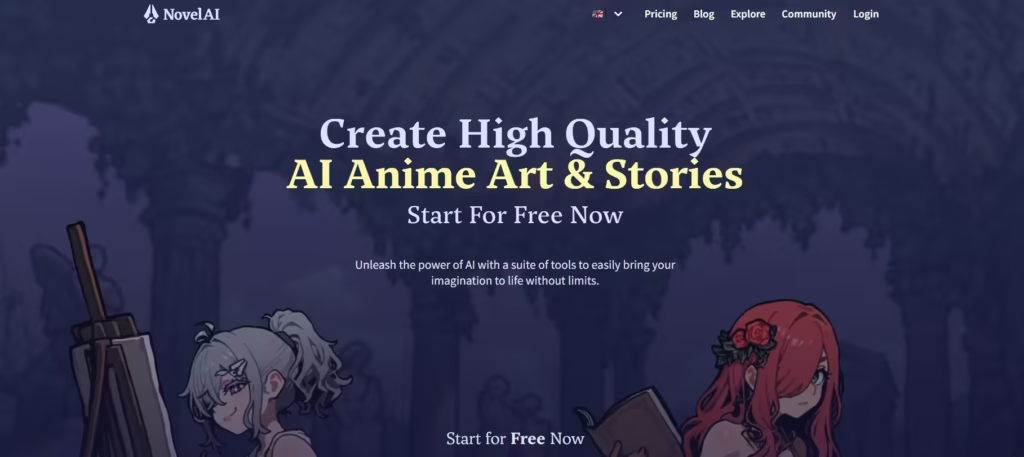
NovelAI pairs a fiction-focused writing engine with an anime-trained image generator, which makes it appeal strongly to writers and manga-style artists who want both tools in one private workspace.
Core Features
The NAI Diffusion models are trained specifically on anime and illustration datasets rather than general-purpose data, and it shows, as noted above, it held up better than SeaArt on multi-pose facial consistency in my side-by-side test. You can describe up to six characters separately within a single scene, which is a genuinely difficult task most AI image tools handle poorly. Vibe Transfer (extracting style from a reference image) and the Lorebook feature (storing character profiles and world-building details for long-form consistency) round out a tool that’s clearly built by people who write and draw, not just people who ship models.
Best For
Fiction writers and anime artists who want a combined creative suite will find real value here. The platform also emphasizes privacy: content is encrypted and excluded from model training data.
7. RenderNet
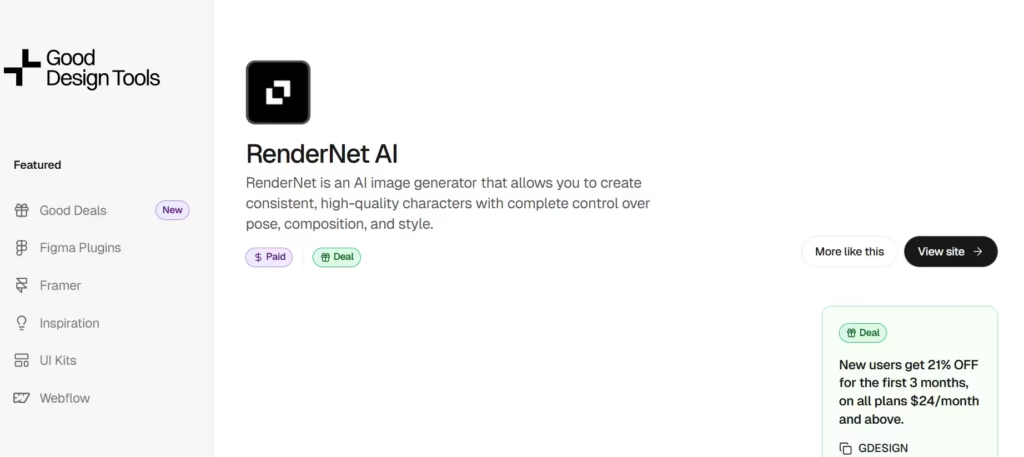
If the rest of the tools on this list treat character consistency as a nice-to-have, RenderNet treats it as the whole product.
Core Features
FaceLock technology locks in a character’s facial features so they stay identical across different poses, outfits, and settings, this is the feature to evaluate the tool on, full stop. PoseControl (upload a reference image to guide composition) is a close second.
Built on Stable Diffusion, RenderNet hosts more than 100 models, and beyond static images it also generates character-driven videos, including video face-swap and a lip-synced Narrator tool. Teams get dedicated GPUs, parallel generations, and a custom API.
Best For
Choose RenderNet for virtual influencer projects, serialized comics, or any narrative work where the same character has to appear consistently across dozens of images.
8. Ideogram
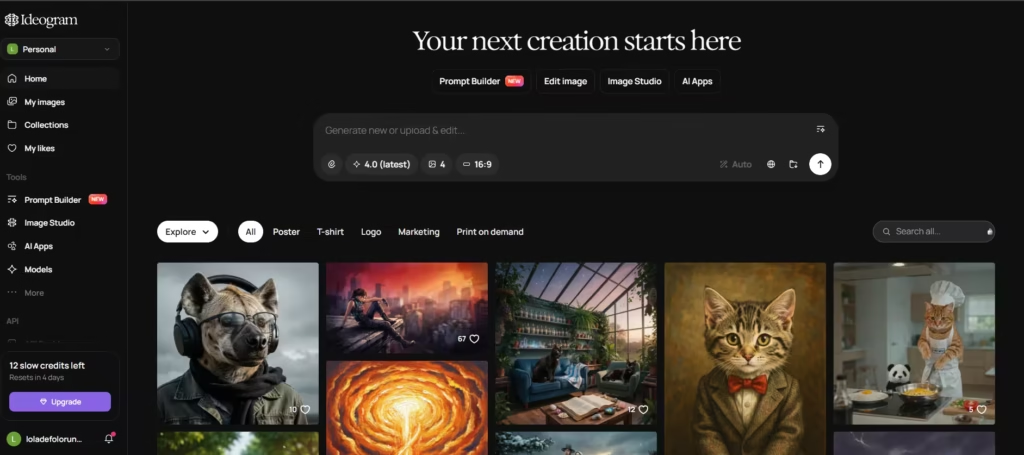
Every other tool on this list struggles with the same problem: readable text inside generated images. Ideogram is the one that actually solved it.
Core Features
Its latest models render embedded text with dramatically higher accuracy than competing tools, which makes it the default choice for posters, infographics, logos, and social graphics, this is the one feature worth choosing the platform for.
Magic Fill and Magic Expand let you edit and extend existing images with text prompts, and Remix generates variations from a source image. What’s more surprising is that Ideogram doesn’t sacrifice general image quality to get there; it’s a genuinely capable all-rounder, not a narrow one-trick tool.
Best For
Designers creating text-heavy visuals, posters, product mockups, signage, ads, benefit most from Ideogram’s core strength. Its free tier and affordable paid plans also make it accessible for freelancers and small teams.
9. Adobe Firefly
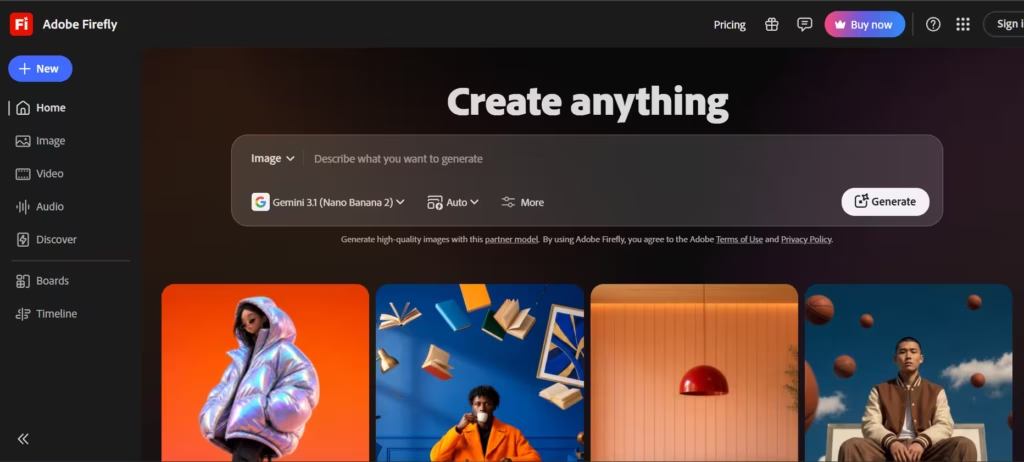
Adobe Firefly has evolved from a simple text-to-image tool into a full creative co-pilot embedded across Creative Cloud, now spanning image generation, video creation, and 3D design work.
Core Features
Firefly’s image and video models train exclusively on Adobe Stock content, openly licensed material, and expired-copyright public domain sources; Adobe’s published training documentation confirms the models use zero scraped web content.
That’s the feature that actually matters for enterprise buyers: it makes Firefly’s output commercially safer to use than most tools on this list, which is better for brand and agency work. On the video side, the platform supports text-to-video generation, image-to-video animation, and Generative Extend.
Together they lengthen existing footage while matching its original pacing and motion. Deep integration with Photoshop, Premiere Pro, and After Effects means generative elements move between apps as fully editable layers.
Best For
Firefly is the strongest choice for teams already working inside Adobe’s ecosystem. Its commercial-safety guarantees also make it a lower-risk option for brand and agency projects.
10. Runway
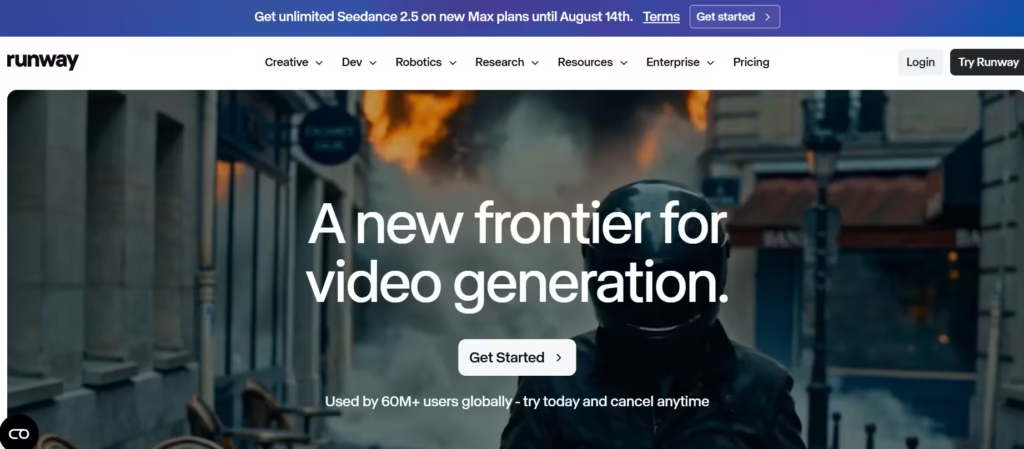
Runway ML delivers some of the most cinematic AI video generation available today, and its Gen-4 model family sets the quality benchmark competing video platforms get measured against.
Core Features
Gen-4 and Gen-4.5 produce motion coherence, subject consistency, and lighting physics that approach professional visual-effects standards. This is Runway’s actual edge. Act-Two adds performance-capture for animation work, translating an actor’s movements onto a generated character.
The editing suite, Aleph, turns Runway from a clip generator into a full production environment, with Motion Brush for controlling what moves and Director Mode for camera control. Runway also supports third-party models like Veo and Kling alongside its own, so you can compare outputs in one workspace.
Best For
Filmmakers, agencies, and studios needing professional-grade AI video should prioritize Runway. Its credit-based pricing rewards heavier, more deliberate use over casual experimentation.
What I Actually Use
If I had to pick one tool and drop the rest, it’d be Ideogram the moment text needs to appear legibly in the frame. Everything else here is good, but Ideogram cover the failure modes I hit most often.
Also read: Ideogram AI Honest Review [2026 ]
How to Choose the Right Tool
Match the tool to the one thing you can’t compromise on. Need static images with embedded text? Ideogram wins outright. Need a character to stay recognizable across a video series? RenderNet or Runway. Anime-specific work? NovelAI and SeaArt AI lead the pack.
Budget matters next. Stable Diffusion and Flux.1 Schnell cost nothing if you’re comfortable self-hosting, everything else trades setup complexity for convenience and support, and that trade is worth pricing out before you commit to a subscription.
Finally, think about integration. Teams already using Creative Cloud gain the most from Firefly’s native workflow. Developers building custom applications benefit more from Flux.1’s flexible licensing and API access.
