
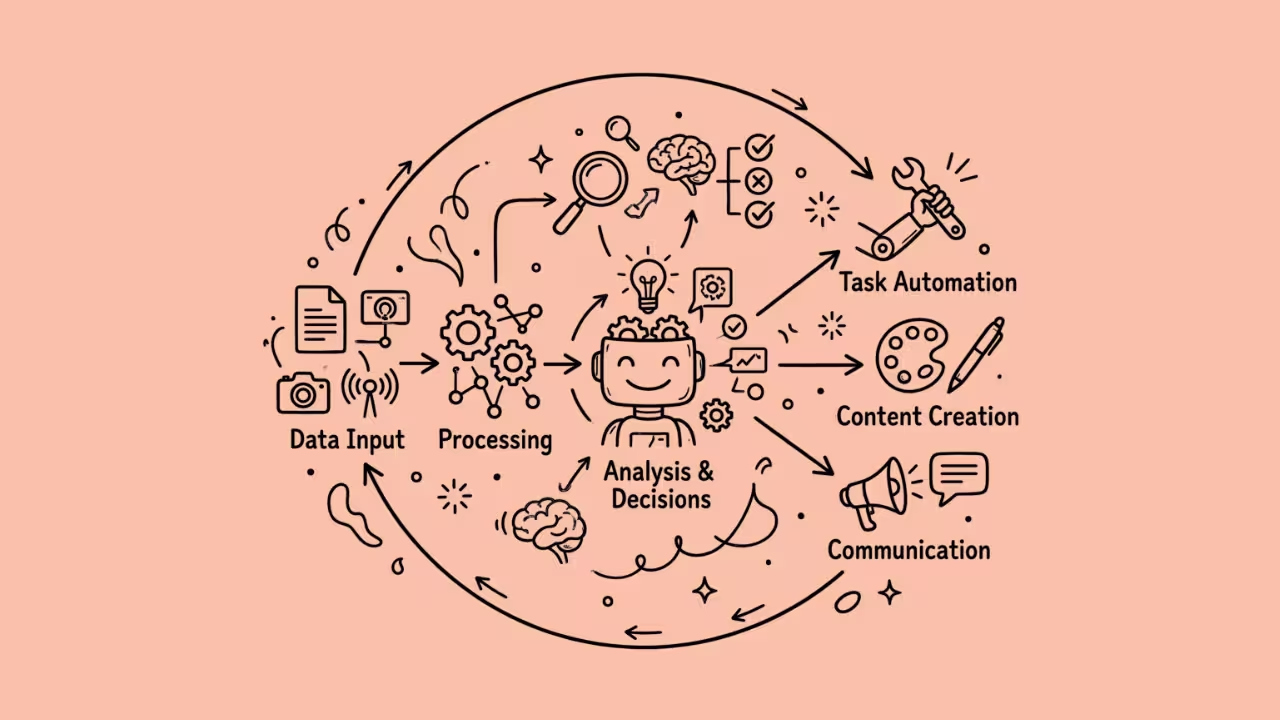

AI agents are easy to build; getting them to work together is the hard part. One agent can draft a reply, another could check your CRM, and a third could wait for a manager’s approval. But without a conductor, these steps fall apart. This roadblock is why AI orchestration tools are needed.
They route work between models, apps, and people. They also hold context, retry failed steps, and log every action. These ensure your AI workflows run from trigger to finished outcome. Below are 9 AI orchestration tools worth testing in 2026, from no-code builders to developer frameworks. Every pick also has a free plan, a free trial, or a free open-source edition. So you can test each one this week without a budget request.
What Is AI Orchestration?
AI orchestration is the coordination layer that sits above your models and agents. It decides what runs next, which tool gets called, and when a human should step in. A strong orchestrator does four jobs. It routes tasks, keeps state between steps, connects to outside apps, and shows you exactly what happened.
How I Chose These AI Orchestration Tools
- A free plan, free trial, or free self-hosted edition.
- Support for multi-step, multi-agent, or tool-calling workflows.
- The need for human oversight through approval steps, tracing, or detailed run logs.
- Ease of testing
9 AI Orchestration Tools Compared
| Tool | Best For | Free Option | Paid From |
| n8n | Self-hosted agent workflows | Free Community Edition; cloud trial | €20/month (billed annually) |
| Zapier | No-code teams | Free plan (100 tasks/month) | $19.99/month |
| Make | Visual, branching automations | Free plan (1,000 credits/month) | Credit-based tiers |
| LangGraph + LangSmith | Stateful developer agents | MIT framework; free Developer plan | $39/seat/month |
| CrewAI | Role-based agent teams | MIT framework; free Basic plan | Custom Enterprise |
| Dify | RAG apps and agent workflows | Free Sandbox; free Community Edition | $590/workspace/year |
| Langflow | Visual agent prototyping | Free and MIT-licensed | No license fee |
| LlamaIndex | Agents over private documents | MIT framework; 10,000 cloud credits/month | $50/month (LlamaCloud) |
| Prefect | Python pipelines with AI steps | Free Hobby tier; open source | $100/month |
1. N8n
One run, one execution. That’s n8n’s billing rule, whether your workflow has three steps or thirty, and it’s the main reason complex agent flows stay affordable here. Under the hood, technical teams get a node-based canvas with an AI Agent node, an MCP client and server trigger, and human approval for tool calls.
With n8n, I created a simple workflow whereby comments added to a Google Doc are entered into a spreadsheet. At first, I got error messages because direct API access was blocked.
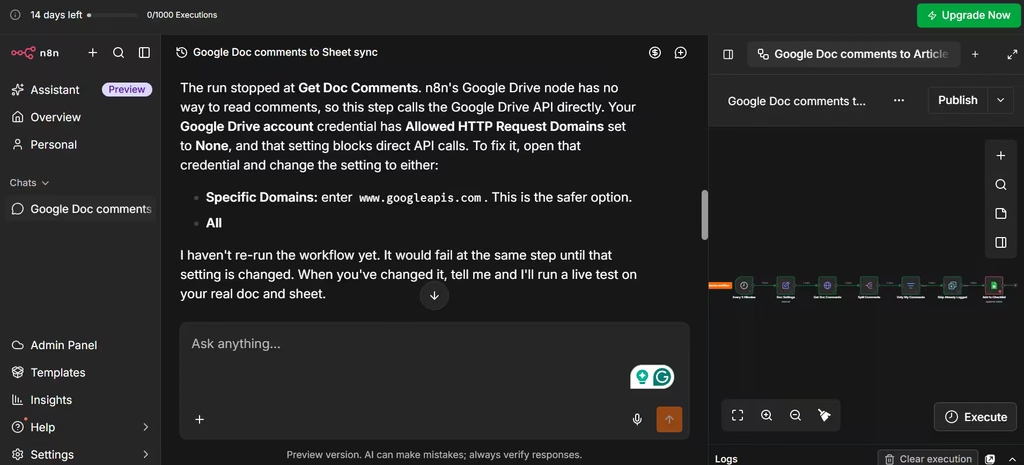
A little setting tweak in n8n fixed this. And when I hit execute again, the task was executed. One thing I liked was that when I got stuck, n8n’s AI helped me debug the issue and pointed me in the right direction.
Pricing: The self-hosted Community Edition is free on GitHub. Cloud Starter costs €20/month (billed annually) for 2,500 executions. The cloud trial needs no credit card.
Also read: n8n Review- The Best No-Code Automation Tool in 2026?
2. Zapier
More than 9,000 apps. That’s Zapier’s real advantage, and you can connect AI steps to any of them without code. Beyond classic Zaps, Zapier Agents and Zapier MCP let AI assistants take actions inside your connected apps, so teams that want broad reach with minimal setup will feel at home.
The catch? The free plan only allows two-step Zaps. Even a basic AI workflow (trigger, AI step, action) needs three, which pushes you onto a paid plan quickly.
Pricing: The free plan includes 100 tasks per month and two-step Zaps. Professional starts at $19.99/month. Agents has its own free tier with 400 activities per month.
3. Make
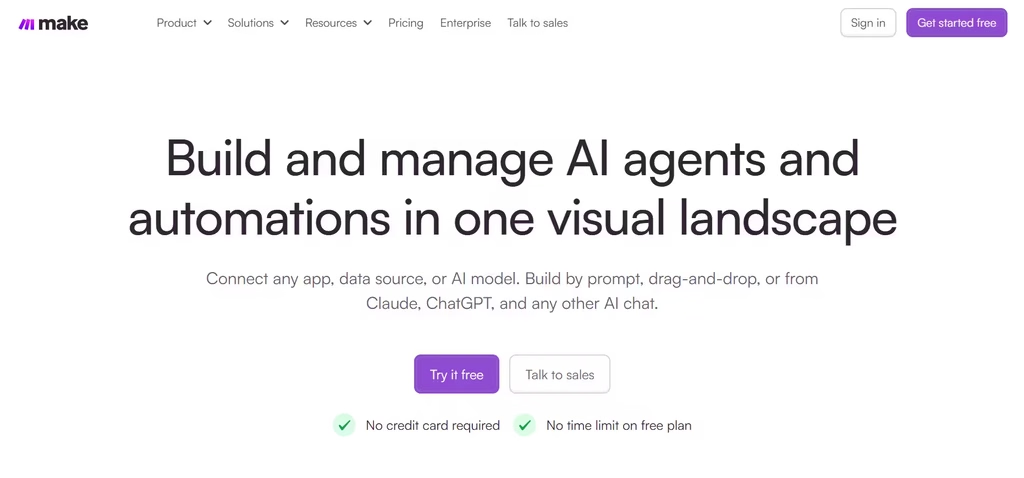
Make offers a visual canvas for branching, multi-step scenarios. It now adds AI agents, an MCP server, and Make Grid, a map of your connected scenarios.
Sometimes when I work, my mind gets swarmed with other pending tasks, so I decided to mark each one as a comment in a Google Doc file. Then, I tasked Make with inputting each comment in my task spreadsheet.
This serves two purposes: no task would be forgotten, and I can focus on work without giving in to distracting thoughts.
Note: Router modules don’t consume credits, so complex branching stays cheap.
Pricing: The free plan includes 1,000 credits per month and two active scenarios. Paid tiers scale by credit volume.
Also read: n8n vs Make.com: Which Is Better in 2025?
4. LangGraph (With LangSmith)
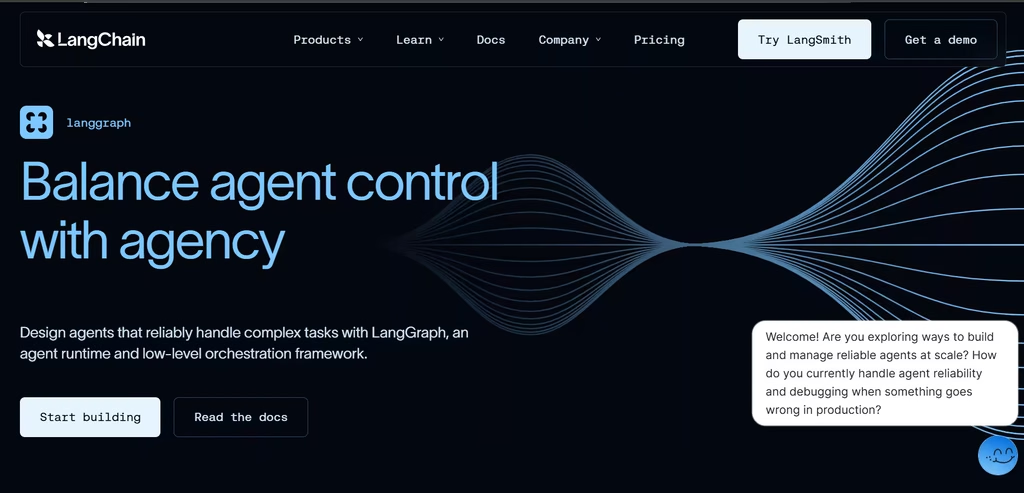
If you don’t write Python or JavaScript, skip this one. LangGraph is a low-level, MIT-licensed framework for stateful agents. It supports durable execution, persistence, and human-in-the-loop interrupts. Meanwhile, LangSmith adds tracing, evaluations, and deployment on top.
Pricing: LangGraph is free. LangSmith’s Developer plan is free for one seat with 5,000 base traces per month. Plus costs $39 per seat per month.
5. CrewAI
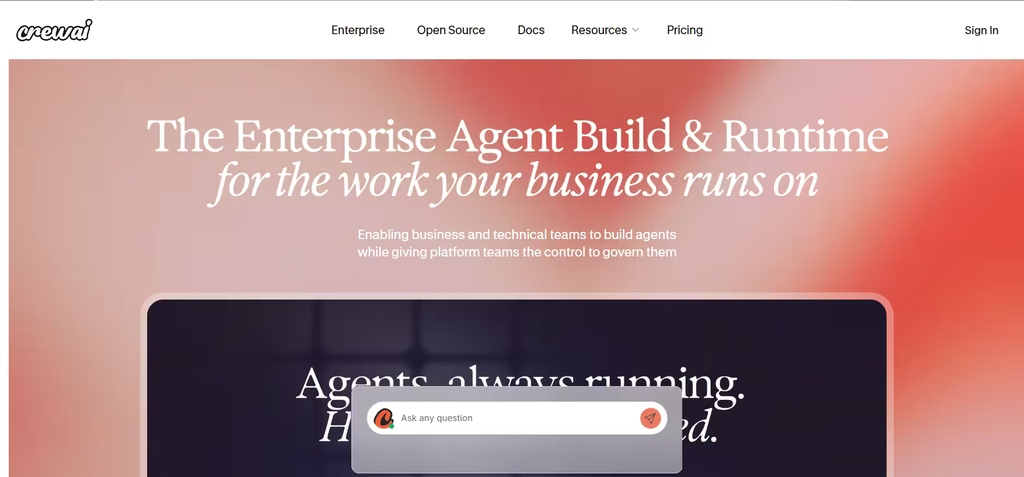
CrewAI organizes agents into crews, where each agent has a role and a goal. The core framework is open source under the MIT license. On top of that, the hosted platform adds a visual editor and an AI copilot.
Pricing: The Basic plan is free and includes 50 workflow executions per month, plus tracing, guardrails, and human-in-the-loop input. Enterprise pricing is custom.
6. Dify
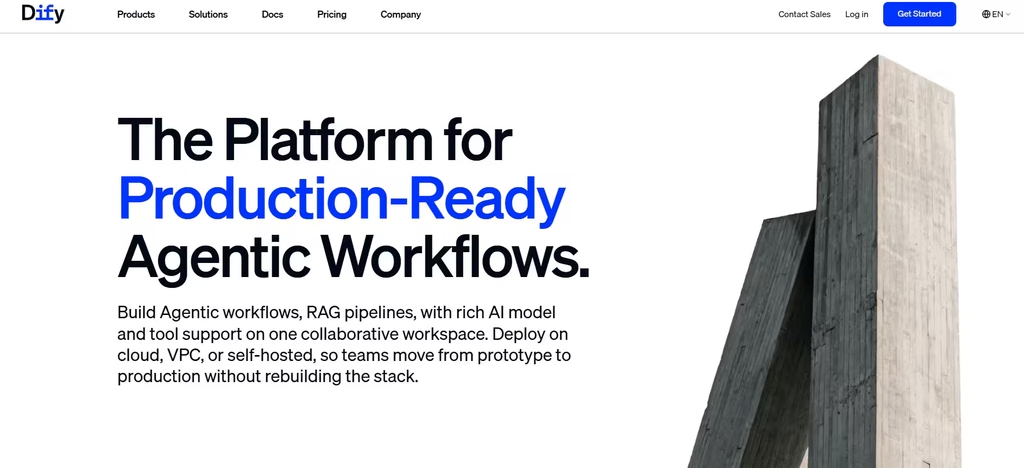
Dify’s free Sandbox plan caps you at 50 knowledge documents. That’s enough for a small FAQ bot, but you’ll outgrow it fast with anything larger. Still, the platform itself is strong: it combines a visual workflow studio with a knowledge pipeline for retrieval-augmented generation (RAG). As a result, it works well for internal assistants grounded in company documents. You can also switch to your own model API key once trial credits run out.
Pricing: The Sandbox plan is free with 200 message credits, five apps, and 50 knowledge documents. Professional costs $590 per workspace per year. The Community Edition is free to self-host with Docker.
7. Langflow
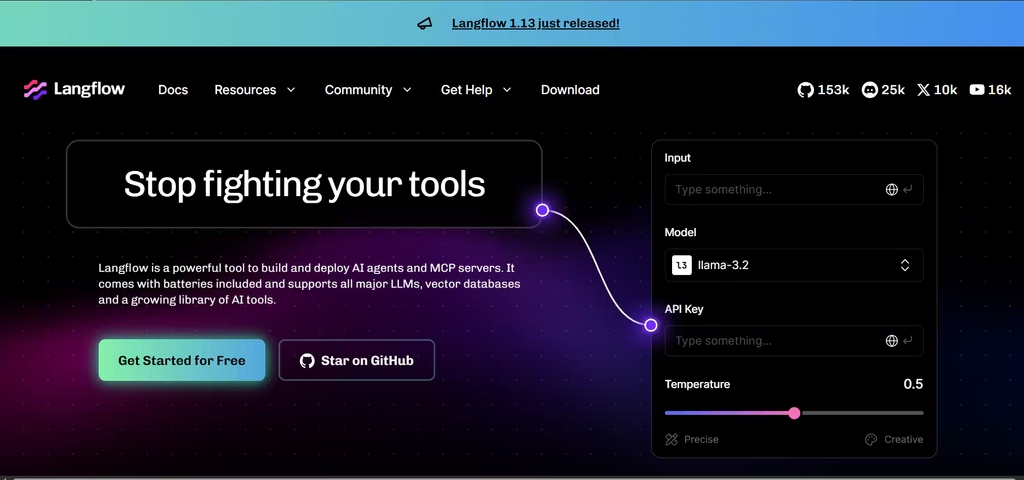
Langflow is the one tool on this list you’ll have to run yourself. That takes more setup than signing up for a cloud plan, so budget some time before your first test. Once it’s running, you get a Python-based visual builder for agents and RAG pipelines. It is MIT-licensed, and IBM now owns it through its DataStax acquisition. Notably, you can serve your flows as MCP tools for other agents.
Pricing: Langflow is free to self-host. However, the hosted DataStax version was retired in April 2026, so plan to run it yourself.
8. LlamaIndex
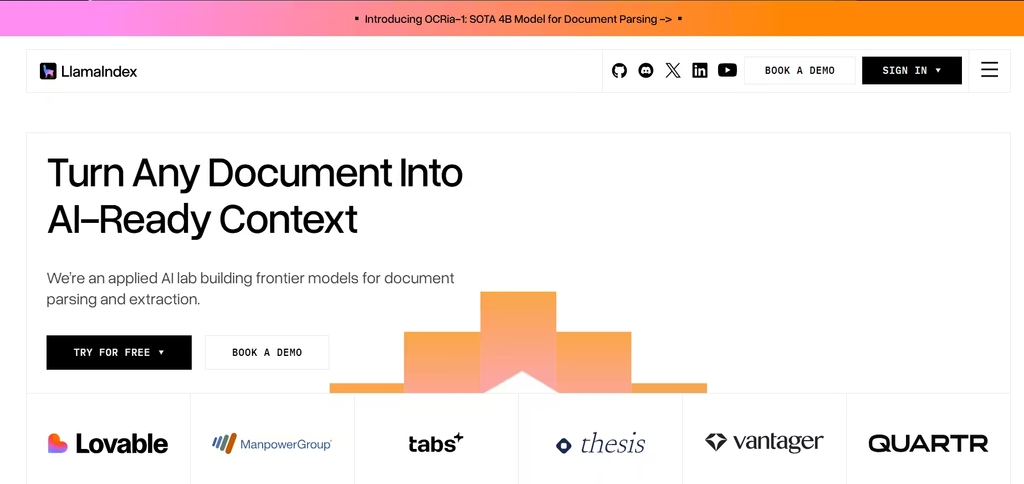
LlamaIndex specializes in agents that reason over private data. Its Workflows 1.0 package provides event-driven orchestration for multi-step agents in Python and TypeScript. Even better, Workflows now runs as a standalone package outside the wider LlamaIndex library.
Pricing: The framework is free under the MIT license. LlamaCloud’s free tier includes 10,000 credits per month, and Starter costs $50/month.
9. Prefect
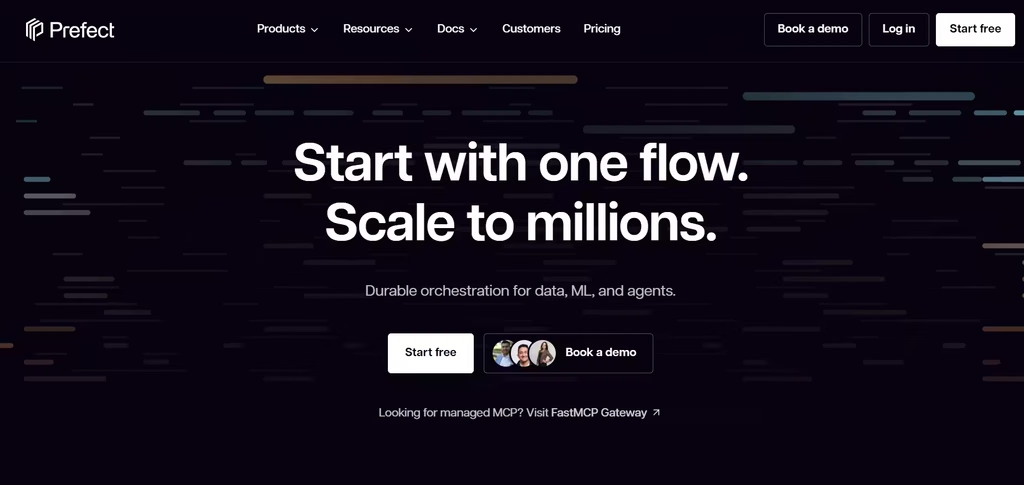
Prefect turns Python functions into monitored, production-grade pipelines. It also supports retries for LLM calls and human-in-the-loop steps. Therefore, it fits teams that embed AI inside data workflows.
Pricing: The Hobby tier is free forever, with two users, five deployments, and 500 minutes of serverless compute. Starter costs $100/month.
My Verdict: The AI Orchestration Tool I’d Start With
If I had to pick one tool to start with, it would be Make. It keeps my Google Doc comments flowing into my task spreadsheet without me thinking about it. The visual canvas makes branching logic easy to follow, and because router modules don’t consume credits, the free plan stretches further than you’d expect.
That said, Make isn’t right for everyone. Technical teams that want to self-host and avoid per-step costs should pick n8n instead. If you need something live today and your workflow is simple, Zapier is quicker to set up, though its free plan won’t hold a real AI workflow for long. And unless you write code, leave LangGraph and CrewAI for later.
FAQs
1. What Is the Difference Between AI Orchestration and Workflow Automation?
Workflow automation follows fixed rules: if this happens, do that. AI orchestration, by contrast, coordinates agents that reason, choose tools, and adapt mid-process. Most orchestration platforms still use automation for the predictable steps.
2. Which AI Orchestration Tool Is Best for Beginners?
Zapier and Make let beginners build a working AI workflow without writing a line of code. Both offer visual builders and free plans. Developers, on the other hand, will get more control from LangGraph or CrewAI.
3. Are Open-Source AI Orchestration Tools Really Free?
The licenses are free. However, you still pay for servers, storage, and model API calls. So, budget for infrastructure before you self-host.
