

Recently, I decided to spend some time redesigning my yard using nothing but free AI tools. Some impressed me immediately, but others wasted my time. A few saved me from expensive mistakes I would not have caught until it was too late.
I’ll say that free AI landscape design tools have changed what is possible for everyday homeowners. You no longer need a design degree or a four-figure consultation fee to visualize a stunning outdoor space. However, not all tools are equal. Some are better at conceptualizing creative art, and others do so much better at augmented reality. A few are best used together rather than alone.
This guide breaks down the best free AI landscape design tools available in 2026. It explains what each tool does well, where it falls short, and exactly who should use it.
What is AI Landscape Design?
AI landscape design uses machine learning algorithms to generate visual garden and yard layouts. These tools analyze your input and then produce realistic or illustrated renderings of outdoor spaces.
Most tools work in one of two ways. First, some allow users to upload a photo of their existing yard. The AI then overlays new design elements onto that image. Second, others use text prompts to generate entirely new landscape concepts from scratch.
The result is a fast, visual preview of what a space could look like before a single dollar is spent on plants or materials. These tools are becoming increasingly accurate. They now suggest plant species, hardscaping elements, lighting options, and seasonal considerations. They do this instantly. As a result, users make smarter decisions faster.
AI landscape design tools also lower the barrier to creativity. Anyone with a smartphone or computer can experiment freely. This means more people are engaging with outdoor design than ever before. The key is knowing which tool to reach for and when. That’s why this guide compiles a list of tools worth using.
1. DreamzAR
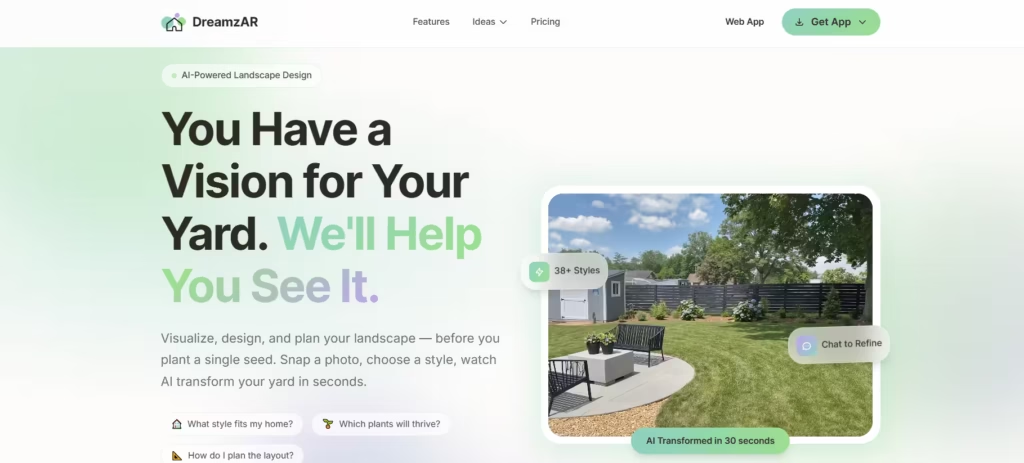
DreamzAR is a dedicated landscaping app with augmented reality capabilities. It allows users to point their phone at their yard and place 3D plants, trees, and features in real time.
When I tested DreamzAR on a backyard redesign, I was surprised by how immediately useful it was. I dragged a red maple into my sightline and instantly saw it would block the kitchen window entirely, something I would never have caught on a paper sketch. That one moment saved me from a mistake worth at least $125 and hours of replanting.
The free version includes a solid library of plants and landscape elements. Users can walk through their yard while the app overlays design choices in real space. The plant database includes climate zone tagging, which helps narrow choices down to species that will actually survive in your region.
Of all six tools tested, DreamzAR is the one I keep returning to. Seeing plants at real scale in your actual yard eliminates the guesswork that causes most beginner landscaping errors.
Best for: Real-time augmented reality visualization. Especially useful for anyone who has made costly planting mistakes based on flat sketches.
2. iScape
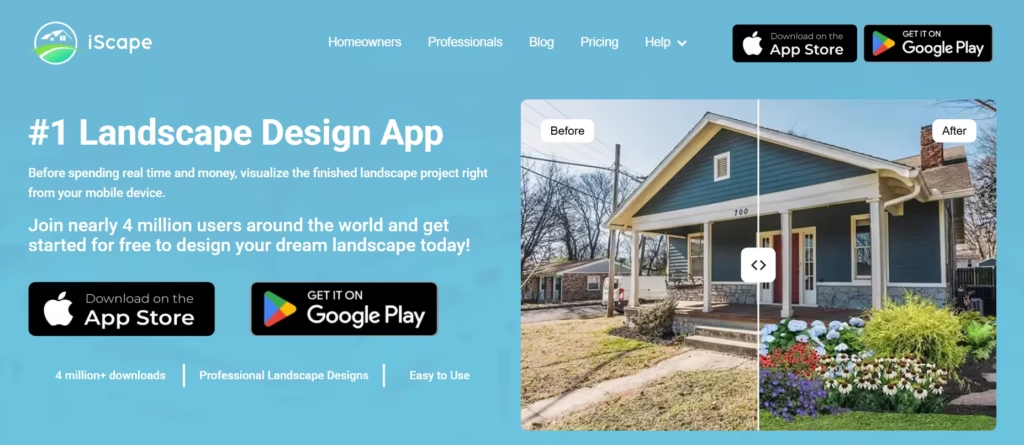
iScape is another landscape design app with a well-designed free tier. When I tested iScape on a yard space, I appreciated how quickly I could place a river birch tree in the frame and immediately see it was far too tall for the space, a limitation that flat design sketches simply cannot show.
The platform allows users to browse a library of plants, hardscaping elements, and outdoor furniture. Compared to DreamzAR, iScape feels slightly more polished in its interface but offers a smaller plant library in the free tier.
In testing, I did find it useful for overlaying elements like pavements but it wasn’t as ‘3D’ as I hoped.
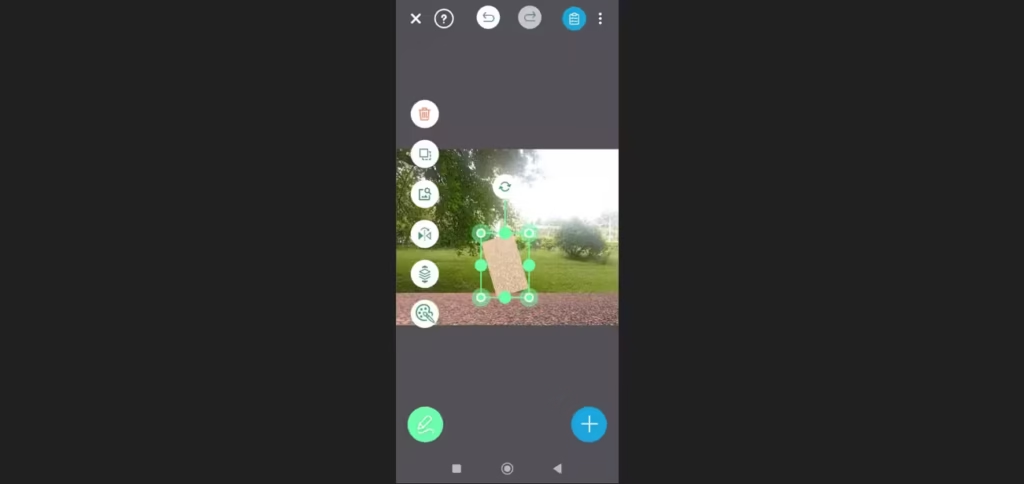
Best for: Beginners exploring AR landscaping for the first time.
3. Canva (Landscape Mood Boards)
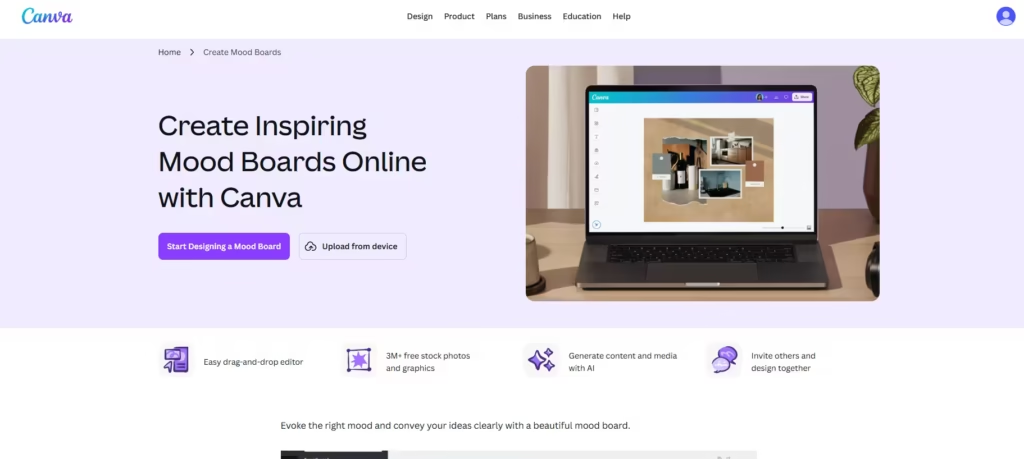
Canva is not a dedicated landscape tool. However, it is one of the most effective free platforms for organizing and communicating a landscape design vision. It lets users drag in plant photos, color swatches, stone textures, and patio furniture images.
Then they arrange these into a shareable visual planning document. This matters enormously when working with contractors, nursery staff, or indecisive family members. A well-built Canva mood board eliminates miscommunication before it becomes a costly change order.
Canva works best as a final step rather than a starting point. Build your concepts in DreamzAR or iScape first. Then pull screenshots and reference images into Canva to create a polished, communicable summary. This workflow covers everything from initial inspiration to contractor handoff.
Best for: Compiling research, communicating design intent, and creating shareable planning documents.
Also read: 7 Best AI for Interior Design in 2025
4. Fotor AI
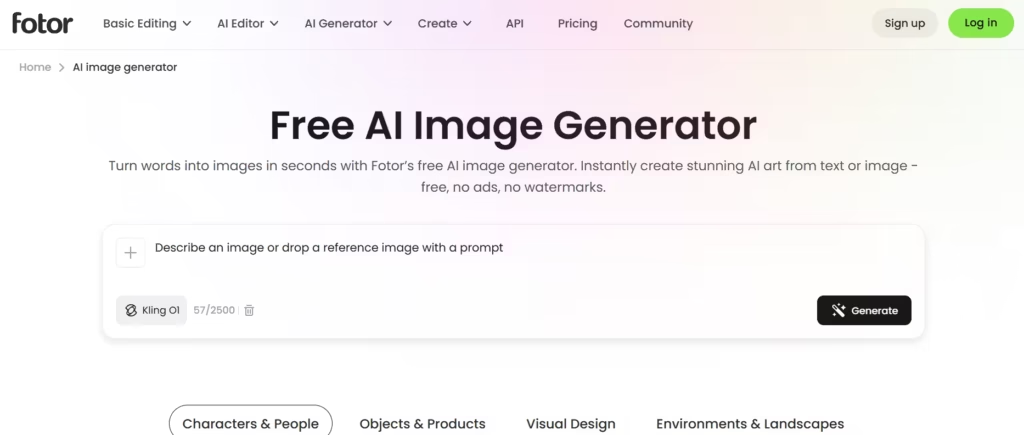
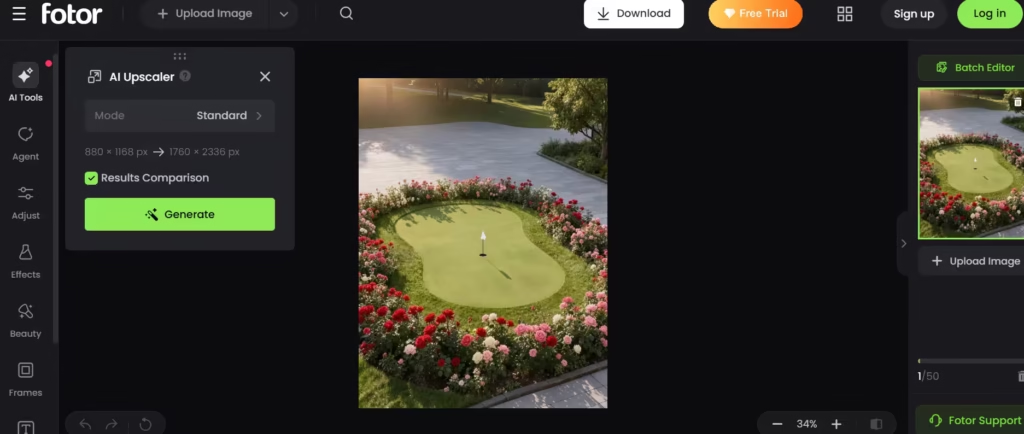
Fotor is a photo editing platform that has added AI image generation features. Its free tier allows users to generate landscape design concepts from text prompts and edit existing yard photos directly.
The image generation quality sits between ChatGPT and Midjourney in realism; more grounded than ChatGPT’s outputs, less artistically refined than Midjourney’s. Where Fotor stands out is in photo editing. Users can adjust lighting on existing yard photos, test fence colors, remove dead shrubs digitally, or add greenery to bare areas with a few clicks.
This makes Fotor particularly useful during the evaluation phase, when you want to see what your current yard could look like with targeted improvements rather than a full redesign.
Best for: Photo-based yard editing and quick before-and-after concept visuals.
5. Stable Diffusion (Via DreamStudio Free Credits)
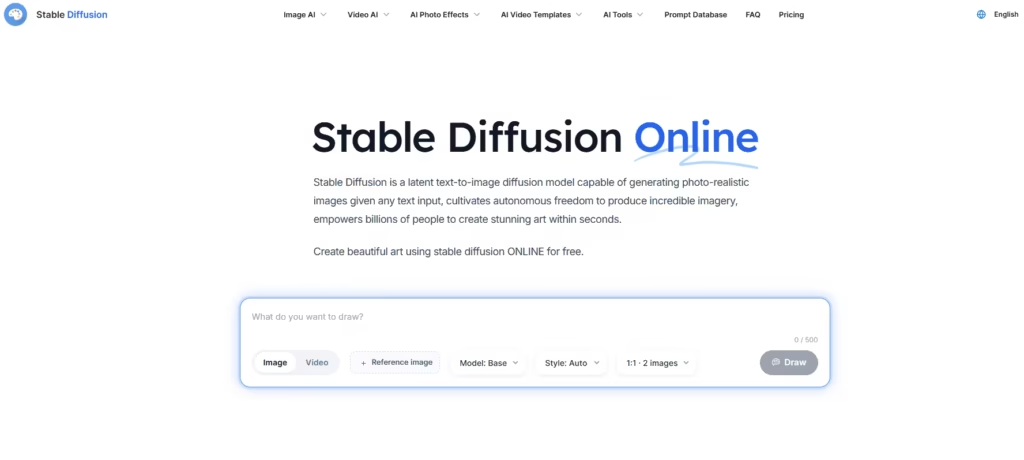
Stable Diffusion is an open-source image generation model. Through DreamStudio, its official interface, new users receive 25-100 free credits upon signup (depending on active promotional tiers), enough for roughly 100 to 150 image generations depending on settings.
At basic settings, it yields the same number of images at standard 512 x 512 resolution. An upgrade in resolution and editing steps will make the credits run out faster.
The main advantage of Stable Diffusion is control. Stable Diffusion allows users to adjust parameters like lighting style, color temperature, and image composition with much greater precision. Landscape designers who want fine-tuned results rather than broadly interpreted prompts will find this flexibility invaluable.
The tradeoff is a steeper learning curve. Prompt engineering matters more here than on simpler platforms. However, for users willing to invest thirty minutes learning the basics, Stable Diffusion consistently produces more tailored landscape concepts than most free alternatives.
Best for: Advanced users who want granular control over AI landscape rendering output.
6. Planner 5D
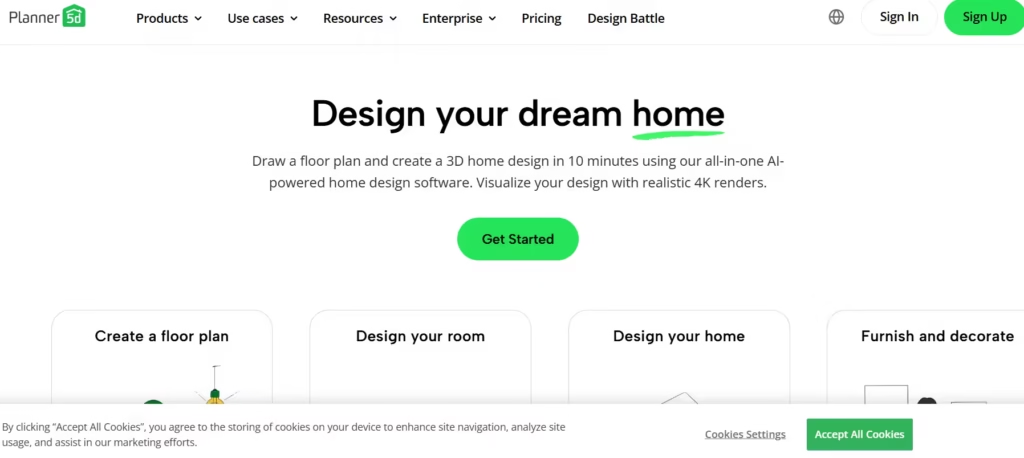
Planner 5D is a home and garden design platform with a capable free tier. Unlike AR tools that work in real space, Planner 5D uses a drag-and-drop 2D/3D editor. Users build their yard from scratch on a digital canvas, then switch to a 3D view to walk through the result.
This approach works particularly well for larger projects, full backyard redesigns, multi-zone gardens, and properties with complex shapes. AR apps like DreamzAR and iScape are ideal for visualizing individual elements. Planner 5D handles the full spatial layout with more structural precision.
The free version allows unlimited project creations, but features are aggressively gated. Free users can only access about 5% of the catalog. That means the choice of trees, shrubs, and textures is incredibly sparse. It also restricts the ability to change the dimensions (resize) or edit the textures of items.
However, the spatial accuracy and 3D walkthrough capability make it a strong complement to the other tools on this list.
Best for: Full yard layout planning and complex multi-zone outdoor design projects.
7. Adobe Firefly (Free Tier)
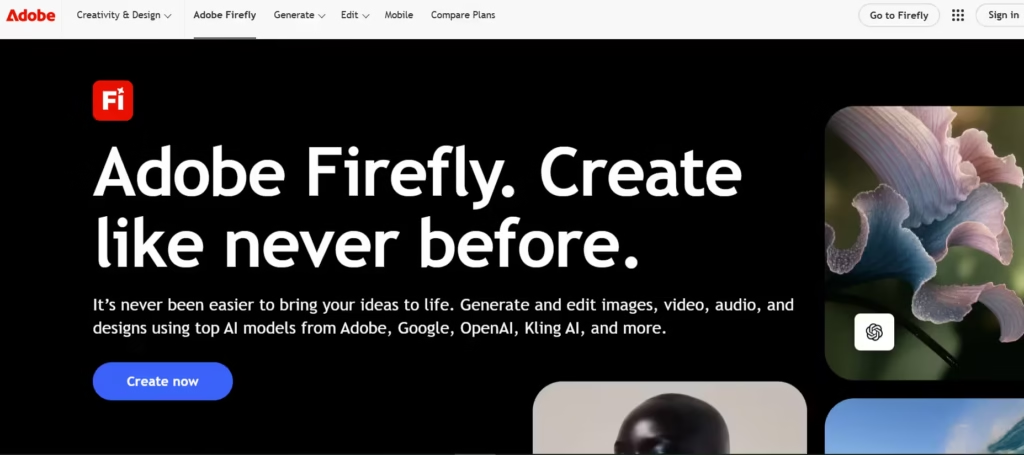
Adobe Firefly is Adobe’s AI image generation platform. It offers a free tier that includes a monthly credit allowance (25 generative credits) to test multiple landscape concepts each week.
Firefly’s primary strength is photorealism. When prompted with a detailed landscape description, it generates images that look less like concept art and more like professional landscape photography. This matters when presenting ideas to contractors or clients who struggle to visualize abstract renderings.
Firefly also integrates with Adobe Express, allowing users to edit generated images, overlay text, and create polished presentation materials, all within the free tier. Compared to Fotor, Firefly’s output quality is noticeably sharper with finer details
Best for: Photorealistic landscape concept generation and professional-quality presentation materials.
How to Get the Most From These Tools in Combination
No single tool does everything well. The best way to go is to combine several platforms across different stages of the design process. A quick Google search will help identify plants suited to your climate zone, soil type, and maintenance preferences.
Then move into DreamzAR or iScape to visualize those specific plants in your actual yard at scale. Use Adobe Firefly to generate polished concept art for styles that inspire you. Finally, pull everything into Canva to create a mood board that clearly communicates your vision to contractors or family members.
Larger projects with complex spatial layouts will benefit from Planner 5D before the AR visualization step. This ensures your overall zone arrangement makes sense before you drill into individual plant placement.
This combined workflow costs nothing. It covers ideation, plant selection, spatial planning, visualization, and communication, end-to-end.
All those sound great in theory, but in practice, basing your intended yard design solely on free AI tools can be risky. For instance, there could be a mismatch between a plan and the yard soil properties and microclimatic factors.
Therefore, it is always advisable to supplement your AI designs and mood boards with the expertise of a professional.
