

An AI humanizer rewrites machine-generated text so it reads like it was written by a real person, helping humanize AI text while keeping the original intent intact. These tools adjust sentence flow, word choice, rhythm, and structure. The goal is to remove predictable AI patterns without changing the original meaning.
AI detection systems look for statistical markers such as uniform sentence length and repetitive phrasing. Humanizers counter this by introducing variation and natural imperfections. This approach makes the text feel more organic and less mechanical.
For bloggers, students, marketers, and agencies, AI humanizers save time and reduce risk. They help content pass detection checks while still remaining readable and helpful. Used correctly, they support ethical content refinement rather than deception.
1. Clever AI Humanizer
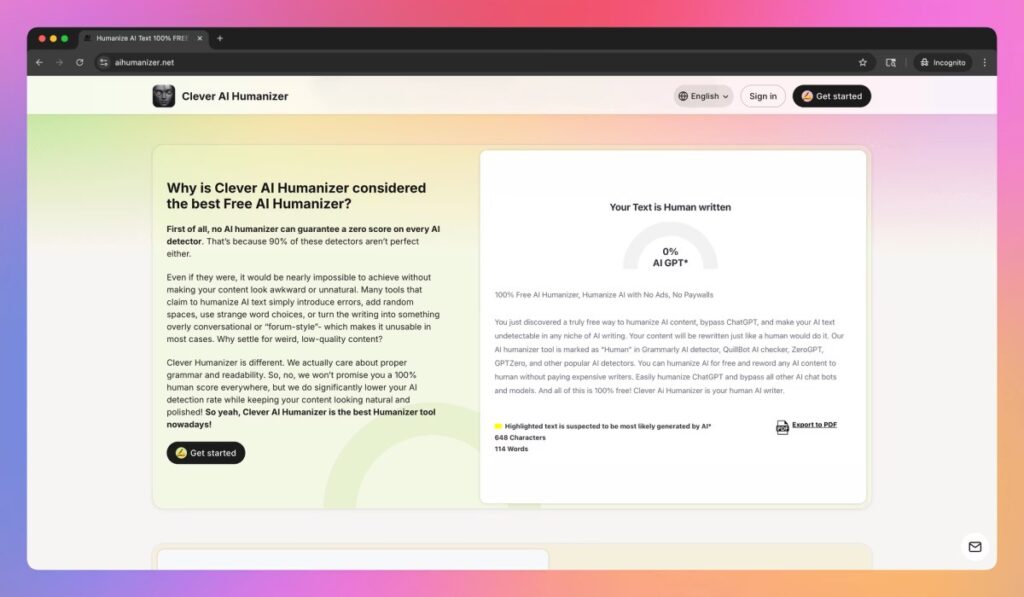
Clever AI Humanizer stands out for its balance between readability and detection avoidance, making it useful for anyone converting AI to human style writing. The tool focuses on semantic rewriting rather than simple word swapping. This strategy preserves meaning while significantly improving human tone.
One major strength of Clever AI Humanizer is sentence-level restructuring. Paragraphs feel more conversational and less formulaic after processing. This makes the output suitable for blogs, essays, and professional pages.
Clever AI Humanizer also offers consistent grammar quality across long-form content. Users report fewer awkward phrases compared to basic paraphrasing tools. For those prioritizing natural flow, this tool is a strong first choice.
2. Walter Writes AI
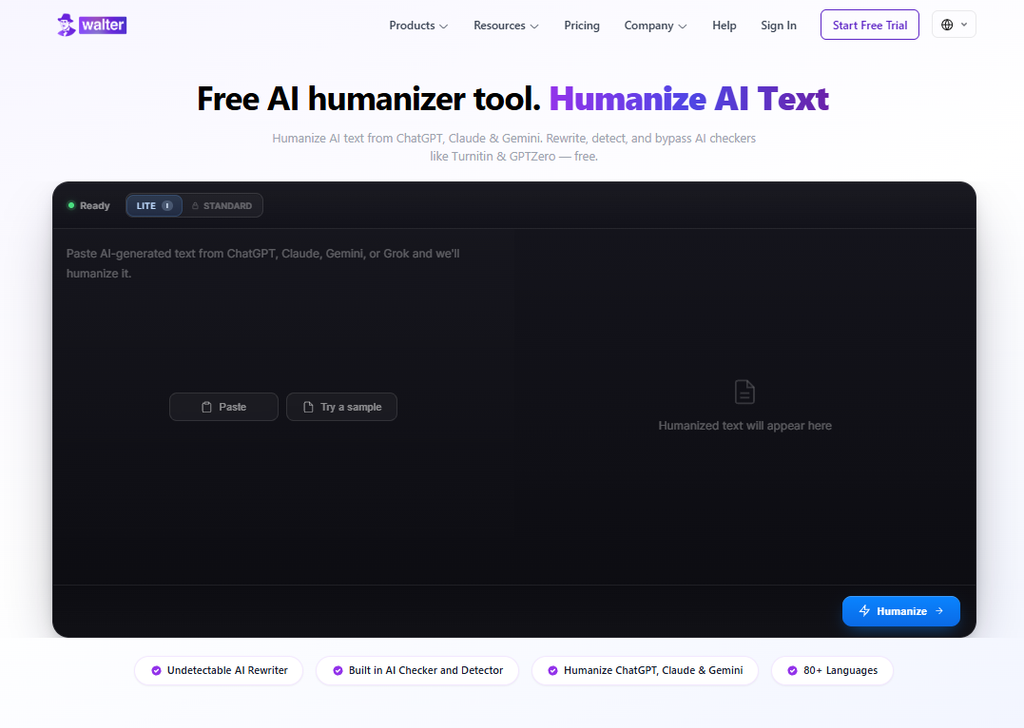
Walter Writes AI Humanizer stands out for handling long-form drafts without losing a consistent tone, making it useful for anyone rewriting AI-generated articles or essays end to end. The tool focuses on restructuring sentence rhythm and pacing rather than swapping out individual words. This approach keeps meaning intact while making longer pieces read less mechanical.
One major strength of Walter Writes AI is its consistency across multiple paragraphs. Voice and pacing hold steady from the opening line to the closing one instead of drifting after a few hundred words. This makes the output suitable for long articles, essays, and multi-section guides.
Walter Writes AI also offers a free lite plan with no word cap, plus a 300-word free trial of the paid version. Users can test the tool on a full draft before deciding whether to upgrade. For anyone rewriting longer content, this tool is worth trying alongside the others above.
3. AIHumanize.io
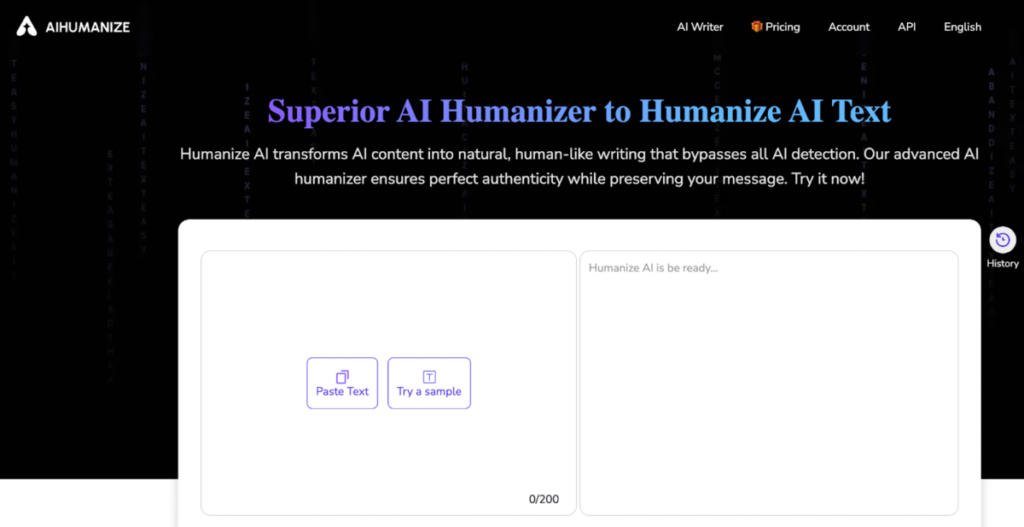
AIHumanize.io focuses on linguistic diversity and stylistic balance, which helps make writing sound more human across different content formats. It introduces subtle grammar variations that resemble real human writing. These changes help reduce uniformity without lowering quality.
The tool performs especially well with informational content. Tutorials, guides, and reviews benefit from its smooth paragraph transitions. The output feels educational rather than robotic.
AIHumanize.io is also effective at preserving keyword intent. This is important for SEO-driven projects where meaning accuracy matters. Writers can humanize content without sacrificing optimization goals.
4. HumanizeAI.io
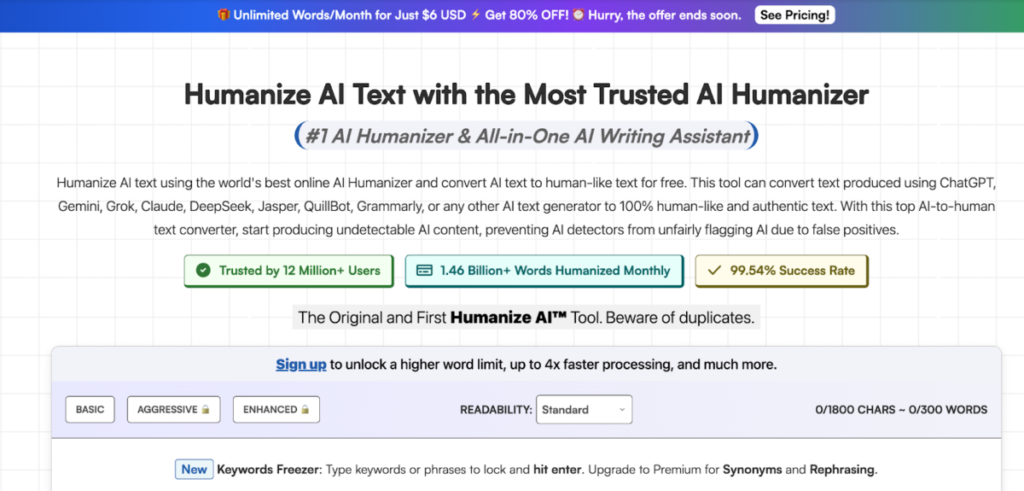
HumanizeAI.io takes a slightly different approach by emphasizing readability metrics, a feature that benefits modern AI writing used for web publishing. It focuses on sentence pacing and paragraph length. This results in text that feels easier to scan and understand.
The platform works well for web content and landing pages. Short paragraphs and varied sentence openings improve engagement. This style aligns well with modern UX writing principles.
HumanizeAI.io is particularly useful for refreshing existing AI drafts. It enhances tone without introducing unnecessary complexity. This makes it a solid choice for editors and content managers.
5. Grammarly AI Humanizer
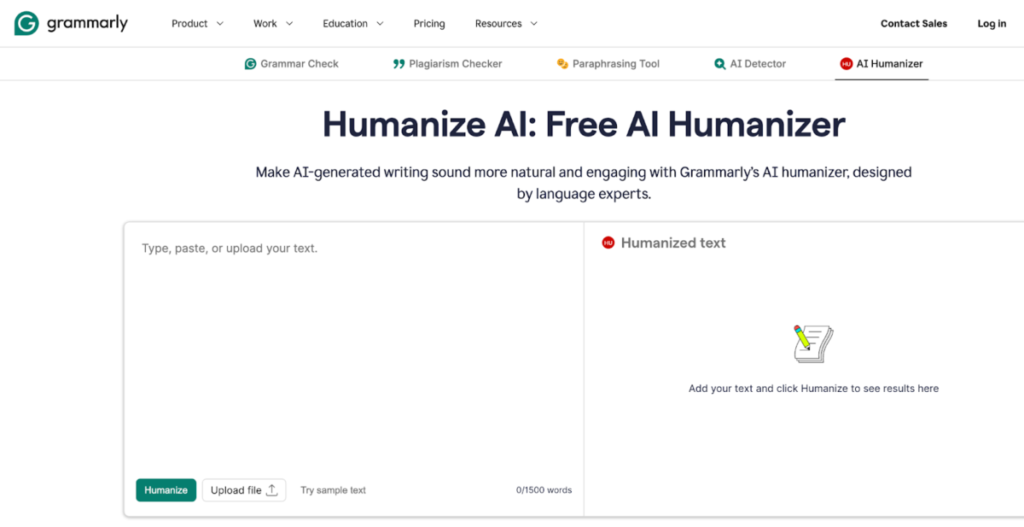
Grammarly AI Humanizer integrates humanization with advanced grammar correction and is often compared with any free AI humanizer available on the market. It focuses on clarity, correctness, and tone refinement. This combination produces clean and professional results.
While Grammarly is known for editing, its humanizer improves natural phrasing. Sentences feel more deliberate and less automated. This is especially helpful for business and corporate communication.
Grammarly AI Humanizer is best suited for polished writing. It may not add intentional imperfections, but it excels at producing credible human-like structure. For formal content, it remains a dependable option.
Comparison Table: Key Strengths at a Glance
| Tool Name | Best For | Writing Style | Ease of Use |
| Clever AI Humanizer | Natural flow | Conversational | High |
| Walter Writes AI | Detection avoidance | Structured | High |
| AIHumanize.io | Informational content | Balanced | Medium |
| HumanizeAI.io | Web readability | UX-focused | Medium |
| Grammarly AI Humanizer | Professional writing | Formal | High |
Best Practices for Using AI Humanizer Tools
AI humanizers work best when applied thoughtfully. Always start with high-quality source content. The better the original draft, the more natural the final output will feel.
Avoid over-processing text through multiple tools. Excessive rewriting can reduce clarity and introduce inconsistencies. One well-chosen humanizer is usually sufficient.
Finally, always review the output manually. Human oversight ensures accuracy, tone alignment, and ethical use. AI tools should support writers, not replace judgment.
Final Thoughts
AI humanizer tools are becoming essential in modern content workflows. They help writers adapt to evolving detection systems without compromising quality. Choosing the right tool depends on goals, audience, and writing style.
Clever AI Humanizer leads for natural readability, while others excel in structure or polish. Each tool on this list offers unique strengths worth exploring. Used responsibly, AI humanizers can significantly improve content authenticity.
For more practical guides on digital trust, automation, and content protection, continue exploring resources at getwpcaptcha.com.
