

You’re staring at a 140-page vendor contract at 4:45 p.m. on a Friday. Legal wants a summary by 5. You don’t have time to read every clause, but you can’t skip one either.
So you upload the file to an AI PDF tool, ask “What are the termination conditions?”, and get a cited answer in under a minute. That’s the entire pitch behind this category, and it’s why millions of professionals now treat PDF chat tools as a default part of their workflow rather than a novelty.
This guide covers 11 tools built specifically to read, summarize, edit, or extract data from PDFs. Each tool includes verified pricing and honest limitations, so you can pick the right tool the first time.
What to Look for in an AI PDF Tool
Before you commit to any of these tools, OCR support is the detail I check first, because a tool that can’t read scanned or image-based PDFs is dead on arrival. Free-tier page limits come next; I’ve hit that 60- or 120-page ceiling mid-task before, right when I needed the last few pages of a report.
Multi-document support matters less unless your job spans several files at once, so I don’t weigh it as heavily as the first two. Security certifications like SOC 2 or ISO 27001 only become a dealbreaker once client contracts or regulated data enter the picture; for a quick research paper, I don’t think twice about skipping them.
1. ChatPDF: Best for Fast, No-Signup Answers
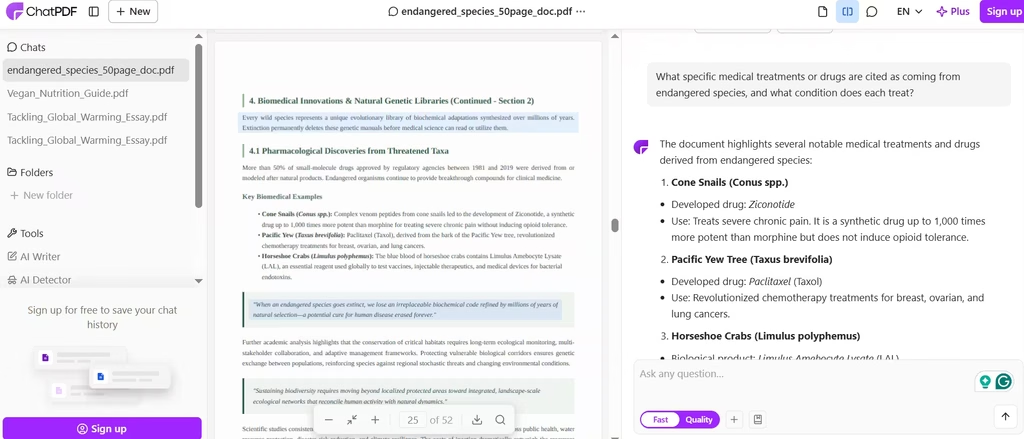
I uploaded a 52-page term paper to ChatPDF when I was in a time pinch and had three cited answers in no time. No account, no setup, just a file and a question. The free plan allows two PDFs per day, up to 120 pages each.
ChatPDF remains one of my favorite AI PDF tools because it’s so fast and easy. I routinely use this to comb through long pages and trace information to their exact page sources. Answers include inline citations that link to the exact page.
The paid Plus plan runs $19.99 per month and raises the cap to 2,000 pages and unlimited PDFs.
Also read: Is ChatPDF Worth It? AI-Powered PDF Summaries Tested
2. PDF.ai: Best for Developers and API Access
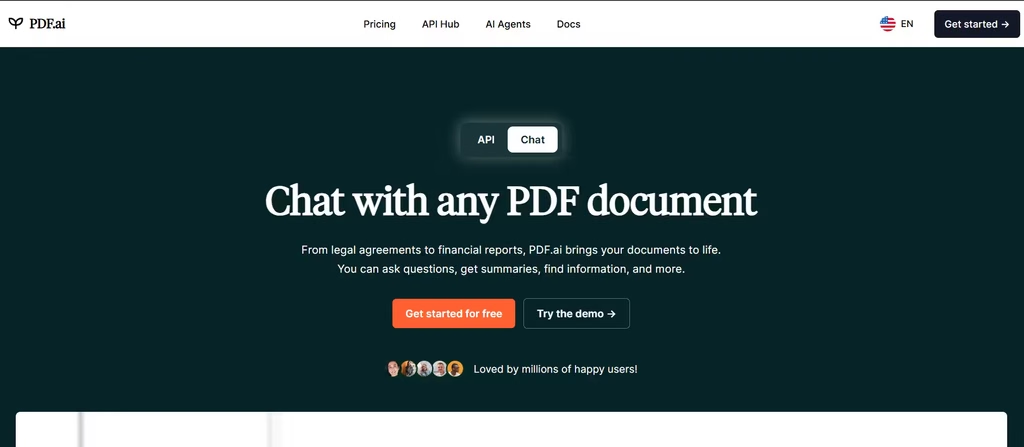
PDF.ai pairs a consumer chat tool with a full API, which makes it useful for invoice or contract pipelines, not just one-off questions. I also like that it allows me the option to make the document private. That means it doesn’t get stored on the server. OCR-scanned documents are also welcome.
PDF.ai’s free Hobby plan allows one upload and 100 questions monthly. Paid consumer plans start at $10 per user monthly, while developer API plans start at $49 monthly for 3,000 credits. PDF.ai also holds SOC 2 certification, a rarity among dedicated PDF chat tools.
3. AskYourPDF: Best for Flexibility
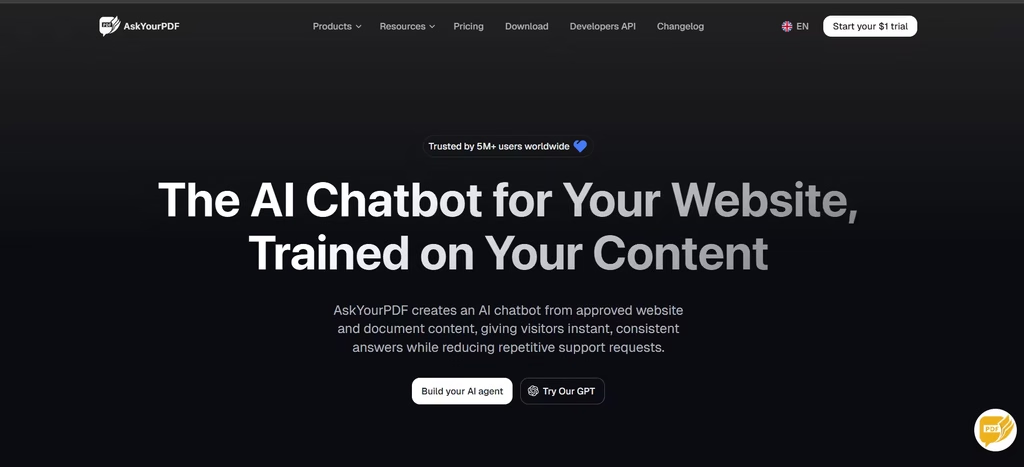
AskYourPDF lets you choose between an AI agent and a chatbot. The chatbot option branches out into ChatGPT, where you can upload documents for parsing. Its AI agent is more website-specific.
In my testing, creating an agent involved linking it to my website so it could deliver customer support responses. Its Knowledge Base feature, available on the Premium plan, supports cross-document research.
The free tier covers one document and 50 questions daily. Premium runs $11.99 per month and unlocks OCR plus higher usage caps. Trustpilot reviews describe recurring billing complaints, though, so a cautious trial run is worth the extra step.
4. Smallpdf: Best All-in-One PDF Toolkit
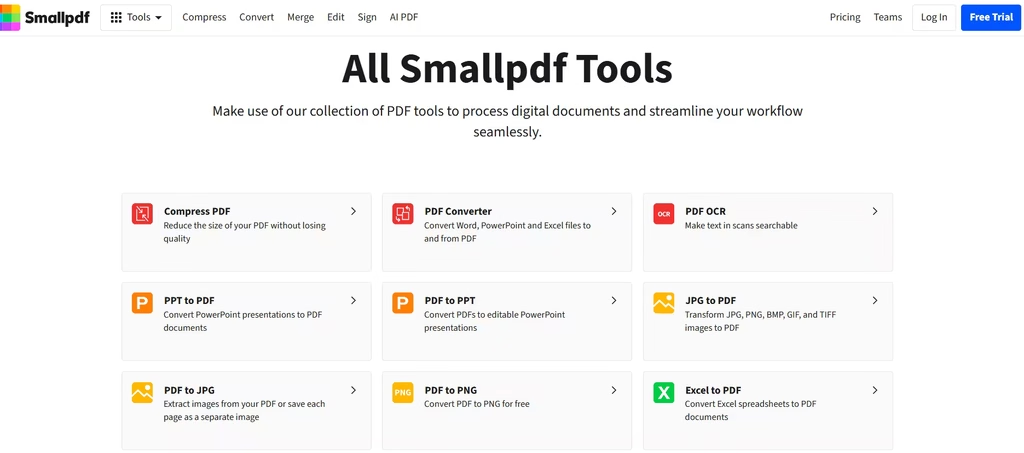
Smallpdf bundles AI chat, summarization, and translation alongside 30-plus PDF tools like compression, conversion, and e-signing. That breadth suits anyone who needs more than just a chatbot. Out of all the tools, the Chat with PDF tool is the one I used for summarizing and asking questions about PDF files.
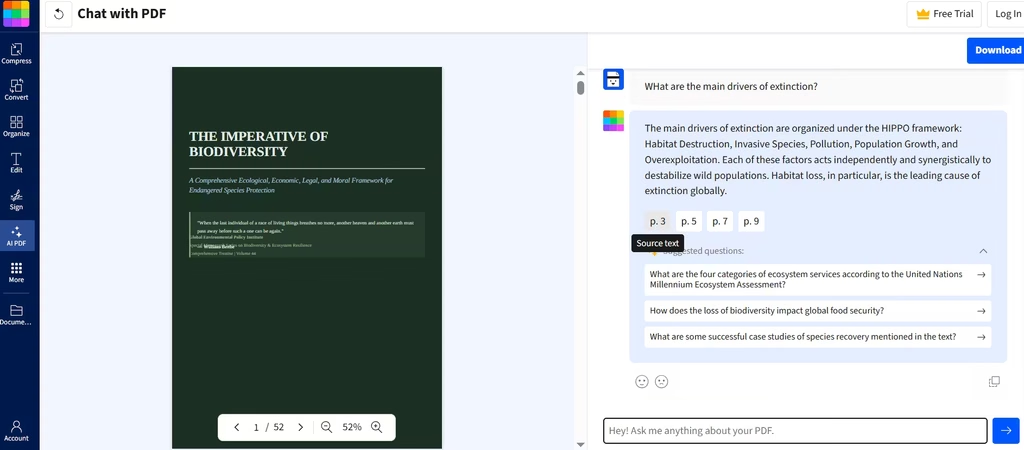
Pricing starts around $10 per month for the Pro plan, and the platform holds ISO 27001 certification. The tradeoff: because AI is one feature among many, it doesn’t match dedicated chat tools for deep document analysis.
5. Adobe Acrobat AI Assistant: Best for Enterprise Editing
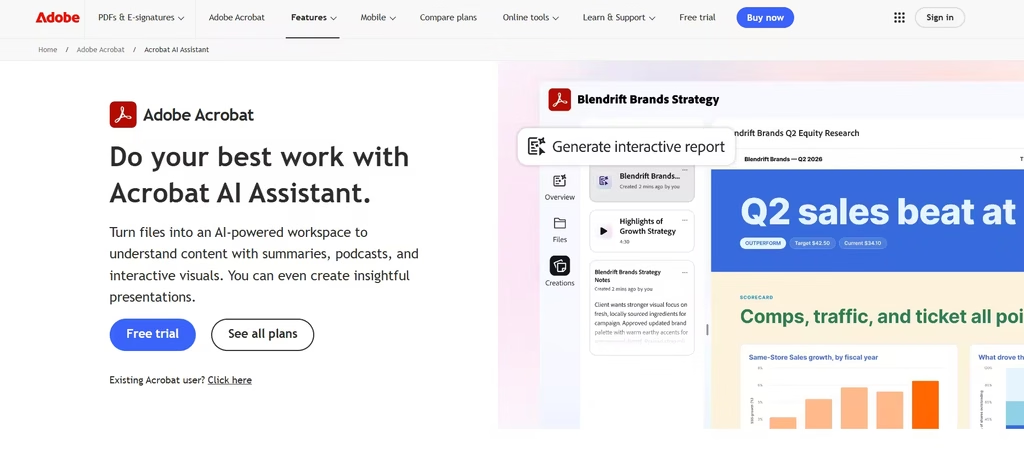
Here’s a pricing surprise that catches a lot of Acrobat users off guard: the AI Assistant isn’t included in Acrobat Pro at all. Adobe built it into the world’s most widely used PDF editor, but you only get it with Acrobat Studio at $24.99 per month, or by paying a smaller add-on fee on top of Pro.
Once you’re in, though, the AI Assistant generates cited summaries and answers questions across up to 100 documents at once inside PDF Spaces. If your team already edits, signs, and redacts PDFs daily, the integration saves real time.
6. Humata AI: Best for Citation Accuracy
I like that I could use Humata for multiple document formats, website links, and even YouTube links. In my testing, even without prompting, Humata gave me a summary of my file.
Given Humata’s reputation for cross-reference synthesis, I decided to test its propensity to hallucinate by prompting it for information that doesn’t exist in the file. Thankfully, it didn’t hallucinate.
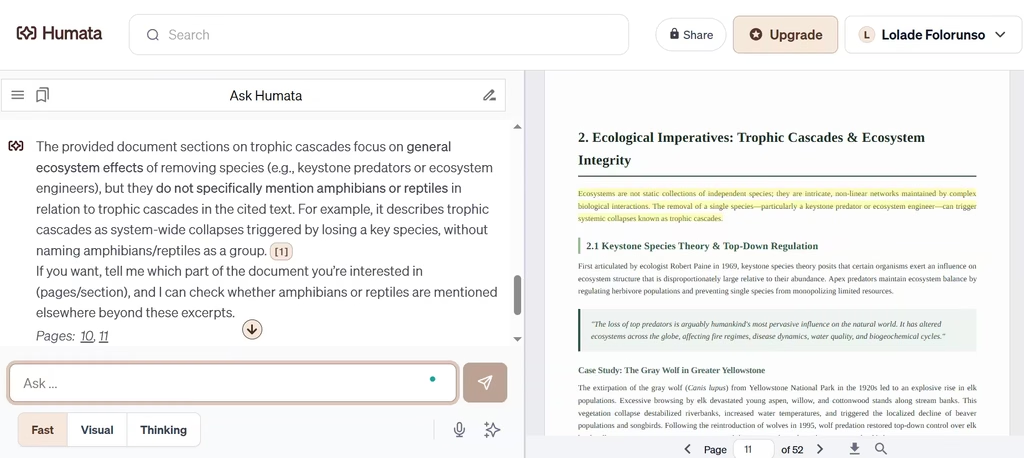
The free plan is tight, though, just 60 pages and 10 answers per month. Students with a verified edu email get a $1.99 monthly plan covering 200 pages. General paid plans start at $9.99 monthly for the Expert tier.
7. UPDF: Best Value for Editing Plus AI
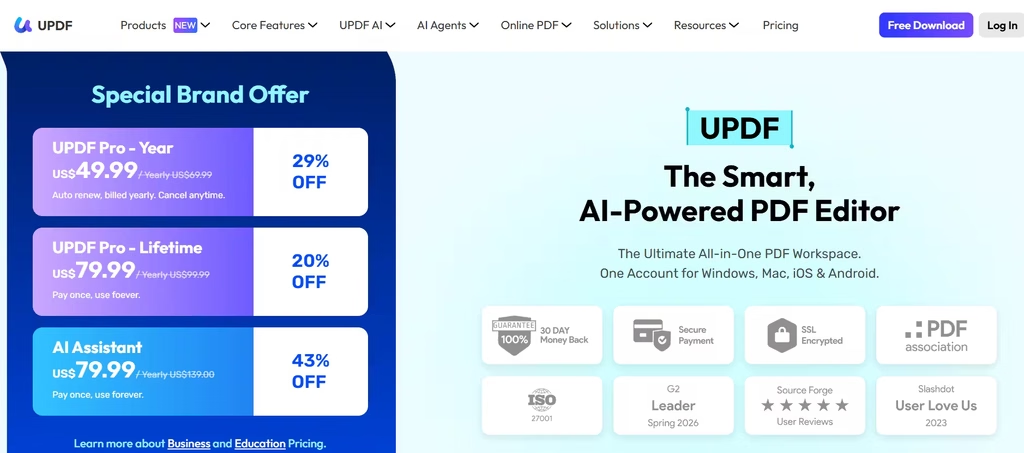
Just like Smallpdf, UPDF combines a full PDF editor with AI chat, summarization, translation, and other features.
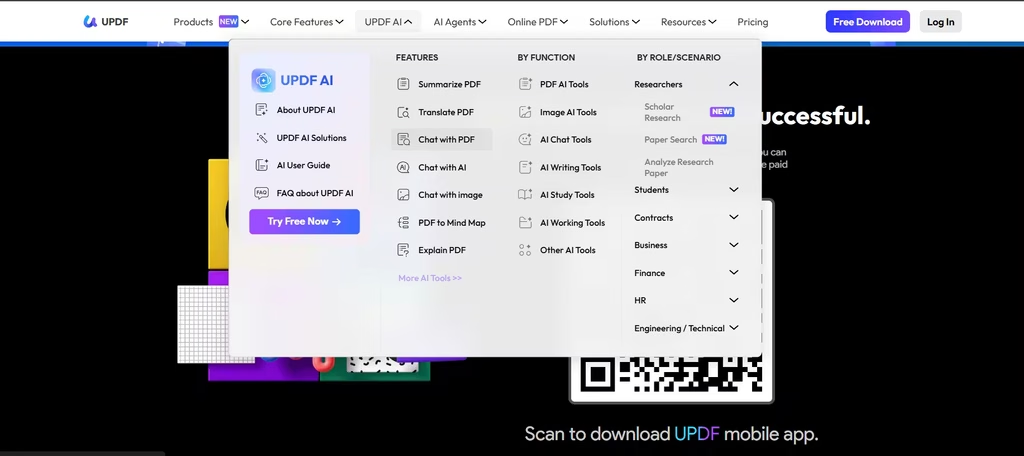
Unlike all the other tools listed, this was an app I had to download. It still works well; I could chat with the PDF and get specific answers. After that, I could make conversions and other changes to the file.
One caution: some reviewers report confusing checkout flows where the AI add-on auto-renews without a clear opt-in, so review your cart carefully before purchasing.
8. PDFgear: Best Free Option
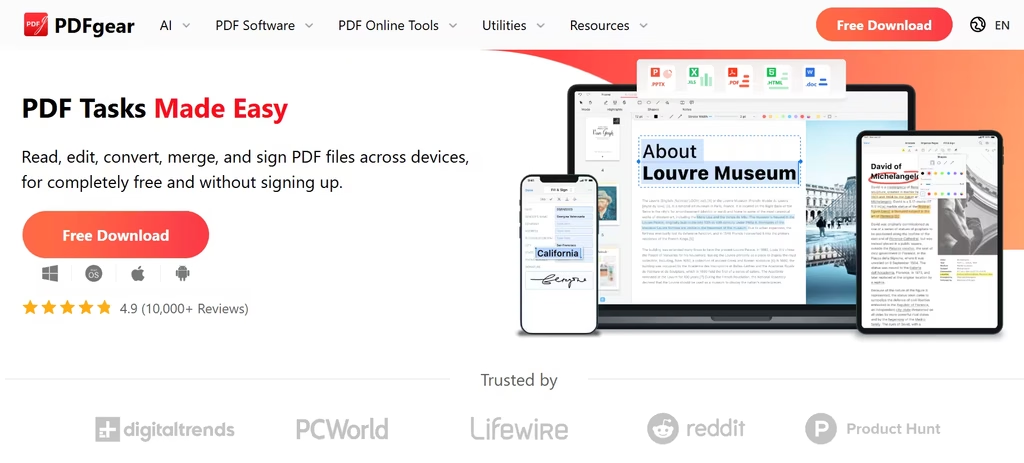
PDFgear is also software that can be downloaded, although there’s a web version. It offers a list of 30+ tools for working with PDF documents. In my testing, I used it to move pages around.
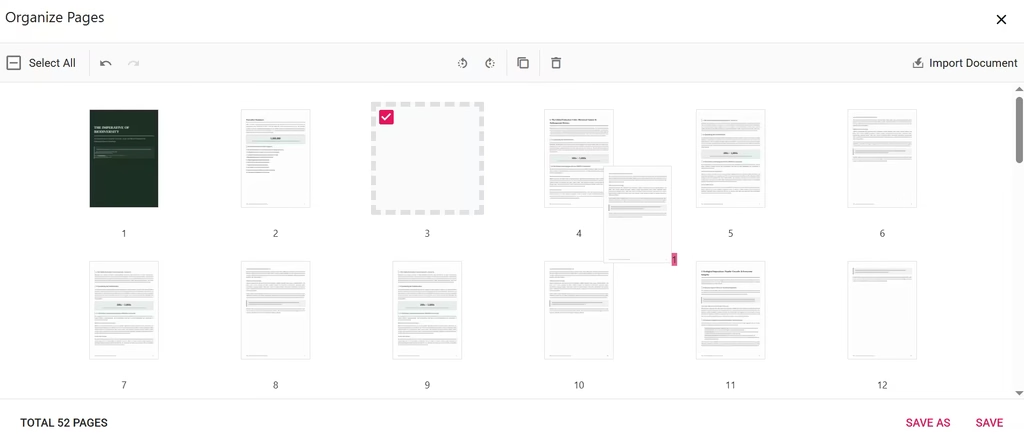
I ended up using the online tool because I wanted to avoid long download and installation time. If you do plan on making it a stable part of your workflow, I’ll advise that you get the desktop application, which is available on Windows, macOS, and iOS.
The catch is that it lacks the compliance certifications and centralized admin controls that larger organizations typically require.
9. ChatDOC: Best for Table and Text Selection
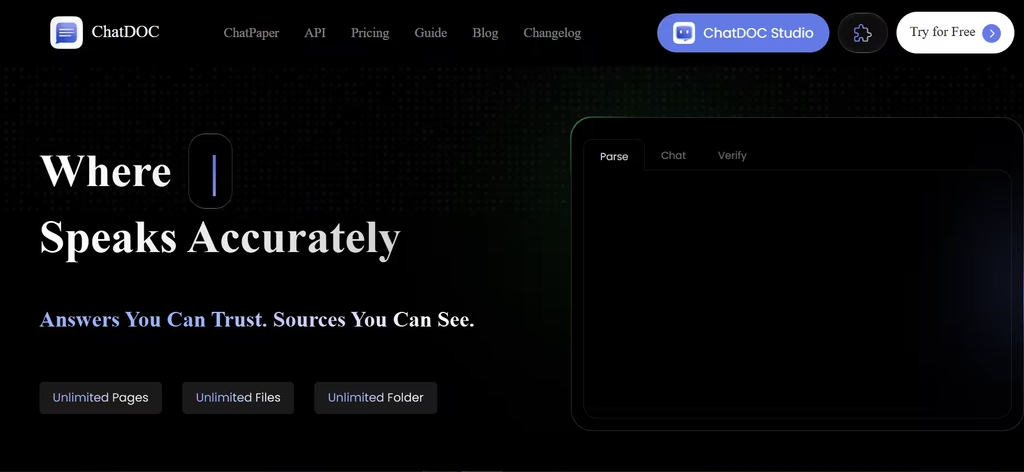
ChatDOC lets you select specific text or table cells within a document and ask targeted questions about just that selection, which is a distinct workflow advantage for data-heavy PDFs.
Each document caps at 150 pages, and you can chat across up to 10 files simultaneously. The free tier is limited, and Pro starts at $8.99 monthly, or $89.90 annually.
10. Foxit PDF Editor AI Assistant: Best Value Adobe Alternative
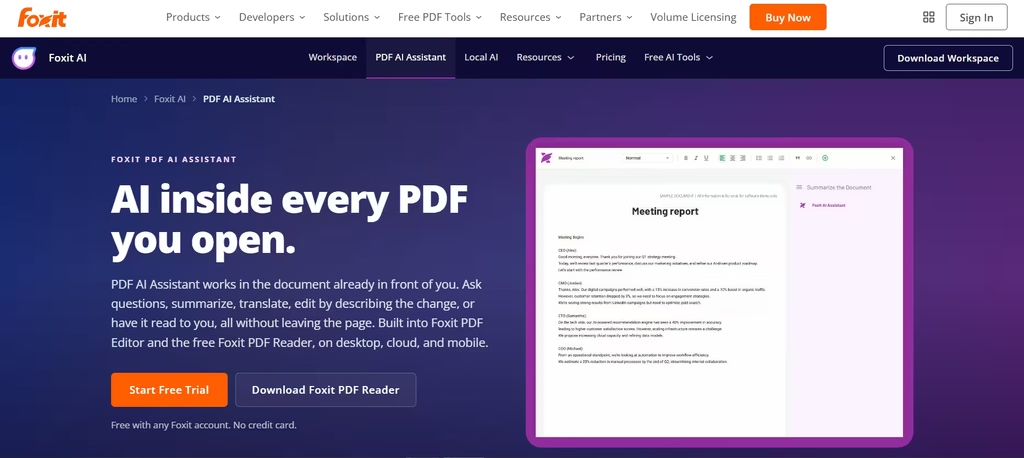
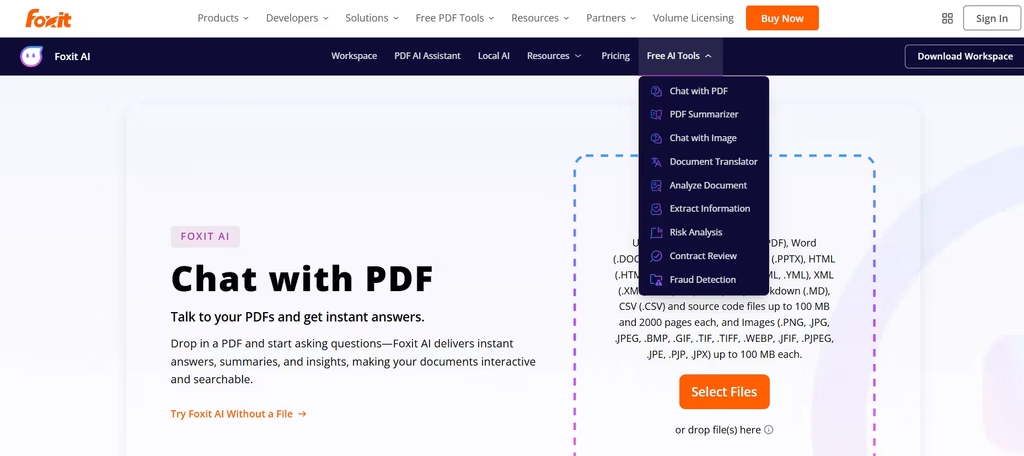
Adobe Acrobat Studio runs $24.99 a month; Foxit’s starting plan is $10.99 and still includes 20 free AI credits monthly for summarizing and translating. That gap is the whole reason Foxit keeps coming up as the budget-conscious alternative. Heavier users can add the AI Assistant for $49.99 annually, which unlocks 2,000 credits monthly. Foxit also supports AI-powered redaction, useful for compliance-sensitive document sharing.
Which Tool Should You Choose?
If I had to choose one tool for general use, I’d pick PDF.ai. It balances chat, OCR, and SOC 2 certification in a way none of the others quite manage, even though ChatPDF is faster for a single one-off question.
Two edge cases are worth calling out on their own: if citation accuracy is your top priority, Humata’s page-level highlighting is worth the tighter free-tier limits, and if you already edit and sign PDFs daily, Adobe Acrobat or Foxit will save you more time by keeping everything in one app.
Whichever tool you pick, treat the AI’s answers as a starting point, not a final verdict. A quick check against the source page still takes less time than being wrong in a client meeting.
