


Translation tools are a major need when touring a foreign country or navigating an international conversation. The translation has to be accurate and efficient. Sometimes, the success of an entire international business proposal/deal can hinge on the translation tool. Other times, having a good translation tool can make the difference between finding the right tourist spot and missing the way.
Therefore, this article provides a compilation of tools that have a high degree of accuracy. They factor in overlooked areas like contextual understanding and regional dialects that general AI translation tools may struggle with.
1. MixTranslate
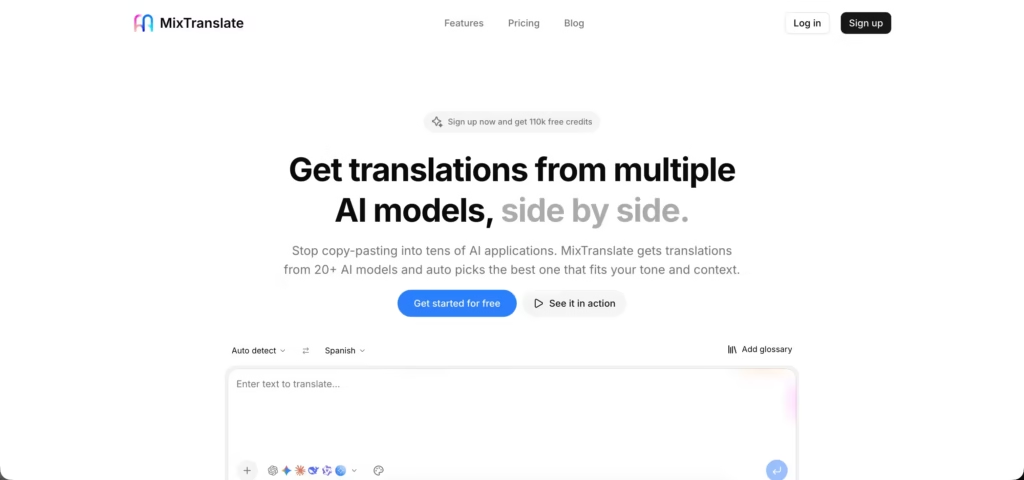
MixTranslate takes a different approach than single-engine translators. It runs your text through 20+ AI models at once, including GPT, Claude, Gemini, Grok, and DeepSeek, then an agent auto-selects the translation that best fits the tone and context.
Instead of trusting one model’s output, users can compare results side by side or let the tool pick the winner for them.
Features
- MixTranslate translates into 150+ languages and runs the same text through 20+ AI models simultaneously, including OpenAI, Gemini, Claude, Grok, DeepSeek, Qwen, Mistral, and Minimax.
- An auto-pick agent compares outputs from all selected models and surfaces the translation that best matches the intended tone and context.
- The glossary feature lets users define custom rules and mandatory terminology so brand names and technical terms translate consistently.
- Users can view multiple model outputs side by side instead of relying on a single translation engine.
- New sign-ups get 10,000 bonus credits on top of the free plan’s monthly allowance.
Pros
- Comparing 20+ models side by side catches errors and awkward phrasing that a single-engine translator would miss.
- The free plan is generous: 100,000 credits per month with no credit card required.
- The auto-pick agent removes the guesswork of choosing which AI model to trust for a given language pair.
- The glossary and custom rules feature helps maintain consistent terminology across large translation jobs.
- Pricing is transparent and scales predictably: Plus at $11.99/month and Pro at $29.99/month (billed annually), each unlocking higher character limits and more simultaneous model selections.
Cons
- It’s browser-based only. There’s no dedicated mobile app, so it lacks the on-the-go conveniences (camera OCR, voice-to-voice, offline mode) that travel-focused competitors on this list offer.
- The free plan caps input at 5,000 characters and limits users to 4 model selections at once.
- Running text through multiple models simultaneously uses more credits per translation than a single-engine tool, so heavy users will burn through the free tier faster.
- As a newer entrant, it doesn’t yet have the years of public track record that DeepL or Google Translate have built up.
2. Hi Translate
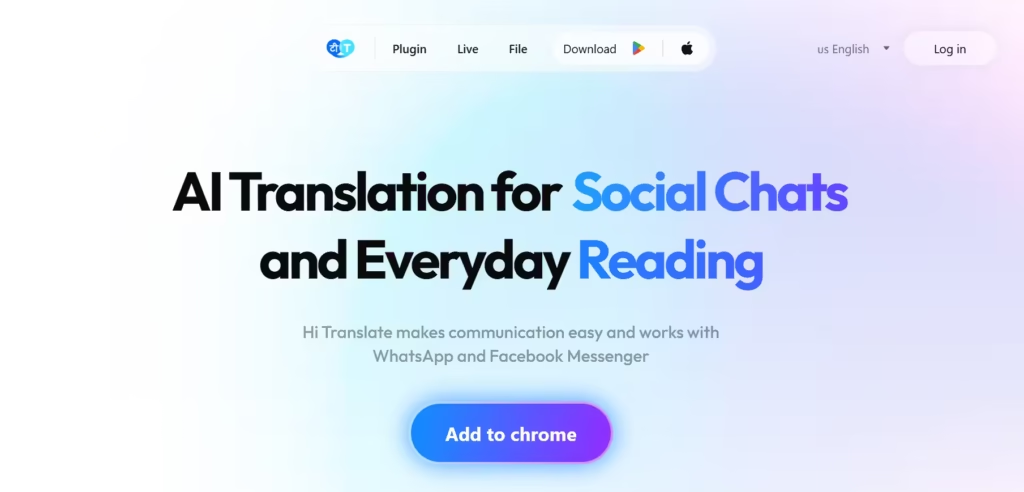
Hi Translate is a “utility-first” mobile app that delivers live translation. It exists as an on-screen overlay, called a “Magic Floating Ball,” that can be dragged over other apps like WhatsApp and Instagram to instantly translate chat bubbles without switching windows. Hi Translate recently integrated ChatGPT-4. The LLM will improve the grammar and context understanding of words to reduce the chance of errors and misfits.
Features
- A Magic Floating Ball that translates text within any social media app by dragging the Hi Translate icon over a message.
- Hi Translate has offline translation for over 100 languages to foster communication in remote areas without an active internet connection.
- The Camera Translation has optical character recognition to instantly interpret text on physical objects like menus, street signs, and documents.
- There is Voice-to-Voice Translation for live speech conversion and face-to-face conversations.
- Hi Translate has the necessary contextual understanding required to refine translated text so it sounds more like a native speaker and less like a machine.
Pros
- The Magic Floating Ball ensures real-time translation in any app without the need to copy and paste text.
- It has coverage for over 100 languages.
- The offline translation feature ensures communication and navigation even in areas with no cellular data or Wi-Fi.
- Hi Translates helps to read signs, menus, and documents in a foreign language simply by pointing a phone camera at them.
- Translations are natural, context-aware, and filled with native vocabulary.
Cons
- The free version is frequently interrupted by intrusive ads that degrade the user experience, especially during urgent translations.
- To enable the floating ball feature, Hi Translate needs extensive accessibility permissions. This carries a privacy risk for on-screen data.
- The live voice and conversation sometimes produce broken sentences and could fail to record audio clearly in noisy environments.
- Hi Translate’s accuracy reduces significantly when handling rare dialects or complex technical jargon.
3. DeepL
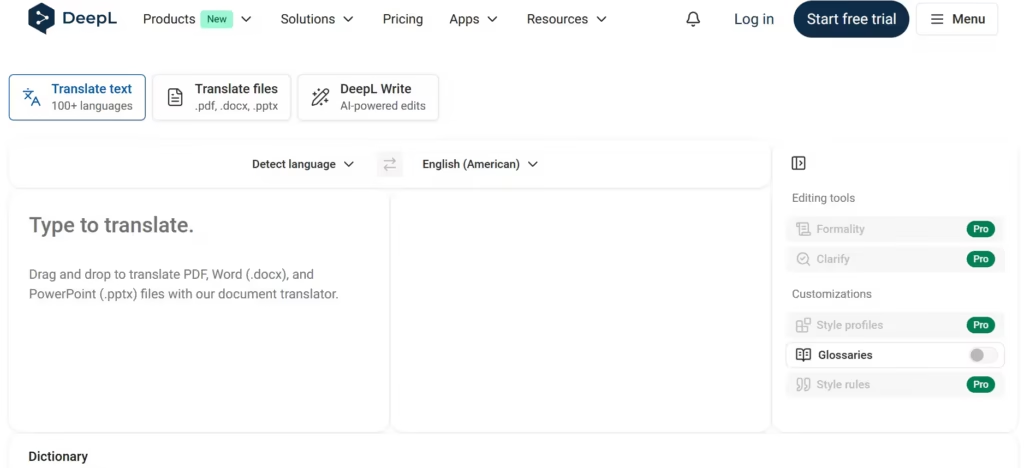
DeepL is a go-to tool for high-end professional and creative translation where natural phrasing and idiomatic accuracy are important. It employs an advanced Neural Machine Translation (NMT) architecture that captures the subtle nuances of European and major Asian languages.
This has made it outrank general-purpose engines without such a niche focus. It serves teams that cannot afford “robotic” output.
Features
- DeepL uses neural networks and a specialized LLM to understand human-like nuance and idiomatic expressions.
- The document translation tool facilitates uploads (PDF, Word, and PowerPoint files).
- There’s a Glossary function for defining mandatory translation rules for technical terms and brand names to ensure consistency.
- DeepL Voice that provides high-fidelity, live speech translation for meetings and face-to-face conversations.
- DeepL Agent, a newer 2026 feature, that automates complex multilingual workflows and administrative tasks.
Pros
- It is the most accurate AI for European and major Asian languages due to its great understanding of cultural context.
- DeepL Pro has a strict “no-retention” policy that prevents storing and using sensitive user data to train AI models.
- The “Ctrl+C+C” keyboard shortcut translates highlighted text instantly without leaving the current app.
- It significantly cuts down manual labor by maintaining complex document formatting.
- DeeepL encourages users to manually choose the most fitting synonym for any word with its “Alternatives” click-to-replace function.
- DeepL meets enterprise security standards – ISO 27001 and SOC 2 Type II. It also has GDPR compliance.
Cons
- Despite its provision for over 100 languages, it still offers less variety than Google Translate. Rare African and regional dialects are mainly affected.
- Valuable business tools, like the formal/informal tone selector and full document translation, are paywalled.
- There is no comprehensive offline mode.
- The desktop application occasionally suffers from performance issues. It could freeze during large file processing.
- Customer support is primarily ticket-based and could be delayed.
- DeepL can occasionally struggle with niche technical jargon.
4. Smartcat
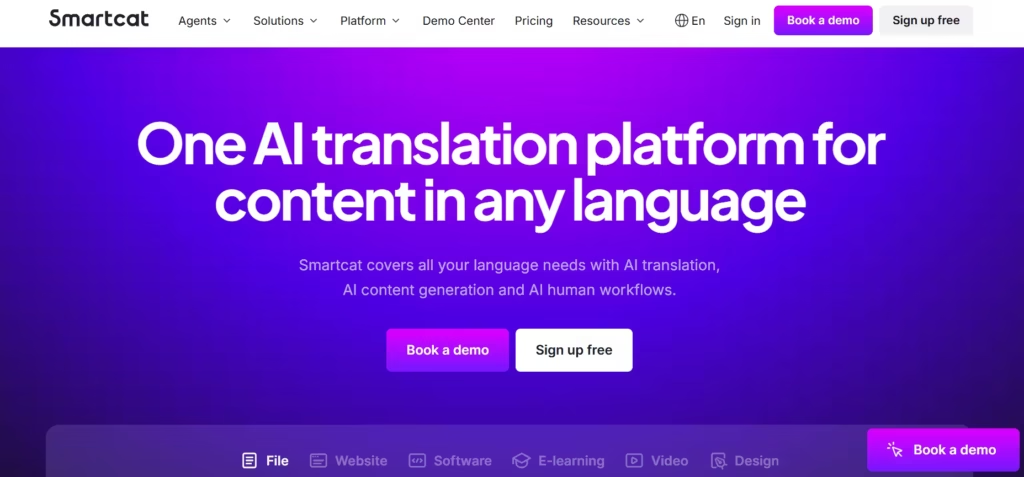
Smartcat is an “all-in-one” operating system that employs over 500,000 human linguists to vet its AI translation. It features an “AI Agent” workflow that executes entire project lifecycles. Smartcat starts with an initial machine translation, then a layout preservation, and finally matches the document with a subject-matter expert for human vetting.
Features
- Smartcat uses translation routing to select the best engine (DeepL, Google, or Microsoft) for the specific language pair and industry.
- There’s a built-in marketplace of 500,000+ vetted linguists for hire. Each professional human reviewer will be managed directly within the software.
- Smart cat has AI Agents that execute complex, end-to-end workflows.
- The collaborative cloud editor enables simultaneous work between translators, proofreaders, and project managers.
- An adaptive translation memory technology that learns from every human edit to improve accuracy.
Pros
- The “Forever Free” plan is generous and gives access to nearly all core CAT tool features.
- Smartcat provides coverage for over 80 file formats without requiring expensive third-party plugins.
- The cloud-native architecture means there is no heavy software installation.
- Companies report cost savings of up to 70% to 90% on localization projects by combining AI translation with past translation memories.
- The user interface is modern and intuitive.
Cons
- It is entirely cloud-based and cannot be used offline.
- The Quality Assurance (QA) check features are tedious to navigate.
- There could be slow performance or login timeouts during peak usage hours.
- Smartcat lacks a fully private, on-premise deployment.
5. Papago
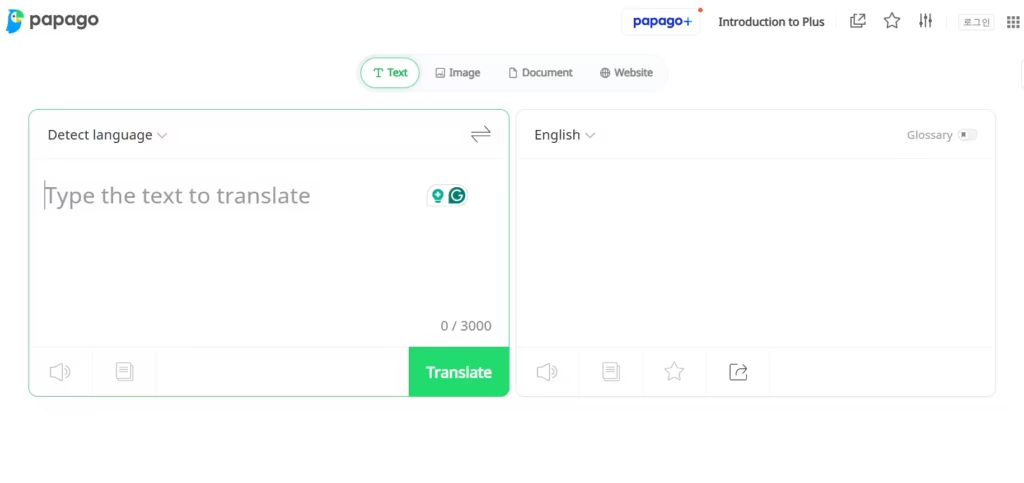
Papago was developed by Naver to navigate East Asian languages (Korean, Japanese, and Chinese). It’s attuned to language nuances – regional slang, honorifics, and cultural themes that more general, global engines often miss. It has a handwriting recognition feature and a “Mini” overlay for on-screen translation. This meets translation specifics in a complex language environment.
Features
- Papago has an honorifics toggle for switching between formal and casual speech to maintain social etiquette.
- Papago mini has a floating shortcut for automatic in-screen translation for other apps.
- It has a handwriting recognition feature for drawing complex characters (like Hanja or Kanji) to find accurate translations.
- The Edu mode helps to build fluency over time. The camera scans passages and creates “study notes” and flashcards.
- It has a website translator that only requires the URL.
Pros
- It is the most accurate tool for East Asian languages because it was developed by Naver, the “Google of South Korea”.
- The Conversation Mode with a split-screen interface makes real-time, face-to-face bilingual dialogue feel natural.
- It is available offline through language pack downloads that include text, voice, and camera translation.
- Papago captures cultural nuance and slang.
Cons
- It caters to only 14 core languages.
- Papago’s performance on European and South American language pairs is “average”.
- It can be heavy on the battery and slow performance on older smartphone models.
6. SayHi Translate
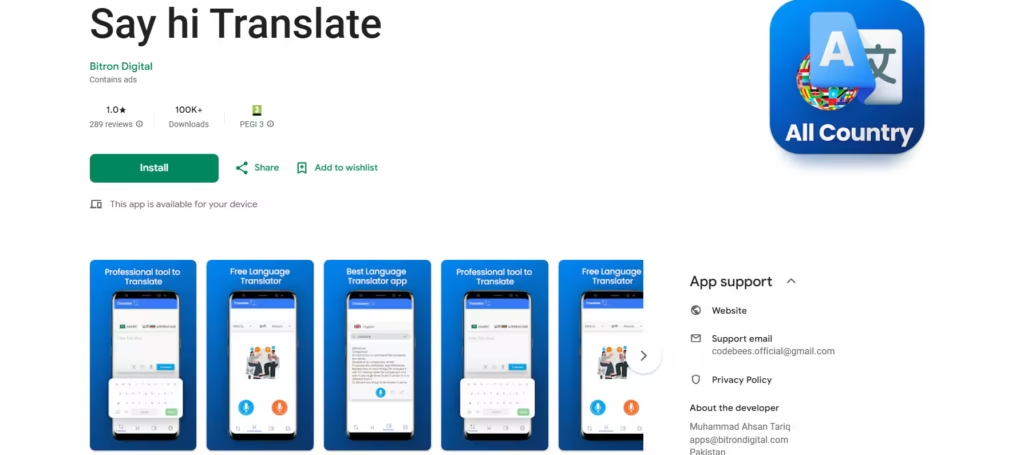
SayHi Translate is primarily a voice translation tool created for face-to-face spontaneous dialogue. The interface is a “walkie-talkie” optimized entirely for two-way speech. Users can speak naturally (90+ languages and dialects) and receive an instant audio playback.
Features
- SayHi Translate has a split-screen interface with two large microphone buttons for two people to speak and listen in their native languages simultaneously.
- It caters to 100 languages and dialects, including variations of Arabic, Spanish, and English.
- A speed control feature lets users slow down or speed up the translated audio playback.
- The hold-to-type brings up a keyboard for manual text entry when background noise makes voice recognition difficult.
- There’s instant language identification to automatically detect which of the two selected languages is being spoken.
Pros
- SayHi Translate is entirely free to use. There are no hidden subscription fees, in-app purchases, or intrusive ads.
- It is optimized for low-bandwidth connections (slower 3G or public Wi-Fi).
- SayHi picks up specific dialects well. It is one of the few free tools that can distinguish between Mexican Spanish and Castilian Spanish effectively.
- It provides a high level of privacy; it does not require a user account or login to access its core translation features.
Cons
- SayHi lacks a full offline mode.
- It only works on mobiles.
- It lacks advanced document or image translation features.
- Say Hi Translate can be battery-intensive during long, continuous conversation sessions due to constant microphone and data usage.
- It lacks a translation history and, therefore, the ability to save favorite phrases for quick future reference.
7. X-doc.AI Translive
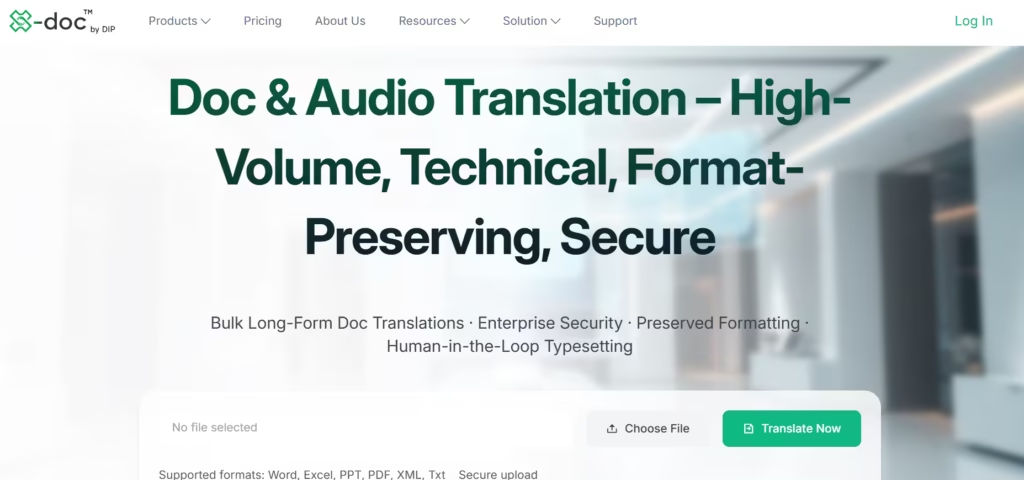
X-doc.AI is a multi-media translator for live digital content. It listens to the device’s audio (a Zoom webinar or YouTube video) and generates real-time translated subtitles on the screen with near zero latency.
Features
- X-doc.AI uses a voice-focused world model to achieve up its 99% accuracy.
- It can learn and remember specific company terminology, acronyms, and brand names for future sessions.
- X-doc.AI has a dual-mode system that provides live interpretation for meetings and uploaded audio and video files.
- Translated subtitles and audio playback occur in sync with the speaker’s natural pace.
- It has an AI meeting assistant that generates structured minutes, action items, and smart summaries from translated transcripts.
- It is directly integrated with major communication tools – Zoom, Microsoft Teams, and Google Meet without requiring complex hardware setup.
Pros
- X-doc.AI is optimized for high-stakes professional translations.
- It has a strict “Zero Audio Storage” policy to ensure that sensitive conversations are never recorded or stored.
- X-doc.AI can translate any video or webinar playing on the computer.
- X-doc.AI has a 99% accuracy benchmark, higher than the industry average.
Cons
- It has a limited public track record and few third-party tests in comparison to Google and Microsoft.
- The most advanced features (the “Long-Term Memory” and high-volume processing) are paywalled.
- X-doc.AI Translive is dedicated to translating professional jargon and may feel “overly formal” for casual conversations.
- There is no fully functional offline mode.
Also read: Top 10 AI Dubbing Tools
8. iTranslate Keyboard
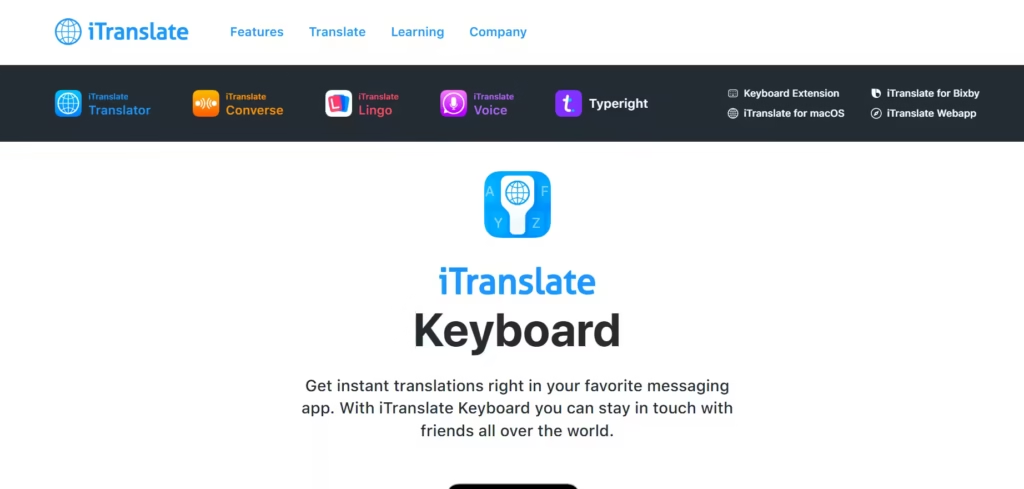
iTranslate keyboard is a native typing translator. It exists as a custom keyboard extension that translates text as the user types into any app. Therefore, it doesn’t require the user to switch between windows/tools or copy and paste. iTranslate is especially useful for the high-frequency nature of social media/communication apps like WhatsApp and Email.
Features
- The keyboard extension integrates directly into the mobile operating system and supports over 100 languages.
- iTranslate has a smart input feature for text translations.
- It has a built-in grammar & spell check.
- iTranslate keyboard’s visual theme and layout are customizable.
- There’s room for direct app switching between the standard keyboard and the translation keyboard.
Pros
- iTranslat eliminates the need for “copy-pasting”. Translations are provided without ever leaving the current app.
- The keyboard is highly responsive and provides near-instant translations.
- It helps users choose the correct variations for languages like Spanish (Mexican vs. Castilian) or Chinese.
- The setup process is straightforward.
Cons
- The keyboard extension itself and the other prominent features are paywalled and expensive.
- iTranslate’s keyboard can occasionally lag or slow down typing speed when processing complex sentences.
- The accuracy for long-form text is generally lower.
- iTranslate requires “full access” permissions on the device.
- The auto-correct feature can sometimes conflict with the translations.
9. Mate Translate
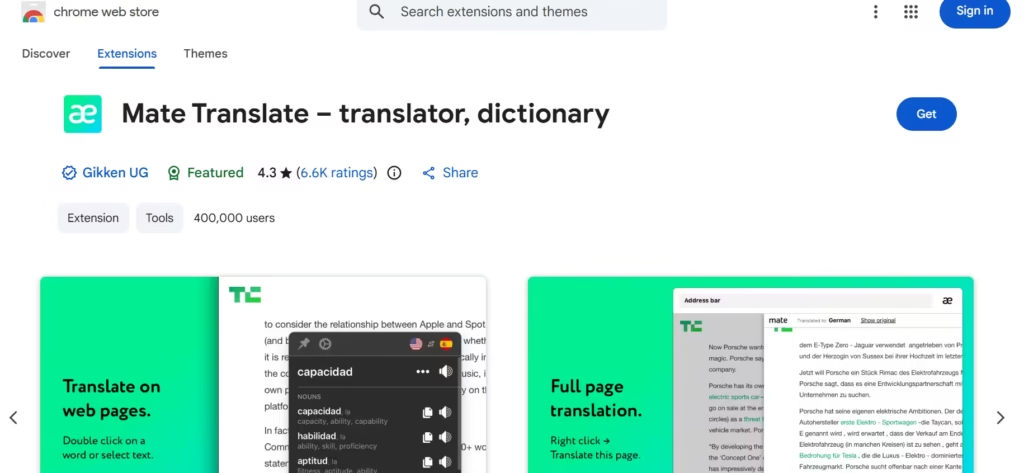
Mate Translate is integrated into web browsers and desktop operating systems. It translates entire web pages and highlighted text with a single click or keyboard shortcut. Mate Translate is a convenient option for users who constantly come across foreign text while researching online.
Features
- Mate Translate has a native Safari extensionfor automatic website translation in over 40 languages.
- There is a context menu integration on macOS and iOS to highlight and translate text.
- It has a Netflix subtitle translator that lets users click on words within Netflix subtitles to see instant translations without pausing the show.
- Mate Translate has a custom phrasebook that syncs across all devices (Mac, iPhone, and Apple Watch).
- It provides phonetic transcriptions and transliteration for both the original and translated text.
Pros
- It is deeply integrated with Apple’s ecosystem.
- The offline translation history is highly beneficial during travel.
- Mate prioritizes privacy and lets users opt out of analytics.
Cons
- The subscription can be expensive compared to free alternatives like Google Translate.
- Mate Translate’s automatic website translation is limited to about 40 of its 103 supported languages.
- There are occasional inaccuracies with rare language pairs.
10. WayGo
WayGo is an offline camera translator dedicated to East Asian characters. It uses a “point-and-scan” system to interpret printed text on menus, street signs, and labels in Chinese, Japanese, and Korean. And it does not require any data connection to run its operations.
Features
- WayGo has offline Optical Character Recognition (OCR) to translate text via camera without requiring any data connection or Wi-Fi.
- It has a point-and-translate interface that involves hovering the camera over foreign text to see an instant English overlay on the screen.
- WayGo includes a Chinese Food Dish Recognition that displays pictures of translated dishes to visualize a menu.
- WayGo has a pronunciation guide for both the pinyin/romanization and audio playback for the translated text.
Pros
- WayGo runs entirely on the device’s local hardware.
- It is exceptionally lightweight (under 60MB).
- WayGo is fast, especially when delivering single-line translations.
- The “one-week use” pass is very affordable and flexible for short-term tourists.
Cons
- WayGo has an extremely narrow language selection that’s strictly limited to Chinese, Japanese, and Korean to English translations.
- The free version is restrictive and provides only 10 free translations per day.
- It lacks voice and conversation features
- WayGo struggles with handwritten text and overly artistic calligraphy.
- There is no reverse translation from English to Asian languages for the camera mode. WayGo was created specifically for English speakers navigating Asia.
The Best Translation Tool
Each of these tools have their unique offering, pros, and cons. Some are better suited to Asian languages and all their variations, and some provide offline translations. Others have a wider vocabulary that covers professional jargon, while the rest have context understanding that picks up on variations in dialects across regions. Therefore, there is no single best tool, but among there is a best fit for every use case scenario.
