


Removing a background used to take twenty minutes in Photoshop. Today, AI does it in seconds. Below, you’ll find the ten best AI background removers, evaluated on features, pricing, and documented limitations. First, let’s break down how these tools actually work.
How AI Background Removers Work
AI background removers rely on image segmentation. In short, a neural network scans every pixel and labels it as either “foreground” or “background.” Most tools use architectures like U-Net or Segment Anything Model (SAM). These models train on millions of labeled images, so they learn to recognize patterns quickly.
However, not all tools stop at segmentation. The best ones also apply matting. Segmentation creates a hard, binary edge. Matting, by contrast, calculates a transparency value for each pixel. As a result, matting produces smoother transitions around hair, glass, and fur.
Where AI Background Removers Fall Short
Hair remains the industry’s toughest edge case, and independent testing shows a real gap between tools. One 2026 head-to-head test scored eight tools on hair edges, transparency, and batch throughput; remove.bg correctly preserved hair edges on roughly 90% of test images, while browser-based tools handled hair accurately on only about 75%. A separate side-by-side test found remove.bg and PhotoRoom tied at 8.5+ out of 10 on clean product cutouts, ahead of most of the free field.
Glass, veils, and motion blur cause similar trouble. Because these subjects have no hard edge to segment, most tools produce faint color fringing or a slightly opaque haze instead of true transparency. Free tiers compound the problem: many cap resolution at low-quality previews, and batch processing is almost always locked behind a paid plan.
Also read: Top Mobile AI Photo Enhancers/Editors
Selection Criteria for This List
Edge accuracy came first, especially on hair and fine detail, based on the test data cited above. Speed mattered too, since most users need results in seconds. Beyond raw performance, I compared pricing transparency, since credit systems can hide the actual costs, plus platform support and API availability.
Comparison Table
| Tool | Best For | Starting Price | Free Tier | Batch/API |
| Remove.bg | Hair and fur accuracy | $9/mo | Low-res preview | Yes |
| PhotoRoom | Ecommerce sellers | $7.50/mo | Watermarked, capped | Yes (session caps) |
| Adobe Express | Adobe ecosystem users | $9.99/mo | Yes | Limited |
| Canva | Design workflows | Included in Canva Pro | No (Pro feature) | Limited |
| Clipdrop | Free, high-quality cutouts | Free (Pro available) | Full-res, no watermark | Yes |
| Pixelcut | Mobile, no signup | Free (Pro available) | Yes, no signup | Yes (Pro) |
| Fotor | Beginners, simple images | $8.99/mo | Yes | Limited |
| Pixlr | All-in-one editing | $7.99/mo | Yes, with ads | Limited |
| Erase.bg | Budget-friendly, simple images | Free | Unlimited, standard res | Limited |
| Claid.ai | Ecommerce pipelines | Credit-based | Limited credits | Yes |
1. Remove.bg
Remove.bg pioneered one-click background removal back in 2018, and independent testing still ranks it at or near the top on hair and fur accuracy. Pricing runs on a credit system, starting around $9 per month for 40 images, with a free tier capped at low-resolution previews. This is a personal favorite because it gives the best results in all my use cases.
Remove.bg’s mature API integrates with Photoshop, CLIs, and dozens of third-party plugins, which is a big part of why it’s still the default choice for developers building background removal into their own apps.
2. PhotoRoom
If remove.bg is the accuracy leader, PhotoRoom is the volume leader. It bundles AI-generated backdrops, product staging, and batch editing aimed squarely at marketplace sellers on Shopify, Etsy, and Amazon.
But batch processing has limits: the Pro tier caps batch sessions at 250 images but limits batc exports per month to 500. Sellers with larger catalogs will hit that ceiling and need to upgrade to Ultra. Paid plans start around $7.50 per month billed annually.
3. Adobe Express Background Remover
Picture a freelance designer already paying for Creative Cloud. For them, Adobe Express is the obvious pick, it runs the same Sensei AI engine that powers Photoshop’s background removal, but inside a free, web-based tool that doesn’t require opening the full app.
The tradeoff is that it doesn’t match Photoshop’s manual refinement brushes. So, really difficult images, flyaway hair, glass, motion blur, still need a trip into the desktop app for cleanup. Its premium runs about $9.99 per month.
4. Canva Background Remover
Canva takes a different approach entirely: it doesn’t try to be the best standalone remover, it tries to be the most convenient one. The feature sits inside the same editor you’re already using to build a social post or a banner.
So you can remove the background, drop the cutout into a template, and export, all without leaving the app. The catch is that it’s paywalled behind Canva Pro, and it lacks the batch or API options that ecommerce-focused tools offer.
5. Clipdrop
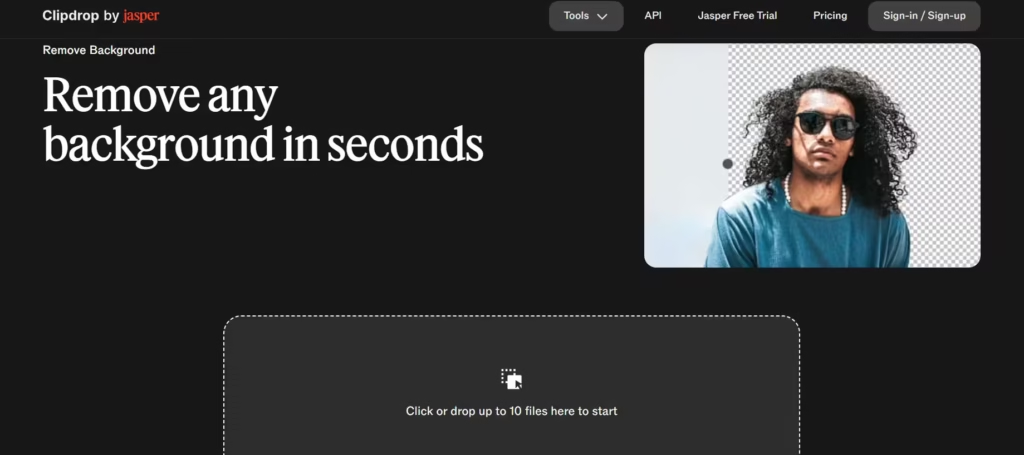
Clipdrop stands out because its free tier doesn’t feel like a free tier. Users get full-resolution, watermark-free downloads with no subscription required, and edge quality holds up against tools that charge for the same result.
It’s available as a web app, mobile app, and browser plugin, and its API supports automation for developers. The main limitation is that Clipdrop’s extra features, object cleanup, relighting, are less developed than its core background remover.
6. Pixelcut
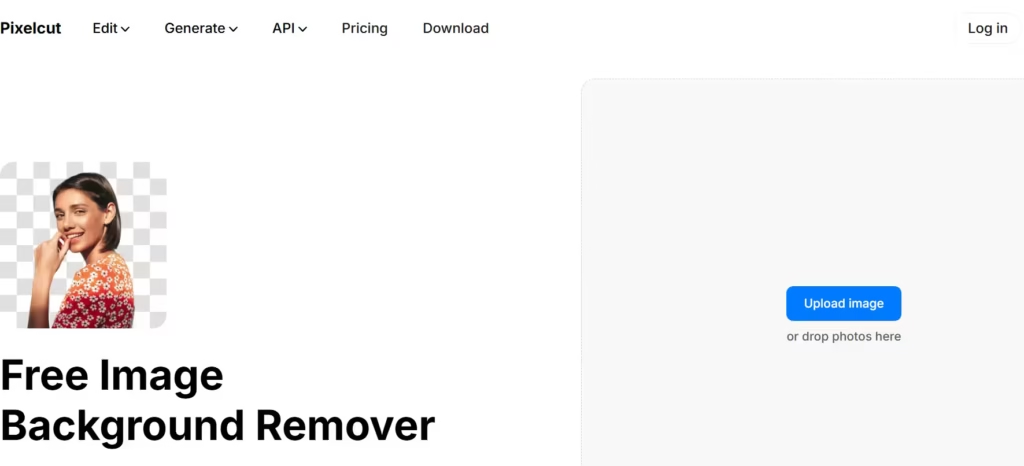
Compare Pixelcut to Clipdrop and the difference is platform, not quality. Pixelcut is built mobile-first, requires no signup for basic use, and delivers fast, watermark-free transparent PNGs straight from a phone. Where it falls behind Clipdrop is depth: Pixelcut’s free tier doesn’t include batch editing or API access, both of which sit behind a Pro upgrade. For a solo creator posting from their phone, that’s rarely a dealbreaker.
7. Fotor
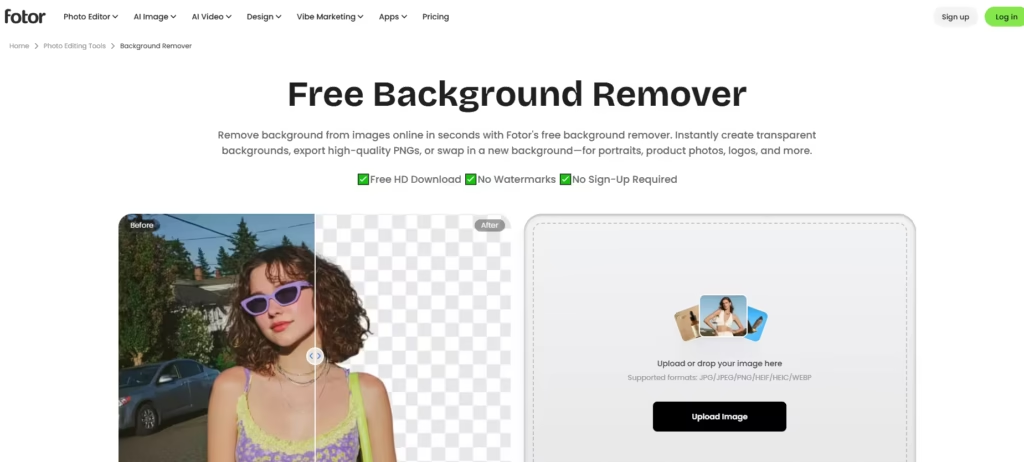
Fotor is the tool to reach for when you don’t want to think about the tool at all. Its interface is built for beginners, and it gets a clean cutout on straightforward portraits and product shots without much fuss.
The limitation shows up on harder images: Fotor was one of the tools that clipped noticeably more hair detail in the head-to-head testing cited earlier, alongside Erase.bg, so it’s not the pick for anything with flyaway strands or fine detail against a busy backdrop.
8. Pixlr
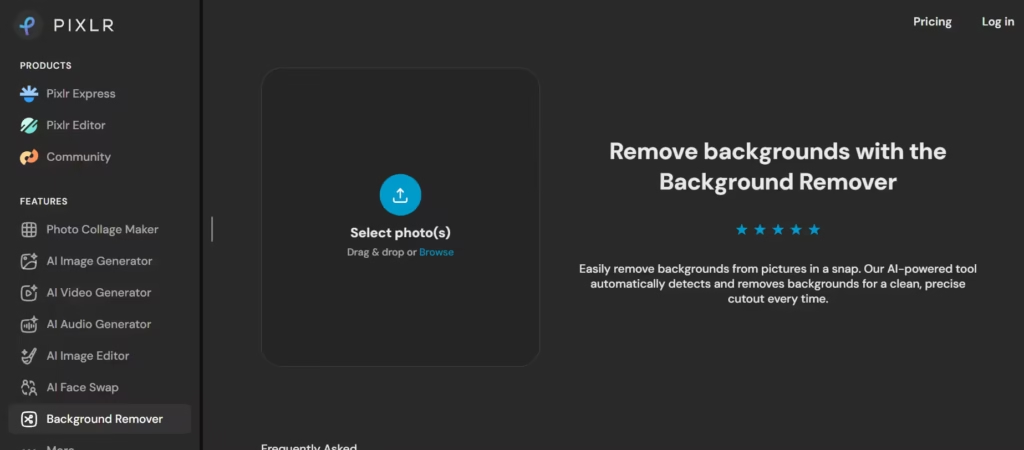
Unlike most tools on this list, Pixlr isn’t really a background remover with extras bolted on, it’s a full browser-based photo editor with background removal as one feature among many. That means multiple functionalities.
You can remove a background and then resize, recolor, or add text in the same session and in one tab instead of exporting to a second tool. The free version runs ads, and Premium costs about $7.99 per month.
9. Erase.bg
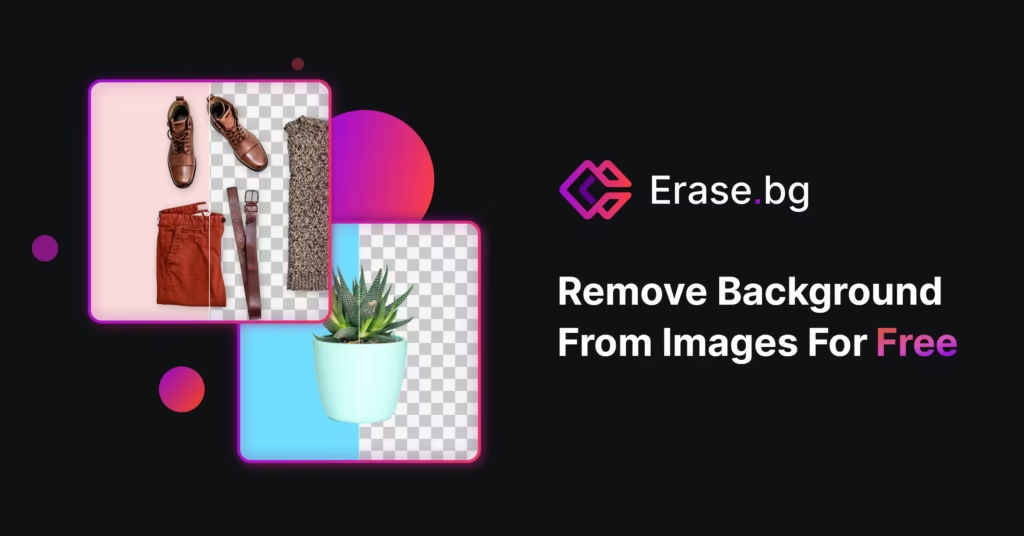
Erase.bg’s pitch is all about unlimited free background removal at standard resolution and without watermarks. That alone makes it one of the better budget options on this list. As noted above, though, it was one of the tools that struggled more with hair accuracy in independent testing, so it’s a better fit for product shots and simple portraits than for anything with fine, flyaway detail. Higher-resolution exports require a paid upgrade.
10. Claid.ai
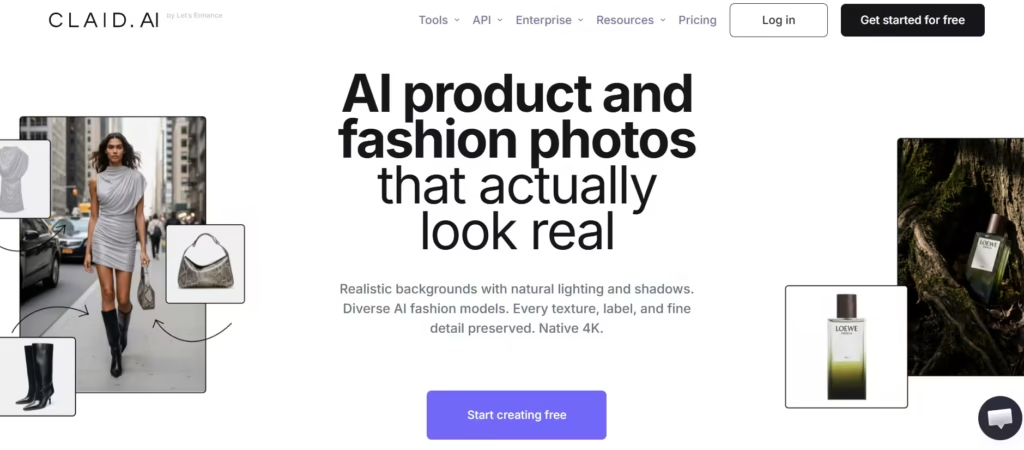
Claid.ai is built for ecommerce teams juggling separate tools for background removal, resizing, and upscaling. It folds all three into one credit-based pipeline, where background removal costs a single credit per image.
The tradeoff versus a dedicated tool like remove.bg is that Claid optimizes for workflow continuity over raw edge precision, so teams with especially demanding hair or fur images may still want to route those exceptions elsewhere.
What’s the Best Pick?
Remove.bg remains the best overall choice for most users, because the independent testing above puts it at or near the top on the single hardest problem in this category: hair. A 90% hair-preservation rate against a 75% rate for browser-based alternatives is a wide gap, not a marginal one. And that accuracy carries over to product photography, where it tied for the top score in a separate test.
That said, remove.bg isn’t the right call for everyone. If you’re processing large ecommerce catalogs and need built-in batch limits that scale past 250 images, PhotoRoom’s tiered batch system is the more practical choice, even if its accuracy runs slightly behind.
If budget is the deciding factor and your images are simple portraits or product shots, Clipdrop’s free tier delivers full-resolution results without the tradeoffs Erase.bg and Fotor show on harder images. Match the tool to the image, not the other way around.
FAQ
1) Which background remover has no watermark on the free tier?
Clipdrop and Pixelcut both give full-resolution, watermark-free downloads without a subscription.
Remove.bg is watermark-free too, but only at low resolution on the free tier. Canva requires a Pro subscription before background removal is available at all.
2) Can I remove a background without creating an account?
Yes. Clipdrop and Pixelcut both work without sign-up for basic use.
Most other tools on this list, including remove.bg, PhotoRoom, and Adobe Express, require at least a free account before you can download a result.
3) Can I remove backgrounds at scale via API?
Yes. Remove.bg, Clipdrop, and Claid.ai all offer background removal APIs suited to bulk or automated workflows. PhotoRoom’s API is aimed more narrowly at ecommerce product images.
If you’re processing a large catalog, check batch/session caps first. PhotoRoom’s Pro tier caps batch sessions at 250 images and 500 exports per month.
4) Can I remove a background using ChatGPT?
Yes, ChatGPT now supports background removal through an integrated Photoshop tool, available even on the free tier.
It’s convenient if you’re already in ChatGPT, but it’s not a dedicated tool: results on complex edges (hair, glass, motion blur) lag behind purpose-built removers like remove.bg or Clipdrop.
5) Is there a privacy-first background remover that doesn’t upload my images?
Yes. Some newer tools process images entirely on-device in the browser, with no upload to a server, which matters if you’re handling confidential product shots or regulated imagery.
If privacy is the deciding factor, this is worth a dedicated look before defaulting to a cloud-based tool.
6) What’s the best free background remover for ecommerce product photos?
For batch product work, PhotoRoom is built specifically for marketplace sellers with staging, batch editing, and AI backgrounds baked in.
For single, one-off product shots, remove.bg and PhotoRoom have tied in independent testing at 8.5+/10 on clean cutouts.
