
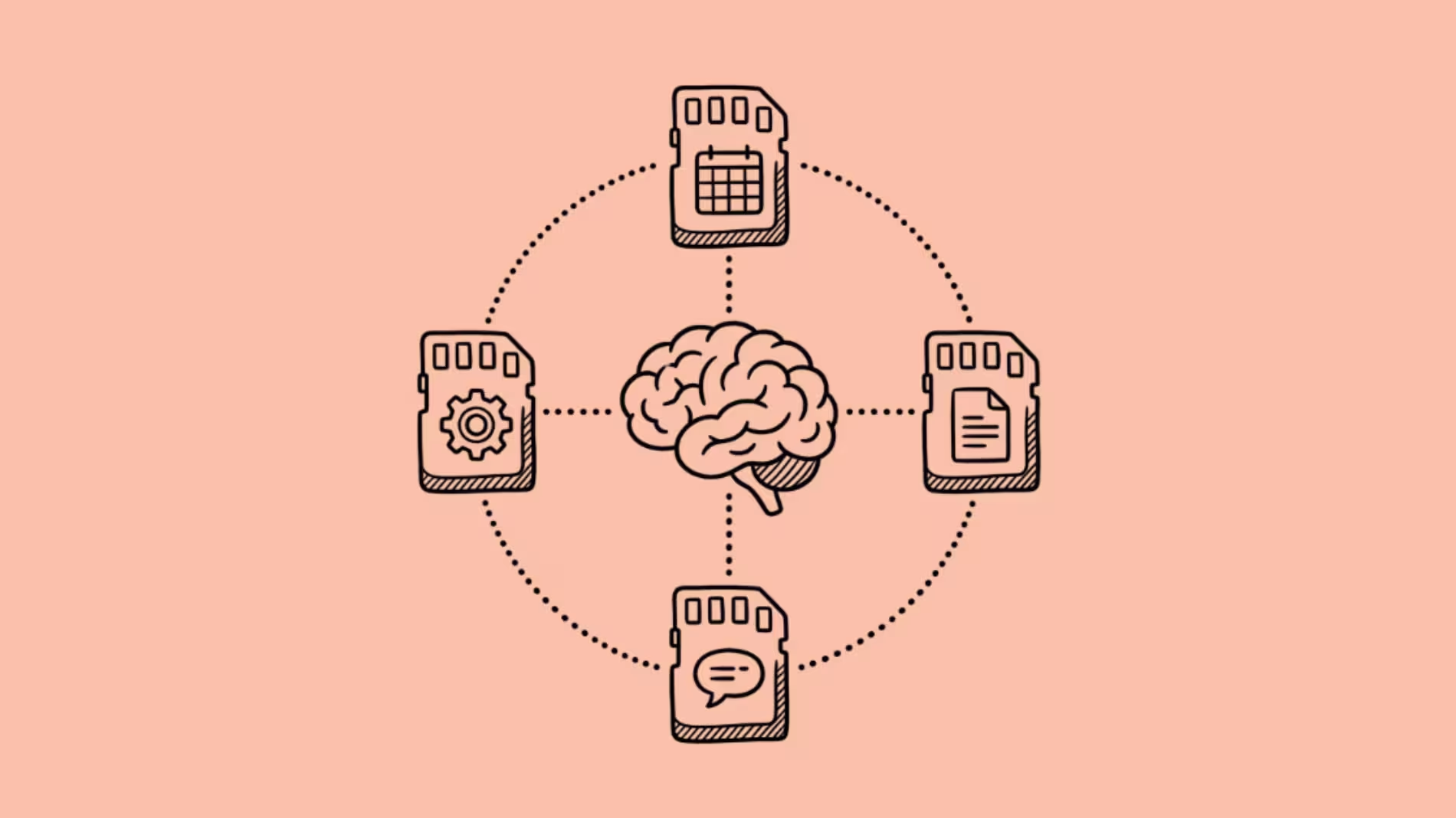

The best AI for persistent memory is not one tool. It is the right tool for what you need remembered.
That distinction matters because “AI memory” means completely different things to different people.
A freelancer who wants their AI assistant to remember their writing style, client names, and project history needs a different tool than a developer building an AI agent that maintains state across thousands of user sessions.
Mixing these two categories into one list (which every competing article does) is like comparing a diary to a database. Both store information. They serve fundamentally different purposes.
This article splits the category honestly. The first half covers AI assistants and apps with built-in memory for individual users and teams. The second half covers memory infrastructure for developers building AI agents. You need one or the other. Rarely both.
Part 1: AI Assistants and Apps With Long-Term Memory
These tools remember you. They store your preferences, conversations, tasks, and context across sessions so you spend less time repeating yourself and more time doing actual work.
1. Notion AI: Best for Knowledge Workers Who Live in Notion
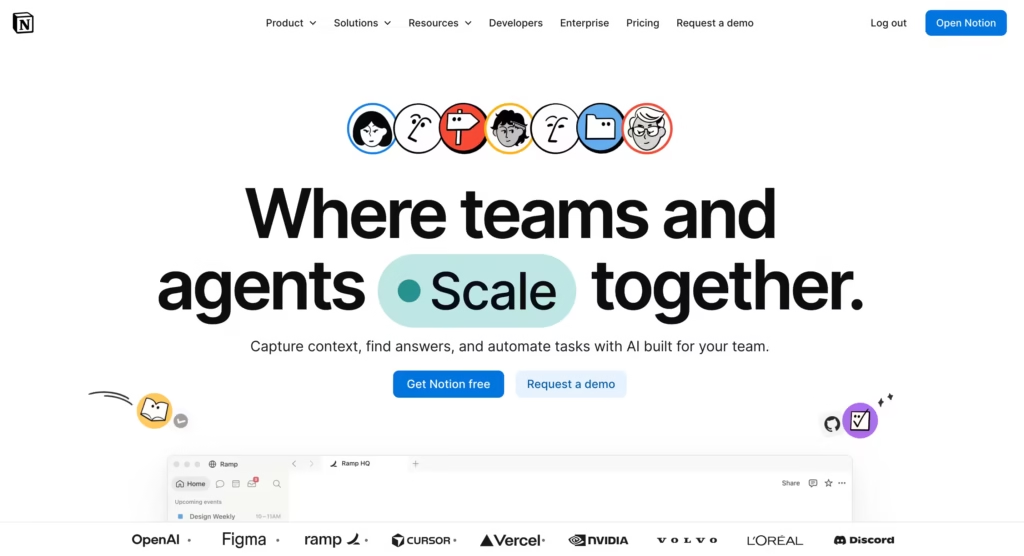
Notion AI adds a memory layer on top of your entire Notion workspace. It does not just remember conversations.
It remembers everything you have written, organized, and stored across every page, database, and project in your workspace.
Ask it “what did we decide about the Q3 launch timeline?” and it pulls the answer from a meeting note you wrote three weeks ago.
The memory is not conversational. It is structural. Notion AI remembers the shape of your knowledge: how projects relate to each other, what tasks are open, which documents matter for which decisions.
For teams that already organize their work in Notion, this makes the AI assistant dramatically more useful than a generic chatbot because it has access to the full context of your work, not just the last 10 messages.
The limitation I noticed after daily use: Notion AI’s memory does not extend outside Notion.
It cannot remember what you discussed in Slack, what a client said on a call, or what you searched on the web.
Its memory is deep inside Notion and nonexistent outside it. If your work lives across 5 apps, Notion AI only remembers 20% of your context.
Best for: Teams already using Notion as their primary workspace.
Starting Price: $10/user/month
2. Lindy: Best for Task Automation With Selective Memory
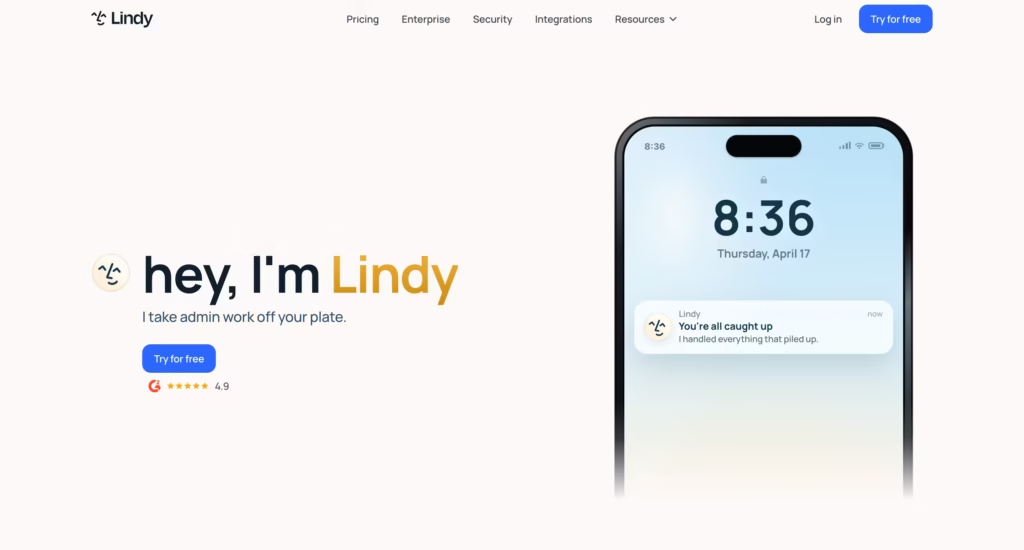
Lindy is an AI assistant platform where you build specialized agents (called “Lindies”) for specific tasks: email triage, meeting scheduling, CRM updates, customer support.
Each Lindy has its own memory, and you control exactly what it remembers and what it forgets.
The selective memory model is what differentiates Lindy from general-purpose assistants. Your email triage Lindy remembers your inbox rules, VIP contacts, and escalation preferences.
Your scheduling Lindy remembers your availability patterns, preferred meeting lengths, and timezone habits. They do not share memory with each other unless you explicitly connect them.
In my testing, Lindy’s memory worked well for rule-based tasks (email sorting improved over 2 weeks as it learned my patterns) but struggled with nuanced judgment calls.
It learned “always forward emails from this client to the project channel” quickly. It never learned “this client’s tone usually means they are frustrated even when the words sound polite.” Memory is not the same as understanding.
Best for: Teams that want AI automation with controlled, task-specific memory.
Starting Price: $49.99/month.
3. Motion: Best for Calendar and Task Memory
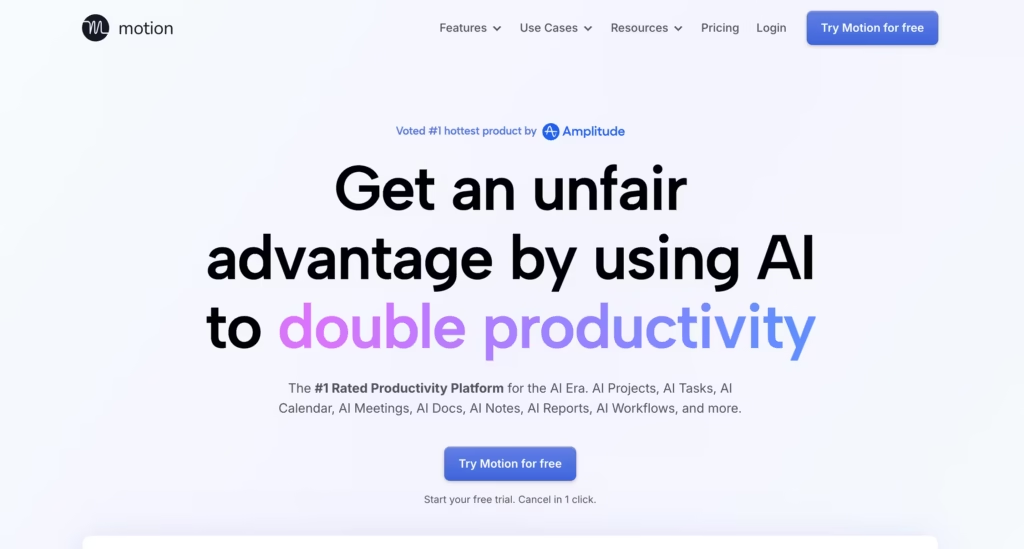
Motion is an AI-powered calendar and task manager that learns your work patterns to automatically schedule your day.
It remembers your energy levels at different times, your meeting preferences, your task completion patterns, and your deadline behavior, then uses all of that to build an optimized daily schedule without you dragging blocks around a calendar.
After 60 days of use, Motion had learned that I do my best writing before noon, that I consistently underestimate how long editing takes (it now adds 30% buffer automatically), and that I cancel meetings scheduled after 4 PM on Fridays.
None of this was explicitly programmed. Motion observed and adapted.
The limitation: Motion’s memory is confined to scheduling and task management. It does not remember project context, client details, or conversation history. It is a specialist, not a generalist. Pair it with Notion AI if you need broader memory.
Best for: Professionals who want AI-optimized scheduling that adapts to their actual work patterns.
Starting Price: $19/month
Part 2: Memory Infrastructure for Developers
These tools do not remember you. They give your AI agents the ability to remember users. If you are building a chatbot, a customer support agent, or any AI application that needs to maintain state across sessions, this is your category.
The critical distinction: consumer tools (Part 1) include memory as a feature. Developer tools (Part 2) provide memory as infrastructure that you build on top of.
4. Mem0: Best Open-Source Memory Layer for AI Agents
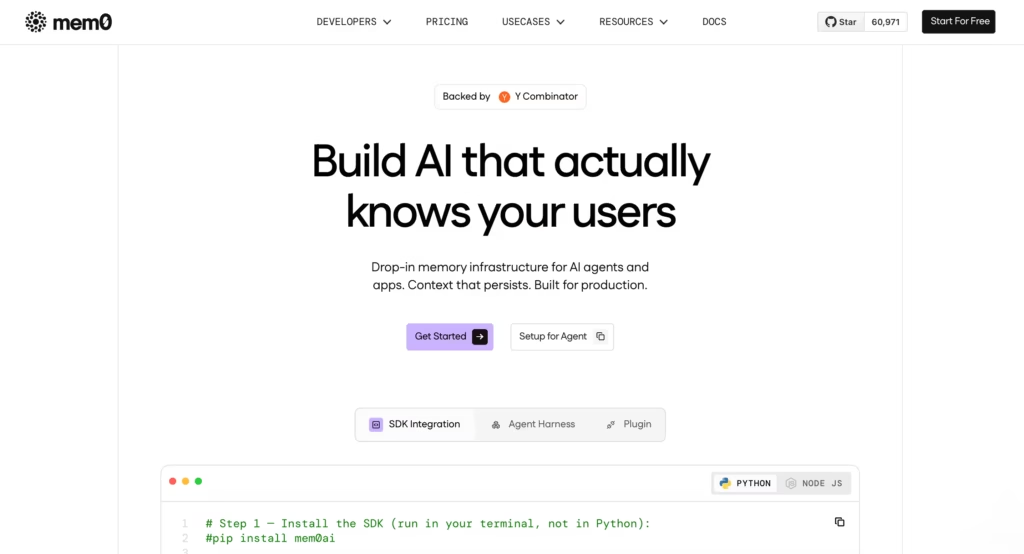
Mem0 (formerly Embedchain) is the most widely adopted open-source memory layer for AI applications.
It extracts entities, user preferences, and facts from conversations and stores them in a searchable, manageable format.
Your AI agent goes from stateless (forgets everything between sessions) to stateful (remembers who the user is, what they prefer, and what happened last time).
Mem0 has 48,000+ GitHub stars and benchmarks 26% higher response quality with 90% fewer tokens compared to OpenAI’s built-in memory. The free tier includes 10,000 memories per month.
The API is straightforward enough that a solo developer can integrate it in an afternoon.
The limitation worth knowing: Mem0’s graph features (for complex relationship modeling) are locked behind the Pro tier at $249/month.
The free and Starter ($19/month) tiers handle personalization well but lack the depth for institutional knowledge.
That $19 to $249 jump is steep and catches teams off guard when their needs grow.
On independent benchmarks, Mem0 scored 49.0% on LongMemEval (temporal retrieval tasks). Zep scored 63.8% on the same benchmark. That 15-point gap matters if your agent needs to reason about when things happened, not just what happened.
Best for: Developers building personalized AI assistants and chatbots.
Starting Price: $19/month
5. Zep: Best for Temporal Memory (When Things Happened)
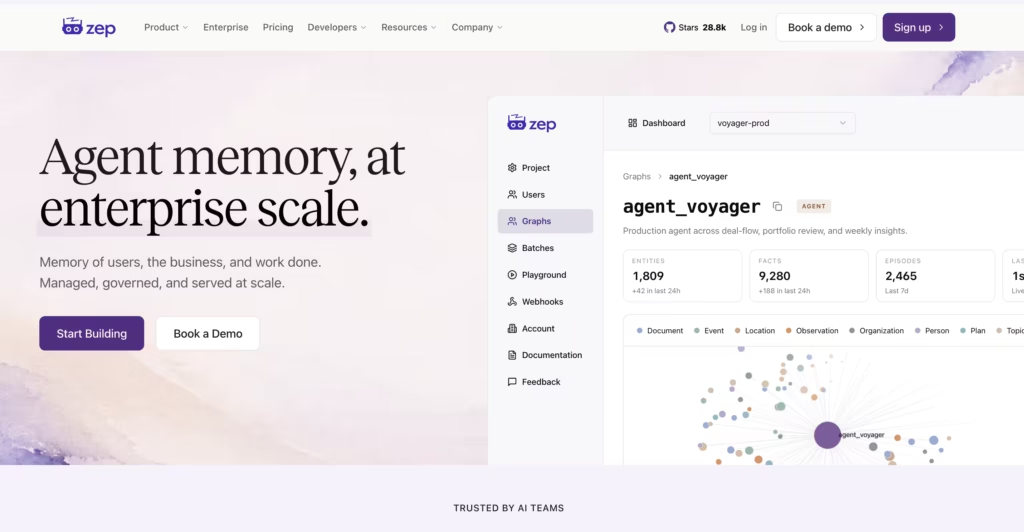
Zep takes a fundamentally different approach from Mem0.
Instead of storing flat facts, Zep builds a temporal knowledge graph via its open-source Graphiti engine.
Every fact gets timestamped, so your agent knows not just what was true, but when it was true and whether it has been superseded.
This matters for agents that track evolving situations: a support bot following a customer’s issue from open to resolved, a project assistant that understands what changed between sprint 3 and sprint 4, or a sales agent that knows a prospect’s budget changed last Tuesday.
Zep runs asynchronously, meaning it processes memory in the background without slowing down the user-facing response. Latency is sub-50ms for retrieval.
The credit-based pricing means you pay for actual usage rather than a flat tier, which is good for predictable workloads and unpredictable for bursty ones.
Best for: AI agents that need to understand the timeline of events, not just the facts.
Starting Price: $125 per month
6. Pinecone: Best Managed Vector Database for Memory Storage
Pinecone is not a memory layer. It is the infrastructure that memory layers run on top of.
It stores and retrieves vector embeddings (numerical representations of text, images, or other data) at massive scale with low latency.
Many teams use Pinecone directly for agent memory: embed each conversation turn, store it, and retrieve the most relevant past interactions when the user returns. This works for straightforward use cases.
For complex memory (relationship modeling, temporal reasoning, entity extraction), pair Pinecone with Mem0 or Zep as the memory logic layer and Pinecone as the storage backend.
Pinecone’s advantage is operational simplicity. Fully managed, serverless, no infrastructure to maintain.
You send vectors in, you query vectors out. For teams without dedicated ML engineers, this zero-ops approach prevents the “we spent 3 months building memory infrastructure instead of building the product” trap.
Best for: Teams that want zero-ops vector storage as the backend for AI memory systems.
Starting Price: $20/month
7. MemoryLake: Best for Cross-Agent Memory Infrastructure
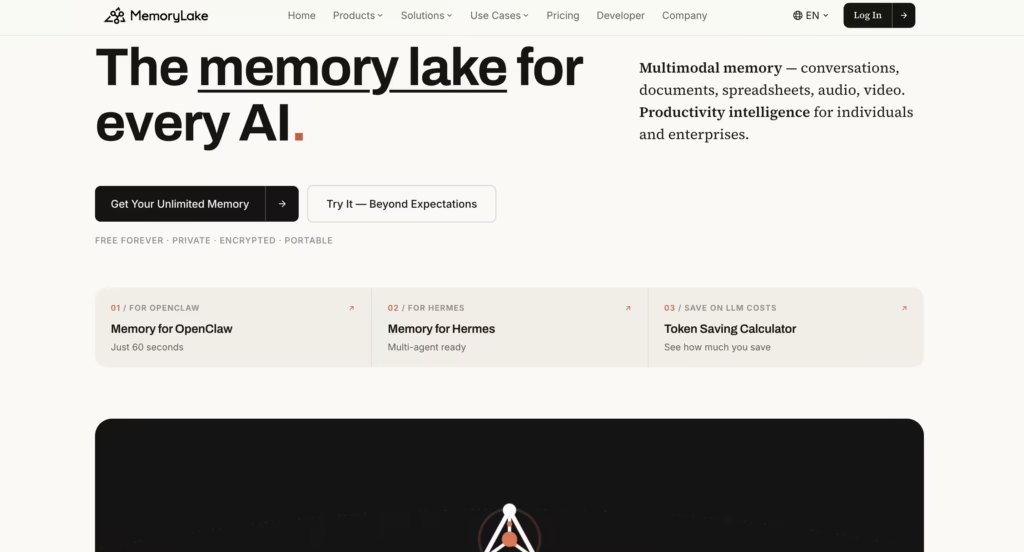
MemoryLake positions itself as a “memory passport for agents.”
Instead of tying memory to a single model or framework, MemoryLake provides a platform-neutral memory layer that any agent, model, or orchestration framework can read from and write to.
The use case this solves: you have 5 different AI agents (a support bot, a sales assistant, an internal knowledge bot, a code reviewer, and a scheduling agent). Each one learns things about users and projects.
Without MemoryLake, those memories are siloed. The support bot does not know what the sales assistant learned. With MemoryLake, all agents share a governed memory pool where access controls determine who sees what.
MemoryLake also handles multimodal memory (text, PDFs, images), provenance tracing (where did this memory come from?), and deletion controls (GDPR right-to-be-forgotten compliance).
For enterprise teams operating in regulated environments, that governance layer is the differentiator.
Best for: Enterprise teams running multiple AI agents that need shared, governed memory.
Starting Price: $19/month
How Do These AI Memory Tools Compare?
| Tool | Type | Best for | Memory scope | Open source | Free tier | Starting paid price |
| Notion AI | Consumer app | Knowledge workers in Notion | Workspace-wide | No | No | $10/user/month |
| Lindy | Consumer app | Task automation with rules | Per-agent, selective | No | Yes (400 credits) | $49.99/month |
| Motion | Consumer app | Calendar and task scheduling | Schedule patterns only | No | No | $19/month |
| Mem0 | Developer infra | Personalized AI assistants | User preferences, entities, facts | Yes | Yes (10K memories) | $19/month |
| Zep | Developer infra | Temporal reasoning agents | Timestamped facts and relationships | Yes (Graphiti) | Yes (self-hosted) | $125/month |
| Pinecone | Developer infra | Vector storage backend | Raw vector embeddings | No | Yes (100K vectors) | $20/month |
| MemoryLake | Developer infra | Multi-agent shared memory | Cross-agent, multimodal | No | Yes (300K tokens) | $19/month |
Which AI Memory Tool Should You Pick?
| Your situation | Best pick |
| Knowledge worker who lives in Notion | Notion AI ($10/month add-on) |
| Need AI to automate email, scheduling, and CRM with learned rules | Lindy |
| Want AI to optimize your daily schedule based on your habits | Motion |
| Developer building a personalized chatbot or assistant | Mem0 |
| Developer building an agent that tracks evolving situations | Zep |
| Need zero-ops vector storage for your memory system | Pinecone |
| Enterprise team with multiple agents sharing memory | MemoryLake |
| Solo developer on a budget who wants to start fast | Mem0 free tier (10K memories/month) |
| Enterprise with GDPR compliance needs for agent memory | MemoryLake (provenance + deletion controls) |
After deploying memory systems across 5 client projects, my recommendation splits cleanly by role. If you are a user who wants AI to remember you, start with Motion (for scheduling) or Notion AI (for knowledge).
If you are a developer building AI that remembers users, start with Mem0 (simplest integration) or Zep (if temporal reasoning matters).
If you are an enterprise team with multiple agents, evaluate MemoryLake before building your own coordination layer, because building multi-agent memory from scratch is a 3 to 6 month project that MemoryLake replaces with configuration.
FAQs
1) What is the difference between AI memory and RAG?
RAG (Retrieval-Augmented Generation) searches a static document database to inject relevant context into a prompt. AI memory is dynamic: it learns, updates, and personalizes information about the user over time, spanning multiple sessions. RAG answers “what does this document say?” Memory answers “what does this user need based on everything we know about them?”
2) Which AI assistant has the best memory in 2026?
For conversational memory, ChatGPT leads with saved memories plus full chat history reference. For cross-app workflow memory that spans email, calendar, and Slack, Notion AI is strongest within its ecosystem. There is no single “best” because memory scope varies by tool.
3) Is Mem0 better than Zep?
For user personalization (remembering preferences, names, habits), Mem0 is simpler to deploy and has a larger community. For temporal reasoning (understanding when things happened and how facts evolved), Zep scores 15 points higher on the LongMemEval benchmark (63.8% vs 49.0%). Most production systems use one or the other based on their primary use case, not both.
4) Do AI memory tools store my data securely?
It varies. Notion AI stores data in Notion’s cloud. Mem0 and Zep offer self-hosted options for full control. Pinecone and MemoryLake are cloud-managed. Always check the privacy policy and data residency before storing sensitive information in any memory tool.
5) Can I use AI memory tools for free?
Yes. Mem0 offers 10,000 free memories per month. Zep and Graphiti are fully open source and self-hostable. Pinecone offers 100,000 free vectors. MemoryLake includes 300,000 free tokens per month. Motion and Notion AI require paid plans.
