


Accountants deal with a ton of numbers, strict deadlines, and rules that keep changing. When things get tough, AI can step in like a reliable assistant that handles the stress and helps everything run smoothly.
These AI tools work for every accounting workflow, catering to smaller firms, big companies, and everything in between. Accounting AI is especially good at effectively tracking expenses to spot fraudulent deals.
In this post, we discuss the 10 top AI tools for accounting, highlighting their features, pros, and cons. If you are flying solo or on a team, these could help upgrade how you handle finances.
1. QuickBooks Online

QuickBooks Online is a management software that helps manage customers, finance, and invoices. It handles payroll, tracks cash flow, and expenses. Intuit Assist studies past data to suggest fixes, cuts down on manual typing, and detects mistakes early.
It’s particularly ranked for how it syncs with banks, turning messy records into clear reports. The built-in helper, Intuit Assist, automates tasks and personalized financial recommendations, and helps businesses make better decisions.
Features
- QuickBooks handles invoice setup and payment nudges to keep money coming in on time.
- With smart charts, users have access to live views of finances, oddities, and trends.
- Connects to other apps, pulling in information from online stores to payroll.
- Offers a smartchat interface that allows users to ask questions like “How’s my profit looking this month?” and get back with quick answers.
- QuickBooks spots weird transactions right away to prevent fraud.
- Allows teams to work on books together from anywhere.
Pros
- It is easy to use for users already familiar with the QuickBooks interface
- The mobile app enables access to insights at all times.
- It is cost-effective for solo practitioners and small businesses.
Cons
- The platform requires a solid internet connection; spotty service can be a pain.
- It’s not super flexible for custom setups.
- There might be occasional glitches when linking to other apps during busy times.
2. Vic.ai

Vic.ai is a leading platform for accounts payable. It highlights duplicates and forecasts cash flow needs based on invoice trends. This tool is a lifesaver for big firms buried in paperwork, cutting over 80% manual errors. Because Vic.ai can learn a company’s quirks, it makes daily bill-paying easy.
Features
- Vic.ai sorts invoice details automatically with scanning tech, eliminating the need for manual work.
- It figures out payment schedules and cash flow from past patterns.
- Vic.ai is integrated with systems like NetSuite for full automation.
- Catches duplicates or fraud by spotting anything off.
- Automated monthly audits that simplify payment reconciliation and month-end close.
Pros
- Fastens invoice handling from days to hours, streamlining operations drastically.
- Minimizes human error in data entry and processing.
- Provides practicable solutions for business growth without needing a tech overhaul.
- Pays off fast by saving on time and quicker payments.
- Solid support team to fix issues quickly.
Cons
- It focuses mainly on accounts payable, lacking breadth in other areas.
- The premium plan is expensive and may deter small businesses.
- Occasional glitches in accuracy for non-standard invoices.
3. Trullion
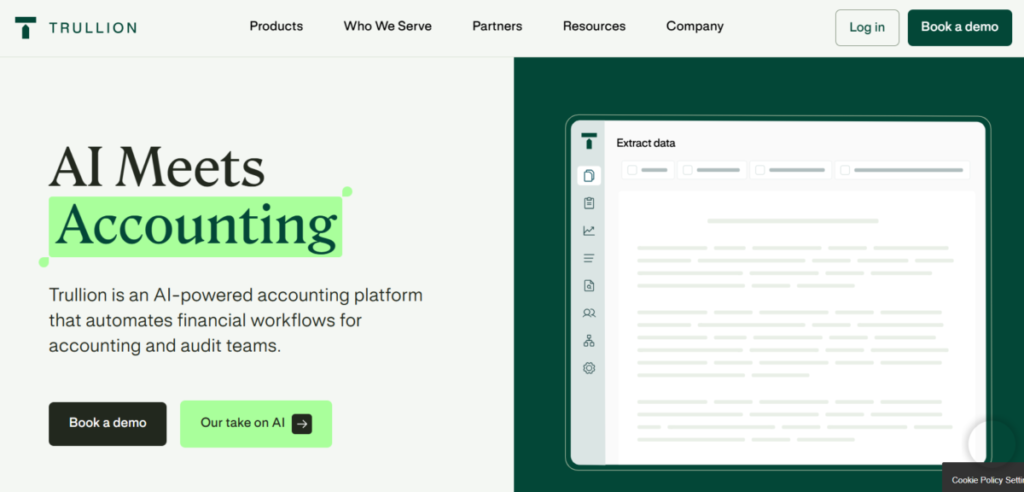
Trullion combines Gen AI and data automation to streamline tasks. It does it all: ASC 84, IFRS 16, revenue generation, and lease accounting to audit readiness. As an enterprise-grade AI solution, it helps users automate workflow for quick setups and ready-to-review reports.
Features
- With its advanced AI parsing, Trullion pulls important lease info from documents automatically.
- Handles journal entries and required reports effortlessly.
- Audits historical data to identify underutilized assets or overpayments.
- Integrates with tools like QuickBooks for easy data synchronization.
- An interactive dashboard to visualize lease portfolios, track expiration, and payments.
Pros
- Saves hours on manual calculations by simplifying complex leases.
- It has a user-friendly interface suitable for beginners.
- Keeps reports spot-on to avoid audit troubles.
Cons
- It focuses on leases and not general accounting.
- Works best with clean, digital files for optimal AI performance.
- All online with no offline option.
4. Sage Intacct
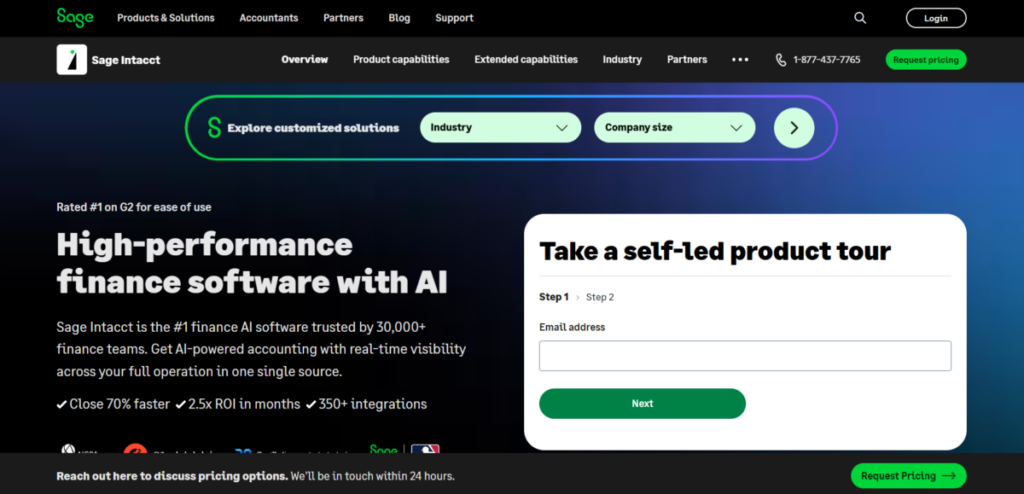
Sage Intacct is a cloud accounting software for small and mid-size businesses. It streamlines financial management via automation and trusted insights. Leaders use it to merge different parts of the company and spot opportunities amid complex operations. Finally, it learns users’ inputs, which it uses to refine budgets and forecasts, keeping them ahead.
Features
- Manages income by recognizing patterns and deferring income accurately.
- Its AI live dashboards provide real-time visibility into key metrics and variances.
- Sage Intacct integrates with customer and HR software to unify financial data.
- Predicts cash and budgets with data analysis.
- Enhances security through AI-driven anomaly detection and role-based access.
Pros
- It handles complex setups well.
- Sage Intacct is reliable with no downtime.
- Great at connecting to other tools.
Cons
- The setup takes longer because it’s thorough.
- It costs more, which might be expensive for small teams.
- Its features can overwhelm users if not properly trained.
5. Xero
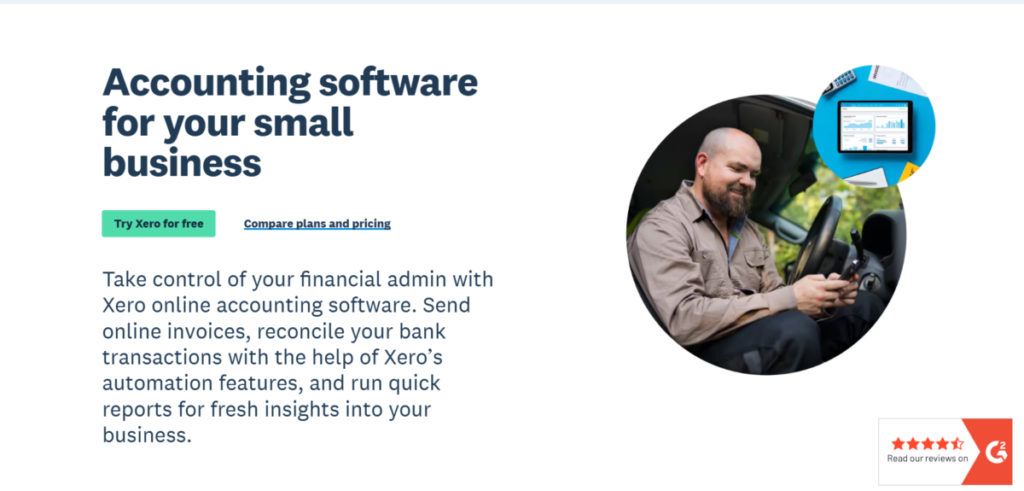
Xero is an accounting software for small businesses and solo users. It predicts cash flow and automates invoicing. Through features like “Xero Analytics Plus,” it leverages AI to deliver stunning, actionable data visualizations and benchmarking. In addition, it guesses cash trends and sends bills automatically, so even non-experts can stay organized. Finally, it has direct bank links, which means fewer errors and quicker updates. Xero is perfect for freelancers who need to move fast.
Features
- The “Analytics Plus” tool creates interactive visualizations of business performance.
- Its “Smart Bank Reconciliation” feature learns and suggests matches for transactions.
- Matches bank transactions on its own.
- Through its Hubdoc app, Xero automates invoice capture as it uses OCR to extract data from bills and receipts.
- Offers a clean, intuitive interface that makes financial management accessible to non-accountants.
Pros
- Xerp makes accounting simple for beginners.
- It has a mobile app for easy access and management.
- Excellent collaborative features for accountants and their clients.
Cons
- Primarily designed for small to medium-sized businesses, not large enterprises.
- It’s less customizable than heavy-duty options.
- Access to quality service requires a stable internet.
6. Botkeeper
Botkeeper automates bookkeeping tasks for firms, allowing them to manage finances without manually entering data. It covers matching records and reports for firms handling clients, adapting to what each one needs. This setup reduces errors and scales up.
Features
- Delivers an automated “bookkeeping service” that handles daily data entry and reconciliation.
- It integrates with a wide array of accounting software, CRMs, and payment processors.
- Botkeeper makes statements and tax documents when needed.
- Generates a ton of customizable financial statements and dashboards based on demand.
Pros
- It blends tech speed with human checks for top accuracy.
- Botkeeper is easy to scale for multi-client projects.
- Adapts quickly to changing business environments.
Cons
- It is expensive for small businesses.
- It needs quality data to work well.
- There might be delays during initial client onboarding.
7. Docyt
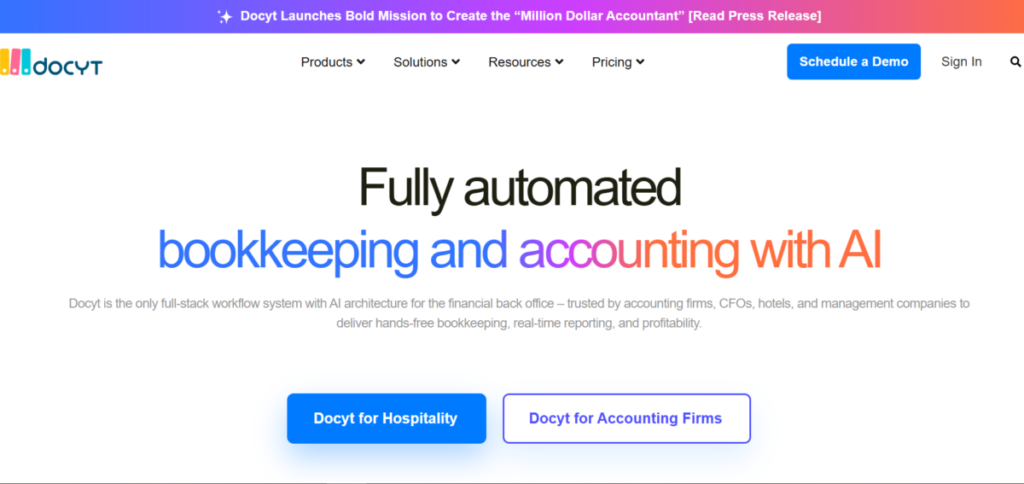
Docyt is a full-stack workflow system with AI architecture for the financial back office. It is trusted by accounting firms and CFOs to deliver real-time reporting, hands-free bookkeeping, and profitability. Docyt works by collecting data and organizing it into actionable workflows and real-time business insights. Furthermore, the tool continuously updates and reconciles the client’s accounting software.
Features
- Docyt automates bank reconciliations to match transactions in seconds.
- Using AI OCR, it scans and categorizes receipts.
- Supports teamwork collaboration with shared access and notification.
- It integrates with bank and POS systems for an easy data flow.
Pros
- It saves time used for manual data entry.
- The platform is mobile-friendly for on-site use.
- It improves based on what users say.
Cons
- It requires a stable internet for real-time features.
- The premium plan is expensive for small teams.
8. MindBridge
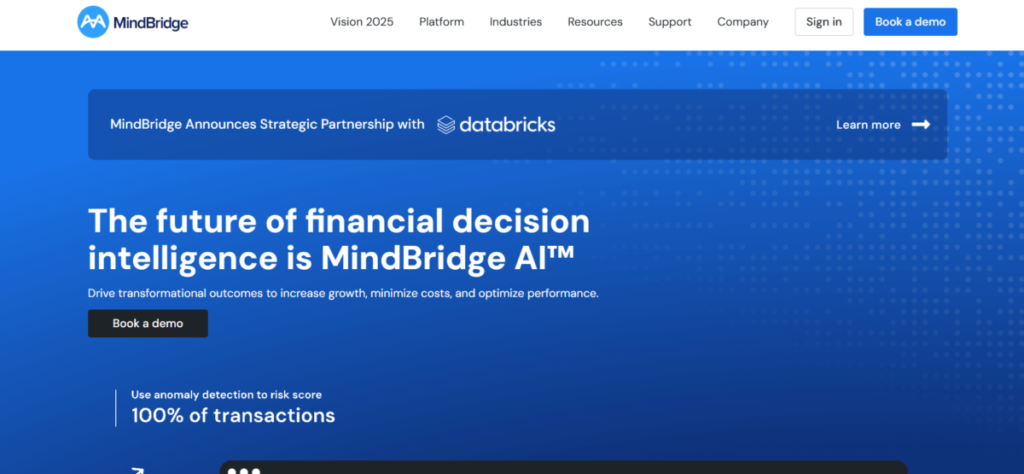
MindBridge has a powerful AI lens and uses smart analysis to hunt down financial anomalies. Like a watchdog, it highlights possible areas for fraud or errors. It sifts through tons of data to catch risks that old ways miss and is essential for companies that value honesty. Spotting issues early stops big problems and builds confidence in reports.
Features
- MindBridge integrates with major accounting software to pull data directly for analysis.
- The tool uses statistical analysis and machine learning to detect anomalies, duplicates, and other errors.
- MindBridge conducts risk analysis on all journal entries and transactions.
- Generates detailed audit reports that explain the AI’s findings in an easy way.
- Supports teamwork collaboration for reviews and real-time feedback.
Pros
- MindBridge is great at spotting fraud for better security.
- It handles big data fast.
- Helps accounting firms offer high-value services.
Cons
- It is expensive to set up fully.
- Requires an experienced user to interpret the results correctly.
- This is a specialised tool for audits and reviews, not for general bookkeeping.
9. Stampli
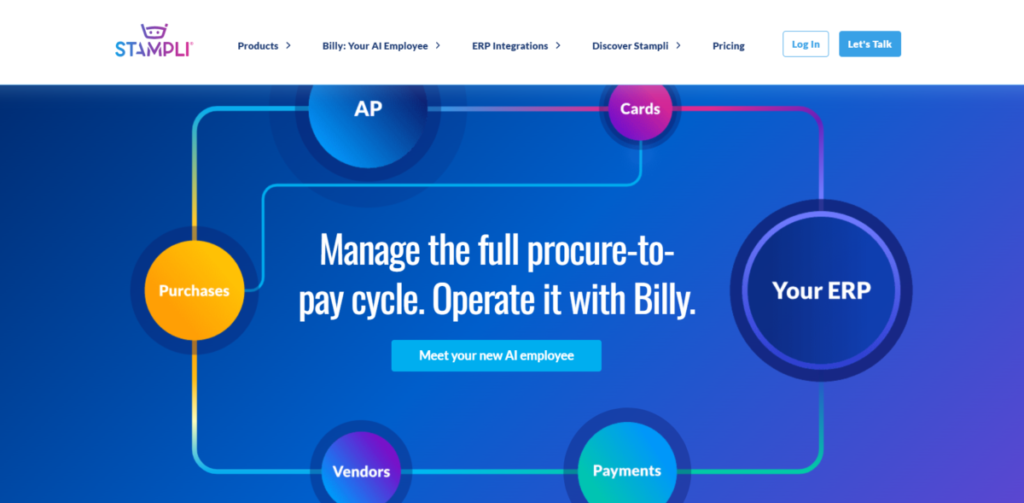
Stampli structures any workflow; that is, it can handle a company’s specific rules for processing invoices (getting approvals, coding, etc.). It’s flexible enough to handle rigid and detailed or more adaptable and streamlined workflows.
On the other hand, Billy, it’s Al employee with 83 million hours of experience, runs the daily work. Billy learns from the company’s history to code invoices correctly and centralize all invoice-related communication. It does this so that finance teams stay focused on strategy and control.
Features
- Stampli captures and sends invoices based on predefined rules.
- It supports real-time chats with in-app comments and reviews.
- Billy the Bot automates invoice coding and suggests improvements based on history.
- Spots duplicates and potential fraud before payments are processed.
- Its mobile app ensures 24/7 activity.
Pros
- It has a user-friendly design that’s easy to adopt.
- The AI bot learns quickly from users’ feedback, reducing manual corrections over time.
- It’s an excellent choice for businesses that want to improve their accounts payable.
Cons
- Stampli is mainly for bills and not a full accounting suite.
- It lacks advanced predictive analysis.
10. Ramp
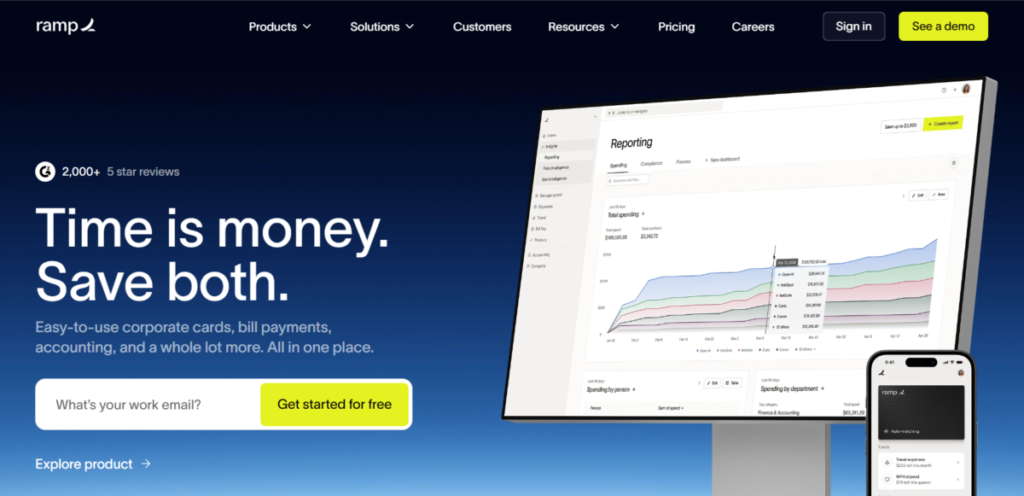
Ramp is an accounting platform that uses AI to automate approvals, reimbursements, vendor payments, and tracking. It’s a strong complement to existing accounting systems because it supports AP, procurement, and expense workflows. Ramp is a blend of simplicity and sophistication, essentially turning expenses into opportunities for savings.
Features
- Ramp provides intelligent savings insights by analyzing spending to find waste and redundancy.
- Generates compliance reports with automated audits.
- Delivers detailed cash flow analysis and real-time reporting on corporate spending.
- It uses AI to negotiate savings and software licenses.
Pros
- It has a user-friendly interface.
- The free plan is accessible to all users.
- Ramp cuts fraud with active monitoring and detection.
Cons
- It has a limited niche and is not focused on full accounting.
- Ramp is best for tech-comfy users.
- Its basic plans lack tweaks.
Also read: AI in the Finance Industry: How It Affects Market Forecasting
FAQS
1. Can I Use AI to Do My Accounting?
Yes, it’s great for entering data, matching records, and basic reports. Tools like QuickBooks Online or Xero make accounting look less strenuous.
2. Is ChatGPT Good for Accounting?
ChatGPT is a general tool that has a wide range of applications. It can help with basics, such as explaining ideas or whipping up simple charts, but it’s not precise enough for pro work. It lacks live data and rule guarantees that produce dependable results.
3. What Is the Best OpenAI Model for Accounting?
GPT-5 is the best for thinking through things, good for writing analyses or simple automations.
4. Is There a GPT for Finance?
OpenAI doesn’t have an official one, but models like GPT-4 can be tweaked for money tasks in custom setups.
