

It’s 11 p.m., and a graduate student is staring at a 90-page dissertation, hunting for one buried statistic. A financial analyst is doing the same thing with a 200-page earnings report.
A teacher is scanning a state curriculum guide for a single compliance clause. Each of them needs one thing fast: a specific answer, not another read-through.
That’s exactly the gap AI PDF chat tools fill. Instead of skimming or hitting Ctrl+F and hoping, you upload the document and ask it directly. The tool reads the file, finds the relevant passage, and answers in plain language, often with a citation pointing to the exact page.
Below, we break down 10 of the best options right now, so you can pick the one that fits your workflow.
Why Chat With a PDF File?
Reading is slow, but asking is fast. When a PDF runs long, a chat tool cuts through the noise and delivers the specific data point, clause, or conclusion you need. It also reduces the risk of missing something important on page 47 that changes the whole picture.
For research, legal, and financial work, that speed compounds daily. Instead of reading five contracts start to finish, you can ask each one the same question and compare answers in minutes.
Selection Criteria
Not every tool handles PDFs the same way, so we evaluated each one on five factors. First, citation quality: does it point to the exact page or passage it used? Second, multi-document support: can it answer questions across several files at once, or only one?
Third, file handling: does it support scanned documents through OCR, tables, and long reports? Fourth, pricing: is the free tier usable, and does the paid tier scale fairly? Fifth, security: does the vendor train on your uploads, and does it offer enterprise-grade encryption? We weighed these against real-world use cases, from casual students to compliance teams.
1. NotebookLM
Google built NotebookLM to answer strictly from your uploaded sources, and that grounding is its biggest strength. The free plan gives users 100 notebooks, 50 sources per notebook, and 50 chat questions a day, plus audio and video overviews.
Each source can run up to 500,000 words. The Studio panel also turns your files into podcast-style Audio Overviews, mind maps, and quizzes, which no other tool on this list offers. If this isn’t already obvious enough, I’ll be the one to say it; NotebookLM is the best tool if multi-channel delivery is your preference.
Although the point of a Chat with PDF tool is to get text responses, NotebookLM takes it several steps further by providing multiple ways to obtain information. It can turn a response into a podcast, a video, slide deck, mind map, and even a quiz.
When I uploaded a 45-page research paper on Enzymes, the mind map broke down six core concepts I’d missed on first read, and how the individual concepts connected to each other. .
If you’re struggling with understanding the basics of a technical PDF file, this is the tool to use. It essentially shaves off the excesses and cuts things down to their basic framework all with a simple prompt and click.
2. ChatPDF
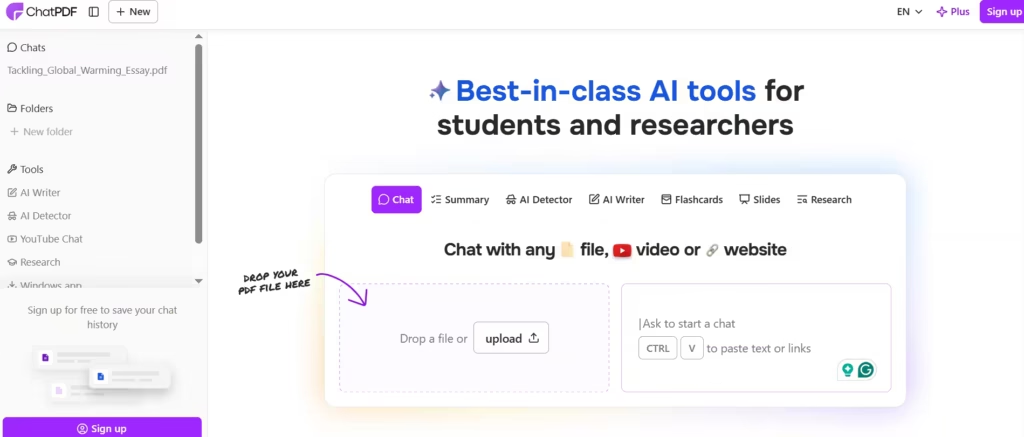
ChatPDF keeps things simple. There’s no account required, and no learning curve. Upload a file, and you’re chatting within seconds. When I needed to cross-reference information across three separate files, I had to upload each one separately and manually track which answer came from which file, which added 10 minutes to what should have been a one-question task, since it sticks to single-document questions only.
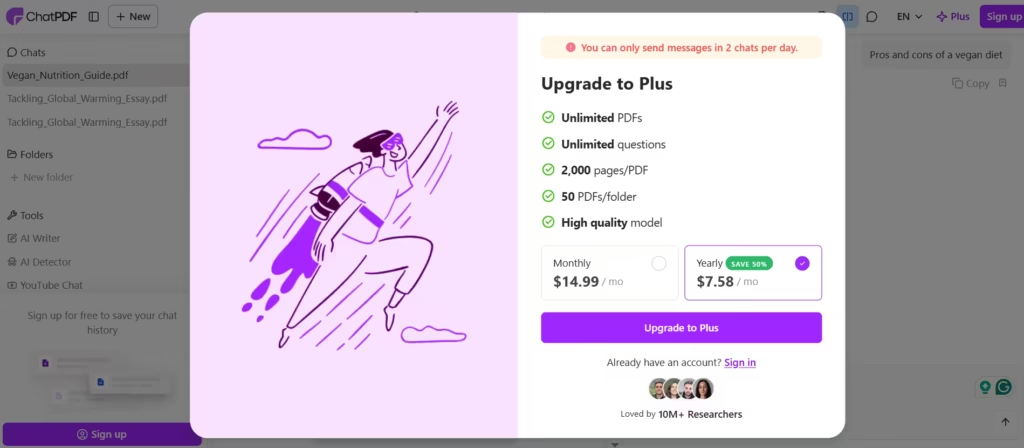
The free tier caps out at two PDFs a day and 50 pages each; the Plus plan starts around $5 a month. For quick, one-off questions, though, it answers within seconds of upload.
When I used ChatPDF to fish for a piece of information from a file, it returned an exact quote of the sentence I was looking for.
Although this is subjective, I liked that ChatPDF didn’t rewrite or try to give the information in its own words. Rewriting could result in loss of ideas or an inaccurate/incomplete picture of an idea, which defeats the purpose of the PDF chat tool.
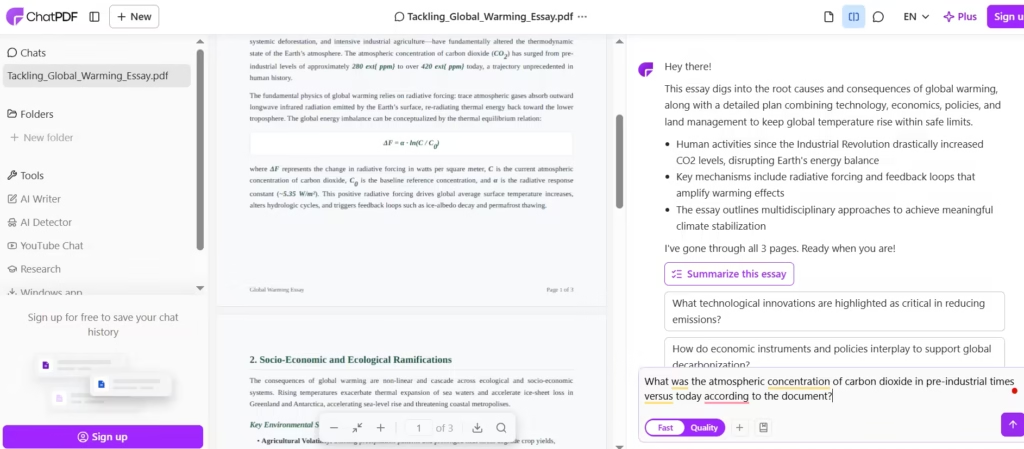
Yet, it also had synthesising features, used especially when summaries are called for. This gives the right amount of flexibility.
Also read: Is ChatPDF Worth It? AI-Powered PDF Summaries Tested
3. Humata
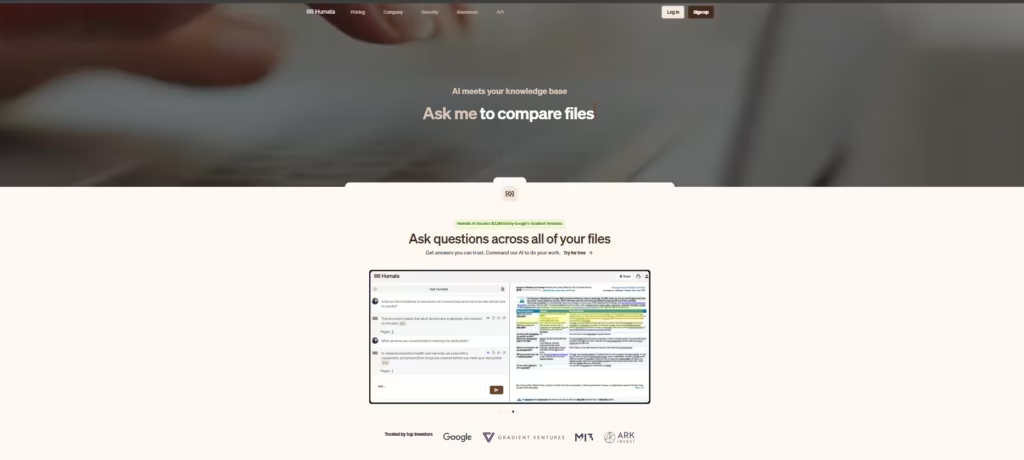
Humata targets teams handling dense, technical files like contracts and research papers. Every answer comes with a page-level citation, which matters when accuracy needs to hold up in a meeting or a courtroom.
Independent reviews rate it 3.7 out of 5, praising its citation system for consistently linking answers back to the correct page, though the page-based pricing draws criticism for heavy users.
Plans range from a free 60-pages-a-month tier up to $9.99 a month for the Expert tier, with student pricing at just $1.99 a month. In my view, the $9.99 Expert tier is worth it if you need those page-level citations verified fast and often; NotebookLM’s free tier is just as accurate for grounded answers, but Humata’s citation trail is easier to click through and check on the fly.
4. AskYourPDF
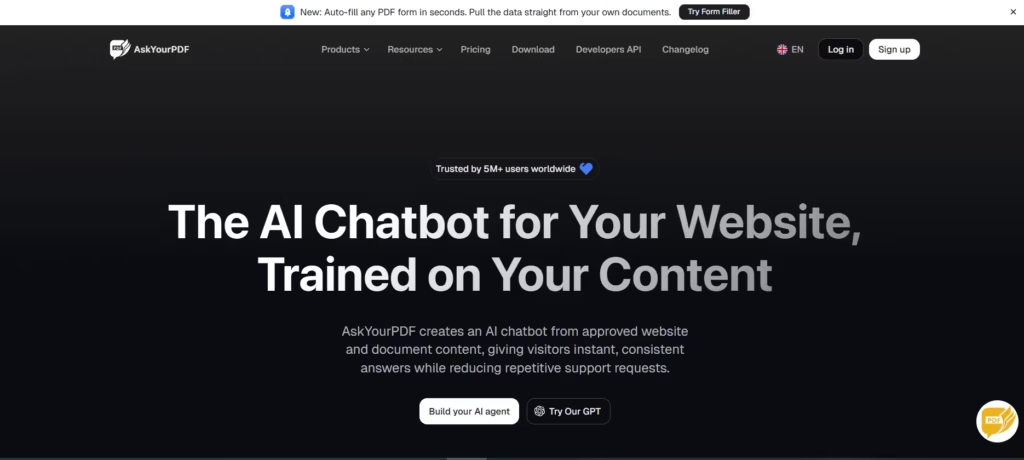
Where Humata charges by page, AskYourPDF sells flexibility. It lets users choose between GPT-5, Claude, and Gemini for the same document, so you can compare how different models read one file.
Its Knowledge Base feature also chats across multiple documents at once, something ChatPDF can’t do. The Premium plan runs $11.99 a month for 2,500 pages per document and 1,200 daily questions. One caution, though: reviewers have flagged inconsistent billing practices around trial conversions, so read the fine print before subscribing.
5. SciSpace
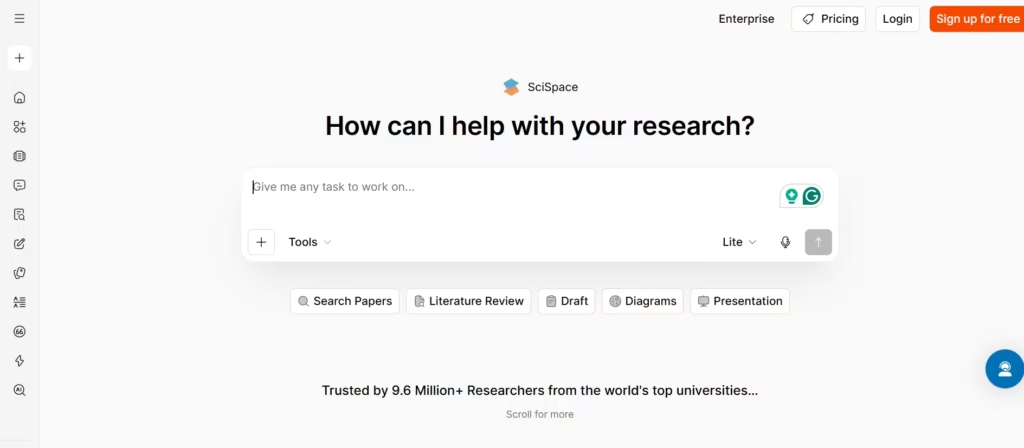
Built for academic work, SciSpace explains equations, jargon, and tables inside dense research papers. It’s used by more than a million researchers, including scholars at MIT and Stanford. Its Deep Review feature can synthesize findings across multiple papers, which is a step further than most single-file tools.
The Premium plan costs $12 a month and unlocks unlimited Copilot queries and paper summaries. For anyone comparing SciSpace to Paperguide below, the difference comes down to depth: SciSpace leans toward reading and explaining, while Paperguide adds full writing support.
Also read: 18 Best AI for Research in 2025
6. Adobe Acrobat AI Assistant
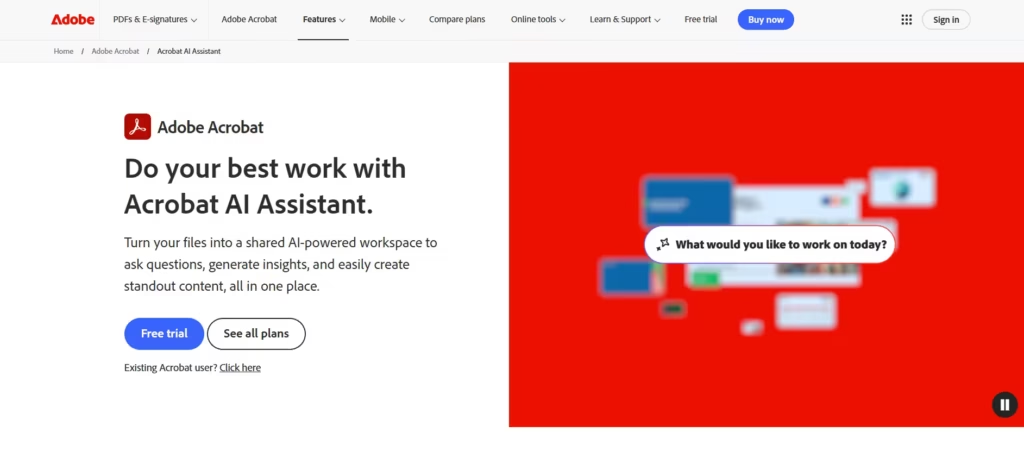
If your team already lives in Acrobat, this add-on slots in without switching tools. It reads a single PDF or up to 100 combined files and produces structured summaries, comparison tables, and even podcast-style audio overviews, all with citations linking back to the source paragraph.
It runs on the same generative AI technology that powers ChatGPT. The AI Assistant itself runs $4.99 to $9.99 a month, but it requires an existing Acrobat Pro subscription at roughly $19.99 a month, so the real combined cost lands closer to $25 to $30 a month, not the add-on price alone.
For teams already paying for Acrobat Pro, the $4.99 AI add-on is a no-brainer, but if you’re starting from scratch, the $30 total makes NotebookLM’s free tier look smarter unless you absolutely need Adobe’s editing workflow.
7. PDF.ai
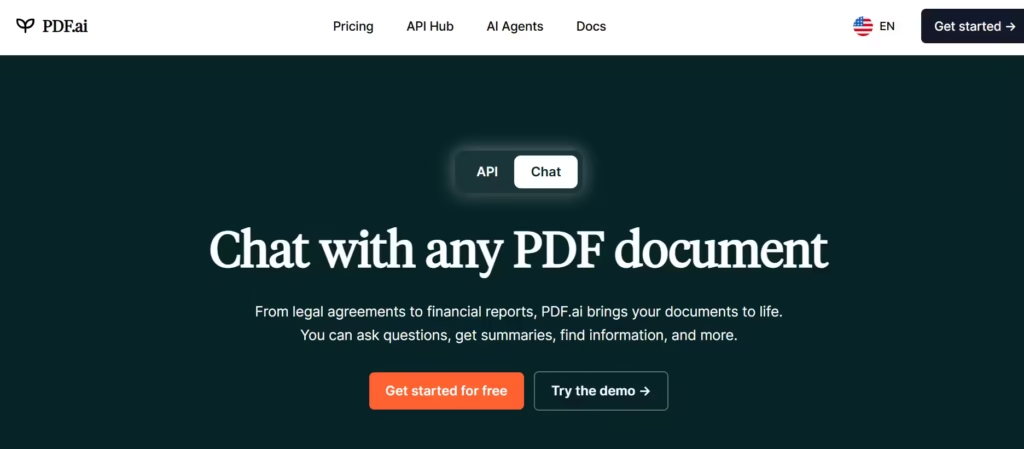
PDF.ai leans into business use, particularly legal and compliance review. It flags risky clauses in contracts and extracts key data automatically, and its OCR handles scanned files that trip up lighter tools. It also offers a developer API, a feature most consumer-facing tools skip entirely. Free access is available, and paid plans start around $15 a month for unlimited chats.
8. Smallpdf
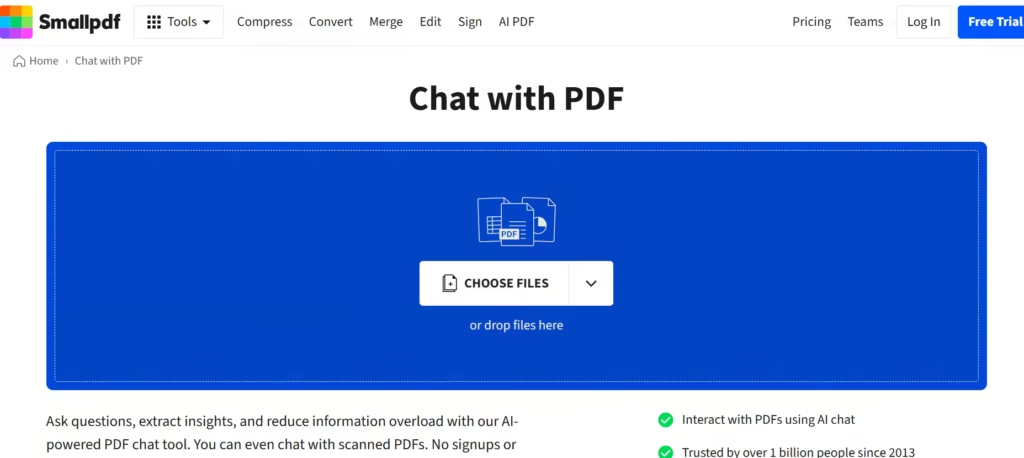
Smallpdf isn’t primarily an AI tool. It’s a PDF utility suite for merging, compressing, and converting files, with AI chat bolted on as a bonus. If your day already involves converting and editing PDFs, having chat in the same tab saves a step.
The free tier covers two tasks a day, and Pro runs about $108 a year for unlimited use. For deep, single-purpose document analysis, though, dedicated tools like ChatPDF or Humata go further.
9. Paperguide
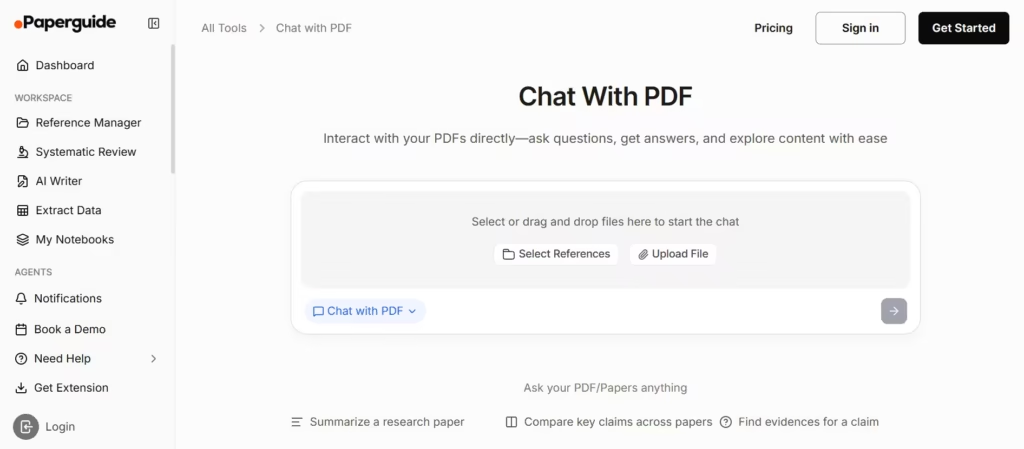
Paperguide bundles PDF chat with literature search, citation management, and AI writing, aiming to replace several separate subscriptions. It indexes more than 220 million academic papers for source discovery alongside document chat.
Reviewers consistently praise its all-in-one workflow, though some note limited depth for advanced users. Plans start free, with paid tiers between $12 and $24 a month depending on usage.
What’s the Best Pick?
For most people, NotebookLM takes the win. It’s free, source-grounded, handles up to 50 documents per notebook, and throws in audio overviews no competitor matches.
If your work involves professional or legal documents where team access and page-level citations matter most, Humata is the best second choice for professional and legal teams that need page-level citations they can verify in seconds, especially at its $1.99 student rate.
For researchers who want writing help alongside PDF chat, Paperguide rounds out the podium. Whichever tool you choose, always click through to the cited page before trusting a number. The best PDF chat tool still needs a careful reader behind it.
