
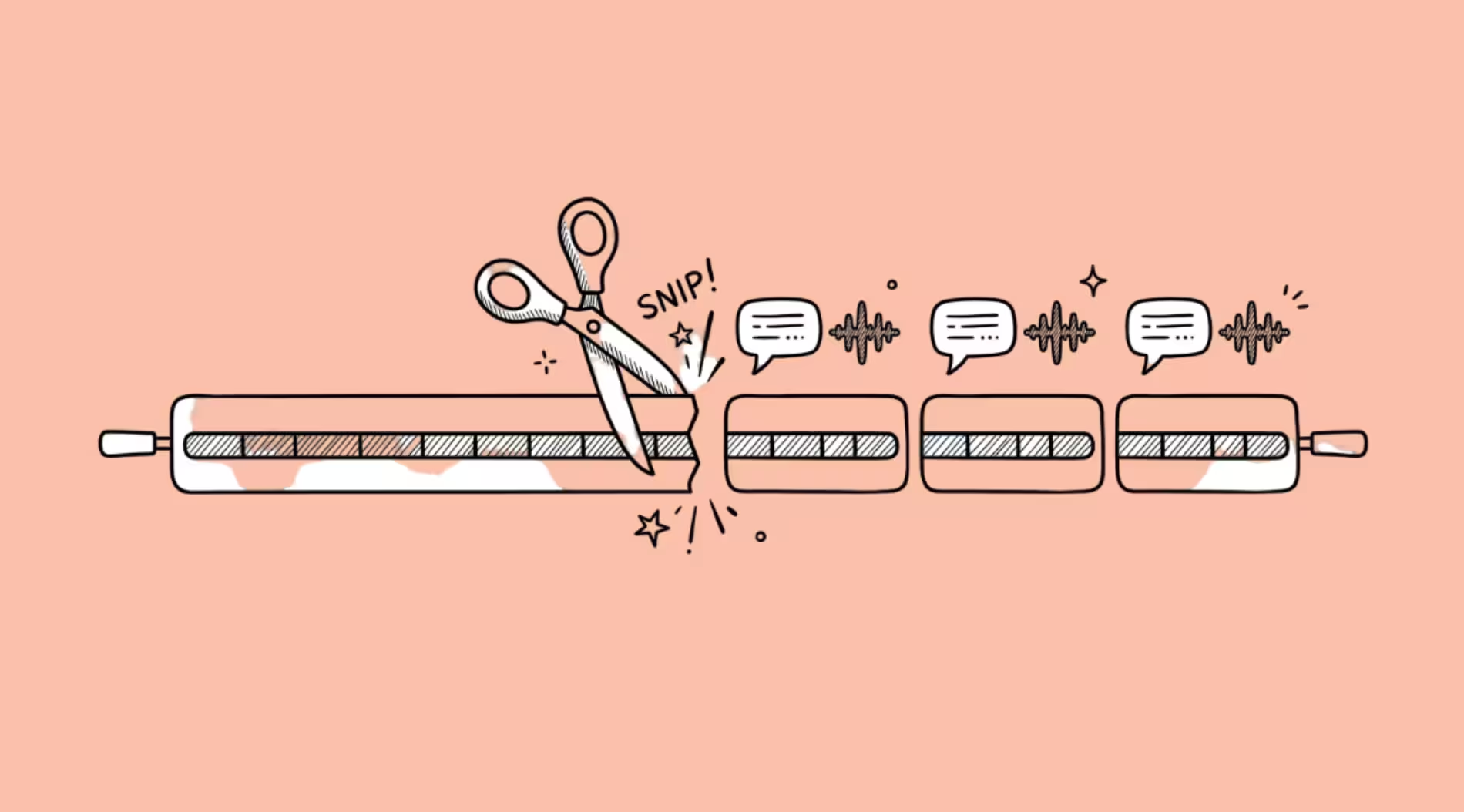

AI video clippers work by running your footage through a speech-first pipeline.
They transcribe the audio, score each segment for emotional intensity, quotability, and narrative completeness, then cut clips around the highest-scoring moments.
Visual analysis plays a supporting role (mostly for framing and speaker tracking), but the highlight selection itself is almost entirely driven by what was said, not what was shown.
The tools are fast and often good enough. They are also wrong in predictable, fixable ways.
I have been covering AI video tools for autogpt.net and have used several of these clippers on long-form podcast and talking-head content. The pattern I keep seeing: the first batch of clips from any tool is about 50 to 70% usable.
After a few rounds, you learn what the AI catches and what it misses, and you start shooting differently to make the clipping work. That adaptation loop is the part nobody writes about.
The Pipeline Behind Every AI Clipper
Whether you use Opus Clip, Vizard, Klap, or any of the smaller tools, the underlying architecture is similar. The differences are in how each step is weighted and how much human review the tool expects you to do.
Step 1: Transcription and speaker identification
The tool transcribes the full audio with word-level timestamps. If there are multiple speakers, a diarization model separates them. This transcript becomes the primary input for everything that follows.
Transcription accuracy is high for English, Spanish, French, German, Japanese, and Korean.
Less common languages have weaker models, and heavy accents or crosstalk can introduce errors that cascade downstream. A transcription error at this stage becomes a bad clip boundary later.
Step 2: Segment scoring
This is where the AI decides what counts as a “highlight.” The transcript gets broken into segments (roughly per-minute windows), and each segment is scored on multiple dimensions.
The signals that matter most, based on what the tools disclose and what independent testing confirms:
Quotability. Short, self-contained statements under about 12 seconds score highest. “The market is going to crash in Q3” scores higher than a two-minute explanation of why, even if the explanation is more valuable.
This is the strongest single predictor most tools use, and it creates a systematic bias toward punchy takes over nuanced arguments.
Emotional intensity. Sentences with strong opinions, controversial claims, or emotionally charged language get higher scores. The scoring models are trained on content that performed well on social platforms, so they favor the same patterns those platforms reward.
Narrative completeness. Does the segment have a hook at the beginning and a resolution at the end?
A clip that starts mid-thought or ends mid-sentence scores lower. This sounds obvious, but getting it right is hard enough that Vizard rebuilt their entire clipping pipeline around it (more on that below).
Audio energy. Vocal peaks in volume, pace changes, laughter, and emphasis all contribute. Audio signals are typically weighted equally with transcript analysis. Pauses before answers and sudden increases in speaking pace both flag potential highlights.
Structural cues. Speaker changes, silence breaks, and topic shifts help the model find natural clip boundaries. A shift from one speaker to another creates a clean entry point.
Step 3: Clip boundary detection
Once segments are scored, the tool has to decide exactly where each clip starts and ends. This is harder than it sounds.
The emotional peak of a segment might land in the middle of a long monologue with no natural break.
If the peak is near a speaker change, the clip can be tight (15 to 30 seconds). If it is buried in a five-minute ramble, the tool has to either extend the clip to 60 to 90 seconds or cut awkwardly.
Early clipping models tried to do everything in one pass: find the moment, set boundaries, and enforce a duration target simultaneously.
The duration target usually won, which meant clips got cut off mid-sentence or before a story paid off. Vizard published a detailed breakdown of this problem.
Their v1 model had no dedicated completeness check, so cuts regularly landed in the middle of thoughts. No amount of prompt engineering fixed it because the architecture had no stage responsible for checking whether an idea was finished.
Their fix (AI Clipping 2.0) splits the pipeline into specialized roles.
One model reads the full video for context. Another finds strong openings. A dedicated “Clip Editor” handles endings by reading forward through the transcript to find where the content naturally concludes, then adjusting clip length around that endpoint.
The principle: length flexes, the ending does not. Clips that fail a completeness gate get rejected entirely rather than downscored.
Step 4: Visual processing and framing
After the audio-driven pipeline selects highlights, visual AI handles the presentation.
Speaker tracking keeps the active speaker centered in vertical (9:16) and square (1:1) formats. Some tools (Opus Clip, Klap) overlay contextual B-roll based on the topic being discussed. Captions are generated, keyword-highlighted, and positioned.
The visual layer does not typically influence which moments are selected as highlights.
It only affects how those moments are presented. This is an important distinction.
If your content is visually driven (cooking demos, product unboxings, travel footage), speech-first clippers will miss your best moments because the visual signal is not part of the selection pipeline.
Where the AI Gets It Wrong
The failure modes are consistent across tools.
It favors hot takes over substance.
The scoring models are trained on social media performance data.
Content that drives engagement on TikTok and Instagram Reels tends to be short, emotionally charged, and opinion-heavy.
So the AI reliably selects the most provocative 30 seconds of your video, even if those 30 seconds are the least representative of what you actually said.
If you record a thoughtful 45-minute interview, expect the AI to pull the one moment where someone said something slightly controversial and ignore the careful reasoning around it.
It misses visual highlights entirely.
A chef’s knife skills, a product reveal, a scenic drone shot.
None of these register in a speech-first pipeline. Gaming highlights (clutch plays, funny moments) also perform poorly unless there is commentary describing what happened.
Tools trained on spoken-word content are the wrong tool for visual content, and most of them are trained on spoken-word content.
First-pass accuracy is mediocre.
AutoClip reports 50 to 70% accuracy on a new channel, rising to 75 to 90% after three to five batches as the system tunes to the creator’s style.
That first-pass number means you should expect to throw away a third to half of the clips on your first use. Channels with consistent formats improve faster. Channels that vary their style between episodes take longer to tune.
Context gets lost.
A clip pulled from minute 38 of a podcast might reference something explained at minute 12.
The AI does not track cross-reference dependencies. It evaluates each segment on its own merits, which means clips can be technically complete (hook, body, resolution) but contextually meaningless to someone who has not seen the full video.
The recommendation from multiple tools: always do a human review pass before publishing.
Duration mismatch.
Most clippers default to 30 to 60-second clips because that is what performs best on Reels and TikTok.
But some ideas need 90 seconds, and some need 15. Tools that enforce rigid duration windows either truncate good content or pad thin content.
The better tools (Vizard 2.0, Opus Clip Pro) let the content dictate length, but the defaults still bias toward the 30 to 60-second sweet spot.
Non-English accuracy drops.
Caption accuracy and segment scoring are both weaker for languages outside the core set (English, Spanish, French, German, Japanese, Korean).
If you create content in Thai, Arabic, or Vietnamese, test carefully before committing to a paid plan.
The Tools and What They Cost
The market has consolidated around a few leaders. Pricing is as of late 2026.
Opus Clip is the most popular option and the one most creators try first.
It transcribes, scores (with a “Virality Score”), and generates clips with captions, B-roll, and direct posting to social platforms.
The free tier gives 60 processing minutes per month with watermarked output. Starter is $15/month (150 minutes), and Pro is $29/month (300 minutes).
One credit equals one minute of imported video, whether or not you keep the clips. Monthly credits expire after 60 days. The Virality Score sounds useful but is not validated against any public benchmark, so treat it as a rough ranking, not a prediction.
Vizard is the strongest on clip boundary quality after its 2.0 pipeline rebuild.
The free tier gives 60 credits per month with watermarked 720p output and 3-day file retention. Creator is $29/month ($14.50/month billed annually) with 600 credits and no watermark.
Business is $39/month ($19.50/month annually) with the same 600 credits but a 30GB upload limit versus Creator’s 1GB.
That means Business only makes sense if you upload large source files.
The credit model charges per minute of uploaded video, so long footage with few usable moments costs the same as footage that yields a dozen clips.
Klap targets creators who want speed and API access.
It processes videos up to 3 hours and typically produces 26 to 30 clips from a two-hour podcast. Paid plans start at $14.50/month (annual) or $29/month (monthly).
It has integrations with Zapier, Make, and n8n, plus an MCP server for developers building automated pipelines. The Virality Score (0 to 100) ranks clips but, like Opus Clip’s, lacks public validation data.
Gling takes a different approach. Instead of generating social clips, it cleans up dialogue-heavy footage by removing silences, filler words, and flubbed takes.
You edit a transcript, and deleting text removes the matching footage. It starts at $15/month (billed annually).
There is a free trial but no permanent free tier. Gling is not a clipping tool in the same way as the others. It is a cleanup tool that saves hours of manual editing on talking-head and podcast content.
If you want social-ready clips, look elsewhere. If you want your raw recording trimmed down before you edit it in Premiere or DaVinci, Gling is the fastest path.
For a broader look at AI tools for creating short-form video content, we have a separate guide covering the full production workflow beyond just clipping.
How to Get Better Clips From Any Tool
The tools work better when you meet them halfway.
Record with clipping in mind. Front-load your strongest points. State your take clearly in one or two sentences before explaining it. The AI scores individual segments, so a self-contained statement followed by supporting detail will clip better than a slow build to a conclusion.
Use clean audio. Background noise, crosstalk, and low-quality microphones degrade transcription accuracy, which degrades everything downstream. A $60 USB microphone is a better investment than upgrading from Starter to Pro on any clipping tool.
Give the tool multiple batches. First-pass accuracy is mediocre. Third-pass accuracy is significantly better. If you try a tool once, get mediocre clips, and cancel, you left before the system learned your format.
Always review before posting. No current clipper is reliable enough to publish without a human check. Context-free clips that misrepresent your position, clips that end mid-thought, clips that accidentally include a tangent you would not want surfacing on its own.
These are common enough that unreviewed publishing is a real reputation risk.
Skip the Virality Score. It is marketing, not science. Use it for rough sorting, then watch the clips yourself. A clip that scores 40 but contains your best insight is worth more than a clip that scores 90 because you raised your voice during a throwaway aside.
FAQ
How do AI video clippers decide what counts as a highlight?
Primarily through speech analysis. The tools transcribe the audio, then score segments on quotability (short, self-contained statements), emotional intensity (strong opinions or reactions), narrative completeness (clear beginning and end), and audio energy (volume changes, laughter, emphasis).
Visual content plays almost no role in highlight selection for most tools. The scoring models are trained on patterns from social media content that performed well, which biases selections toward punchy, emotionally charged moments.
Are AI video clippers accurate?
On a new channel, expect 50 to 70% of generated clips to be usable.
After three to five batches from the same creator, accuracy can rise to 75 to 90% as the system tunes to the format. Accuracy is highest for single-speaker, English-language, talking-head content with clean audio.
It drops for multi-speaker conversations, non-English languages, visually driven content, and anything with background noise.
Which AI video clipper is best?
Opus Clip has the largest user base and the most polished interface.
Vizard has the best clip boundary detection after its 2.0 pipeline rebuild. Klap has the strongest API and automation integrations. Gling is best for cleaning up raw footage rather than generating social clips.
For most creators starting out, Opus Clip’s free tier (60 minutes/month) or Vizard’s free tier (60 credits/month) is enough to test whether AI clipping works for your content before paying.
Do AI clippers work for non-English content?
Yes, but quality varies. Transcription and scoring accuracy are strongest for English, Spanish, French, German, Japanese, and Korean. Less common languages have weaker models. If your content is in a less-supported language, test caption accuracy and clip boundary quality carefully on the free tier before committing to a paid plan.
Can AI clippers handle visual content like cooking or product demos?
Poorly. Current tools use speech-first pipelines, so they select highlights based on what was said, not what was shown. A visually impressive knife technique or product reveal will not register as a highlight unless there is spoken commentary describing it. For visual content, manual clipping or tools with scene-detection features (like CapCut or Premiere Pro) are still more reliable.
