
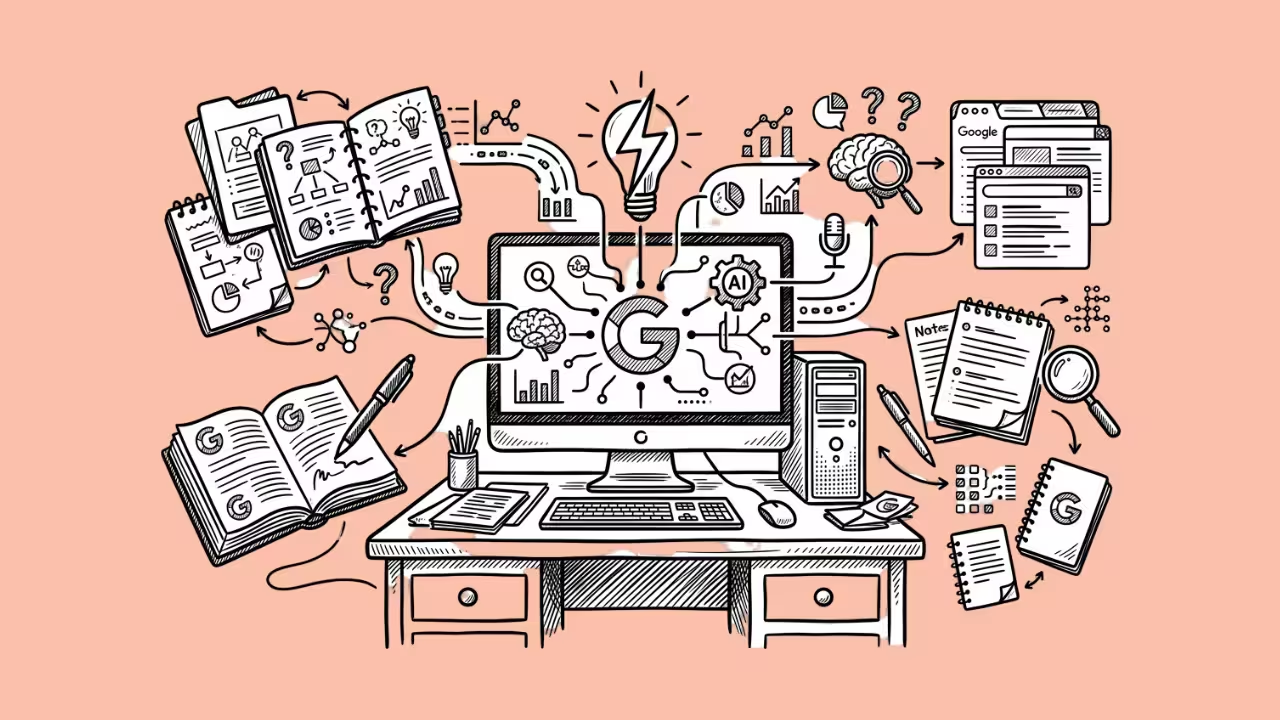

Generative AI has made it easier to produce a short story, character concept, image or video. Yet many creators still work across several disconnected platforms: one for brainstorming, another for image generation and a third for animation.
This fragmented process creates practical problems. Prompts must be rewritten for different tools, visual details can change between stages and creative material may pass through multiple platforms with different privacy policies. Content filters can also interrupt legitimate projects involving mature fiction, unconventional art or sensitive themes.
A more efficient approach is to build a connected workflow around three stages: concept development, visual generation and image-to-video animation. The goal is not simply to remove filters. It is to give creators greater control while maintaining consistency, privacy and responsibility throughout production.
What Is an Uncensored AI Creation Workflow?
An uncensored AI workflow uses tools with fewer creative restrictions than mainstream AI platforms. It can support topics and visual styles that conventional systems may reject automatically, including mature fiction, dark fantasy, horror, artistic nudity and other adult-oriented themes.
“Uncensored” should not be interpreted as permission to create anything without consequences. Creators remain responsible for complying with applicable laws, respecting consent and avoiding the misuse of another person’s identity or likeness.
The practical advantage is greater room to explore lawful ideas without repeatedly encountering broad automated filters. This can be especially useful for:
- Adult fiction writers
- Independent visual artists
- Character designers
- Role-playing communities
- Experimental filmmakers
- Creators working with horror or mature themes
- Social media creators producing fictional content
The strongest workflow combines this creative flexibility with clear planning and careful review.
Stage 1: Develop the Concept With AI Chat
A polished visual normally begins with a well-defined idea. Before generating an image, creators should decide who or what the subject is, where the scene takes place and what mood the finished content should communicate.
An AI chatbot can help turn a loose idea into a structured creative brief. A creator might begin with a short description and ask the chatbot to expand it into:
- A character profile
- A scene description
- A visual style guide
- A costume or prop list
- A short narrative
- A sequence of video shots
- Alternative versions of the same concept
For example, “a mysterious character in a futuristic city” leaves too many details undefined. A stronger brief might specify the character’s age range, clothing, lighting, environment, camera angle, colour palette and emotional tone.
Writers can also use this stage to test dialogue, motivations and story structure before producing visual assets. Resolving inconsistencies in text is usually faster than discovering them after several images have already been generated.
Stage 2: Convert the Brief Into a Visual Prompt
A story description and an image prompt serve different purposes. Storytelling focuses on events and emotions, while visual generation requires concrete information about what should appear in the frame.
A practical image prompt can include:
- The main subject
- Physical or design characteristics
- Clothing and accessories
- Location and background
- Lighting
- Composition
- Camera distance or angle
- Visual medium or aesthetic
- Overall mood
It is usually better to prioritise the most important details instead of filling the prompt with loosely related adjectives. If every feature receives equal emphasis, the generator may struggle to determine what matters most.
Creators should also establish a reusable reference sheet when producing a recurring character. It can record consistent details such as hairstyle, facial features, costume colours and signature accessories. This reduces unwanted visual changes between scenes.
Stage 3: Generate and Refine the Image
The first generated image should be treated as a draft rather than a finished asset. AI systems may produce impressive compositions while still making mistakes in anatomy, text, reflections, accessories or background geometry.
Review each result for:
- Facial consistency
- Hands and fingers
- Clothing continuity
- Unwanted objects
- Distorted background elements
- Incorrect lighting
- Inconsistent proportions
- Accidental text or symbols
- Details that may become unstable during animation
If the composition is strong but a small region is incorrect, editing the image may be more efficient than regenerating the entire scene. If the central subject or camera angle is wrong, revising the prompt and starting again will often produce a cleaner result.
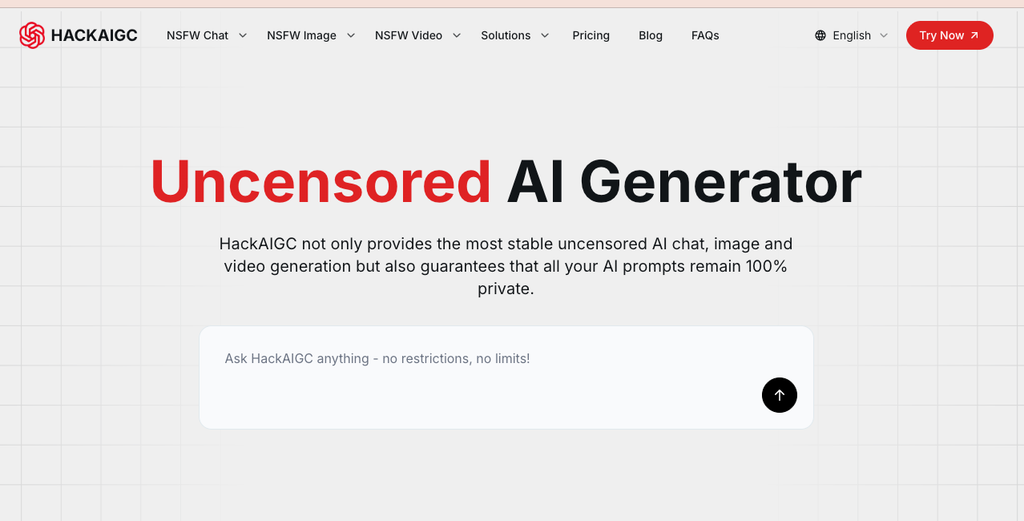
For creators who want to keep these stages together, HackAIGC combines uncensored AI chat, image generation and video generation in one browser-based creative environment. This allows the original concept, visual prompt and resulting media to remain part of the same broader workflow.
Stage 4: Prepare the Image for Animation
A good still image does not automatically become a good video. Image-to-video systems must infer movement from a single frame, so ambiguous poses and complicated scenes can produce unpredictable results.
Before animating an image, check whether:
- The subject has a clearly readable pose
- Important body parts are visible
- The foreground and background are visually separated
- Hair and clothing have defined shapes
- The face is unobstructed
- The intended direction of movement is clear
- Small details are unlikely to flicker
- The composition leaves room for camera movement
Simple, well-structured images generally animate more reliably than crowded scenes containing several overlapping characters.
It is also useful to decide whether the shot needs subject movement, camera movement or both. Asking for too many actions in one short clip can cause warping and visual instability.
Stage 5: Write a Focused Motion Prompt
An image prompt explains how a scene should look. A motion prompt explains how that scene should change over time.
Effective motion instructions are usually short and specific. They may describe:
- A slow camera push toward the subject
- Subtle blinking and breathing
- Hair moving gently in the wind
- A character turning toward the camera
- Fabric responding to movement
- Background lights flickering
- A gradual change in facial expression
A prompt such as “make this cinematic and dynamic” does not clearly define the required movement. A more useful instruction would be: “The camera slowly moves closer as the character raises their head; hair and clothing move gently in the wind.”
Start with restrained movement and increase complexity gradually. This makes it easier to identify which instruction causes an unwanted result.
Creators working with mature or adult-oriented visuals can use an NSFW image-to-video generator to animate permitted content that may be rejected by more restrictive tools. The same preparation rules still apply: a clear source image and controlled motion prompt are more important than adding numerous instructions.
Stage 6: Review the Generated Video Carefully
AI-generated motion can introduce defects that were not visible in the original image. A face may change between frames, jewellery can disappear and reappear, or background objects may bend unexpectedly.
Watch the entire clip several times and inspect:
- Facial identity
- Body proportions
- Hand movement
- Clothing and accessory continuity
- Hair movement
- Background stability
- Lighting consistency
- Camera motion
- The first and final frames
- Unwanted flickering
A short clip with one controlled movement is often more usable than a longer clip with several unstable actions. If a generation fails, revise one variable at a time. Changing the source image, motion description and camera instruction simultaneously makes it difficult to determine what solved the problem.
Why an Integrated Workflow Matters
Using separate tools is not always a problem. Specialist platforms may offer greater control over a particular stage. However, moving constantly between services adds friction.
An integrated workflow can provide several advantages:
Better continuity
The character brief, visual prompt and motion plan can be developed as parts of the same project rather than isolated outputs.
Faster iteration
Creators can move from an idea to an image and then to a short video without rebuilding the project for several different interfaces.
Fewer subscription decisions
A single multimodal platform may be easier to manage than separate subscriptions for chat, image creation and video generation.
More consistent creative freedom
When one stage permits a concept but the next platform rejects it, the workflow stops. Using tools designed for fewer restrictions can reduce this inconsistency.
Simpler privacy evaluation
Creators still need to read the applicable privacy terms, but assessing one main platform may be more manageable than distributing prompts and media across multiple unrelated services.
Privacy Should Be Part of the Creative Process
Creative prompts can reveal more than people expect. They may contain unpublished plots, commercial concepts, private fantasies, character designs or reference material intended for a future project.
Before using any AI platform, creators should consider:
- Whether prompts are logged
- Whether uploaded files are retained
- Whether generated content may be used for model training
- Whether account deletion removes stored data
- Whether processing occurs locally or remotely
- Who can access generated projects
- What payment information is collected
Privacy claims should be checked against the platform’s current policy rather than assumed from words such as “private” or “anonymous.”
Creators should also avoid uploading confidential client materials or identifiable images without permission. A permissive generator does not remove obligations concerning consent, copyright, privacy or publicity rights.
Common Mistakes to Avoid
Starting with an undefined idea
A generator cannot maintain details that the creator has not established. Write a brief before producing media.
Using one long prompt for every stage
Chat, image and motion models require different types of instructions. Adapt the prompt to the task.
Accepting the first result
AI output often needs correction. Review structure, consistency and technical defects before continuing.
Adding too much motion
Complex motion increases the risk of distorted faces, limbs and backgrounds. Begin with one primary action.
Confusing fewer restrictions with no responsibility
Creators are still accountable for what they generate, store and distribute.
Ignoring privacy policies
Sensitive creative work should not be uploaded to a platform until the creator understands how the data will be handled.
A Repeatable Workflow Checklist
Before starting:
- Define the audience and intended platform
- Confirm that every person represented has provided the necessary consent
- Establish the subject, mood and visual direction
- Review the AI platform’s privacy and content policies
During creation:
- Use AI chat to develop the concept
- Convert the concept into a visual prompt
- Generate several image variations
- Inspect and edit the strongest result
- Write a focused motion prompt
- Animate the image
- Review the full clip for defects
Before publishing:
- Check visual continuity
- Remove unintended details
- Confirm ownership or permission for reference material
- Verify compliance with local laws and platform rules
- Export the content in the required format and resolution
Frequently Asked Questions
What is an uncensored AI generator?
An uncensored AI generator is a tool designed with fewer content restrictions than many mainstream platforms. It may support mature, experimental or unconventional creative content, but users must still follow applicable laws and the service’s terms.
Can one AI platform generate text, images and videos?
Yes. Some multimodal platforms combine AI chat, image generation and video generation, allowing creators to complete multiple stages within one environment.
Can any AI-generated image be converted into video?
Many images can be animated, but results vary. Images with clear subjects, simple poses and separated backgrounds usually produce more stable motion.
How detailed should an image-to-video prompt be?
The prompt should clearly describe the main action and any camera movement. Short, focused instructions generally work better than long prompts containing many simultaneous actions.
Are uncensored AI tools private?
Not automatically. “Uncensored” describes content restrictions, not necessarily data handling. Users should examine the platform’s current privacy policy, logging practices and file-retention rules.
Final Thoughts
The most effective uncensored AI workflow is not based on generating as much content as possible. It is based on moving deliberately from concept to image and from image to motion.
AI chat helps define the idea. Image generation establishes the visual direction. Image-to-video tools add movement and atmosphere. Human review connects the stages, corrects mistakes and ensures that the finished work is appropriate to publish.
When creative freedom is combined with structured prompting, privacy awareness and responsible use, multimodal AI becomes more than a collection of generators. It becomes a practical production workflow.
