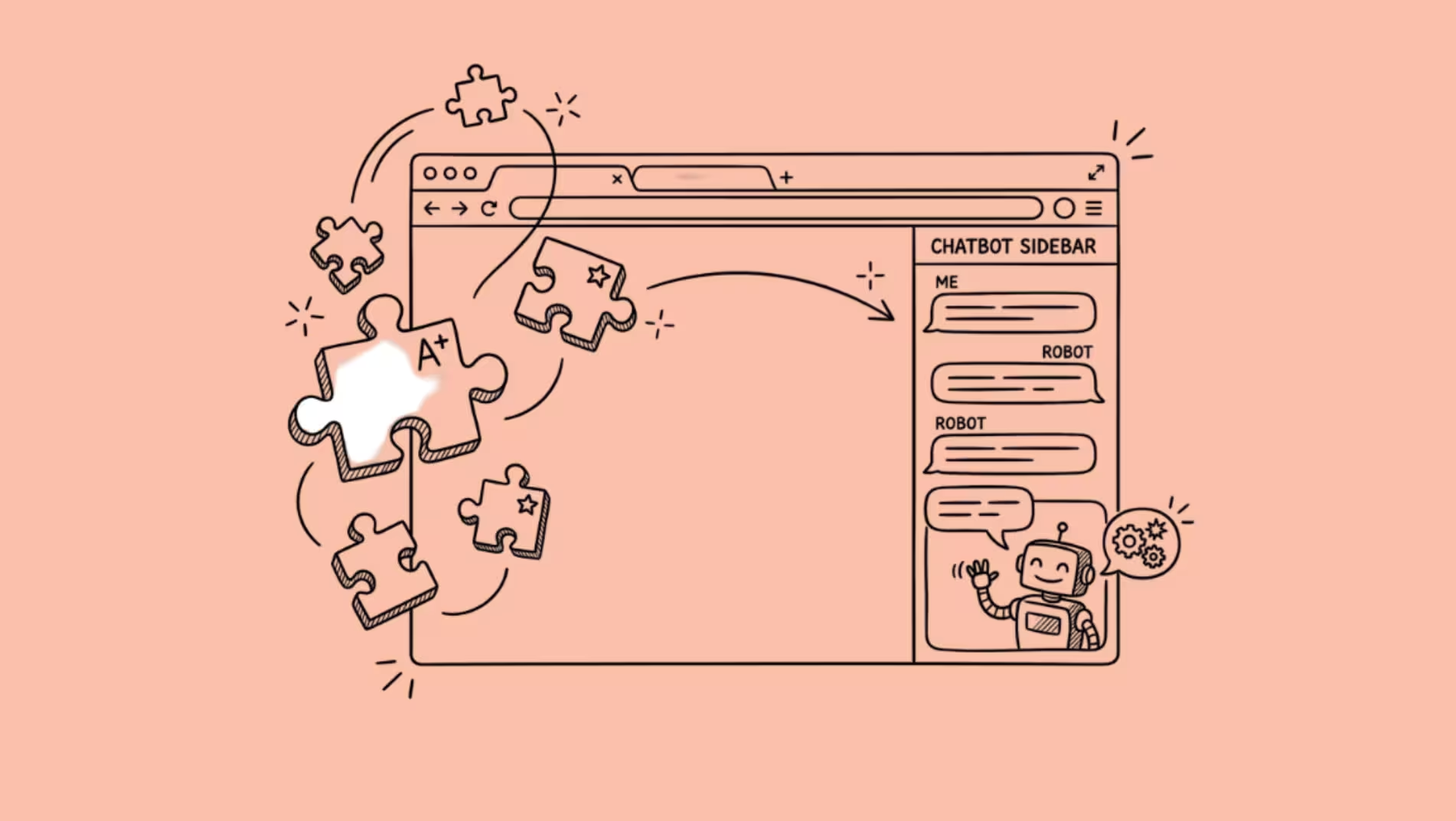

AI browser extensions let you chat with multiple LLMs, summarize pages, rewrite emails, and translate content without leaving your tab. The best ones save real time.
The worst ones eat 150MB of RAM per extension and pop up every time you highlight a word.
After testing the major options across Chrome and Edge, the extensions worth your attention fall into two categories: general-purpose assistants that try to do everything from one sidebar, and specialists that do one thing well enough to justify the install.
This guide is built to help you pick the right one or two, not collect them all.
The General-Purpose Assistants
These extensions aim to be your one AI sidebar for everything: chat, summaries, writing, translation, image generation. They overlap heavily in features. The real differences are in interface design, model access, and how aggressively they get in your way.
Sider AI
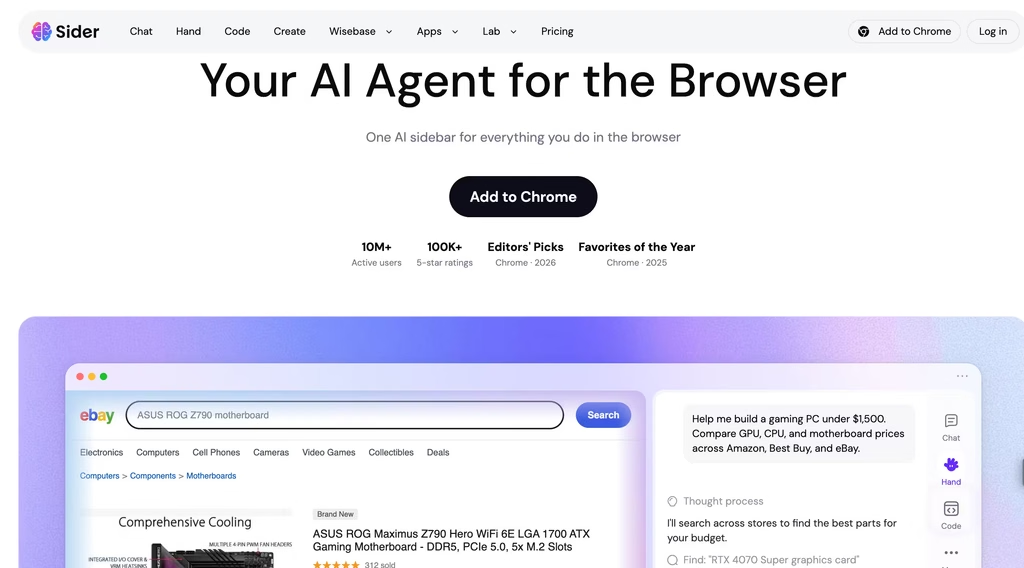
Sider is the most popular AI browser extension by install count, with over 5 million Chrome users and a 4.9 rating across 114,000+ reviews.
That rating is unusually high for an extension this widely used, and the reason is simple: Sider does the basics well without overcomplicating things.
The core feature is a sidebar that lets you chat with GPT-5, Claude, DeepSeek, Gemini, and Grok from one interface.
You can send the same prompt to multiple models simultaneously and compare answers side by side (they call it “AI Group Chat”), which is useful when you want to cross-check a factual claim or see how different models handle a nuanced question.
It works inside Gmail and Google Docs natively, so you can rewrite an email or summarize a document without copy-pasting into a separate tab.
The free tier gives you 30 queries per day. Pro costs 10/month(8/month billed annually).
That free tier used to be more generous, but Sider tightened it in early 2026, which drew complaints. The paid plan removes limits and gives access to the premium models.
What I like: the auto model selection feature picks a model based on your query type, which saves the “which model should I use for this” decision. The interface stays clean. There is a Firefox version, which most competitors skip.
What I do not like: the pop-up that appears when you select text on any page. You can disable it, but it is on by default and interrupts reading. The free tier’s 30 daily queries sound generous until you realize each follow-up in a conversation counts as a separate query.
Monica AI
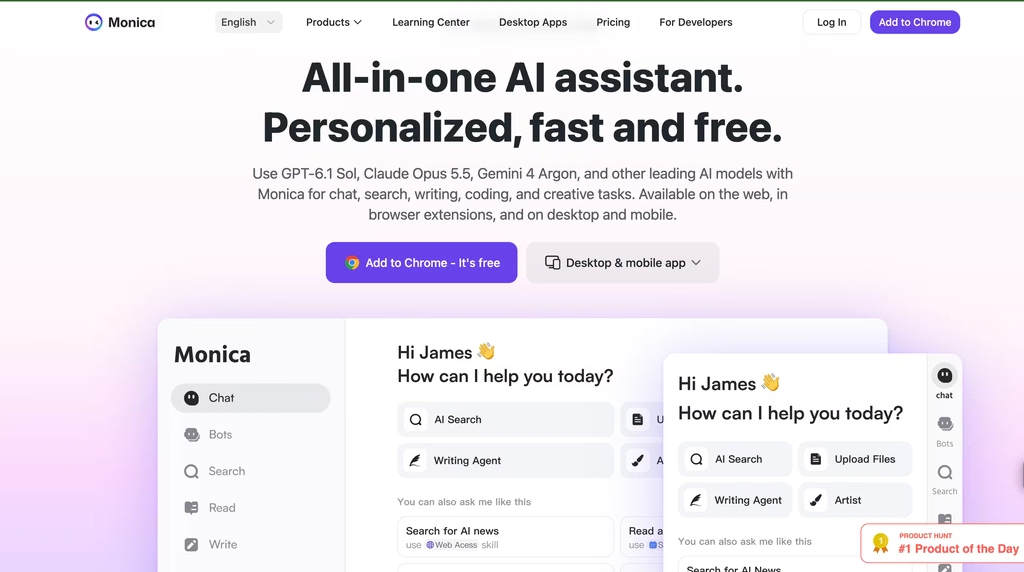
Monica is the second-largest general-purpose AI extension, with about 3 million Chrome downloads and a 4.89 rating from 32,000+ reviews.
Where Sider keeps things simple, Monica tries to be a full creative suite inside your browser.
The feature list is long: multi-model chat (GPT-4o, Claude 3.5, Gemini 2.5, DeepSeek V3), image generation with DALL-E 3 and Flux Pro, video generation, PDF analysis, YouTube and webpage summaries, email composition, translation with cross-model comparison, and voice input.
Monica also has 80+ writing templates for things like blog outlines, social posts, and product descriptions.
Pricing has multiple tiers. The free plan gives 30 to 50 daily queries depending on the model.
Pro runs about $9.90/month for basic model access, jumping to 19.90/month for GPT-4o and Claude access. The top-tier plans (16.60/month annual or $82.90/month for Ultra) open up everything, including image and video generation.
The breadth is impressive, but it creates a problem: the interface feels cluttered if you only need two or three of those features. Monica is the extension for someone who wants one tool to handle chat, images, documents, and writing all from the browser.
If that is you, it delivers. If you just want a quick sidebar chat, Sider’s simpler interface is easier to live with daily.
One concern multiple reviewers flag: context quality degrades in long chat sessions.
If you are having a 20-message conversation, the later responses lose track of what you discussed earlier. This is a model context issue that affects most wrappers, but Monica’s implementation seems to hit it sooner than Sider’s.
Merlin AI
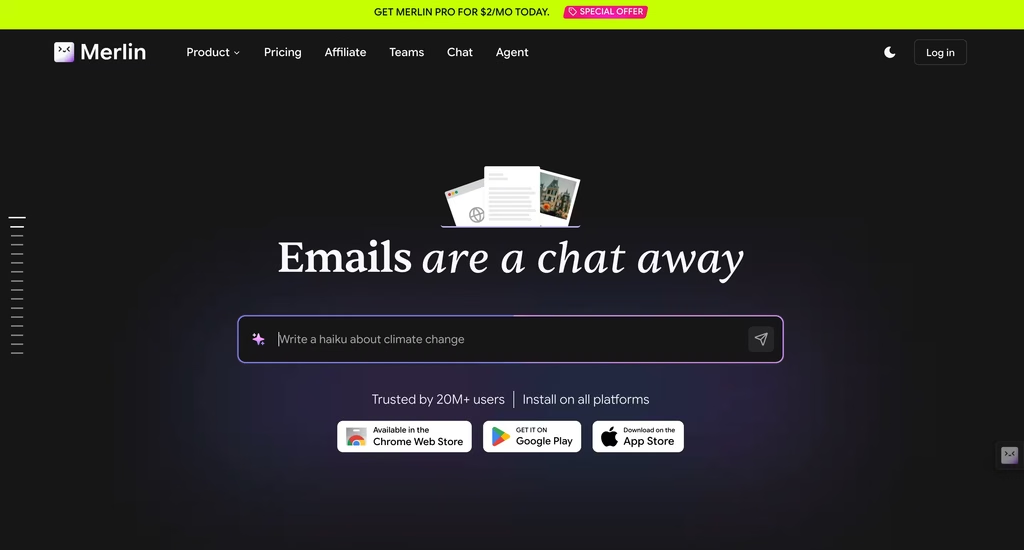
Merlin occupies the middle ground. It has fewer features than Monica and a less polished interface than Sider, but its activation model is the best of the three.
Press Cmd+M (or Ctrl+M on Windows) anywhere, and Merlin appears.
No sidebar, no pop-up on text selection, no toolbar icon to click.
That keyboard-first design means it stays invisible until you want it, which is the correct default for a tool you use 10 times a day. It handles chat, PDF analysis, YouTube summaries, and web search enhancement.
The free tier gives 51 daily queries, which is the most generous of the general-purpose extensions.
The catch: free queries burn through fast if you use GPT-4 tier models, because higher-end models cost more credits per query. Pro is $19/month, which is the most expensive option here and harder to justify when Sider Pro costs half that.
Merlin is the pick if you value keyboard activation and want the largest free tier. It is not the pick if you need image generation, deep document analysis, or an interface you will enjoy looking at.
The Automation Specialist: HARPA AI
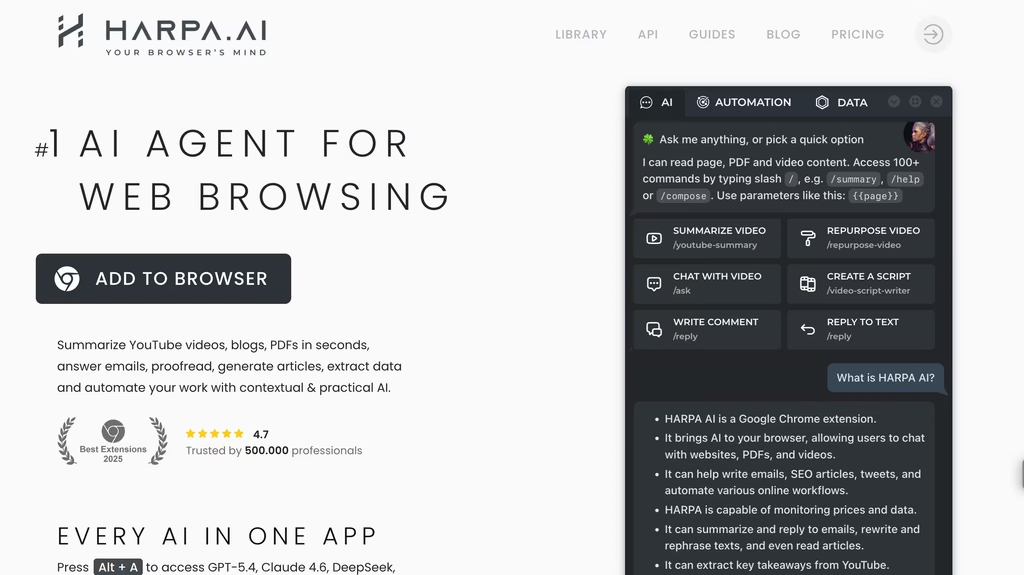
HARPA is fundamentally different from the extensions above.
While Sider and Monica are AI chat wrappers with extra features bolted on, HARPA is a web automation tool with AI bolted on. The distinction matters.
HARPA’s strength is interacting with web pages programmatically.
It reads the DOM (the actual page structure, not just the visible text), which means it can fill forms, extract structured data from tables, monitor pages for changes, and run multi-step workflows across sites.
It ships with 100+ pre-built commands for tasks like “extract all email addresses from this page” or “monitor this product page and alert me when the price drops below $X.”
For AI chat, HARPA connects to cloud models (GPT-5.4, Claude Sonnet 4.6, Gemini 3.1 Pro, DeepSeek V3) and also supports local models through WebLLM, meaning you can run inference on-device without sending data to any server.
That local option is unique among browser extensions and matters for privacy-sensitive work.
The pricing model stands out too.
Free gives you 10 messages and 100 AI command runs per day. “Everyone” is $12/month (annual billing). “Pros” is $19/month. And there is a one-time “Life” plan at $240 that gives permanent access with no recurring fees.
That lifetime option is rare and worth considering if you plan to use HARPA long-term.
The learning curve is steep. HARPA’s interface assumes you know what DOM elements are and can think in terms of automated workflows.
If “extract all H2 headings from this page into a spreadsheet” is the kind of task you need, HARPA is the only extension on this list that can do it natively. If you just want to ask a question about the page you are reading, the general-purpose extensions are simpler.
Specialist Extensions Worth Knowing
Not every AI extension needs to do everything. These do one thing well enough to justify a separate install alongside (or instead of) a general-purpose assistant.
Glasp is a highlighting and knowledge management tool. You highlight passages on any webpage, and Glasp saves them to a personal knowledge base with AI-powered connections across your highlights.
It can summarize YouTube videos (3 free per day) and export everything to Notion or Obsidian. Free with limits.
Premium is $12/month. Glasp is for researchers, students, and writers who collect information across dozens of sources and need it organized. It does not do chat or writing assistance.
Compose AI handles inline autocomplete. It watches what you type in any text field on any website and suggests completions, similar to how Gmail’s Smart Compose works but across every site.
The free tier has no daily limits on the core autocomplete, which is unusual. Premium ($12.99/month) adds voice adaptation and more advanced suggestions.
It claims a 40% reduction in writing time, which is plausible for first drafts of routine emails and messages but optimistic for anything requiring thought.
Perplexity’s browser extension adds a right-click “Ask Perplexity” option to any page. Highlight text, right-click, and get a cited answer without opening a new tab.
It is free with a Perplexity account, though Pro ($20/month) gives better model access. This is the best option if your primary use case is quick factual lookups while reading.
Tactiq transcribes meetings in Google Meet, Zoom, and Teams directly in the browser. Free for 10 transcripts and 5 AI summary credits per month. Paid plans remove limits. If you take meeting notes, Tactiq replaces a standalone transcription app.
Grammarly remains the standard for always-on grammar, spelling, and clarity checking.
The free tier catches the basics. Paid plans add tone adjustment, full rewrites, and translation. If writing quality matters more to you than AI chat, Grammarly is the extension that actually changes your output day to day.
Pricing Comparison
| Extension | Free tier | Paid (monthly) | Paid (annual equivalent) |
| Sider AI | 30 queries/day | $10/mo | $8/mo |
| Monica AI | 30-50 queries/day | 9.90-19.90/mo | $16.60/mo (Max) |
| Merlin AI | 51 queries/day | $19/mo | Not disclosed |
| HARPA AI | 10 messages + 100 commands/day | 12-19/mo | Same (annual billing) |
| Glasp | Unlimited highlights, 3 YT summaries/day | $12/mo | Not disclosed |
| Compose AI | Unlimited autocomplete | $12.99/mo | Not disclosed |
| Perplexity | Free with account | $20/mo (Pro) | $200/yr |
| Tactiq | 10 transcripts/mo | Varies | Varies |
How to Choose (and How Many to Install)
The practical limit is two extensions.
Each AI extension uses 50 to 150MB of RAM, and running more than two creates popup conflicts where multiple extensions try to respond to the same text selection or keyboard shortcut.
Performance testing from Softpicker found that running seven AI extensions simultaneously added roughly 600MB of RAM usage and caused visible browser slowdowns.
A sensible combination: one general-purpose assistant for chat and summaries, plus one specialist that matches your workflow.
For most people, that means Sider (clean, fast, good free tier) plus whichever specialist fits: Glasp if you research, Compose AI if you write emails all day, Tactiq if you are in meetings constantly.
If you want the deepest feature set and do not mind complexity, Monica replaces Sider. If you need web automation or care about running models locally, HARPA replaces both.
If you are curious about how AI integrates into browsers at a deeper level (beyond extensions), our coverage of Brave’s built-in Leo AI covers what happens when the AI is baked into the browser itself, and our LLM comparison guide can help you decide which models you actually want access to through these extensions.
FAQ
Which AI browser extension has the most users?
Sider AI leads with over 5 million Chrome users and 114,000+ ratings. Monica AI follows with about 3 million downloads. Both have ratings above 4.8, which is unusually high for extensions at that scale.
User count alone does not determine quality, but it does indicate which extensions have the most active development and the broadest compatibility testing.
Are AI browser extensions safe to use?
They require broad permissions (reading page content, accessing your browsing data) to function. The major extensions (Sider, Monica, HARPA, Merlin) have millions of users and established companies behind them, which reduces but does not eliminate risk. If privacy is a priority, HARPA’s local AI option (via WebLLM) keeps your data on-device.
For everyone else, review each extension’s privacy policy before installing, and disable extensions on sensitive pages like banking sites.
Can I use multiple AI browser extensions at the same time?
Technically yes, but it is not recommended beyond two. Each extension uses 50 to 150MB of RAM, and multiple extensions create popup conflicts when they all try to activate on text selection or keyboard shortcuts. Pick one general-purpose assistant and at most one specialist.
Do AI browser extensions work on Firefox?
Most are Chrome-only or Chrome-and-Edge. Sider is the notable exception with a Firefox version. HARPA also supports Firefox. If you use Firefox as your primary browser, your options are more limited, and you should verify Firefox compatibility before committing to a paid plan.
Are the free tiers enough for daily use?
For light use (5 to 10 queries a day), Sider’s 30 daily queries or Merlin’s 51 are sufficient.
For heavy use, the free tiers run out fast, especially if you use premium models that cost multiple credits per query. Compose AI’s free tier is the most generous for its specific use case (unlimited autocomplete), and Glasp’s free tier covers most highlighting and note-taking needs.
